A brochure link is a company or product brochure published at an address, so it opens instantly on the phone it was sent to, forwards as one version, and stays accurate after something changes.
Brochures are a print form that moved to PDF without changing shape. The shape is the problem.
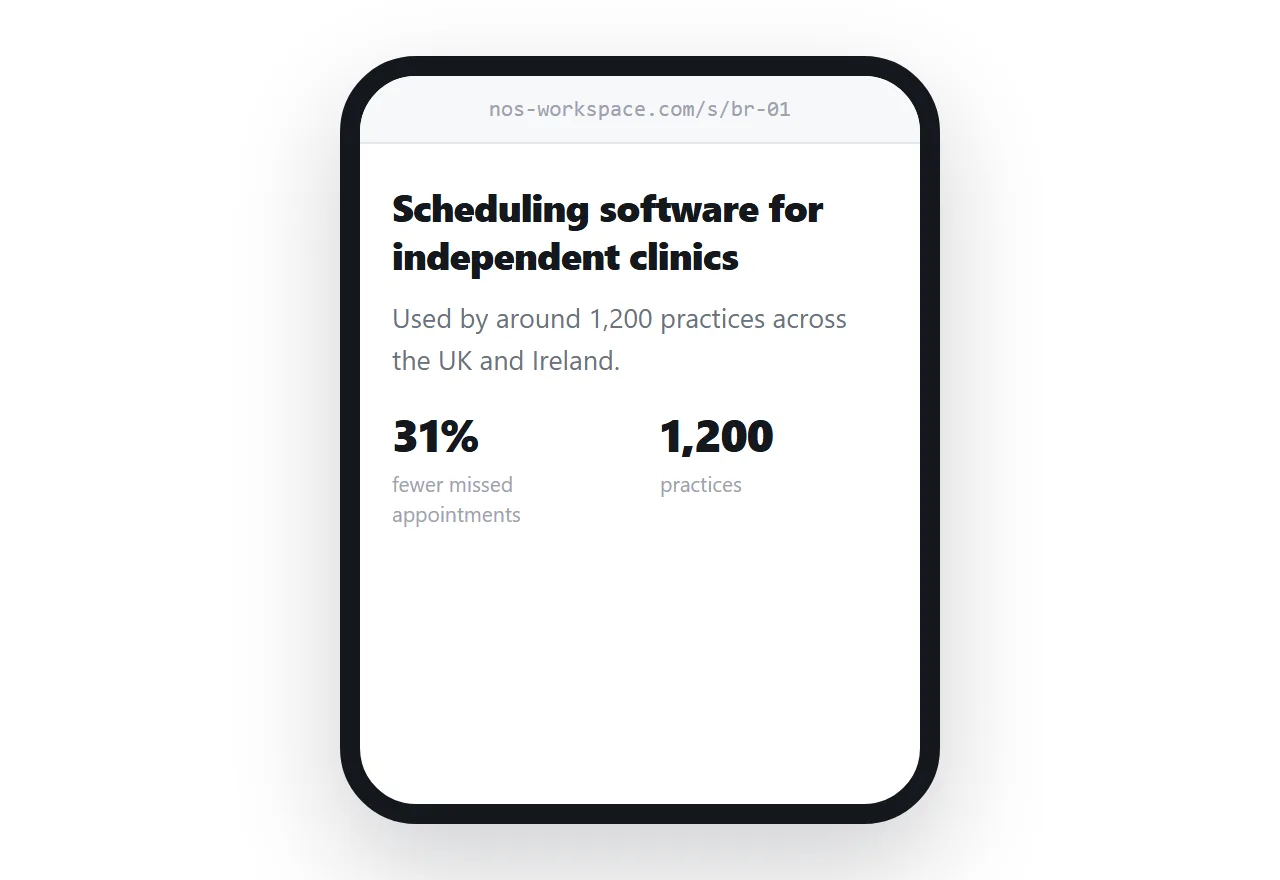
This guide covers designing for one column, writing for the colleague who was forwarded it, where the PDF still belongs, and what changes when the brochure can be edited.
A spread does not survive a phone
Print brochures use the spread as a unit. Two facing pages, an image across the gutter, a pull quote balanced against a block of text. It is a good form and it depends entirely on having a fixed width.
A phone has a narrow column and unlimited length. Translating a spread onto it produces the familiar bad result: a page-sized image the reader must zoom into, with text too small to read at the size that shows the layout.
The equivalent move on a page is sequence rather than balance. One idea per screen, in an order, with space between them.
.section { max-width: 34rem; margin: 0 auto; padding: 3.5rem 1.25rem; }
.section h2 { font-size: clamp(1.4rem, 5vw, 2rem); letter-spacing: -0.02em; }
.section p { font-size: 1.05rem; line-height: 1.65; }
The clamp keeps headings proportionate from a phone to a desktop without a stack of breakpoints. Details on media queries if you need finer control.
Write for the forward
Brochures are rarely read by the person you sent them to alone. They get forwarded to whoever has to be convinced, and that person has no context.
So the first screen states what you do in plain words, without the sentence about being founded in 2009. Assume the reader arrived cold, because half of them did.
| Reader | Arrives with | Needs first |
|---|---|---|
| Your contact | The whole conversation | Confirmation and something to forward |
| Their colleague | A one-line email | What this company does |
| Their finance lead | A budget question | Scale, and what it costs |
Put proof next to the claim
Every brochure contains claims. The ones that land have evidence within a line of them.
A number, a named customer, a length of time. Not a testimonial block at the bottom that nobody scrolls to, but the supporting fact sitting beside the sentence it supports.
This is easier on a page than on paper because you are not rationing space. A claim, its proof, and a link to the longer story can sit together without unbalancing a layout.
Keep the column narrow on wide screens
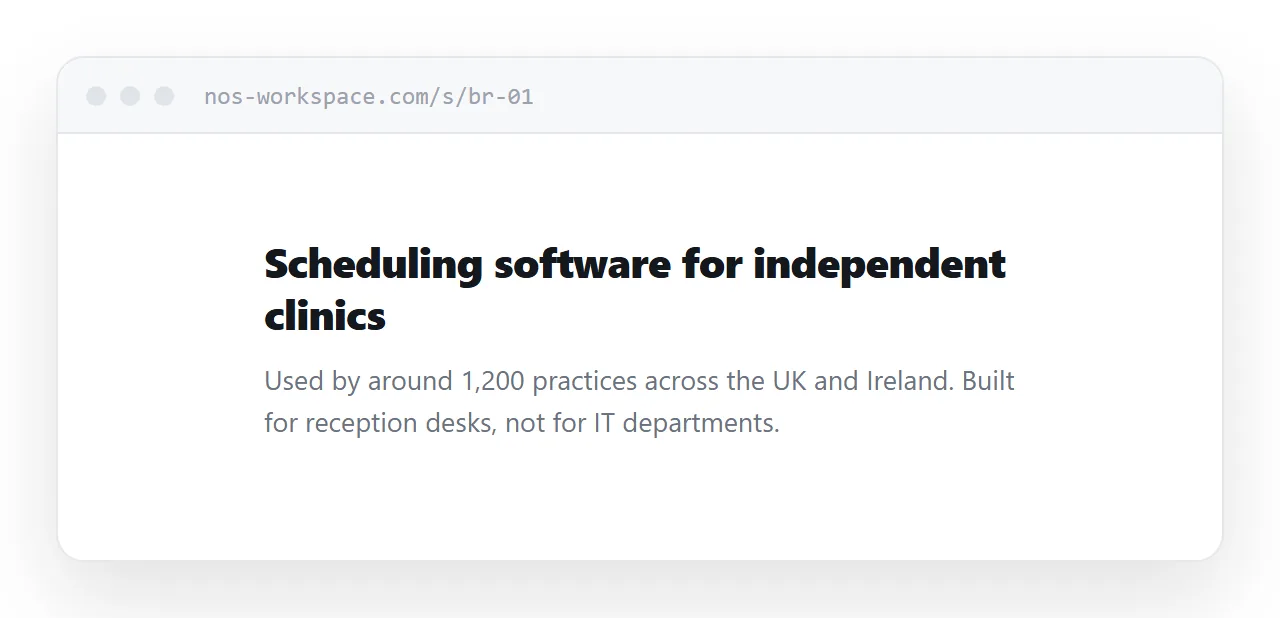
The common mistake in the other direction is letting text run the full width of a desktop window. A line of eighty or ninety characters is measurably harder to read, and a brochure is a document people read rather than scan.
Cap the measure at around 60-70 characters and centre it. The wide screen gets whitespace, which is what a designed brochure uses it for anyway.
Where the PDF still belongs
Some readers want a file. They are filing it, printing it for a meeting, or attaching it to an internal request.
Give them one, from the same page, via print rules. That keeps a single source rather than two documents that drift apart.
@media print {
  nav, .cta { display: none; }
  @page { size: A4; margin: 18mm; }
  .section { break-inside: avoid; padding: 1.5rem 0; }
}
What survives the conversion is covered in export HTML to PDF.
Corrections stop being expensive
A printed brochure fixes its claims until the box is empty. A PDF fixes them until every saved copy is deleted, which is never.
A page can be corrected. A price that moved, a certification that lapsed, a customer who no longer wants to be named: all of those are edits rather than reprints, and everyone holding the link gets the corrected version without being told.
That changes what it is safe to put in a brochure. Specifics that would be risky to commit to print become reasonable when they can be maintained.
Put it at an address
Write the brochure as a page, paste it into a document, create a share link, and send the link in the body of the email with the PDF available on the page for anyone who wants it.
It opens in one tap on the device it arrives on. It forwards intact. And when something about your business changes, the brochure in circulation changes with it.