A price list link is a price sheet kept at one address, so customers bookmark it once and every change you make reaches all of them at the same moment.
The problem with a price list is never the layout. It is that a sheet stops being true and keeps circulating anyway.
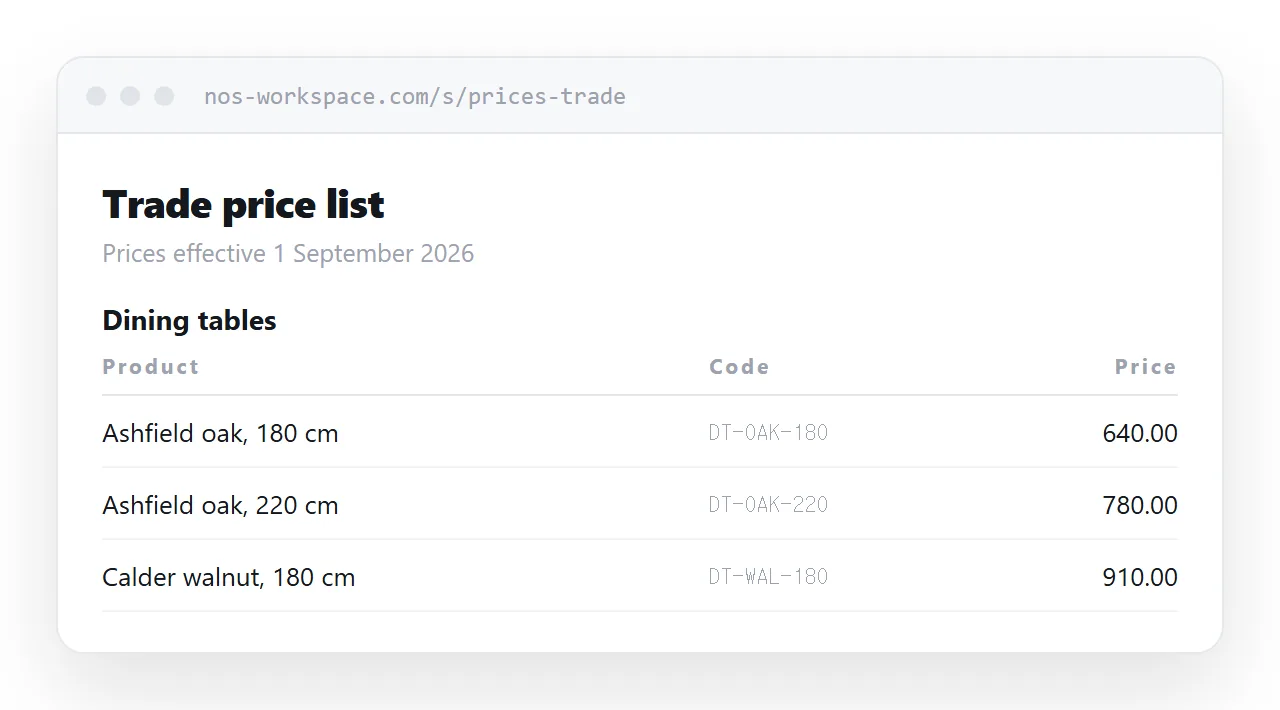
This guide covers the date line, grouping that matches how customers look things up, keeping figures readable, and how to handle different prices for different accounts.
The date line does the most work
Every person opening a price list has the same unspoken question: is this current?
Answer it in the first line. An updated date, changed whenever a figure changes, converts a page people ring to confirm into a page they quote from.
<p class="updated">Prices effective 1 September 2026</p>
Use an effective date rather than a vague "recently updated". Buyers work to dates because their own purchase orders do.
If a change is coming, say so. A line reading "Revised prices from 1 November" stops the phone calls in October and gives customers a reason to order now, which is the opposite of what a silent increase does.
Group the way customers search
Internal catalogue order almost never matches how a customer looks for something. They think in jobs and categories; your system thinks in product codes.
Group by the thing being bought, and put the code alongside rather than in front.
| Customer thinks | Typical sheet shows | |
|---|---|---|
| First | The product family | A product code |
| Then | The size or variant | A description string |
| Last | The code, to order with | The price |
Keeping the code visible matters, because it is what goes on the purchase order. Leading with it does not, because nobody remembers codes.
Make the figures scannable
A price list is read by running the eye down a column. Anything that breaks the column breaks the reading.
.prices { width: 100%; border-collapse: collapse; }
.prices td.p { text-align: right; font-variant-numeric: tabular-nums; white-space: nowrap; }
.prices tr:nth-child(even) { background: #fafbfc; }
Tabular numerals give every digit the same width so the decimal points line up. Without them, proportional digits wobble and a long list becomes noticeably harder to scan.
On narrow screens, let each row stack with labels rather than shrinking the columns until they are unreadable. The approach is in making an HTML table responsive.
One page per tier, not one page with every tier
Most businesses have more than one price: trade and retail, or volume bands, or negotiated rates for large accounts.
The temptation is a single page with several columns and a note explaining which applies. Do not. It shows every customer a number meant for someone else, and it invites the conversation you least want.
Keep a page per tier. Each account gets its own address. Maintenance is a search and replace rather than a conditional, and nobody ever sees the wrong column.
Giving them something to print
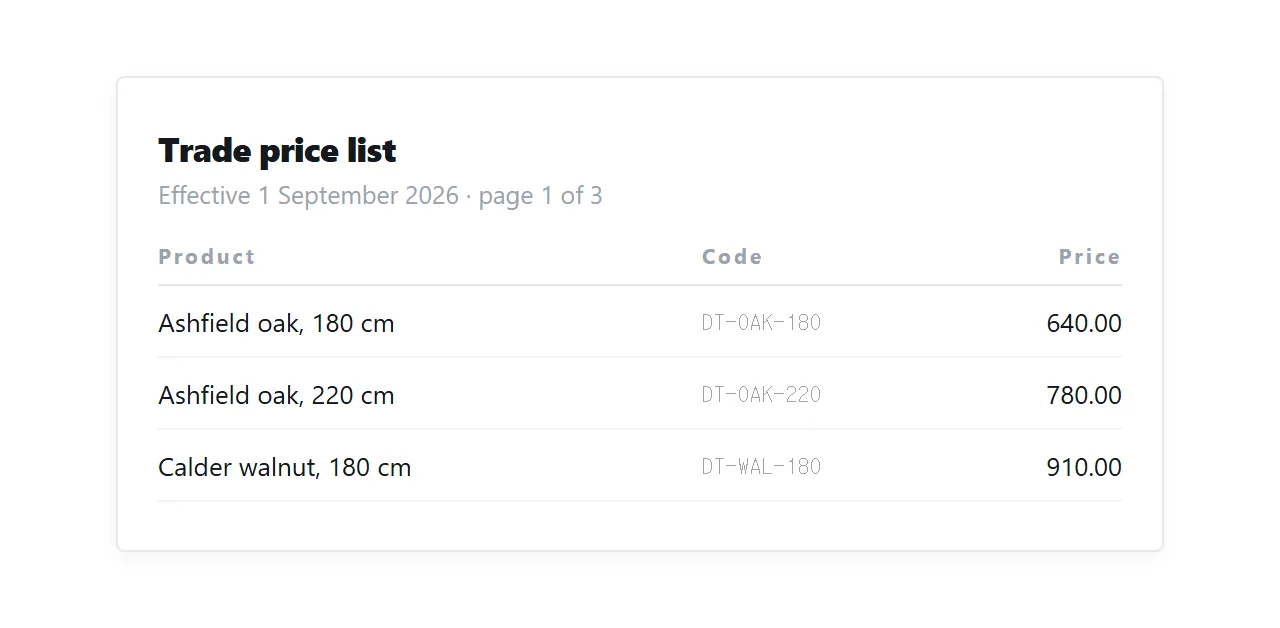
Purchasing departments still keep paper. A print stylesheet means the page itself produces that paper, so there is no second document to maintain.
@media print {
  nav, .actions { display: none; }
  @page { size: A4 portrait; margin: 16mm; }
  .prices tr { break-inside: avoid; }
  thead { display: table-header-group; }
}
The last line repeats the column headings at the top of every printed page, which matters on a list that runs to three or four sheets. More on what carries over in export HTML to PDF.
Who should be able to see it
Price lists sit on a spectrum from published to confidential, and the handling should match.
Published prices can live at an ordinary address and be indexed like any other page. Trade prices should sit at an address that cannot be guessed and is not linked from anywhere public. Anything negotiated belongs behind access control rather than obscurity.
A page you do not want found should also say so to crawlers, which is what the robots meta tag and canonical handling are for.
Put it at an address
Write the price list as a page, paste it into a document, create a share link, and give that address to customers once.
They save it. You maintain it. And the version being quoted back at you six months from now is the one you are actually charging.