Course materials arrive as a folder of fixed documents by default, and most of them were never going to be printed.
The question that decides it
Will somebody print this?
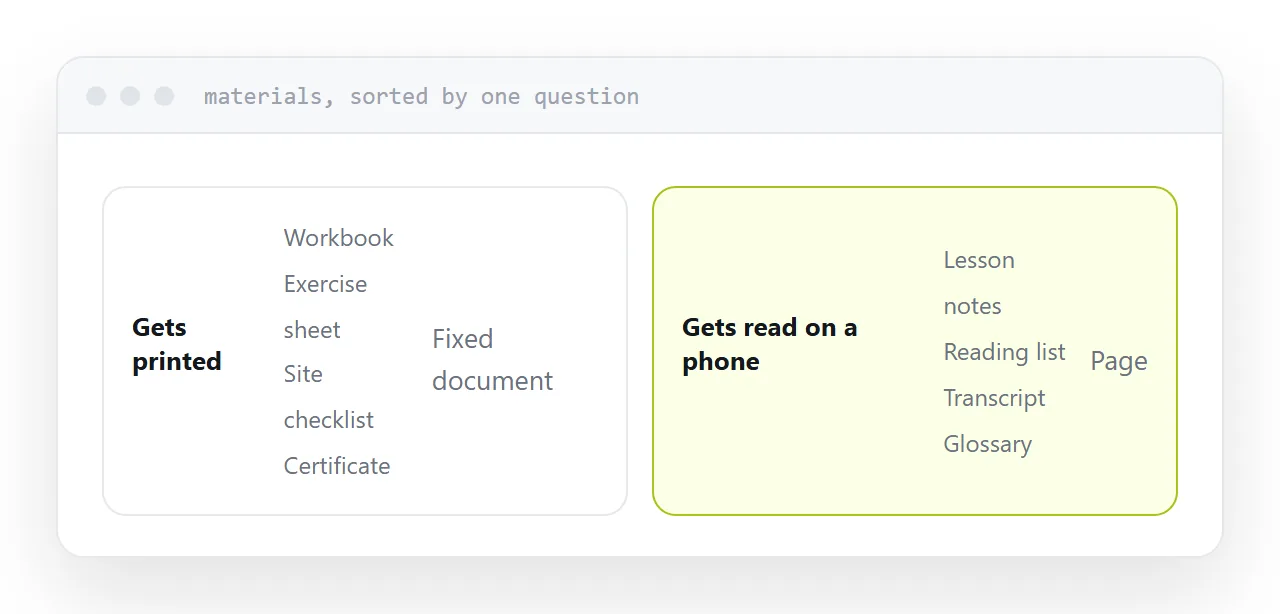
Yes. A workbook with spaces to write in, an exercise sheet, a checklist taken into a workshop, a certificate. A fixed page format is correct: the layout has to survive printing exactly as designed.
No. Lesson notes, reading lists, transcripts, glossaries, summaries, links. These are read on a screen, usually a phone, and a fixed A4 page is three times the width of a phone screen. Every line requires pinching.
Most course folders are ninety percent second category delivered in the first category's format.
| Material | Format |
|---|---|
| Workbook, exercise sheet | Fixed document |
| Checklist for field use | Fixed document |
| Certificate | Fixed document |
| Lesson notes | Page |
| Reading list | Page |
| Transcript, glossary | Page |
| Anything you will correct | Page |
One address per lesson
The usual structure is a folder: 01-intro.pdf, 02-theory-v2.pdf, 03-exercise-FINAL.pdf.
A learner has to download each, guess which is current, and keep track of what belongs to which week.
One page per lesson instead. Notes on the page, the workbook linked from it for anyone printing, the reading list below. One address to send, one place to look, and the same structure every week.
Corrections mid-cohort
This is where the format choice pays for itself.
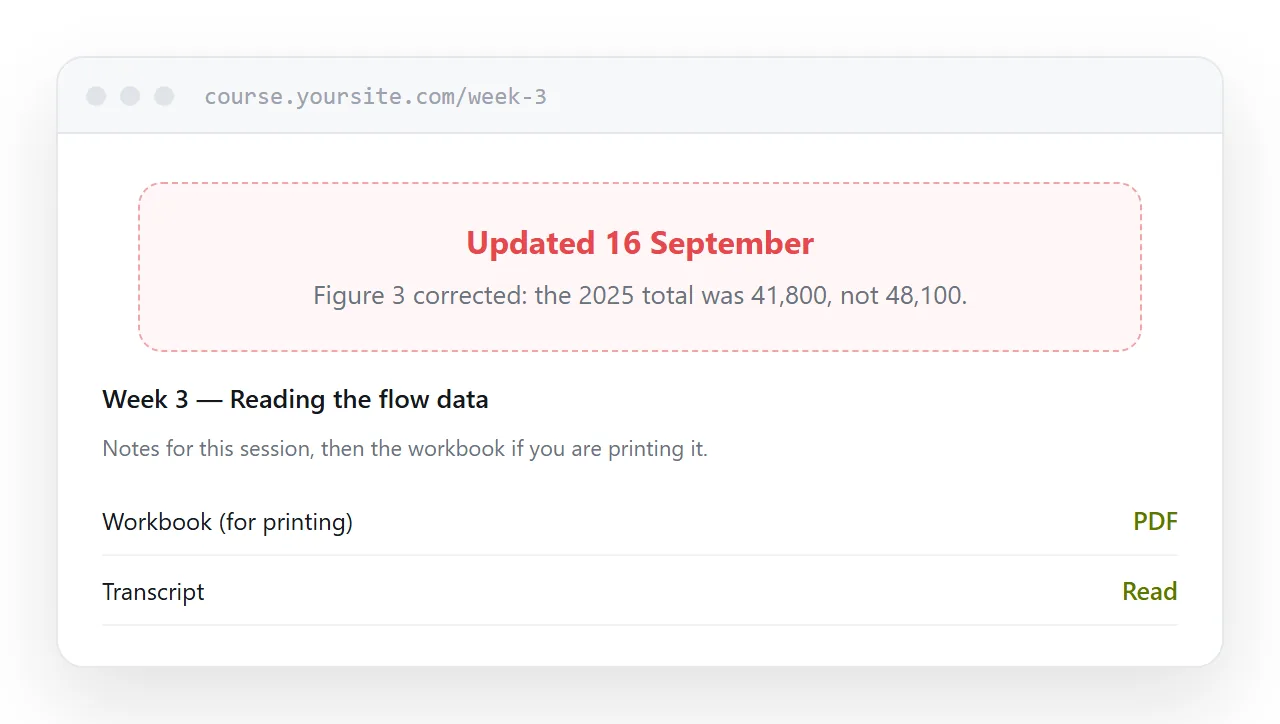
A figure is wrong in week two and you notice in week five. If materials were downloaded, every learner holds a frozen copy and your correction reaches whoever reads the announcement.
If they are pages, you edit and everyone has it, including people who saved the link in week one.
Put a dated line at the top saying what changed. Learners notice and it builds more confidence than the original being right would have.
Transcripts and searchability
A transcript inside a fixed document is nearly unsearchable in practice, because search does not reach inside files sitting in a folder.
As a page, it is searchable, linkable to a specific point, and readable at any width. For anyone revisiting material before an assessment, that is the difference between finding the passage and rewatching the video.
Certificates
Fixed format, always.
They get printed, filed and attached to applications, and the layout has to hold exactly. This is one of the few documents where a fixed page is unambiguously right.
If this is near what you are doing, How to send course materials to students and How to create online course materials cover the cases on either side.
Put it at an address
Ask whether each item will be printed, keep workbooks and certificates as fixed documents, publish notes and reading as pages, give every lesson one address, and correct in place with the date shown.