Interactive material uploaded into a learning platform often does not run. Hosting the page separately and linking to it from the course keeps both halves doing what they are good at.
This guide covers why uploads fail, what to keep in the platform, and the framing question.
Why the upload does not run
Learning platforms accept file uploads and then decline to execute what is in them.
Scripts are stripped, or the content is served from a sandboxed context with execution blocked. This is deliberate: a platform serving arbitrary uploaded code to hundreds of students has a genuine problem to solve, and blocking it is the reasonable answer.
The consequence for a teacher is that a page which works perfectly on their own machine becomes inert text inside the course, and they usually discover this from a student.
Test it once, with one page, before building a term's worth of material on the assumption that it works.
Split the job
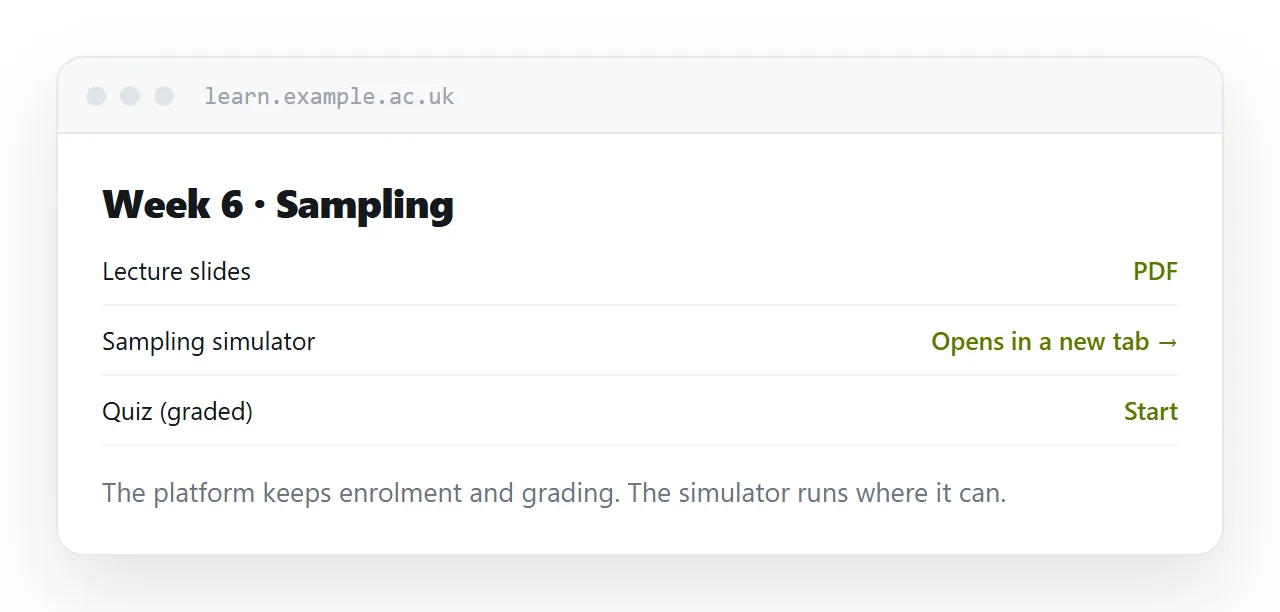
Keep in the platform what the platform is for: enrolment, structure, deadlines, grades, completion tracking, the record of who did what.
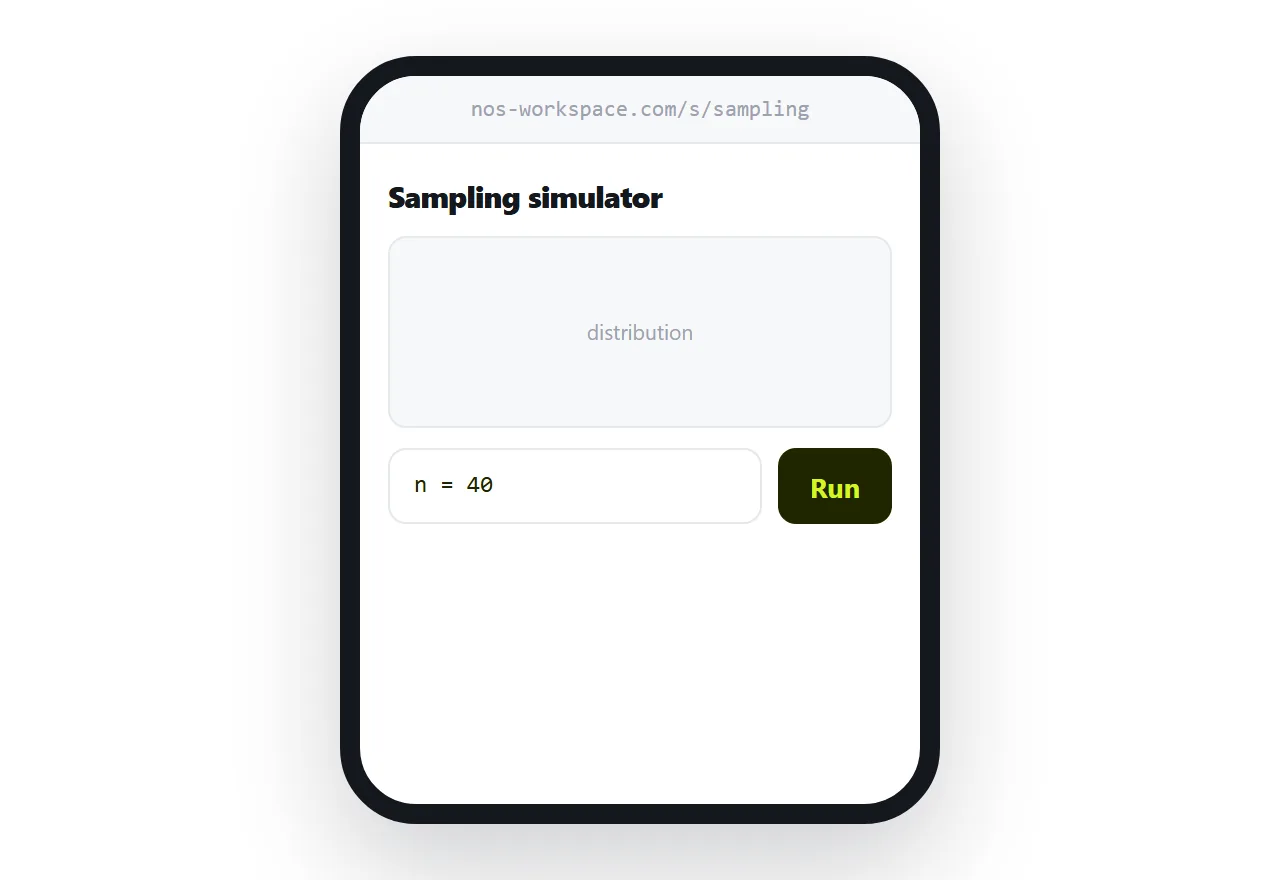
Host at an address what needs to actually run: the simulation, the interactive diagram, the practice tool, the calculator.
The course page links to it. The student taps, the activity works, and they come back. Nothing about the course structure changes.
| Uploaded into the course | Hosted at an address | |
|---|---|---|
| Scripts run | Often not | Yes |
| Grading | In the platform | Stays in the platform |
| Works on a phone | In a frame | Full screen |
| Open to students without accounts | No | Yes |
| Teacher can fix it quickly | Re-upload | Edit the page |
Link, do not embed
The temptation is to embed the hosted page in a frame so it appears inside the course.
It produces a scroll inside a scroll. On a desktop that is mildly irritating; on a phone it is genuinely hard to use, and students get stuck in the inner frame unable to reach the rest of the page.
Link it, and let it open in its own tab. The student sees the activity full screen, which is what it was designed for.
Grading stays where it is
If the activity must be graded, do not try to move grading out of the platform.
Keep the graded part as a platform quiz, and use the hosted page for the practice, the exploration or the simulation that has to run. Students do the interactive work, then answer the graded questions in the course.
Completion tracking for the link itself is usually available in the platform, which is enough to know who opened it.
Access, honestly
A hosted page is open to anyone holding the address.
For open educational material that is a feature. For assessment material, model answers, or anything licensed to the institution, it is not.
Use an unguessable address for cohort-only material, and be realistic: students share links. Anything that genuinely must not leave the cohort belongs inside the platform, running or not.
Closely related: Free HTML file hosting, compared, and How to share a file without making anyone log in for the adjacent problem.
Put it at an address
Test whether scripts run before committing to uploads, host interactive pages separately, link rather than embed, keep grading in the platform, and choose the address accordingly.
Then the activity works when a student opens it at eleven at night.