Course materials at addresses mean a student in week nine can reach week two in two taps, and a correction reaches everyone who ever had the link.
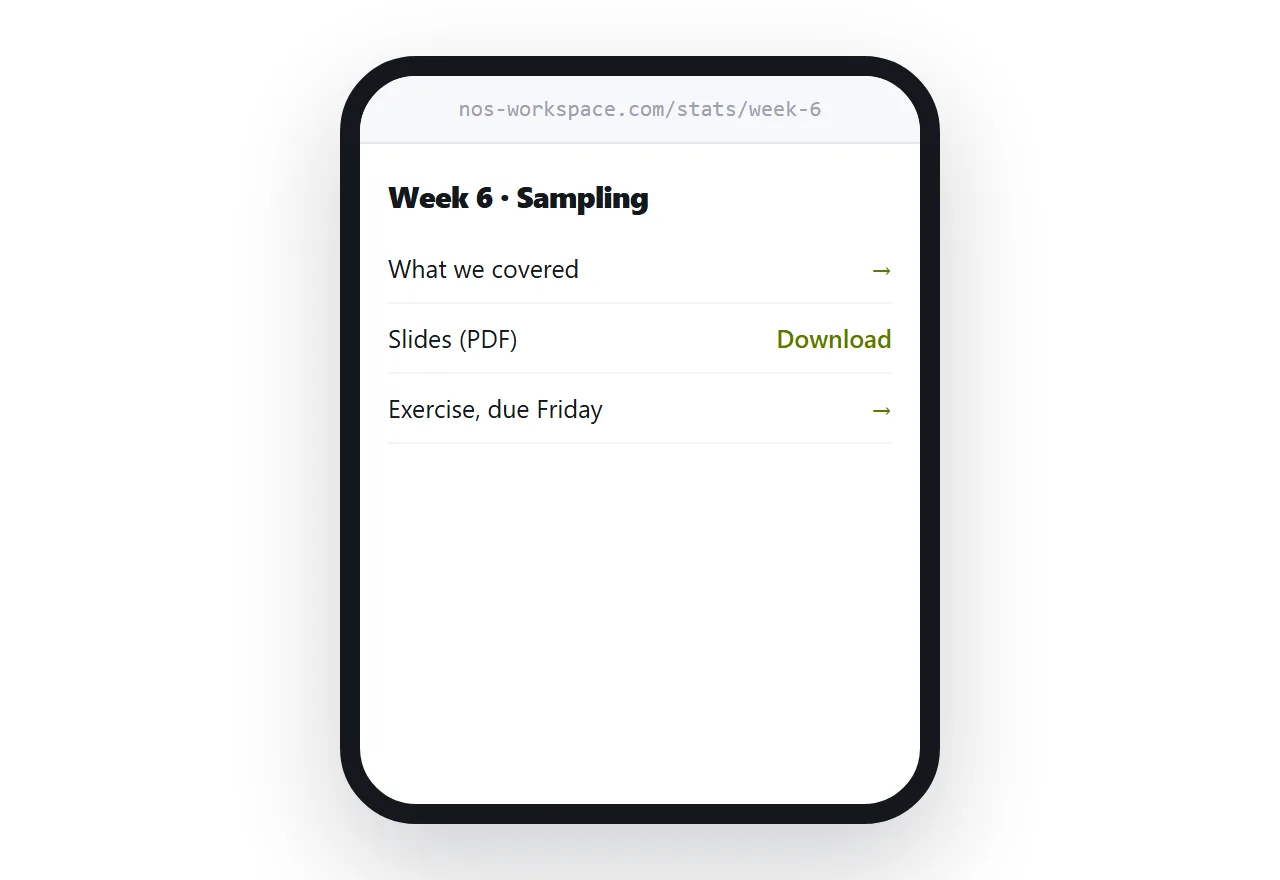
This guide covers structure, the lost-link problem, and corrections.
One page per session
Students do not think in files. They think in weeks and topics.
A page per session, holding everything for that session, matches how the course is actually experienced: the slides, the reading, the exercise, the deadline, and any note added afterwards.
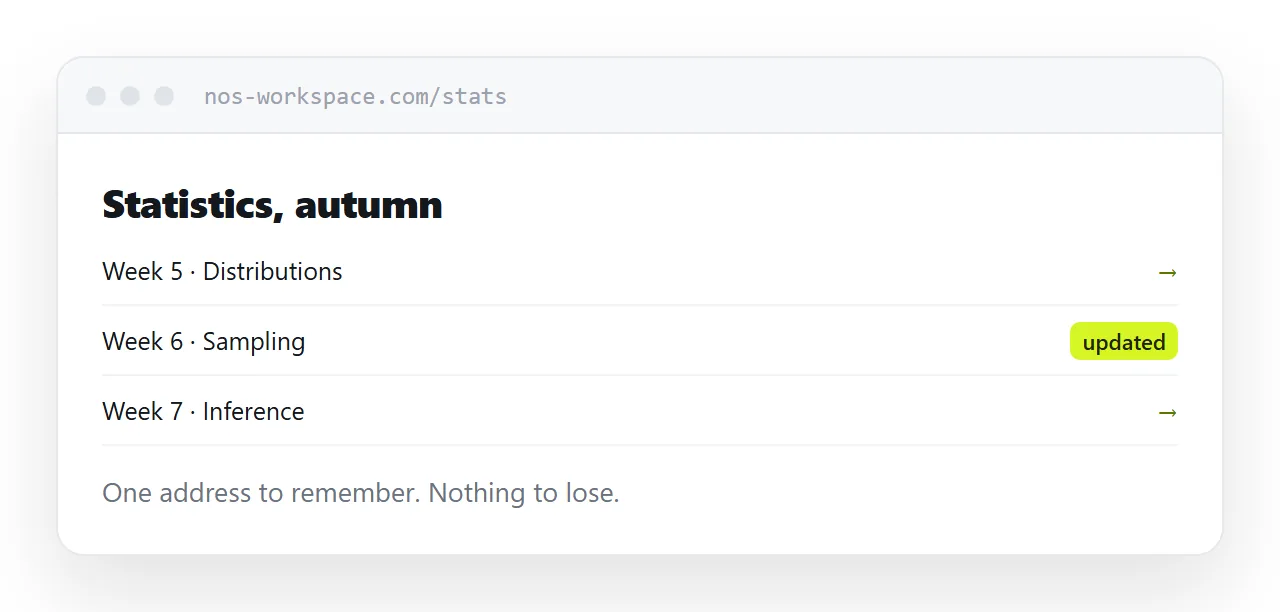
An index page above them lists the sessions in order. That index is the course, and it is the only address anyone has to remember.
The lost link problem solves itself
With attachments, a student who has lost the week two email has a real problem and it becomes your problem.
With one course address, there is nothing to lose. The index is reachable from any message you have ever sent, from a bookmark, from a note on the whiteboard, from another student.
Keep that address short and sayable, because at some point you will read it out at the start of a lecture.
| Emailed attachments | Pages at addresses | |
|---|---|---|
| Student lost week two | Resend | Open the index |
| Correction | Second file | Edit in place |
| Which version is current | Ambiguous | Only one exists |
| Read on a phone | Downloads | Opens |
| Adding a note after the class | New email | Add to the page |
Corrections are edits
Every course produces corrections. A wrong date on an exercise, a broken link in the reading, a mistake on a slide.
Sending a corrected attachment means two files exist and some students will work from the wrong one for the rest of term. It is the single most reliable source of confusion in a course delivered by email.
Edit the page and note what changed with the date. A student who looked last week sees immediately that something is new.
Slides read badly on a phone
Students look at the material the night before, on a phone, in bed.
A slide deck exported as a document is the worst possible shape for that: wide, sparse, and designed to be talked over. Fourteen slides of bullet points scaled to a phone screen tell them almost nothing.
Put the content on the page as text, in the order the class covered it, with the diagrams as images. Offer the deck as a download for anyone printing it or following along in the room.
This is more work than uploading a file, and it is the difference between material that gets read and material that gets downloaded.
Access, realistically
An unguessable address keeps material out of search results and away from people not given the link.
It does not stop students sharing links, and they will. For anything genuinely restricted, assessment material or licensed content, use a password or keep it in an institutional platform.
For ordinary teaching material, openness is usually fine and occasionally useful. Former students come back to it, and colleagues find it.
If this is near what you are doing, How to host a web page for a Moodle course and How to share a PDF as a link cover the cases on either side.
Put it at an address
One page per session under one memorable index, corrections made in place and dated, slide content written out on the page, and the deck available for printing.
Then the student looking at midnight finds what they needed.