A learning management system is administration software. Enrolment, progress, grades, certificates, records.
It is frequently bought in the belief that it will also make the material good, and that is not something it does.
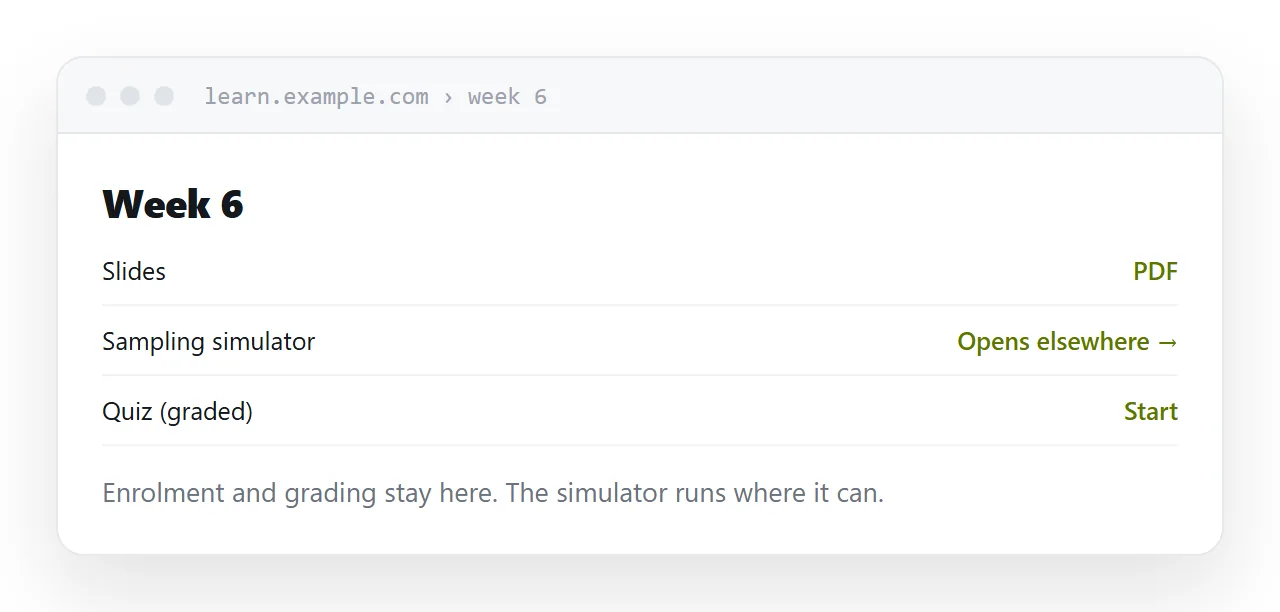
This guide covers what it is genuinely for, why authoring inside it disappoints, and the split that works.
What it is genuinely for
Enrolment. Who is on the course, added and removed reliably, at a scale where doing it by hand stops working.
Completion tracking. Who has done what, with dates.
Grading. Assessments recorded per learner, with a history.
Certificates. Issued, dated, and verifiable afterwards.
Compliance records. Proof, for a regulator or an auditor, that named people completed named training on named dates.
Those are real problems with real costs, and platforms solve them properly. If you have them, buy one.
Why authoring inside it disappoints
The editors built into these systems are basic, and the material produced in them tends to look the same everywhere: a page of text, a few bullet points, a quiz.
That is not an accident. The editor is a secondary feature of an administration product, and it is competing with tools whose entire purpose is producing readable material.
The result is that courses are frequently administered well and read badly, which is the wrong way round from the learner's point of view.
| The platform is good at | The platform is not good at | |
|---|---|---|
| Knowing who is enrolled | Yes | |
| Recording completion | Yes | |
| Issuing certificates | Yes | |
| Producing readable material | No | |
| Running interactive content | Usually not | |
| Reading well on a phone | Varies |
Uploads get their scripts stripped
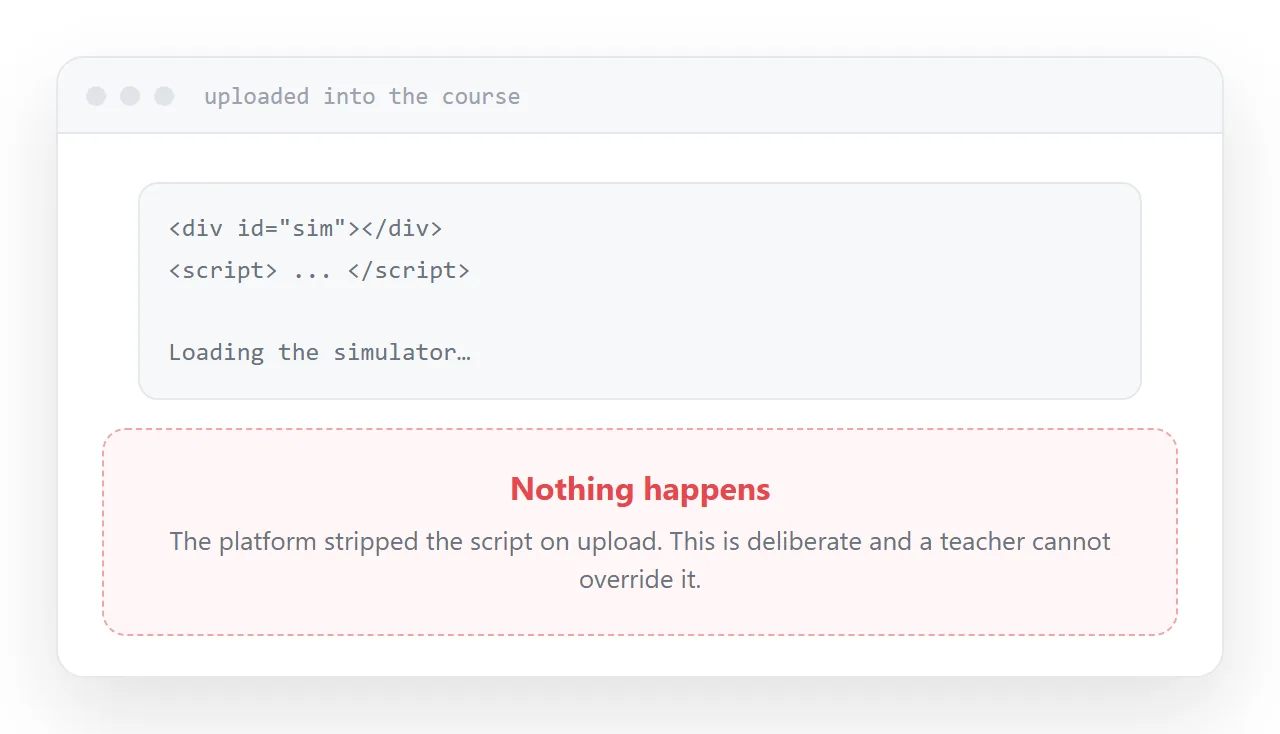
Anything interactive uploaded into a platform commonly does not run.
Scripts are removed, or the content is served in a sandbox that blocks execution. This is a sensible security decision by people serving arbitrary uploads to thousands of users, and it cannot be overridden by a course author.
The practical consequence: a simulation, calculator or interactive diagram that works on your machine becomes inert text inside the course, and you find out from a learner.
The split that works
Host the material where it can run, at addresses. Link to it from the course.
The platform keeps enrolment, completion and grades. The material keeps its interactivity, reads properly on a phone, and can be corrected without re-uploading anything.
Learners tap through and come back. Nothing about the administration changes.
When to skip it
For a cohort of twenty learning from material, with no certificate and no compliance requirement, a platform is machinery without a job.
Pages at addresses, a message channel for questions, and a list of who paid. That delivers the same learning with none of the setup, and it leaves you free to change everything after the first cohort tells you what was wrong.
Add the platform when the administration becomes the bottleneck. Not before, and not because it seems like what a course is supposed to have.
Two neighbouring cases are worth a look: How to host a web page for a Moodle course and How to host online training. What a scanned space tour is is also close.
Put it at an address
Use the platform for administration, write the material outside it, host anything interactive at an address and link to it, keep grading inside, and skip it entirely while the cohort is small.
Then the course is administered properly and still readable.