A scanning camera captures a space with depth, producing a model somebody can walk through in a browser. It is genuinely impressive and it comes with a hosting arrangement.
What the scan gives you
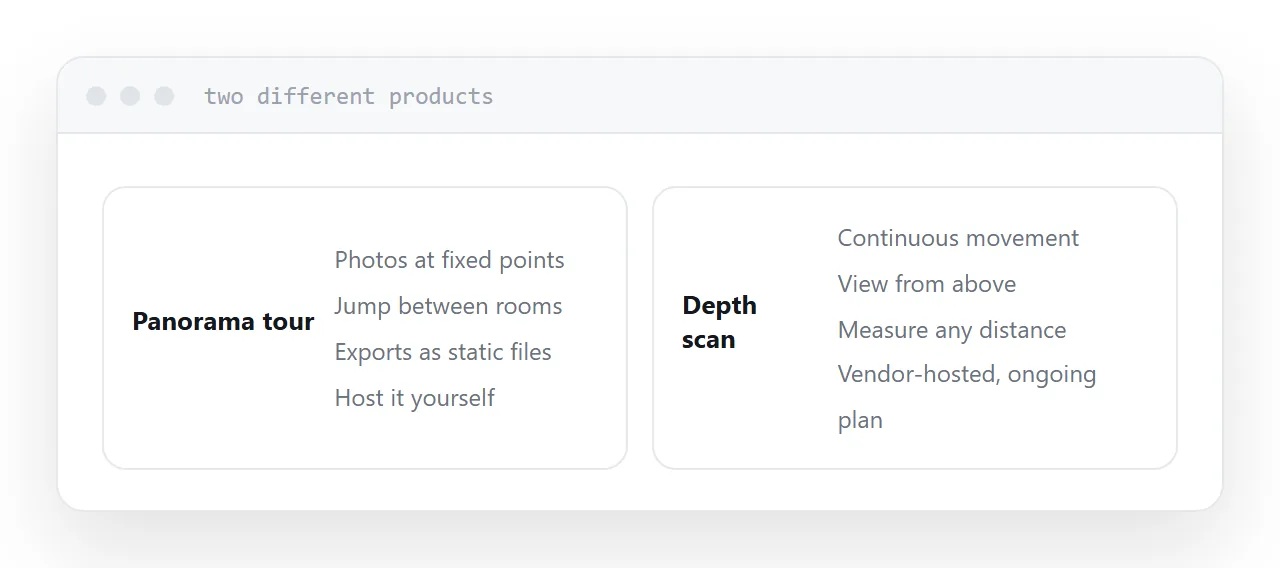
Continuous movement through the space rather than jumps between fixed points. A view from above showing the whole layout. Measurement between any two points. Automatically generated floor plans.
That is a different product from a panorama tour, and for certain uses the difference is decisive: an agent measuring for equipment, a contractor pricing work, an insurer recording a condition.
| Need | Suits |
|---|---|
| See the rooms | Panorama tour |
| Get a feel for layout | Either |
| Measure distances | Scan |
| Generate a floor plan | Scan |
| Record condition precisely | Scan |
| Host it yourself | Panorama tour |
The hosting arrangement
This is the part worth deciding deliberately.
A panorama tour exports as a folder of static files you can host anywhere, at your own address, indefinitely.
A scanned model generally does not. It is served from the vendor's platform and embedded into your page, on an ongoing plan.
That means the tour exists while the subscription does. For a property that sells in eight weeks, entirely reasonable. For a record you intend to keep, ask specifically what happens at the end of the plan and what you can export.
Embed it in your own page
Whatever the hosting, do not circulate the vendor's address.
Put the tour in a page on your own domain with the details, the floor plan and a way to make contact. That address is yours, it goes on listings and printed material, and if you change provider you change the embed rather than losing every link.
Loading
Models are heavy.
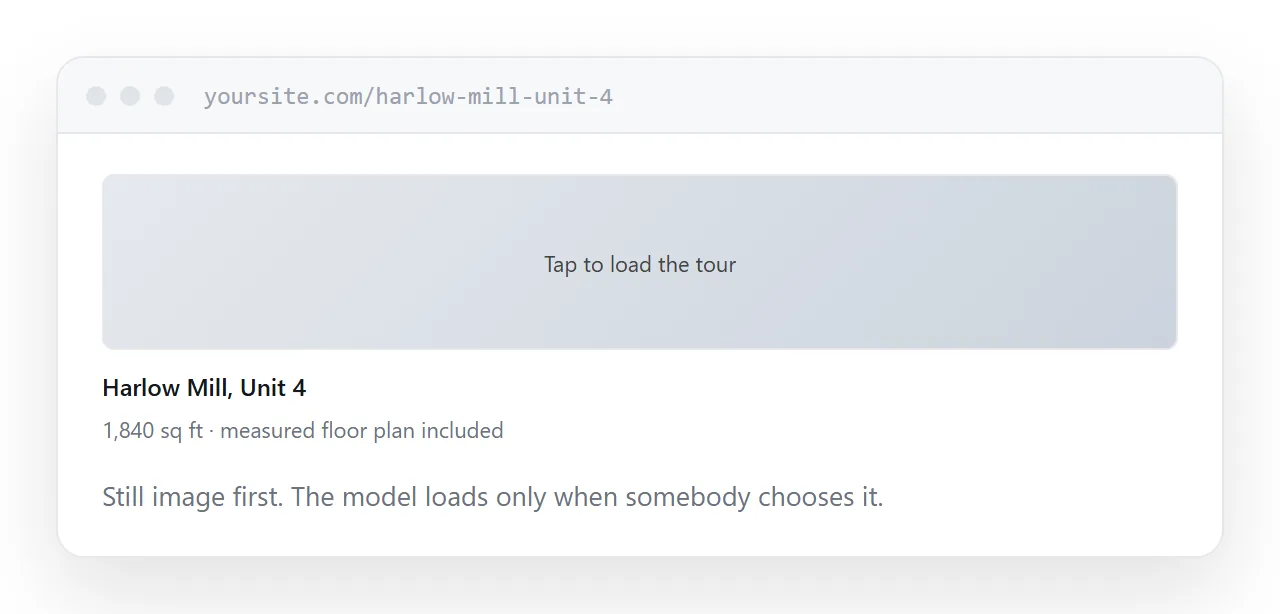
Test the first load on a phone on mobile data, not on office broadband. If it takes ten seconds, a share of visitors leave before it appears, and a tour nobody waits for is a cost with no return.
A still image with a clear play control, loading the tour only when somebody chooses it, solves this and makes the page usable for everyone else.
When the simpler option wins
If buyers need to see the rooms rather than measure them, a panorama tour does the job at a fraction of the cost, hosted at your own address, working indefinitely.
Scans earn their cost where the measurements matter. Choosing on capability rather than impressiveness usually points at the simpler one.
Closely related: Where to host a virtual tour, and How to create a virtual tour for the adjacent problem.
Put it at an address
Decide whether depth is actually needed, ask what happens when the plan ends before booking the scan, embed it in a page on your own domain, test the first load on mobile data, and use a panorama tour when measurement is not the point.