Tour software produces a folder that runs anywhere. The only real decision is whose address it sits at.
What the export contains
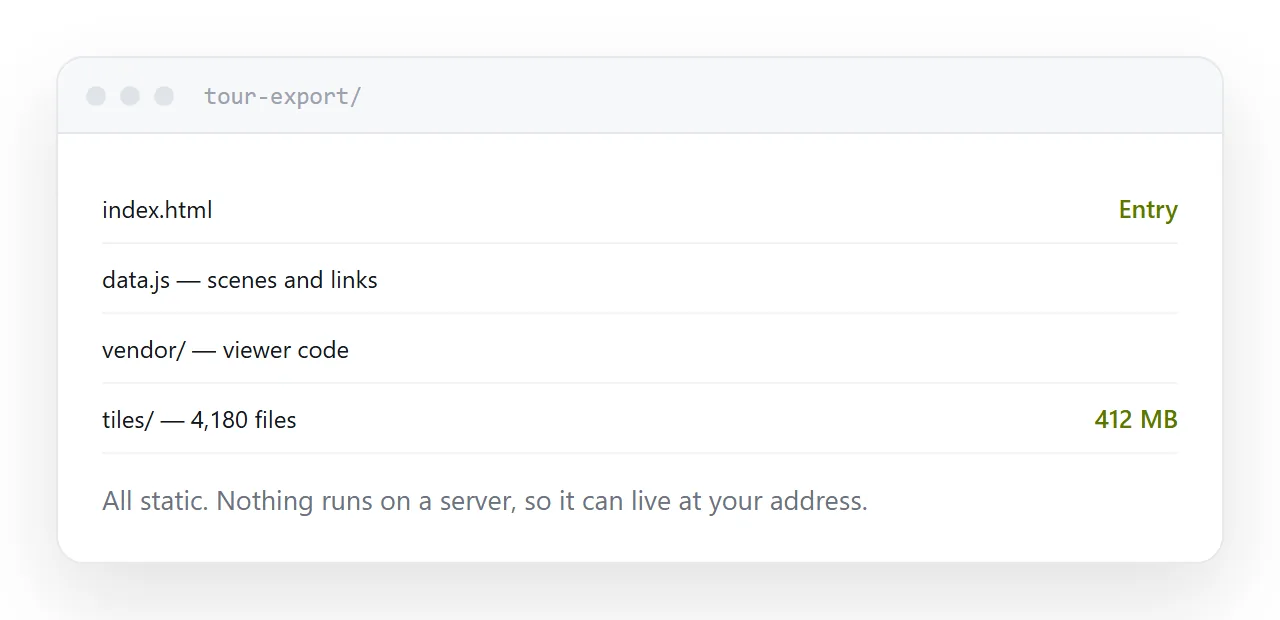
An index page, a data file describing the scenes and the links between them, the viewer code, and the panoramas cut into tiles.
The tiling is why tours are heavy. Each panorama is divided into hundreds of small images at several zoom levels, so the viewer loads only the part you are looking at. A modest property can reach several hundred megabytes.
It is all static files. Nothing runs on a server, which means it can be hosted anywhere that serves files, and that is the property worth protecting.
| Hosting | Address | If you stop paying |
|---|---|---|
| Vendor hosting | Theirs | Tour goes dark |
| Your own address | Yours | Keeps working |
| Storage folder | Permission screens | Varies |
| Attached as an archive | No address | Nobody opens it |
The subscription question
Vendor hosting is one button and it is genuinely easy.
It also means the tour lives at their address. That address goes on listings, in mail, in printed material and into other people's records, and you do not control it. When the subscription ends or the product closes, everything pointing at it fails at once.
Hosting the export at your own address costs a little setup and removes that entirely. The tour is a folder of static files; nothing is lost by owning it.
The failure that looks like a bug
A tour loads, the first room appears, and the others return errors or a grey sphere.
The cause is almost always an incomplete upload. The folder structure has many small files in nested directories, and an interrupted transfer, or uploading only the contents of one folder, leaves tiles missing.
Upload the whole exported folder as a unit, then click through every room before sending the address to anyone.
Test on mobile data
Tours are heavy and the first panorama decides whether somebody stays.
Test on a phone on mobile data, not on office broadband. If the first scene takes eight seconds, reduce the resolution of the entry panorama specifically. The one people load first is the only one where loading time affects whether they continue.
Do not publish it naked
A tour on its own answers one question: what does it look like.
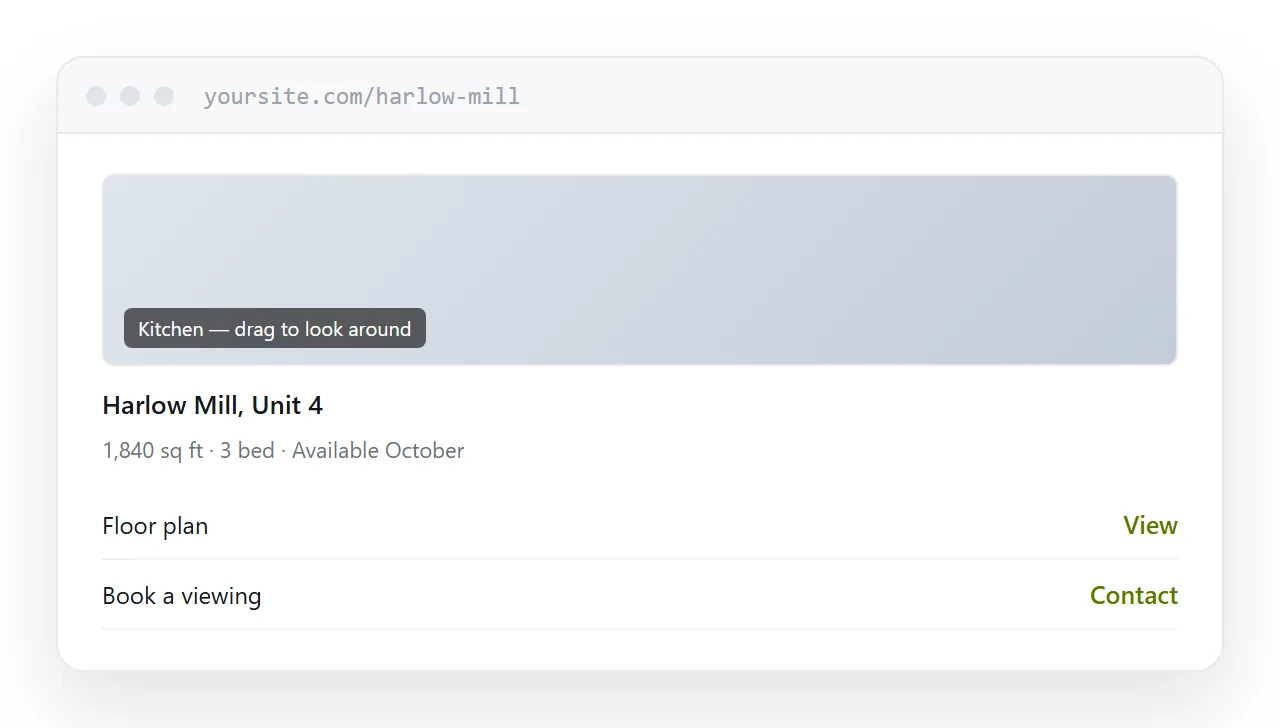
Put it on a page with the address, the key facts, the floor plan and a way to make contact. The tour is the reason people arrive; the page is what lets them act on it.
For the surrounding ground, see How to create a virtual tour and How to share a virtual tour as a link.
Put it at an address
Export the self-contained folder, upload the whole structure, host it at an address you own, test the first panorama on mobile data, and surround it with the context that makes it useful.