An archive of pages becomes a site when three things agree: where the index sits, how the paths are written, and how the files are named.
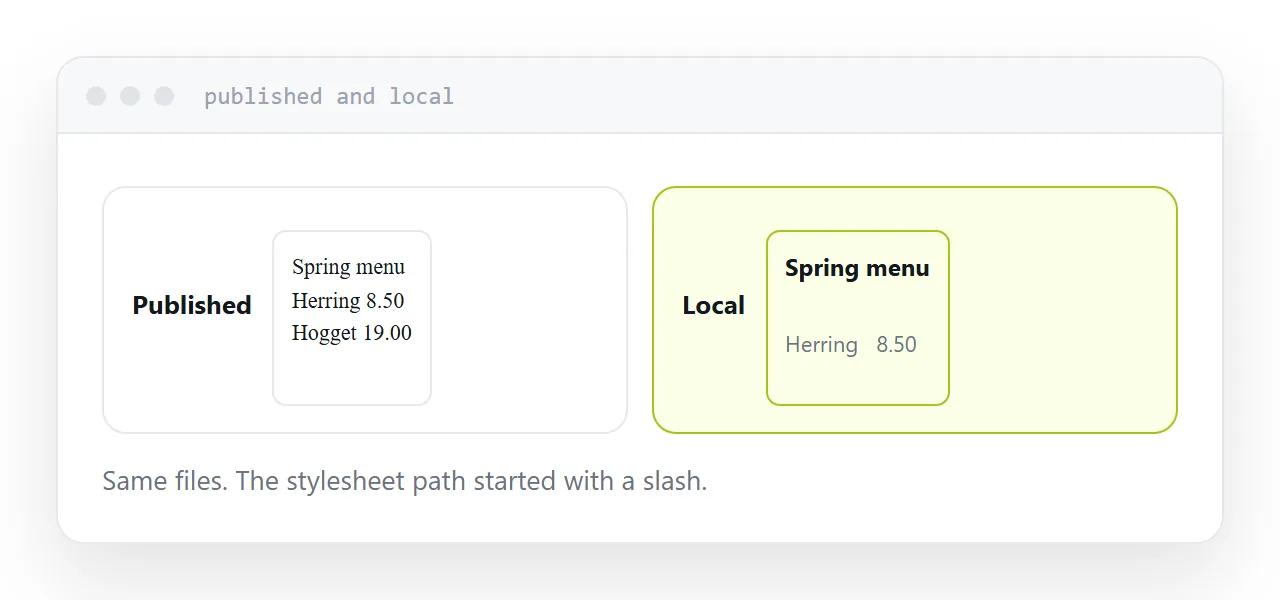
Get one wrong and the published version is visibly broken while the local copy is fine.
This guide covers all three, and what not to include.
The index goes at the top
The archive should contain index.html at its top level, with everything else beside or below it.
A common mistake is archiving the containing folder rather than its contents. The archive then has one folder at the top, the index is inside it, and the published address lands on a directory listing or an error.
Open the archive and look. The first thing you should see is index.html, not a folder.
Every path relative
This is the failure that produces an unstyled page.
<link rel="stylesheet" href="/css/style.css">  <!-- breaks -->
<link rel="stylesheet" href="css/style.css">   <!-- works -->
A path starting with a slash means from the top of the domain. Published under a subfolder, that resolves to somewhere your files are not, so the stylesheet is simply absent.
It works locally because the local root is your folder. It stops working the moment the folder is not the root.
Every path: stylesheets, scripts, images, links between pages. All relative.
| Symptom | Cause |
|---|---|
| No styling at all | Absolute path to the stylesheet |
| Images missing | Absolute paths, or wrong case |
| Links lead nowhere | Absolute paths between pages |
| Directory listing | Index not at the top level |
| Works locally only | Both of the above |
Case matters on a server
Most desktop machines treat Logo.png and logo.png as the same file. Most servers do not.
So a page referencing logo.png while the file is named Logo.png works on your machine and fails when published, with a missing image and no explanation.
Rename everything to lowercase before archiving. It removes the whole category of problem and costs nothing.
Everything in the archive is published
The archive is extracted and served. All of it.
Working files, exports, an earlier draft, a folder of notes, a spreadsheet you left in there. None of it is linked from anywhere, and all of it is reachable by anyone who guesses the name or finds it listed.
Look through the folder before archiving and remove anything that is not part of the site. This is a two-minute check that occasionally saves something embarrassing.
Check the console after publishing
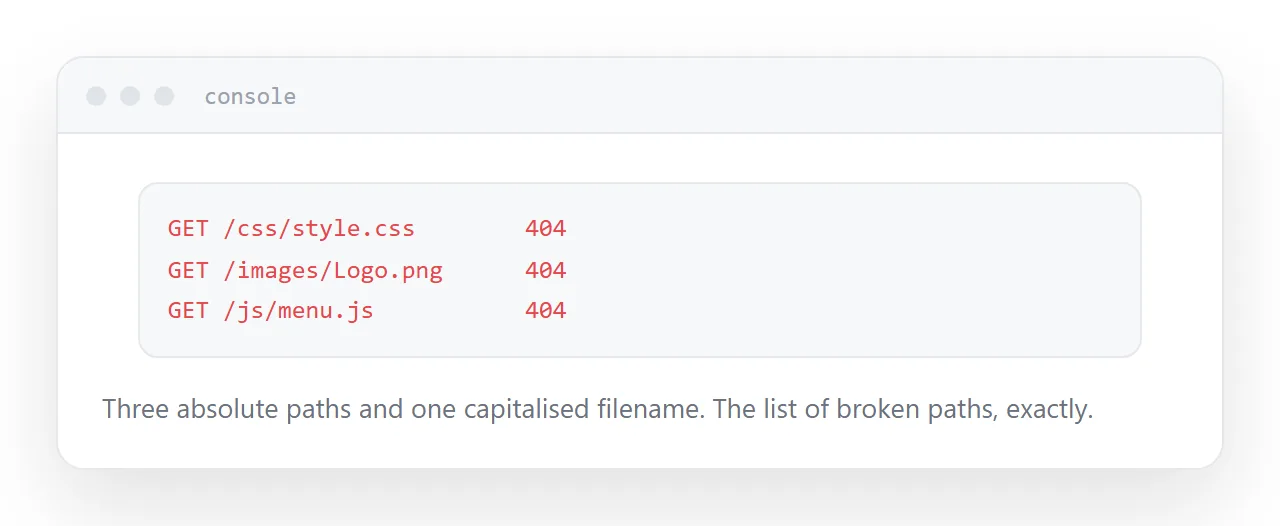
Open the published address and look at the browser console.
Every failed request is listed with the path it tried. That list is precisely your set of broken paths, and it turns "something is wrong" into a specific set of lines to fix.
Do this before sending the address to anyone. It takes a minute and it is the difference between a working site and a message saying it looks odd.
For the surrounding ground, see How to open an HTML zip file and Free HTML file hosting, compared.
Put it at an address
Index at the top level, every path relative, filenames in lowercase, nothing in the archive you did not mean to publish, and the console checked after it goes live.
Then the published site is the site that worked on your machine.