A repository is a place to store code, and it displays code. Getting it to serve a page instead requires one setting that is not obvious from anywhere you would naturally look.
This guide covers the two links that do not work, the setting that does, and the path problem afterwards.
The two links that are not a page
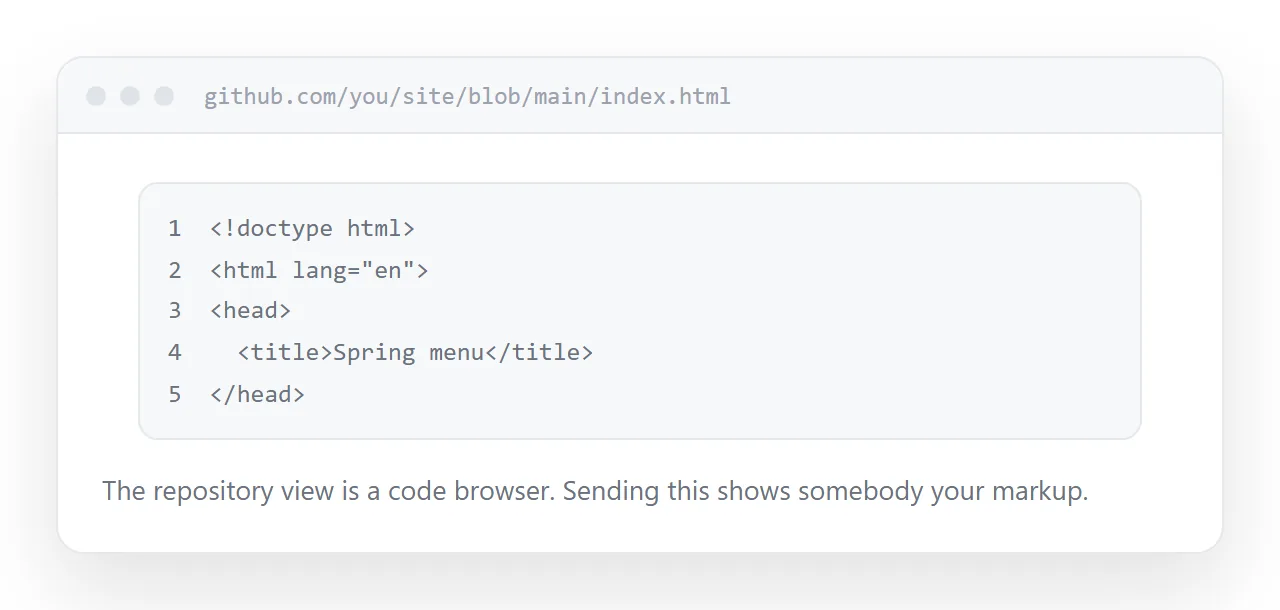
The file view. The address you see when browsing the repository. It shows the source with line numbers, because it is a code browser. Sending that to someone shows them your markup.
The raw link. The obvious next attempt. It serves the file as plain text rather than as a page, so the browser either displays the source or downloads it.
That second behaviour is deliberate. Serving arbitrary user files as pages from a shared domain is a security problem, so the platform declines to do it.
Neither link is broken. They are both doing their job, and their job is not publishing.
The setting that publishes it
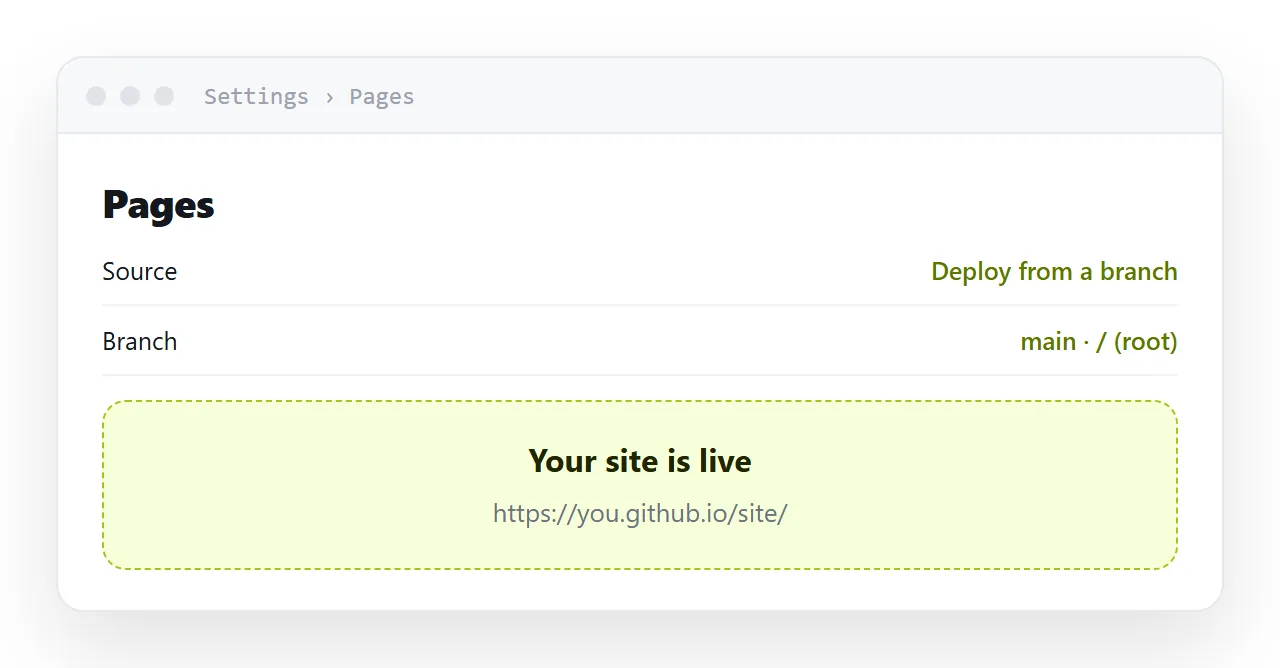
In the repository settings there is a Pages section. Enable it, choose a branch, usually main, and a folder, usually the root.
That produces a proper address that serves files as pages.
The first build takes a minute or two. Subsequent changes take a similar time, so after correcting something, refresh a few times before concluding it did not work.
| Link type | What it shows | Use it for |
|---|---|---|
| File view | Source with line numbers | Reading code |
| Raw | Plain text or a download | Fetching a file |
| Pages address | The rendered page | Sharing |
Name it index.html
A file named index.html becomes the root of its folder's address.
That gives you a short clean address rather than one ending in a file name, which matters for anything you will send to someone or say out loud.
Other pages sit alongside it and are reached by their own names.
Relative paths, always
This is the failure that follows publishing.
A page published under a repository name lives in a subfolder of the domain. A path starting with a slash resolves to the top of the domain, not to your subfolder, so every absolute path breaks.
<img src="/images/logo.png">      <!-- breaks under a subfolder -->
<img src="images/logo.png">       <!-- works -->
Everything relative. Images, styles, scripts, links between pages. Checking this once before publishing saves a confusing session where the page works locally and has no styling once published.
It is public
A published page on the free tier is public and can be indexed.
For open work that is the point. For a client document, a draft, or anything containing figures you would not put in a press release, it is the wrong place, and there is no setting that changes it.
Private repositories exist and publishing from them requires a paid plan.
If this is near what you are doing, Choosing a GitHub Pages alternative and How to share a repository with someone who does not use GitHub cover the cases on either side.
Put it at an address
Name the file index.html, enable Pages in the settings, pick the branch, wait for the first build, and make every path relative.
Then the link you send shows a page rather than your source code.