GitHub Pages is free, reliable and well made. Whether it fits depends almost entirely on whether you were already going to use a repository.
This guide covers what Pages is good at, where the overhead lands, and how to compare alternatives honestly.
What it is good at
If the work lives in a repository, Pages is close to ideal.
Publishing is a push you were making anyway. Version history comes for free, so every change is recorded and reversible. Custom domains are included. It does not expire. It costs nothing.
For a documentation site, a project page, or anything a developer maintains, there is little reason to look elsewhere.
Where the overhead lands
For one file, the picture changes.
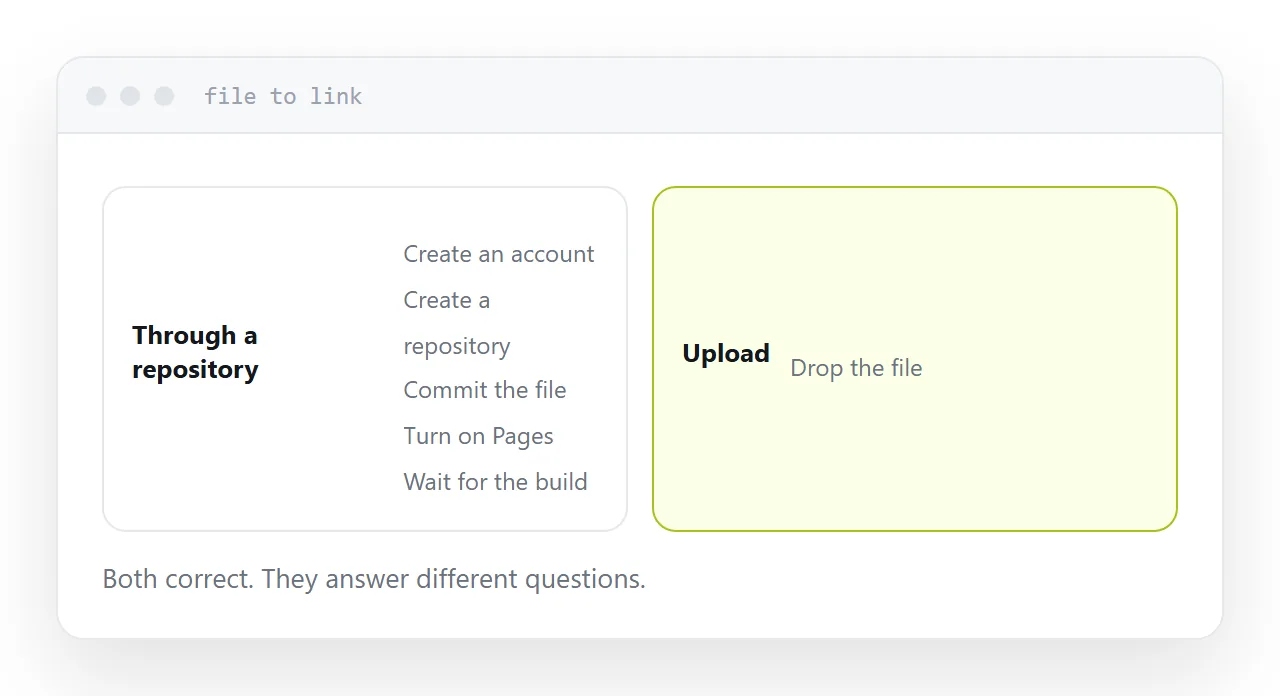
Create an account. Create a repository. Learn enough of the tooling to commit. Find the setting that turns publishing on. Wait for the build.
Each of those exists for a good reason and none of them are about hosting a page. They are the cost of a version control system, which is excellent to have when you need it and pure overhead when you do not.
Someone with an exported report, a brochure or a page produced in an afternoon is paying a project's setup cost to publish one file.
| Already in a repository | One file, no version control | |
|---|---|---|
| Steps to publish | Push | Account, repo, commit, setting |
| Version history | Valuable | Not needed |
| Time to first link | Seconds | Half an hour |
| Correcting a typo | Push | Commit and wait |
| Custom domain | Included | Included |
The build delay
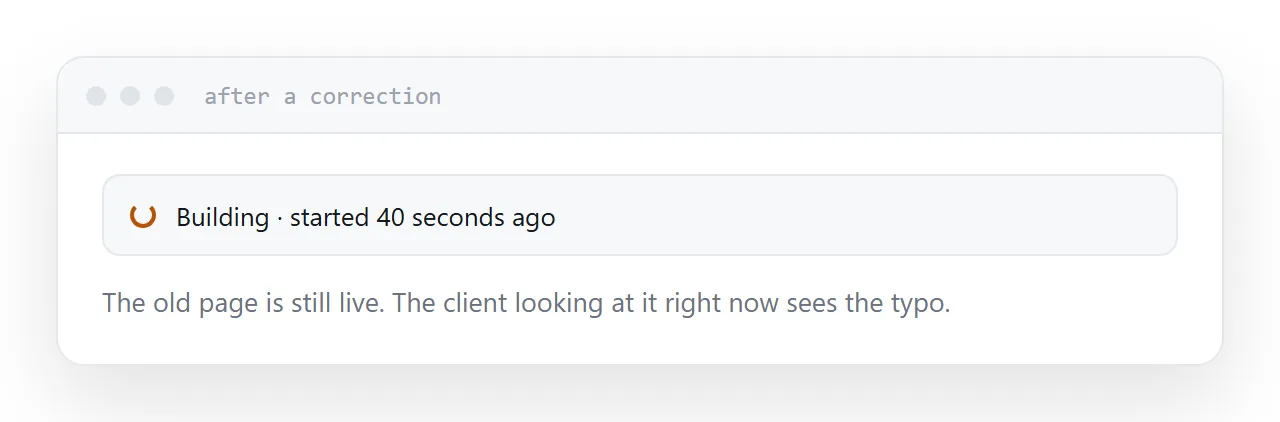
Changes appear after a build, usually within a minute or two and occasionally longer.
For a site that is fine. For the specific situation of correcting something while a client has the link open, it is long enough to be uncomfortable, and you have no way to know whether they are looking at the old version.
This matters more than it sounds during the back-and-forth of getting something approved.
Public by default
On the free tier, published pages are public and findable.
For open work, that is correct and useful. For a client quote, a candidate profile, an internal report, or anything that should not turn up in search, it is the wrong tool and no configuration fixes it.
This rules Pages out for a whole category of document sharing, and it is worth checking before building a workflow on it.
How to compare honestly
Feature lists are not the comparison. Count the steps between having a file and having a link someone can open.
For a developer with the repository already open, Pages is one step. For someone holding a single file, it is five, and any service that takes an upload and returns an address is one.
Neither is better in general. They are answers to different questions, and most of the frustration in this area comes from using the developer answer for the non-developer question.
Use your own domain either way
Whatever you choose, put your own domain in front of it.
That is the part that survives changing your mind. Move from one service to another and every existing link keeps working, because the address never belonged to the provider.
Two neighbouring cases are worth a look: Choosing a Tiiny Host alternative and Choosing a Netlify alternative. Producing print-ready documents without a subscription is also close.
Put it at an address
Check whether the work is already in a repository, count the steps from file to link, confirm whether it needs to be private, weigh the build delay against how often you correct things, and own the domain regardless.
Then the tool matches the job rather than the other way round.