The one-file hosting category is crowded and the products are more similar than their marketing suggests. Upload a file, get an address. Everyone does that.
The differences appear later, and they appear as broken links.
This guide covers the four things worth checking before choosing.
Expiry is the first question
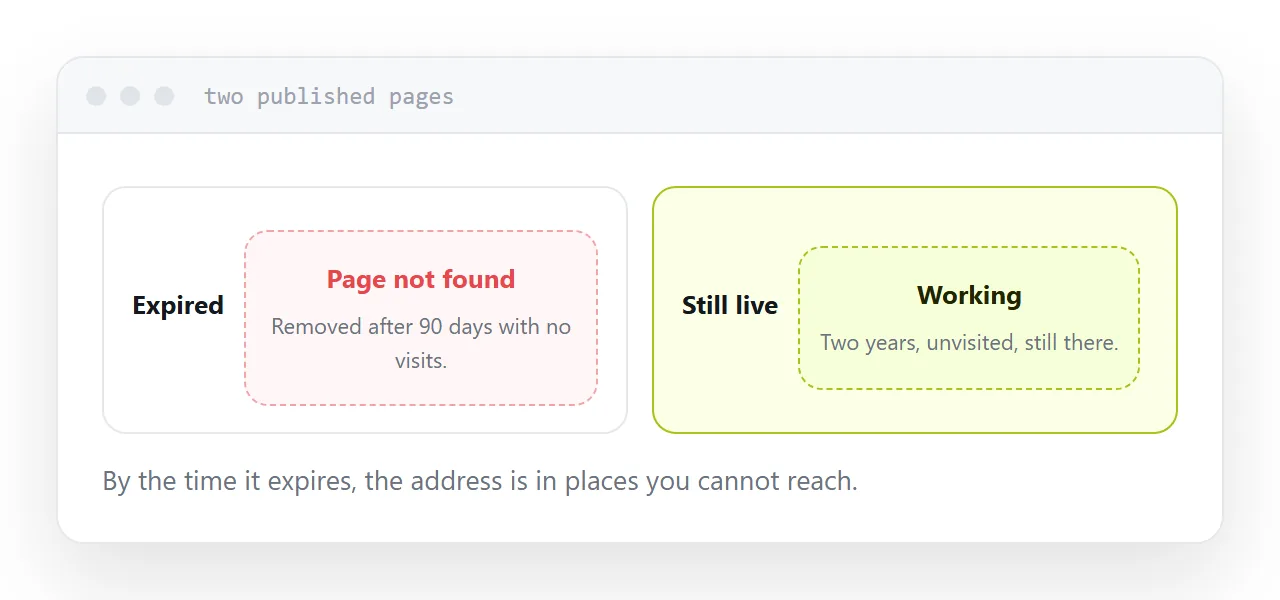
Some services remove pages after a period on the free tier. Sometimes after a fixed time, sometimes after a period of no visits.
That is a reasonable business decision and it is catastrophic for a published link.
By the time a page expires, its address is in emails you cannot recall, documents other people own, printed material in circulation, and pages on other sites. All of those die together, silently, and you learn about it from a customer months later.
Read the free tier terms specifically for this. It is the single most important line in them.
Editing after publishing
Most of this category is upload-and-done. The file becomes a page and that is the end of the relationship.
Which means every correction is a new upload. On some services that produces a new address, and now you have two versions with different links and no way to reach everyone holding the old one.
Being able to change what sits behind an address, keeping the address, is the difference between a link you can rely on and a snapshot.
| What to check | Why it matters | How to test |
|---|---|---|
| Expiry | Published links die silently | Read the free tier terms |
| Edit after publish | Corrections need a new upload | Try changing a page |
| Custom domain | The only portable address | Check if it is on the free tier |
| Address stability | Re-uploading may change it | Upload twice, compare |
| Inactivity removal | Quiet pages disappear | Leave one and check in a month |
The address is the thing you cannot replace
Everything else about a hosting service is replaceable. The address is not.
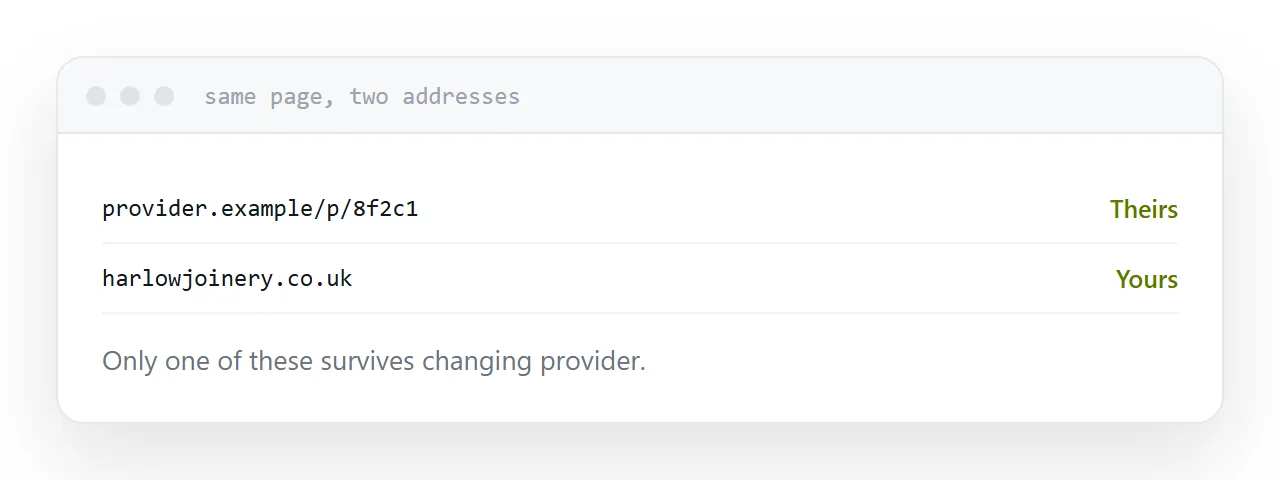
An address on a provider's domain belongs to the provider. If you leave, or they close, or they change their scheme, every link you have ever published breaks and there is nothing to be done.
An address on a domain you own moves with you. Change provider, point the domain elsewhere, and every existing link keeps working.
If you expect to still be using these links in two years, this is the decision, and it is worth the small cost of a domain.
Test the quiet page
Publish a test page, do not visit it for a month, and see whether it is still there.
This catches the inactivity removal that terms sometimes describe vaguely and sometimes do not mention at all. It is the failure mode that affects exactly the pages you care about: the ones you published and stopped thinking about.
Read what the free tier removes
Marketing pages list what is included. The decision is in what is excluded.
Custom domains, editing, no expiry, and removal of branding are the four that commonly sit behind the paid tier, and three of the four are the things this article says matter.
Work out which of them you need before comparing prices, because a cheaper service missing the one you need is not cheaper.
For the surrounding ground, see Choosing a GitHub Pages alternative and Choosing a Netlify alternative. Do you need a chatbot or a better page? is also close.
Put it at an address
Check expiry first, check whether you can edit after publishing, use your own domain if you can, test what happens to an unvisited page, and read the exclusions rather than the features.
Then the link you published this year still works next year.