A transfer service and a page both produce a link. What happens after the recipient taps it is completely different, and that difference is the whole decision.
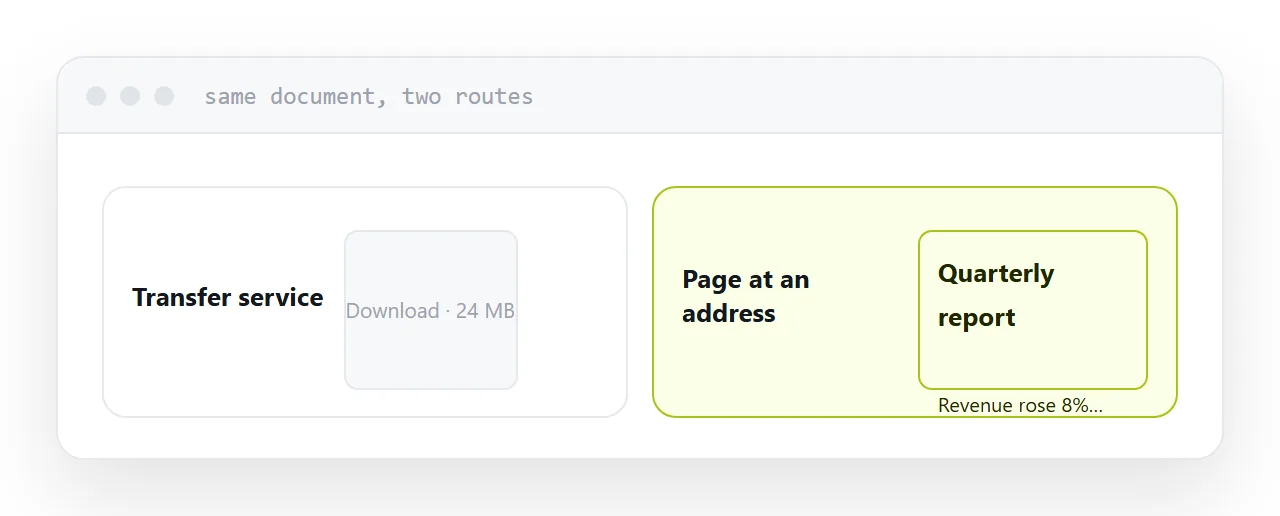
This guide is the question that decides it, then what each option is genuinely good at.
The question
Does the recipient want the file, or the content?
The file. They are going to edit it, archive it, import it, or put it into something else. The file is the deliverable.
The content. They are going to read it, look at it, and form an opinion. The file is a container they never wanted.
Almost every frustration in this area comes from answering the second with a tool built for the first.
What a transfer service is good at
Moving something large from one machine to another, once, to someone who needs the actual bytes.
Raw video footage to an editor. A design archive to a printer. A data export to an analyst. In all of these the recipient is going to work with the file, and downloading is the entire point.
Transfer services do this well. No account, no size limit that matters, and a download that resumes.
They are wrong for documents because downloading is the thing you were trying to avoid, and because they expire, which breaks anything the recipient returns to.
| Transfer service | Cloud folder | Page at an address | |
|---|---|---|---|
| Best for | Large raw files | Colleagues | Anything read |
| Recipient downloads | Always | Usually | No |
| Account needed | No | Often | No |
| Expires | Usually | No | No |
| Opens on a phone | Downloads | Downloads | Opens |
| Update after sending | No | Yes | Yes |
What a page is good at
Anything somebody reads or looks at.
The quote, the proposal, the report, the brochure, the menu, the price list, the presentation. In every one of these the recipient wants the content in front of them, and the file is an obstacle between them and it.
A page opens in a tap, reflows to a phone, has no size limit, can be corrected after sending, and does not expire.
The cost is that it is not a file. If they need the file, give them the file, ideally underneath the page.
Cloud folders sit awkwardly between
A cloud folder is storage, built for you to find things again, with sharing added later.
For a colleague with an account it is fine and often the right answer. For anyone outside, it produces permission screens, downloads on phones, and an address that exposes your folder structure.
The rule is simple: internal, a folder is fine. External, it is the wrong tool and everyone involved can feel it.
Expiry is the quiet difference
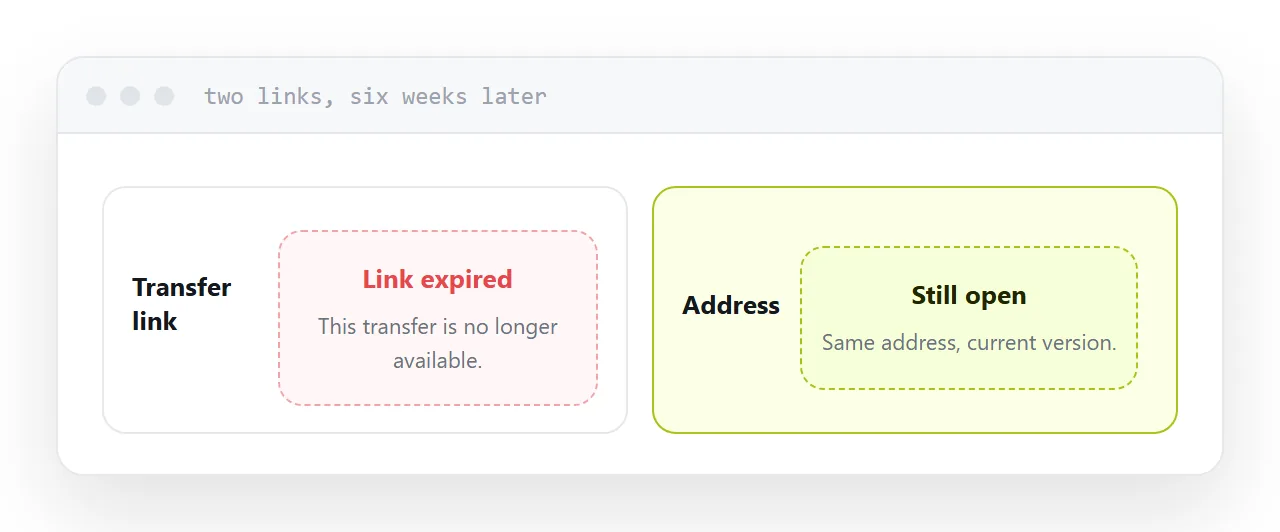
Transfer links expire, usually within days or weeks. That is correct for a one-off delivery.
Business documents get returned to. A client opens a quote again before deciding. A colleague looks for the report three months later. A customer checks the price list.
Every one of those hits an expired link and has to ask you for it again, which is a small recurring tax you pay for using the wrong tool.
Closely related: How to share a file online, and How to share a file without making anyone log in for the adjacent problem. Deciding whether a visual builder suits you is also close.
Put it at an address
Ask whether they want the file or the content. Large raw files to a transfer service, colleagues to a folder, and everything anyone reads to a page.
Then nobody downloads something they only wanted to look at.