Secure sharing is usually discussed as encryption. In practice the risk that materialises in businesses is different, and simpler: a document exists in places you do not know about and cannot reach.
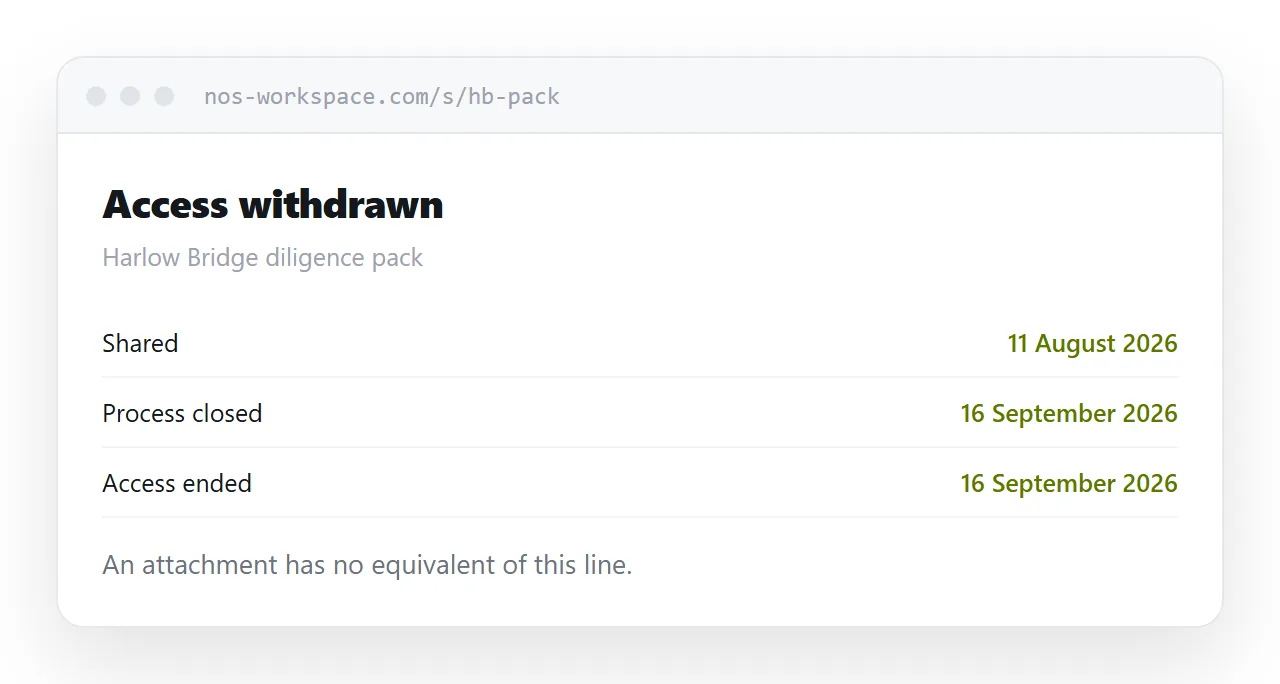
This guide covers what the real risk is, what protects against it, and what is theatre.
The risk is the permanent copy
Interception in transit is a solved problem. Mail moves encrypted and has for years.
What is not solved is what happens afterwards. An attachment sent once is now:
In the recipient's inbox indefinitely. On their laptop. In a thread forwarded to three colleagues. On a personal device if they read it there. In the backup of all of those.
When that person leaves the company, when the engagement ends, when the client asks you to delete their data, none of it can be reached. There is no mechanism. You cannot even count the copies.
That is the exposure that actually produces problems, and encryption does nothing about it.
What actually helps
Withdrawal. One address you can take down. It ends ongoing access everywhere at once, including copies of the link you have lost track of.
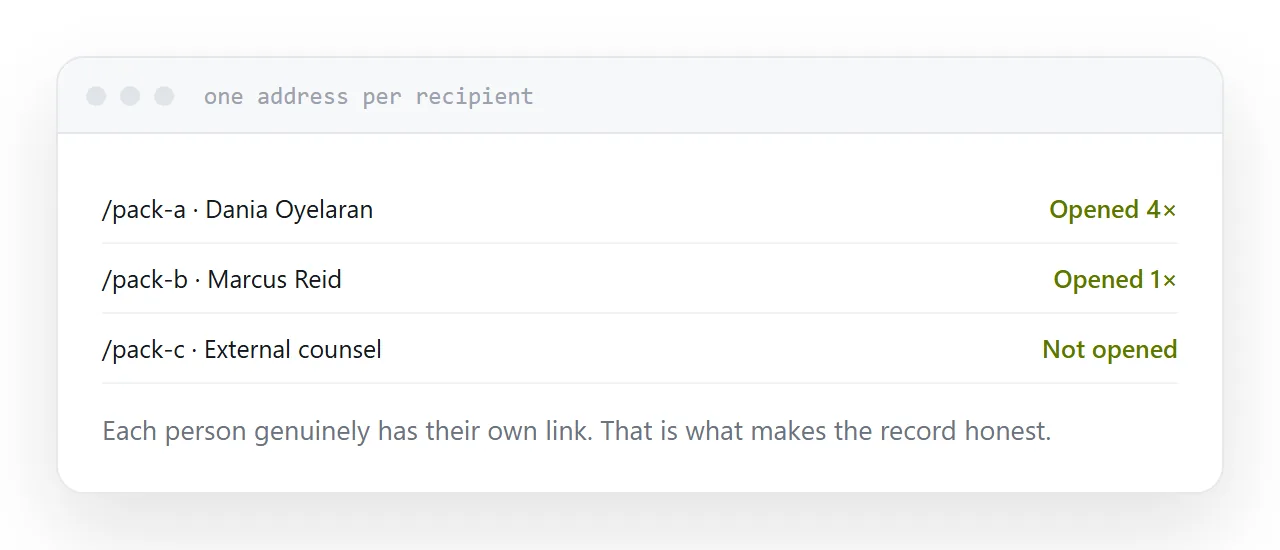
Knowing who received it. A separate address per recipient tells you who opened what and when. That is the record you want if there is ever a question.
Not being findable. An unguessable address is not in search results and cannot be reached by guessing.
Those three cover most of what a business actually needs, and none of them require buying anything.
| Attachment | Public link | Unguessable address | |
|---|---|---|---|
| Withdraw access | No | Yes | Yes |
| Findable in search | No | Yes | No |
| Know who opened it | No | No | With per-person links |
| Survives the recipient leaving | Forever | Until removed | Until removed |
What is theatre
File passwords. They stop accidental opening. Older encryption is broken easily, and in practice the password arrives in the same email as the file, which means it protects nothing at all. If you use one, send it through a different channel.
View-only and download-prevention. Anything readable is photographable. These controls stop a casual copy and nothing more, and treating them as real protection leads to sharing things you should not have shared.
Watermarking. Useful for deterrence and for tracing a leak afterwards. Not prevention.
None of these are useless. They are just not what they are often sold as, and knowing the difference changes what you are willing to send.
The habit that matters
Withdraw access when the reason for it ends.
The engagement finished. The candidate was not hired. The deal fell through. The employee left.
Most organisations never do this, because with attachments there is nothing to do. Once documents live at addresses, it becomes possible, and then it becomes a question of whether anyone actually does it.
Put a date on it when you share it. Review the list monthly. It takes ten minutes and it is the single most effective control in this article.
Closely related: How to share a file without making anyone log in, and How to set up a data room for the adjacent problem. Exporting from a workspace tool is also close.
Put it at an address
Stop sending sensitive attachments, use unguessable addresses, give each recipient their own, add a password for personal data through a separate channel, and withdraw access on a schedule.
Then a document you shared last year is not still readable by someone who left in March.