Exporting is supported and straightforward. What arrives needs a tidy-up before it is a set of documents you would publish.
Choosing a format
Plain text with markup. Best if you will keep working on the content. Readable, diffable, converts into anything, and it will open in any editor in twenty years.
Web output. A folder of pages with styling, closest to what the workspace looked like. Best if you want to publish the pages as they are with minimal work.
Fixed-page documents. Fine for archiving a specific document and poor as a working format, because editing means going back to the source.
Export everything at once rather than page by page, because links between pages only resolve when the whole set is present.
| Format | Best for |
|---|---|
| Markup | Continuing to work on it |
| Web output | Publishing as-is |
| Fixed documents | Archiving a finished item |
| Spreadsheet | A database table |
The filenames
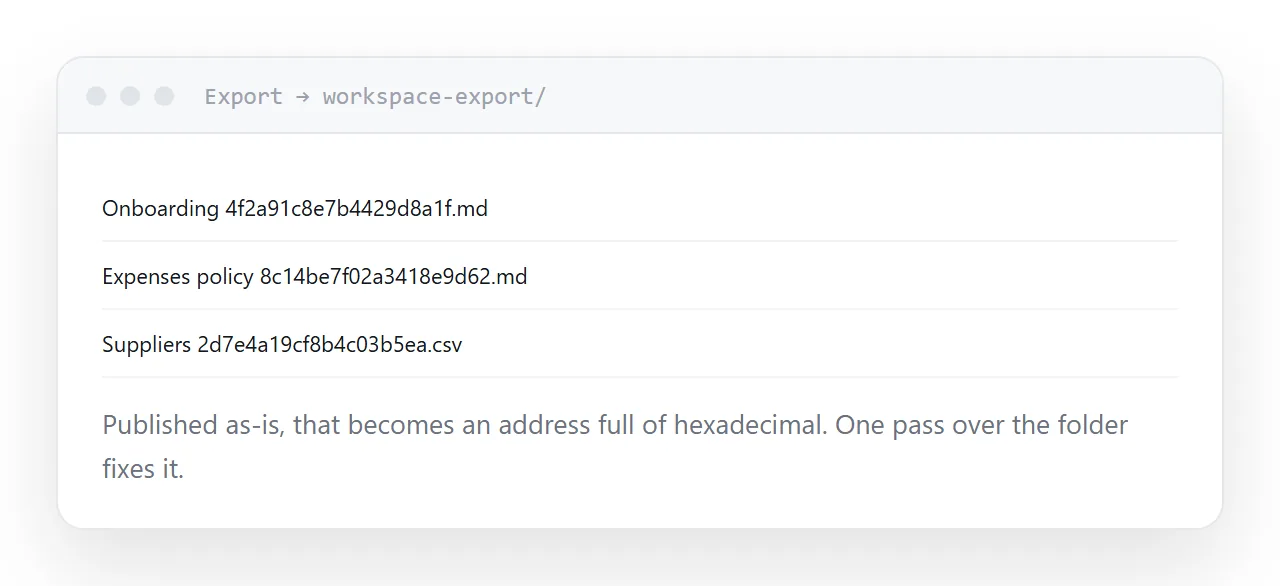
Each page arrives with a long identifier appended to its title.
It keeps names unique inside the export and it is unreadable, and published as-is it produces addresses full of hexadecimal.
One pass over the folder removing everything after the title fixes it. Do it before publishing, because renaming after addresses have circulated means broken links.
The links
Three kinds, and they behave differently.
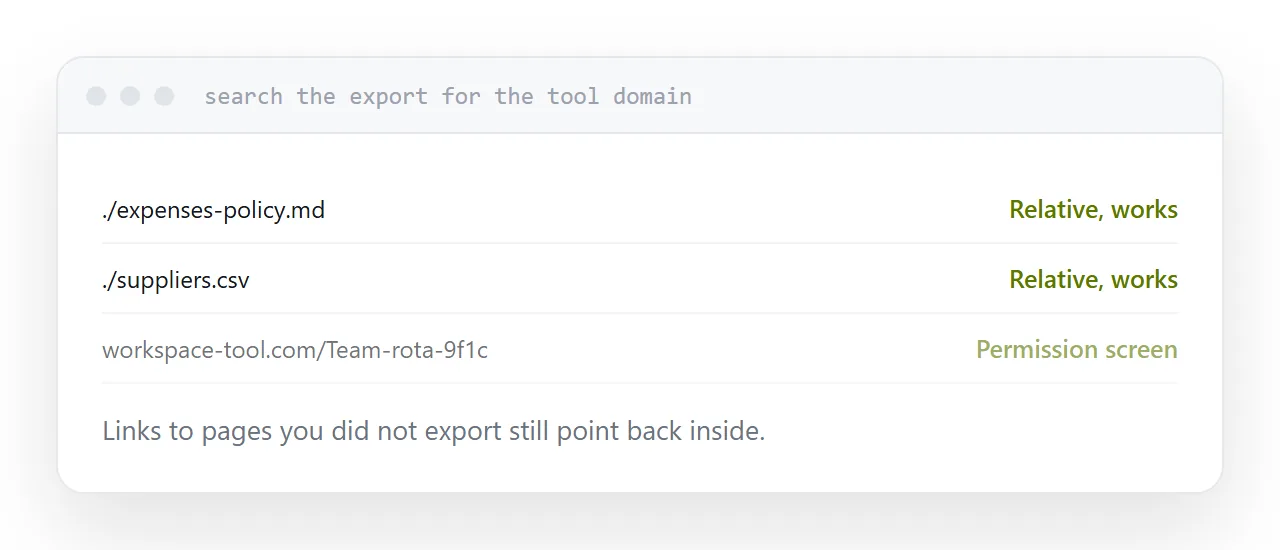
Links between exported pages generally become relative links and work once the folder is intact.
Links to pages you did not export still point back into the tool, so anybody outside the workspace hits a permission screen. Search the export for the tool's domain to find them.
Embedded content from other services usually exports as a link rather than an embed, which is normally what you want.
What does not come out
The parts that were features of the tool rather than content.
A database exports as a flat table. The board view, the filters, the grouping and the relations between tables do not exist outside, because they were behaviour rather than data.
Comments, page history and permissions generally do not export either. If any of that is important, it needs recording separately before you rely on the export.
Export on a schedule
The reason to know how this works is not that you are leaving.
It is that content living in exactly one product, under somebody else's terms and pricing, is a single point of failure. An export taken quarterly and kept somewhere you control turns that into an inconvenience.
An export you have never actually taken is not a backup. Take one, open it, and check the pages are readable.
Two neighbouring cases are worth a look: What an MD file is and An alternative to Confluence for documentation.
Put it at an address
Export the whole workspace rather than single pages, choose markup for reuse and web output for publishing, strip the identifiers from filenames, find the links pointing back into the tool, and take an export on a schedule.