Onboarding material is read by somebody with no context, no accounts, and no idea who to ask. Every assumption you cannot see is a place they get stuck.
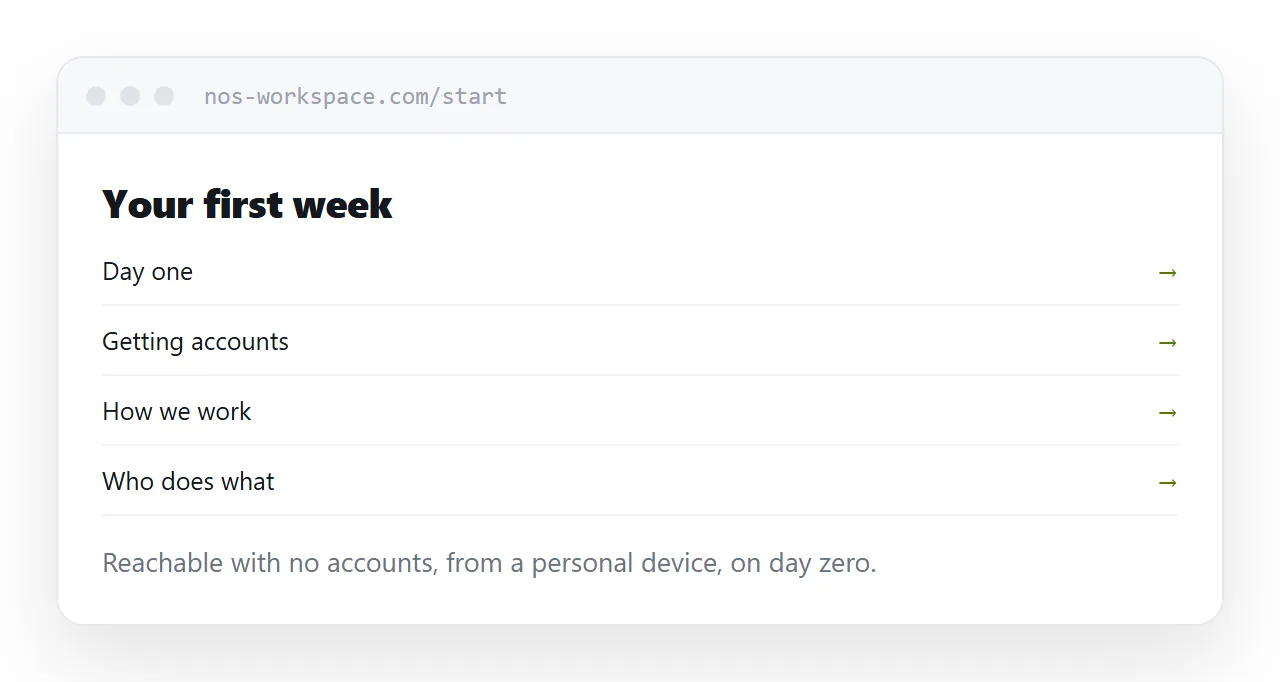
This guide covers access, the first day, and who maintains it.
They cannot open your links
The most common failure is sending a new starter a set of links into internal systems.
They have no account. Or the account exists and permissions have not propagated. Or it requires a device they have not been issued.
So the first-week material has to live somewhere reachable without any of that. A page at an address, opened from a personal device, on day zero, before anything has been set up.
Once accounts exist, link to internal systems freely. Before that, assume nothing.
Day one is four things
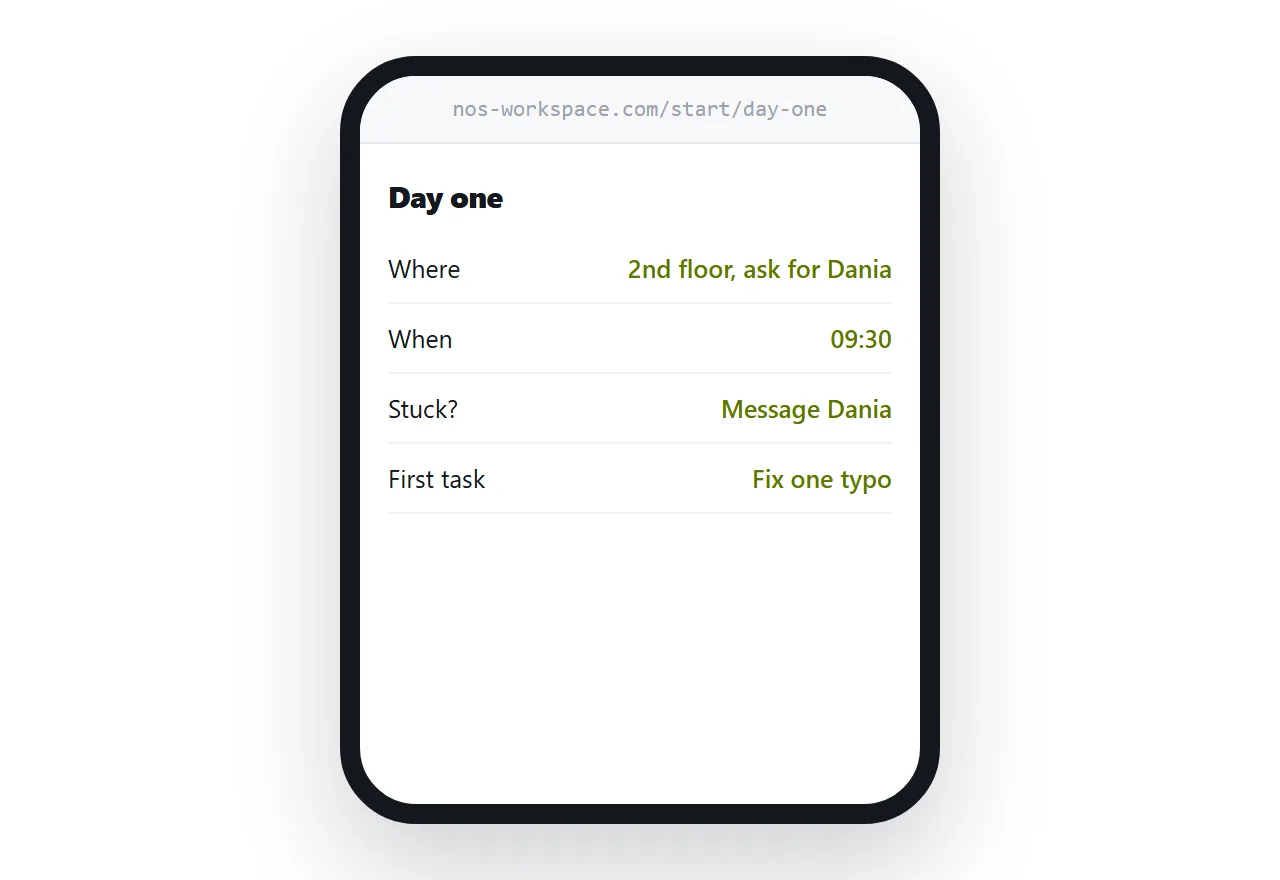
Where to be and when. Address, floor, who to ask for, or the meeting link.
Who to ask. A name and a channel for when something is confusing. This one matters more than anything else on the page.
How to get accounts. What they need, who requests it, roughly how long.
One thing to do. Something small that produces a visible result on the first day.
That last one is underrated. A first day spent waiting for access, with nothing accomplished, sets a tone that takes weeks to recover from.
| Everything on day one | First week, paced | |
|---|---|---|
| Overwhelming | Yes | No |
| Retained | Little | Most |
| Accessible without accounts | Rarely | By design |
| Gets read | Skimmed | Used |
One page per topic
New starters read in fragments: twenty minutes between meetings, an hour on the second afternoon.
One page per topic makes that possible. They finish a topic, come back to the index, pick the next one. A single enormous document is abandoned partway and never returned to.
Keep the index short and ordered by when it is needed rather than by importance.
The newest joiner maintains it
Onboarding material rots because the people who wrote it stopped needing it.
The person who joined most recently is the only one who knows which parts were wrong, out of date, or assumed something they did not have. Make fixing it part of their first month.
This is the cheapest documentation maintenance available and it produces the most accurate result.
Never put credentials in it
No passwords, no keys, no access tokens, regardless of how convenient it is.
Those go through whatever proper channel exists, individually. An onboarding page with credentials on it is a page that leaks every time somebody leaves and keeps a bookmark.
Say what accounts they need and who requests them. Not what the passwords are.
What can be public
The general material, how the team works, what the products are, how decisions get made, is often fine to publish and is read by candidates.
Anything naming internal systems, individuals in sensitive roles, or customers should stay behind an unguessable address.
If this is near what you are doing, An onboarding HTML template that does not go stale and How to write a user manual cover the cases on either side.
Put it at an address
Make the first week reachable without accounts, keep day one to four things, one page per topic under a short index, have the newest joiner fix it, and keep credentials out entirely.
Then a new starter can get going without waiting for somebody to be free.