A client portal is one address per client holding the current state of the work. It removes the two recurring costs of client email: resending documents, and answering where-are-we questions.
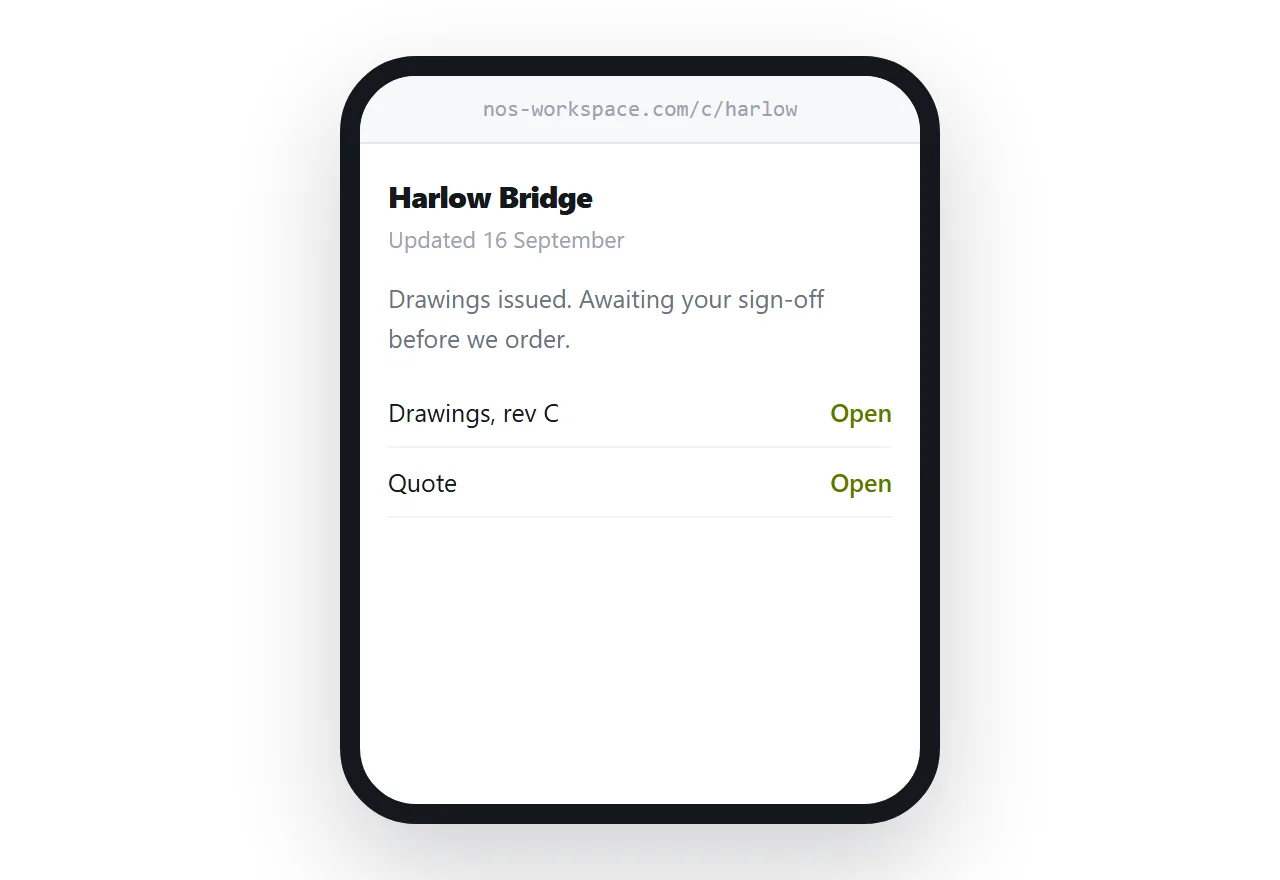
This guide covers what goes on it, whether it needs a login, and where email still fits.
Three sections, in this order
Where things stand. One or two sentences and a date. What stage the work is at and what happens next.
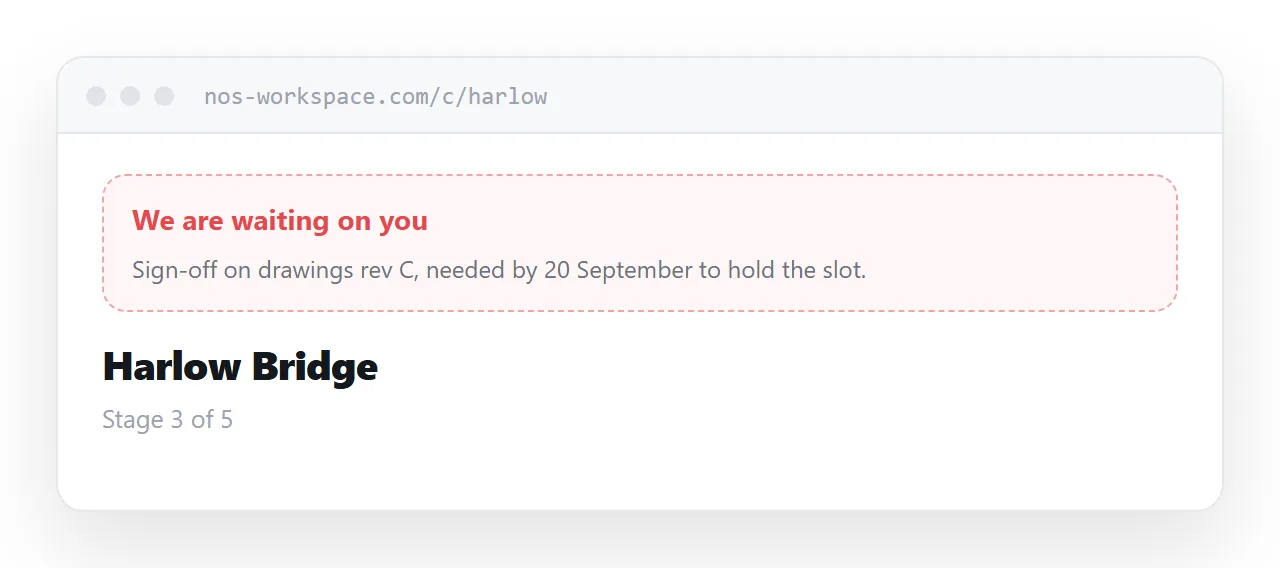
What you need from them. Named, specific, with a date. Most delays in professional services are waiting on a client who does not realise they are the bottleneck.
Everything so far. Proposals, reports, invoices, correspondence that matters, newest first.
The order matters because the first two are why they opened the page. The document list is what stops them emailing you.
No login
The instinct is that a client portal needs accounts. For most professional services it does not.
A login means a password, which means a forgotten password, which means a reset, which means an email to you. That is a recurring cost paid to protect information the client already has.
An unguessable address gives you the practical outcome: not findable, not reachable by anyone who was not given it, and openable in one tap from any device.
Add a password when the work genuinely warrants it: personal data, legal matters, anything regulated. Not by default.
| Attachments by email | Client page | |
|---|---|---|
| Client finds last month's report | Searches their inbox | Two taps |
| You resend things | Constantly | Rarely |
| Status questions | By email | On the page |
| Client needs an account | No | No |
| You can see they read it | No | Yes |
Email is the notification
The page does not replace email and should not try.
When something changes, send a short message saying what changed, and link to the page. Two sentences.
What stops is attaching things. Attachments are what get lost, what go out of date, and what produce the resend requests. The page holds the documents; the email points at the page.
Clients adapt to this quickly, because it is less work for them too.
Knowing it was read
An address tells you whether the client opened it.
That changes how you chase. A client who has not opened the page has not seen the thing you are waiting on. A client who opened it three times and has not replied is dealing with something internally.
Both are more useful than sending a second email into silence.
Maintaining it
A few minutes per update. Change the status line, add the new document, update what you need from them.
Against that, the time recovered from resending documents and answering status questions is usually larger within the first month. Most people find this is net less work, not more.
Keep a template so setting up a new client takes five minutes rather than being a small project each time.
When a portal product earns its place
Three situations.
Clients need to upload. Receiving documents securely is a different problem from publishing them.
Payments run through it. Invoicing, payment status and reminders.
Enough clients that pages by hand stop scaling. Somewhere past twenty or thirty, depending on how often things change.
Below that, a page per client does the same job for nothing.
If this is near what you are doing, How to share a file without making anyone log in and Collaborating with people outside your tools cover the cases on either side.
Put it at an address
One unguessable address per client, status at the top, outstanding items next, every document below, and email as the notification rather than the delivery.
Then nobody asks you to resend anything.