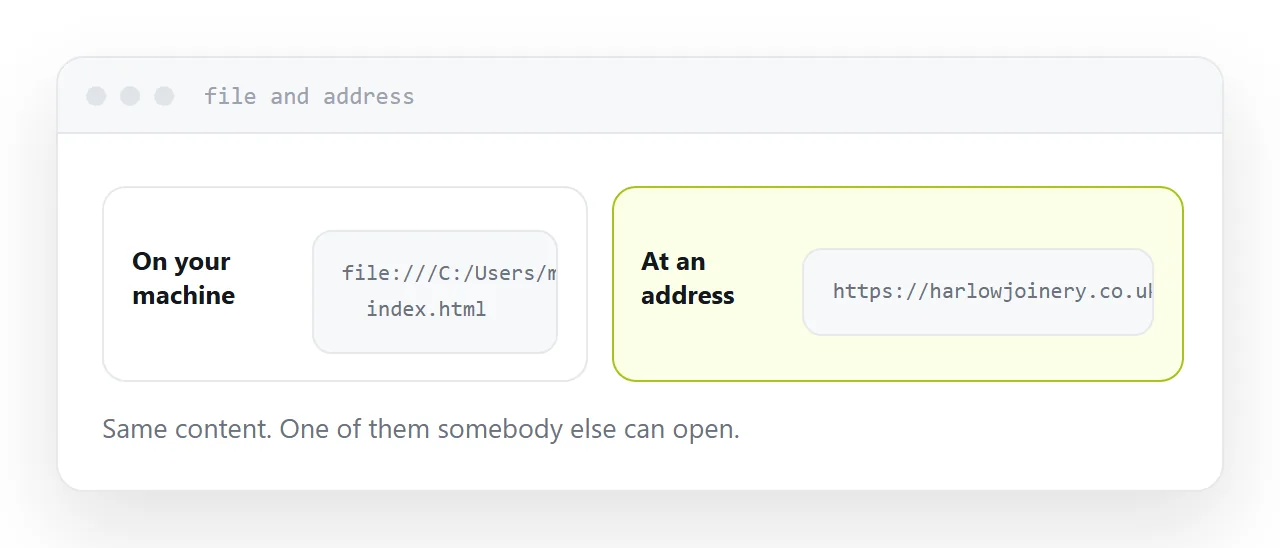
A file that opens in a browser is already a page. Making it a website means giving it an address and fixing the four things that only break once somebody else opens it.
This guide covers the four, and what a domain is for.
One: paths
The most common difference between working locally and working published.
<link rel="stylesheet" href="/style.css">   <!-- fails under a subfolder -->
<link rel="stylesheet" href="style.css">    <!-- works -->
A leading slash means from the top of the domain. Locally the top is your folder, so it works. Published under any subfolder, it points somewhere your files are not.
Case matters too. Most desktop machines treat Logo.png and logo.png as the same file; servers generally do not. Rename everything lowercase before publishing and the problem disappears.
Two: the head
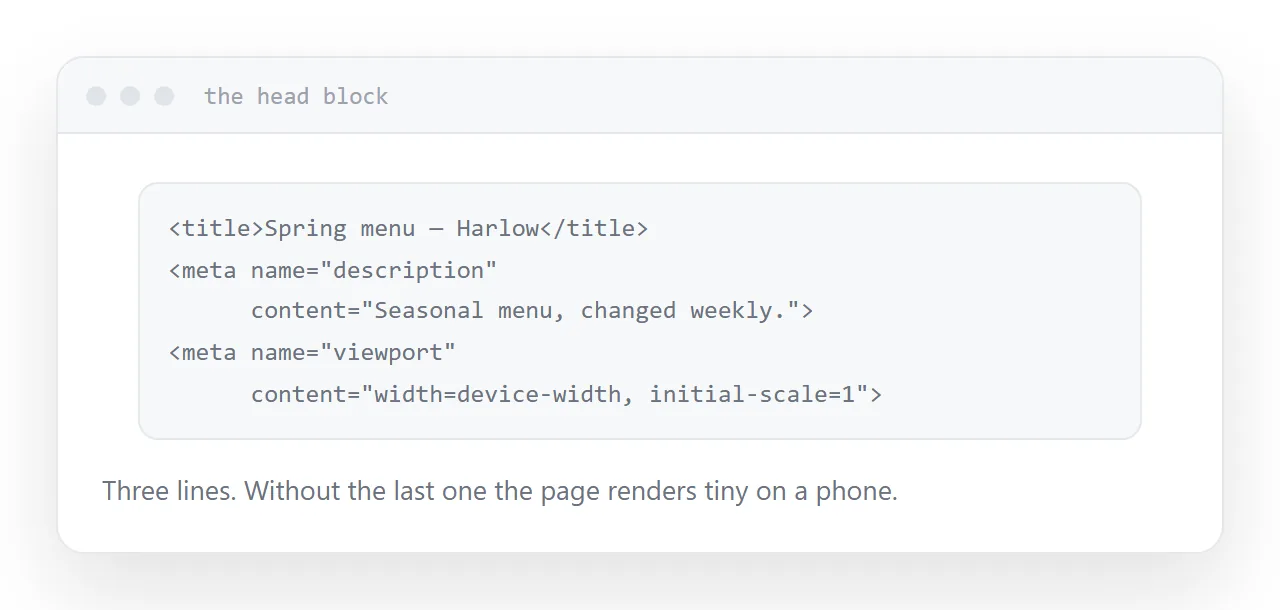
Three lines that decide how the page behaves for everyone who is not you.
<title>What this page is</title>
<meta name="description" content="One sentence for a search result.">
<meta name="viewport" content="width=device-width, initial-scale=1">
The title is what appears in the browser tab, in search results and in a shared link. Without it the page is named after the file.
The description is the line under the title in a search result, and it is what a messaging app shows when the link is pasted.
The viewport tag is what makes a phone render the page at phone width instead of pretending to be a desktop and zooming out. Without it, a page that is perfectly responsive still looks tiny on a phone.
| Missing | Symptom |
|---|---|
| Title | Tab and search result show a file name |
| Description | Shared links look bare |
| Viewport tag | Page renders tiny on a phone |
| Relative paths | No styling, missing images |
Three: check it on a phone
The page was built on the machine it looks correct on. That proves very little.
Open the published address on an actual phone. Look for horizontal scrolling, text too small to read, and anything needing a hover that now does nothing.
Those three are the usual set, and all of them are invisible from a desktop.
Four: one page is enough
A single page is a complete website when it says one thing.
Adding an about page, a contact page and a blog because websites are supposed to have them produces a site with four pages and nothing on three of them. That is worse than one good page.
Add pages when there is content that genuinely does not belong on the first one.
The domain
The page works without one. The address is what does not survive without one.
An address on a hosting provider's domain belongs to the provider. Move, or they close, and every link you published breaks: the ones in messages, in other people's pages, in printed material, in search results.
Your own domain means moving is a change of where it points. Nothing breaks.
If you expect to still be using these links in a year, get one before publishing the address rather than after.
Closely related: Free HTML file hosting, compared, and HTML to link for the adjacent problem.
Put it at an address
Name it index.html, make every path relative and lowercase, add a title, description and viewport tag, check it on a phone, and put your own domain in front of it.
Then the file that worked on your machine works for everyone.