Locking a document does not need paid software. Mac and most office suites will do it, and the interesting question is not how but whether.
This guide covers the built-in routes, what a password actually prevents, and the case for an address instead.
The built-in routes
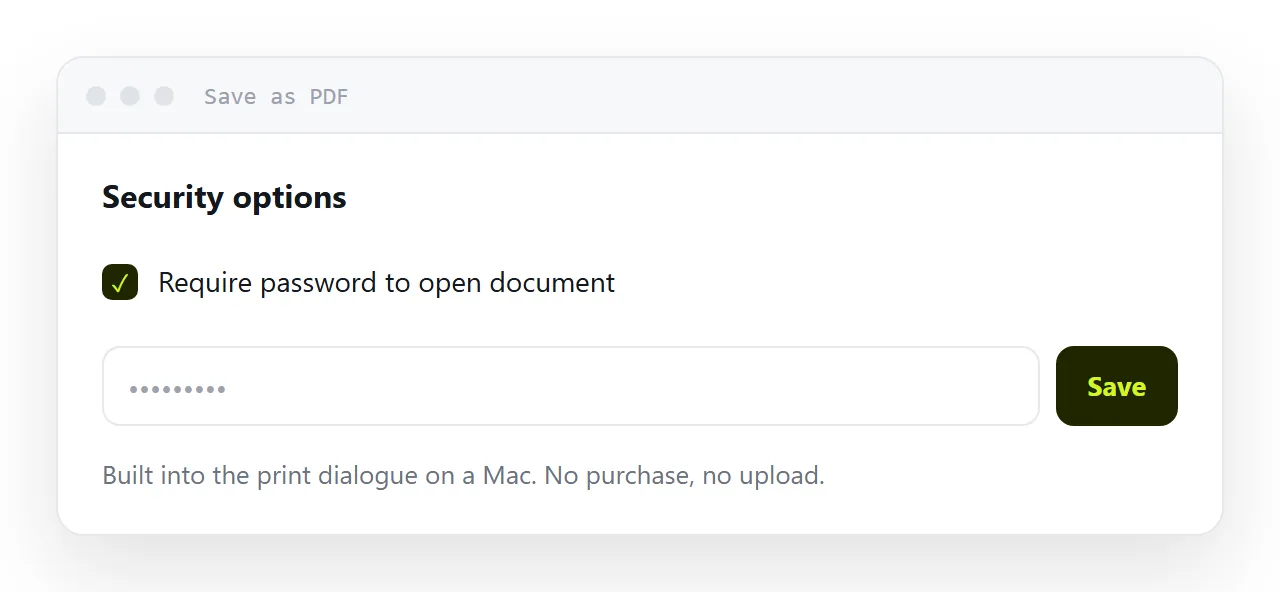
On a Mac. Open the document, choose Print, then the PDF menu at the bottom of the dialogue, then Save as PDF. The security options there set an open password. It is buried in the print dialogue, which is why most people never find it.
In an office suite. Word, Pages and LibreOffice all export a locked document directly. Look for security or protection options at the point of export rather than in the main settings.
On Windows without an office suite. There is no built-in route, which is why so many people end up at a website that asks them to upload the document. Think about that for a moment before doing it: you are handing a document you considered sensitive enough to lock to a third party you know nothing about.
What a password actually prevents
It prevents someone opening the document by accident, or opening it casually because it was forwarded to them.
It does not prevent someone who wants in. Tools that remove document passwords are free, plentiful and take seconds. This is not a secret and not a flaw in any particular product; document encryption was designed for convenience.
So the honest framing is: a password turns a document from readable by anyone holding it into readable by anyone holding it who can be bothered. For a salary letter going to one employee, that is enough. For anything where a determined reader is the threat, it is not.
The cost nobody mentions
Two costs, and both fall on your reader.
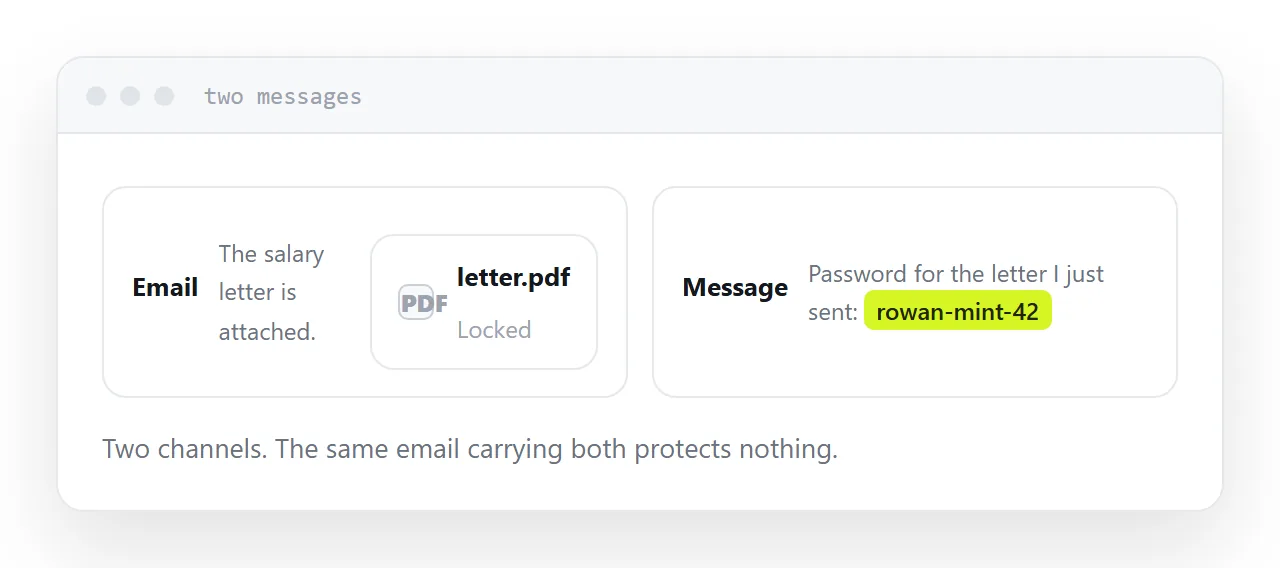
Somebody has to be told the password, through a channel that is not the same message. In practice this means a second message, a phone call, or a convention everyone has to remember. Each of those is a place where the process breaks and you get an email asking for the password.
Some readers cannot open it. Phone document readers handle encryption inconsistently. A share of your recipients will tap the file and get an error, and most of them will not tell you.
| Password on the document | Private address | |
|---|---|---|
| Reader has to be told something | Yes | No |
| Works in every reader app | No | Yes |
| You can withdraw access later | No | Yes |
| Stops a determined reader | No | No |
| Survives forwarding | Password goes with it | Address goes with it |
Why an address is often the better answer
For most business documents, the practical need is not encryption. It is that the document should not be findable, and that you should be able to stop it later.
An unguessable address does both. It is not in search results, it is not reachable by anyone who was not given it, and you can take it down when the quote expires or the employee leaves.
Nobody has to be told anything. Nothing gets stuck in a reader app. And you keep the ability to correct the document after sending it, which a locked file never gives you.
For genuinely confidential material, use both: a private address with a password on the document behind it.
If this is near what you are doing, How to share a PDF as a link and PDF storage and hosting cover the cases on either side. How to export a whiteboard board is also close.
Put it at an address
Decide what you are actually protecting against. If it is accidental reading, a private address is simpler and costs your reader nothing. If it is a determined reader, add a password and send it separately, knowing what it does and does not buy you.