A whiteboard board is meaningful because of arrangement. This cluster next to that one, this arrow from here to there, this group of notes deliberately set apart.
Exporting to fixed pages destroys arrangement, which is why board exports are so consistently disappointing.
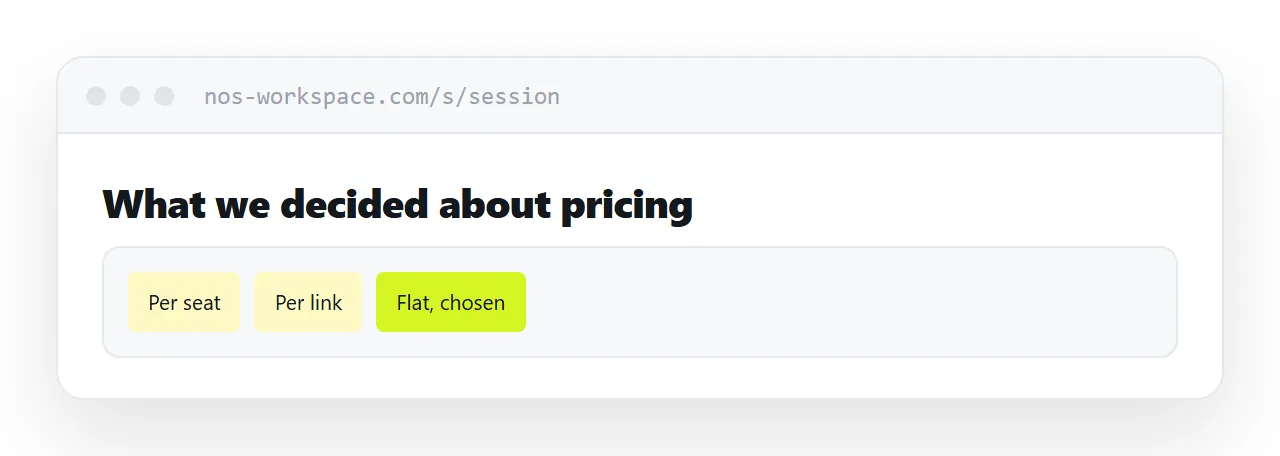
This guide covers exporting regions, what to leave out, and what to send instead.
Why the whole board does not export
An infinite canvas has no page size. The export has to choose one, and both choices are bad.
Fit everything on one page and the notes become specks. Keep the notes readable and the board is cut into a grid of pages, with clusters split down the middle and arrows leading off the edge of page three into page seven.
Either way, the reader cannot see what the board was saying, because the saying was spatial.
Export regions instead
Pick the areas that hold conclusions and export those, one at a time, at a size where the text is readable.
Most of a board is working material: parked ideas, duplicates, the cluster that went nowhere, three versions of the same note. That is valuable during the session and noise afterwards.
Give each exported region a heading. Not the label from the board, but a sentence saying what it is and what came out of it.
| Whole board on one page | Regions exported separately | |
|---|---|---|
| Notes readable | No | Yes |
| Relationships preserved | Compressed | Within each region |
| Reader knows where to look | No | Headings |
| Working material included | All of it | Left out |
The board is not the deliverable
This is the part that gets skipped.
A board is a record of a session, legible to the people who were in it because they remember the conversation. To anyone else it is a field of coloured rectangles.
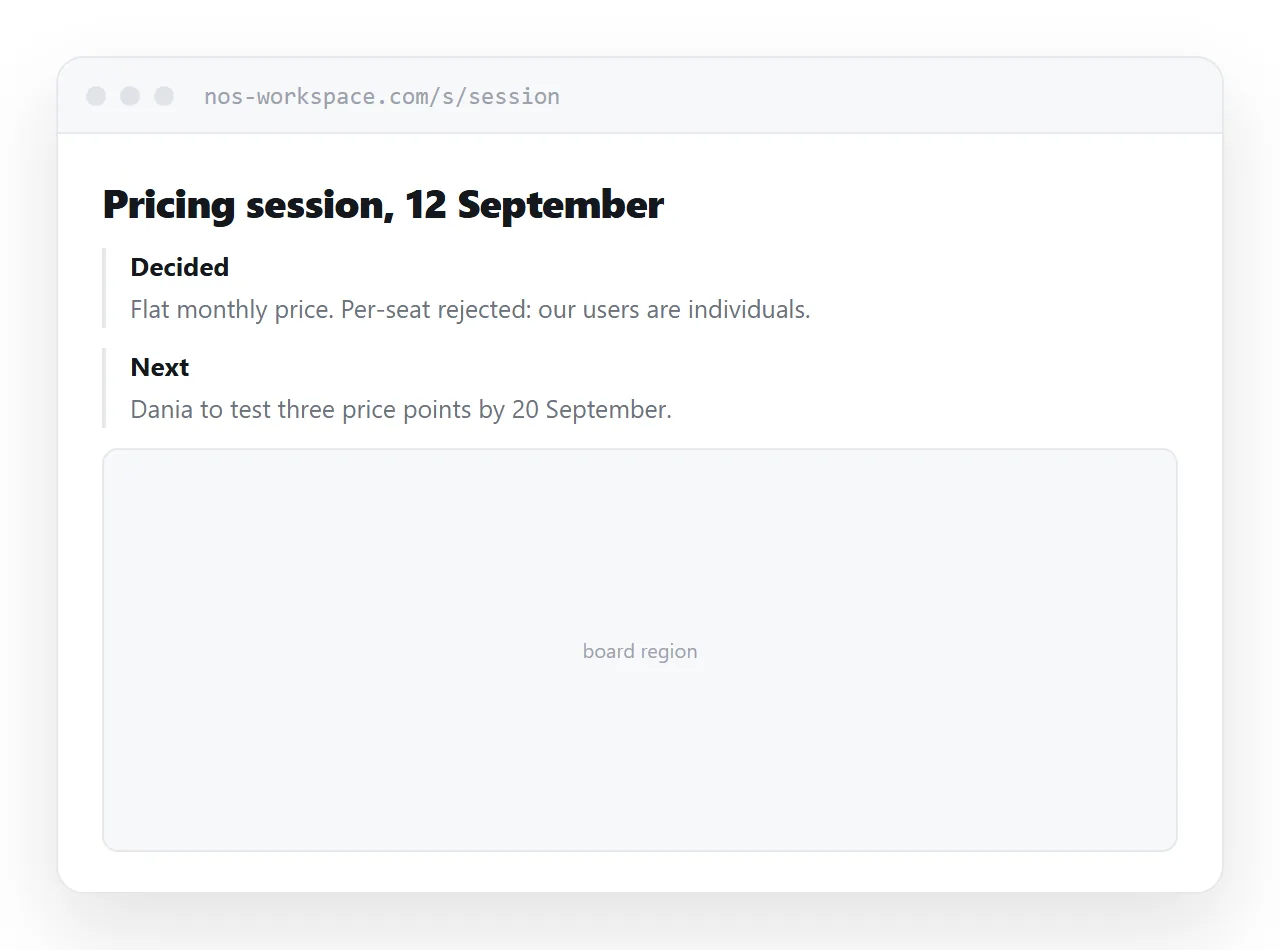
What a colleague needs is a written summary: what was decided, what was rejected and why, what happens next, who is doing it. Two hundred words.
Put the exported regions underneath as supporting material. The summary carries the meaning; the images show the working.
Sending the live board
For participants, the board link is right. They know the terrain and they may want to keep working.
For anyone else it usually requires an account, and even with access they land in an infinite canvas at an arbitrary zoom level with no idea where to start. Several people have to ask where to look, which is a session in itself.
If you do send it, say where to go: the region name, the area, the cluster.
Keep the board alive
Do not archive the board immediately after exporting.
Questions arrive for weeks afterwards, and the answer is frequently in a part of the board nobody exported. A board that still exists can be looked at; an export cannot answer anything that was not exported.
Put the board link in the summary so it is findable later, alongside the images.
Two neighbouring cases are worth a look: How to share a Plotly export and How to share a digital presentation.
Put it at an address
Export regions rather than the whole board, leave the working material out, head each region with what it is, write a summary for people who were not there, and keep the board alive afterwards.
Then the session is usable by somebody who was not in it.