Sharing a design means the person you sent it to sees the design. Not a sign-in screen, not a request-access page, not an editor they do not understand.
This guide covers why editor links fail, what to export, and handling revisions.
The editor link is for collaborators
Design tools produce share links that point into the editing environment. That is correct for a colleague who is going to change something.
It is wrong for a client, and it fails in a specific and embarrassing way. The permission setting is subtly incorrect, or the client is not signed in, or they do not have an account at all. They tap the link and are asked to create one.
At that moment they are not looking at your work. They are deciding whether to bother, and a proportion of them do not.
Export, then publish
Export the design as an image and put the image at a plain address.
The client taps and sees the design, full width, on whatever device they happen to be holding. No account, no loading of an editor, nothing to understand.
For a multi-page design, export each page and put them on one page in order, each opening larger on tap. That reads far better on a phone than a document viewer does.
| Editor share link | Exported design at an address | |
|---|---|---|
| Account needed | Often | No |
| Permission screen | Common | No |
| Opens on a phone | Heavy editor | Immediately |
| Client can edit by accident | Possible | No |
| Revision handling | Live changes | Replace the export |
Export for screens, keep print separately
Designs are usually built at print resolution, and a print-resolution export is enormous.
Export a screen-sized version for the address. The client sees it immediately rather than watching a progress bar for something they are only approving.
Keep the print files where they belong: sent to the printer, or at a separate address clearly labelled, so nobody confuses the approval copy with the production file.
Feedback without an account
Comment threads inside the editor are good and they require the client to be in the editor, which is what you avoided.
Ask for feedback in the message that carried the link. Or put a line and a contact point on the page itself. Clients respond in whatever channel they were already using, and forcing them into a new one slows approval down rather than speeding it up.
Revisions replace the export
Send version one. Client asks for changes. Send version two.
With attachments this produces a thread containing three files, and a client who approves the wrong one. It happens often enough to be a known hazard of design work.
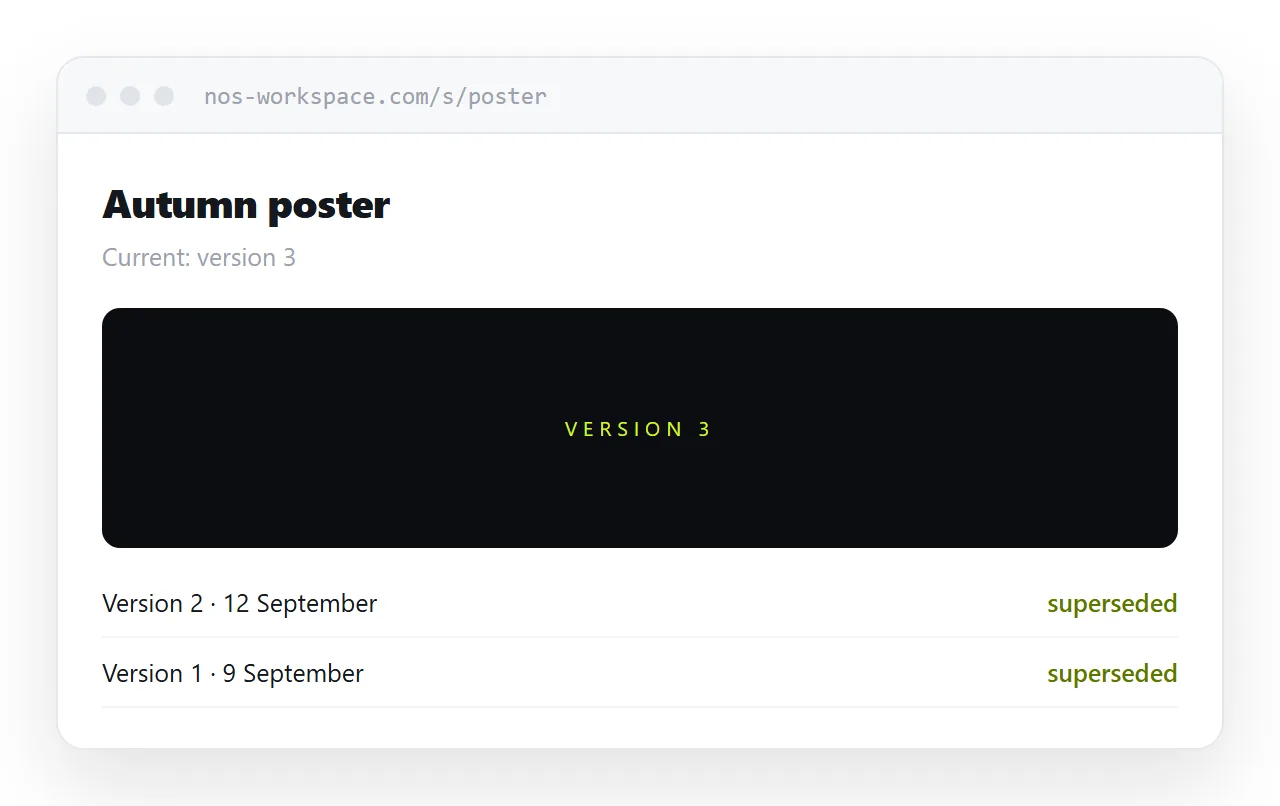
With an address, you replace the export. The link in the original message now shows the current version. If the history matters, list previous versions below the current one, clearly labelled and clearly secondary.
Closely related: How to share a photo gallery as a link, and How to share a PDF as a link for the adjacent problem.
Put it at an address
Export rather than sharing the editor, size it for screens, publish it at a plain address, ask for feedback in the message, and replace the export for each revision.
Then the client sees the work in the first second.