Images on a page come from somewhere. If that somewhere stops serving them, the page is broken and you are usually not the one who notices.
This guide covers what actually breaks, the checks that predict it, and when to put images inside the file instead.
The three ways an image address dies
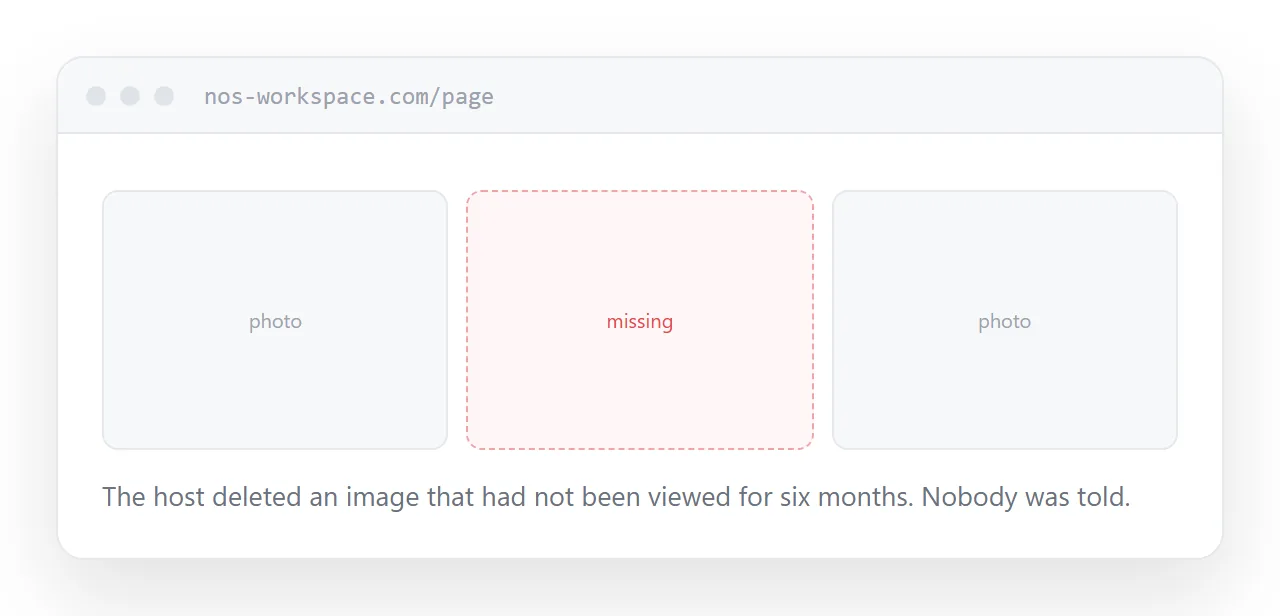
Expiry. Many free hosts delete images that have not been viewed for a period. A page that is quiet for six months comes back with missing pictures.
Address changes. The host reorganises, moves to a new domain, or changes the format of its addresses. Old addresses stop resolving, sometimes without a redirect.
Hotlink blocking. The host decides to stop serving images to pages on other sites. This one is the most confusing, because the address still works when you open it yourself. Only the visitor sees a broken image.
All three happen quietly. There is no message, no warning, and the page keeps claiming to be fine.
The checks that predict it
Before relying on a host, three things are worth two minutes.
Open the image address from a different site. Put it in a plain test page somewhere else and see whether it loads. If it does not, the host blocks hotlinking and is unusable for this.
Look at the address itself. A long string of characters that looks like a token, or a parameter with an expiry time in it, means the address is temporary by design. It will break, and the only question is when.
Read what they say about inactive images. If the terms mention deletion after a period of no views, assume it will happen.
| Free image host | Images with the page | |
|---|---|---|
| Expires | Often | No |
| Hotlink blocked | Sometimes | No |
| Address changes | Sometimes | No |
| Costs storage | No | Yes |
| Good for photographs | Yes, with care | Large files |
Putting images inside the file
An image can be encoded directly into the page, so there is no external request and nothing to break.
<img src="data:image/svg+xml;base64,PHN2ZyB4bWxucz0i..." alt="Logo">
For a logo, an icon or a small diagram this is the most robust option available. The page is self-contained: move it, email it, open it with no connection, and the images are still there.
For photographs it is the wrong choice. Encoding inflates the data by 33% and the whole page has to arrive before anything shows. A page with ten encoded photographs is slower than a page that loads them separately.
The rule: small and structural, encode it. Large and photographic, load it.
Size is where weight comes from
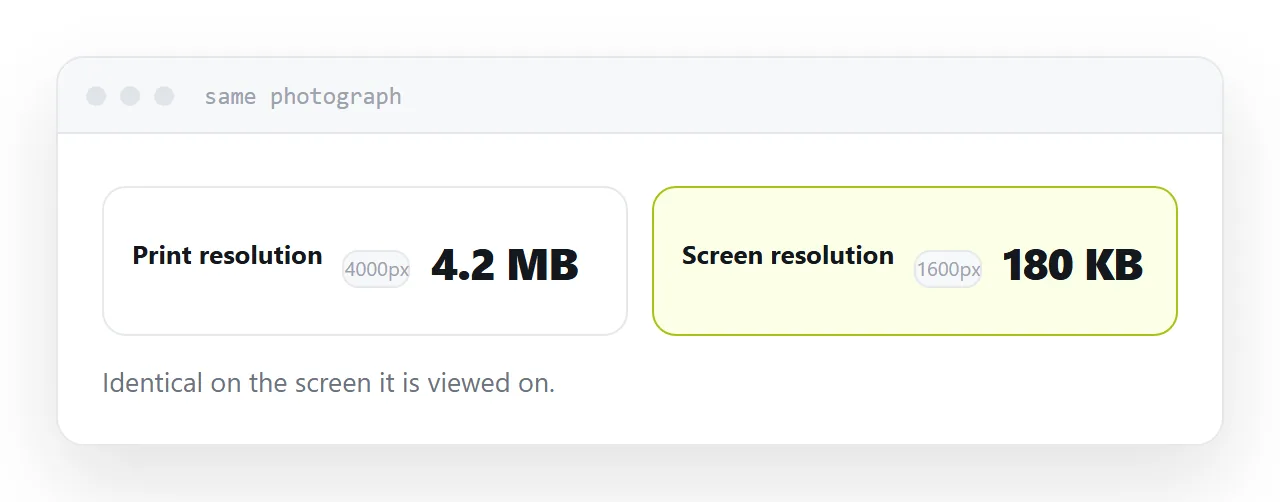
Most slow pages are slow because of photographs sized for print.
Serve images at roughly the size they are displayed, or twice that for sharp screens. A photograph shown eight hundred pixels wide does not need to be four thousand.
Load the images below the fold only as the reader scrolls to them. That alone often halves the time before a page becomes usable.
Two neighbouring cases are worth a look: Self-contained HTML file: one file that works anywhere and Free HTML file hosting, compared. Exporting a layout to a web page is also close.
Put it at an address
Test the address from another site, look for anything temporary in it, check what happens to inactive images, encode small images into the page, and size photographs for screens.
Then the page still looks right in a year, when nobody is watching it.