There are three ways to send a PDF, and the right one depends on two questions: how big is it, and do you need to know whether it was opened.
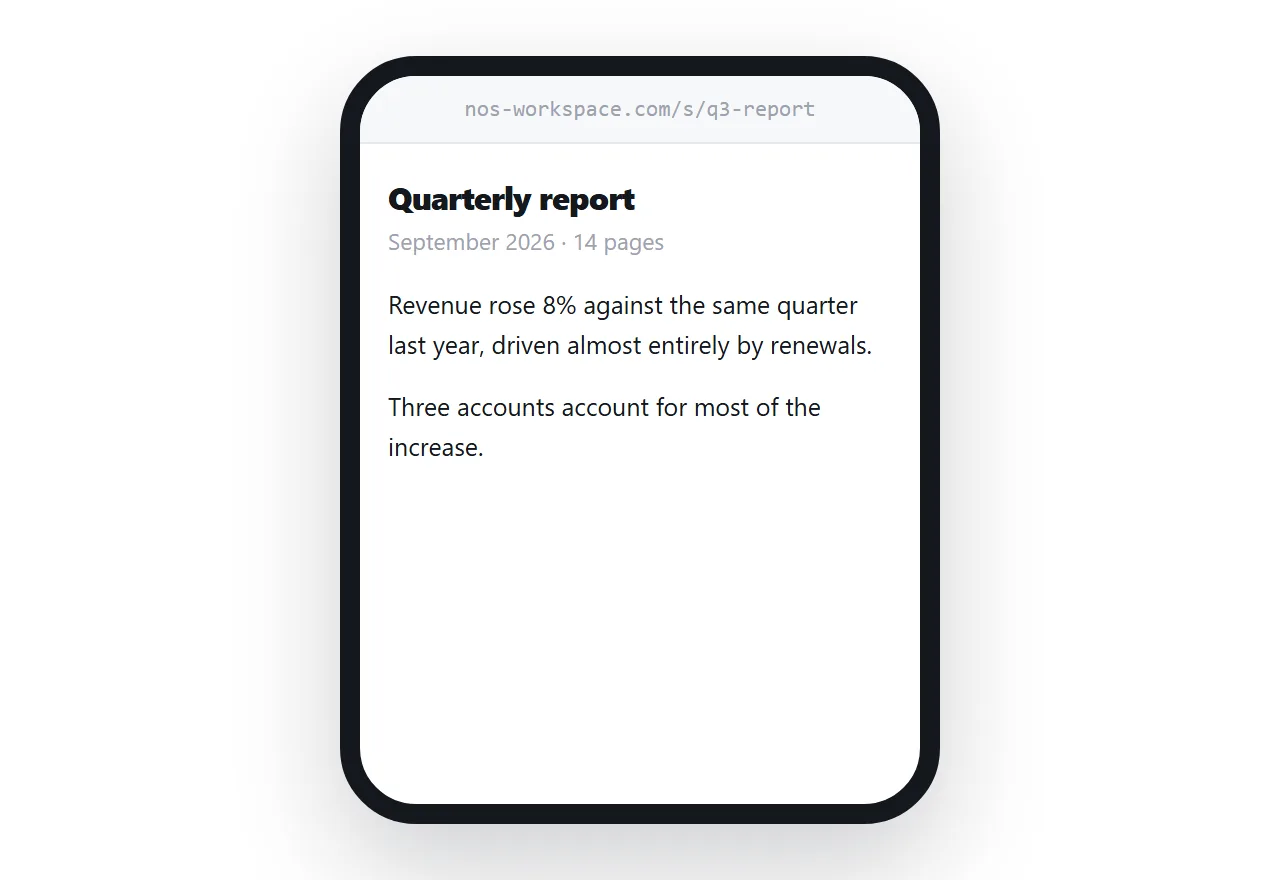
This guide covers the size limits that cause silent failures, what a cloud folder link costs the recipient, and the case where a link is the only workable option.
The size limit is lower than the number you were told
Gmail and Outlook both advertise 25MB. Neither delivers 25MB.
An attachment is encoded before it is sent, and that encoding adds 33% to the size. A 20MB PDF leaves your machine as about 27MB and bounces. Corporate mail servers commonly cut the limit to 10MB, and most of them reject silently.
Treat 10MB as the practical ceiling. Above that, email stops being a reliable way to move a file, no matter what the compose window says.
Scanned documents are the usual culprit. A ten-page scan can be larger than a hundred-page text PDF, because every page is a photograph.
What a cloud folder link actually costs
Putting the file in Drive or OneDrive and sending the link solves the size problem and introduces a different one.
The recipient lands on a permission screen if the sharing setting is wrong, which happens often enough that most people have sent a follow-up email about it. On a phone the file frequently downloads instead of opening, so the reader is now hunting through a downloads folder.
And the link exposes the folder structure. A shared Drive link tells the recipient something about how your files are organised, which is fine internally and less fine with a client.
| Attachment | Cloud folder | Link to a page | |
|---|---|---|---|
| Size limit | About 10MB | None | None |
| Permission screen | No | Sometimes | No |
| Opens on a phone | Downloads | Usually downloads | Opens |
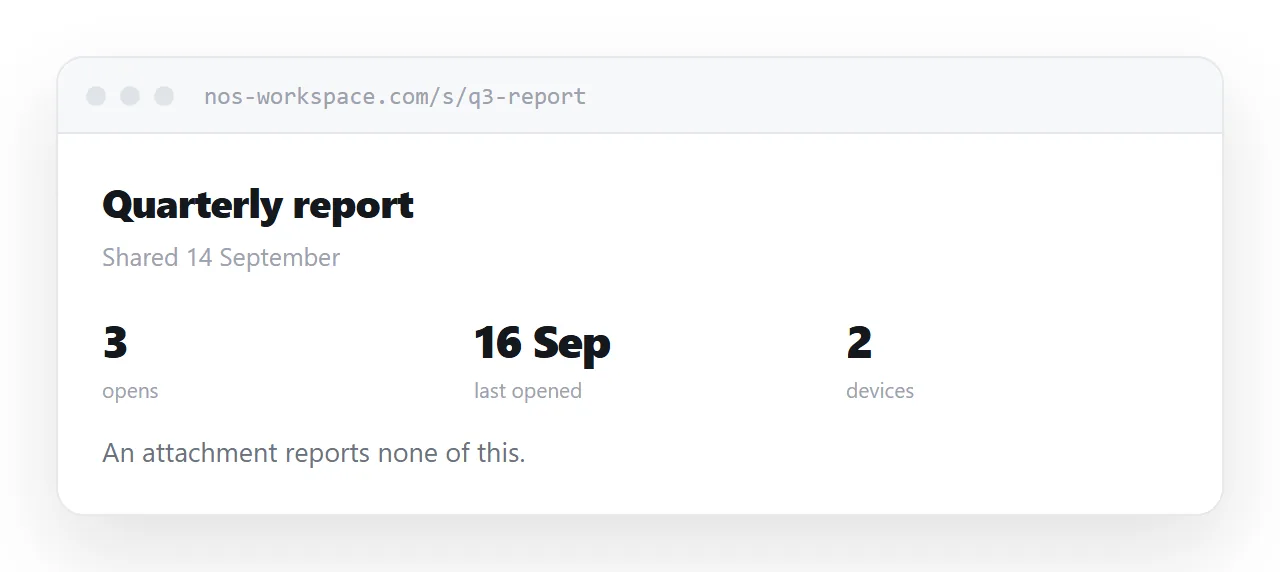
| You can tell it was opened | No | Sometimes | Yes |
| You can update it after sending | No | Yes | Yes |
When a link is the only option
Four situations rule out everything else.
The file is over 10MB. Not a preference, a hard stop.
You are sending it to more than a handful of people. Every attachment is a separate copy, and the moment you correct a typo, every copy is wrong.
There is a deadline attached. A signature, a payment, a submission. You need to know whether it was opened, and only a link tells you.
It will change. A price list, a schedule, a proposal in negotiation. With a link you edit the page; with an attachment you send a second file called final-v2 and hope they open the right one.
The mistakes that cause the most follow-up email
Sending the link as an image. Most mail clients block images by default, so the recipient sees a blank space. Put the address in the text of the message.
Not saying what it is. "Please see attached" tells the reader nothing. One line naming the document and what you need from them does most of the work.
Sending it from a personal account with a corporate file. Scanners flag this and quarantine the message without telling either party.
Assuming it arrived. A message in your sent folder is not evidence of delivery. If it matters, ask.
Closely related: How to share a PDF as a link, and How to create a URL for a PDF for the adjacent problem. How to build a 3D artist portfolio is also close.
Put it at an address
Check the size, decide whether you need to know it was opened, and pick accordingly.
Under 10MB to one person, attach it. Anything else, send an address instead. The file stays yours, the recipient taps once, and you can see that it happened.