Deployment platforms are built around a pipeline: source in, build, preview, deploy. Every part of them assumes that pipeline exists.
When it does not, you are configuring machinery around a file.
This guide covers what the platform is genuinely for, what it costs when you do not need it, and how to compare.
What a deployment platform is for
A build step. A framework that compiles source into output. Environment variables per environment. A preview deployment for every branch so a reviewer can see a change before it merges. Rollbacks. Redirect rules.
That set of features is worth real money to a team shipping an application, and the platforms do it well.
None of it applies to a single page that is already the finished thing.
What it costs when you do not need it
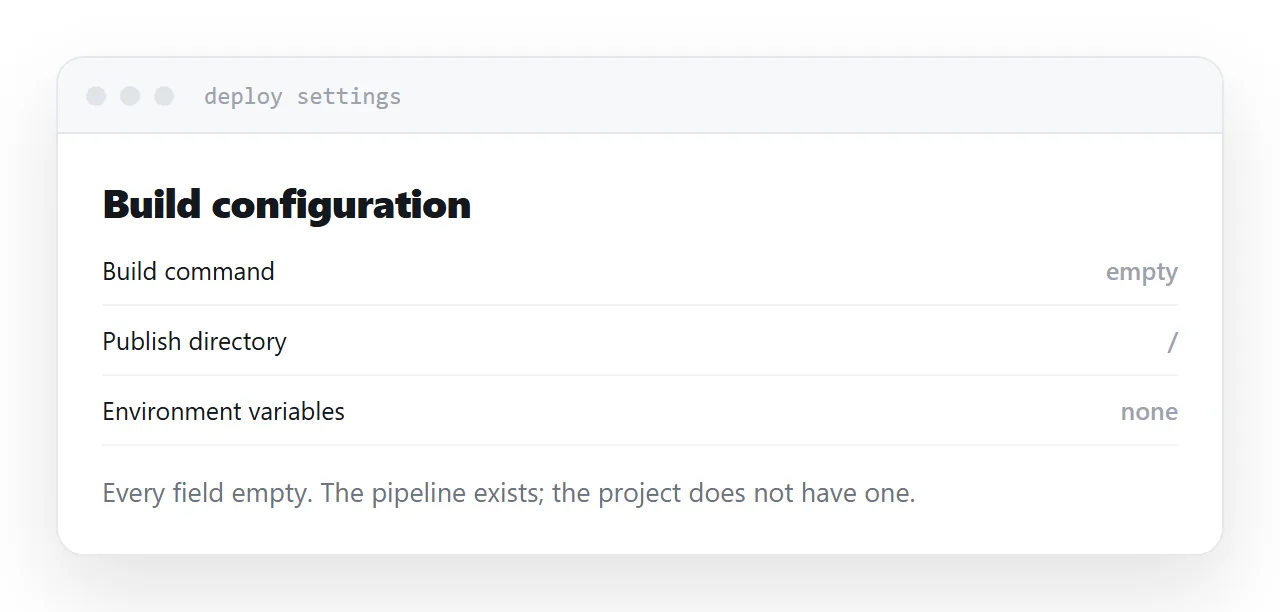
An account. A repository connection, or a decision to bypass it. A build configuration where every field is either empty or irrelevant. A deploy log for a process that copied one file.
None of that is difficult. It is simply effort spent on a pipeline you do not have, and it adds moving parts between you and a link.
The useful question is not whether the platform is good. It is whether you are using the part of it that made it good.
| With a build step | Single page | |
|---|---|---|
| Preview per branch | Valuable | Unused |
| Environment variables | Needed | Unused |
| Build configuration | The point | Empty fields |
| Rollback | Useful | One file |
| Steps to a link | Justified | Overhead |
Bandwidth limits
Free tiers cap bandwidth and build minutes.
For a normal page neither is anywhere close. It is worth knowing what happens if a page unexpectedly gets attention: some services throttle, some charge, some suspend.
That is a small risk and it is the kind that appears at the worst moment, so read the line before relying on it for anything public.
Drag and drop
Most of these platforms accept a dropped folder, which publishes without any repository at all.
If you are already using one, that is the fastest route and the fewest moving parts.
It does bypass the version history and preview workflow, which is fine if those were never the reason you were there. It also means the next update is another drop rather than a push, which is worth deciding deliberately rather than discovering.
Compare on steps and on the address
Two questions do most of the work.
How many steps from file to working link. Count them honestly, including the account and the configuration.
What happens to the address if you leave. If it belongs to the platform, every published link dies when you move. If it is your domain, nothing breaks.
The second question is the one that matters in two years and the one nobody asks at the start.
Closely related: Choosing a GitHub Pages alternative, and Choosing a Tiiny Host alternative for the adjacent problem. Choosing a static site generator is also close.
Put it at an address
Work out whether there is a build step, count what you would not use, check the bandwidth limit, use drag and drop if you stay, and put your own domain in front of whatever you choose.
Then the tooling matches the size of the thing you are publishing.