Sharing a repository link works for developers and fails for everyone else, because it lands the reader in a file tree rather than in front of the thing you built.
The fix is not a better README. It is sending what the recipient came for.
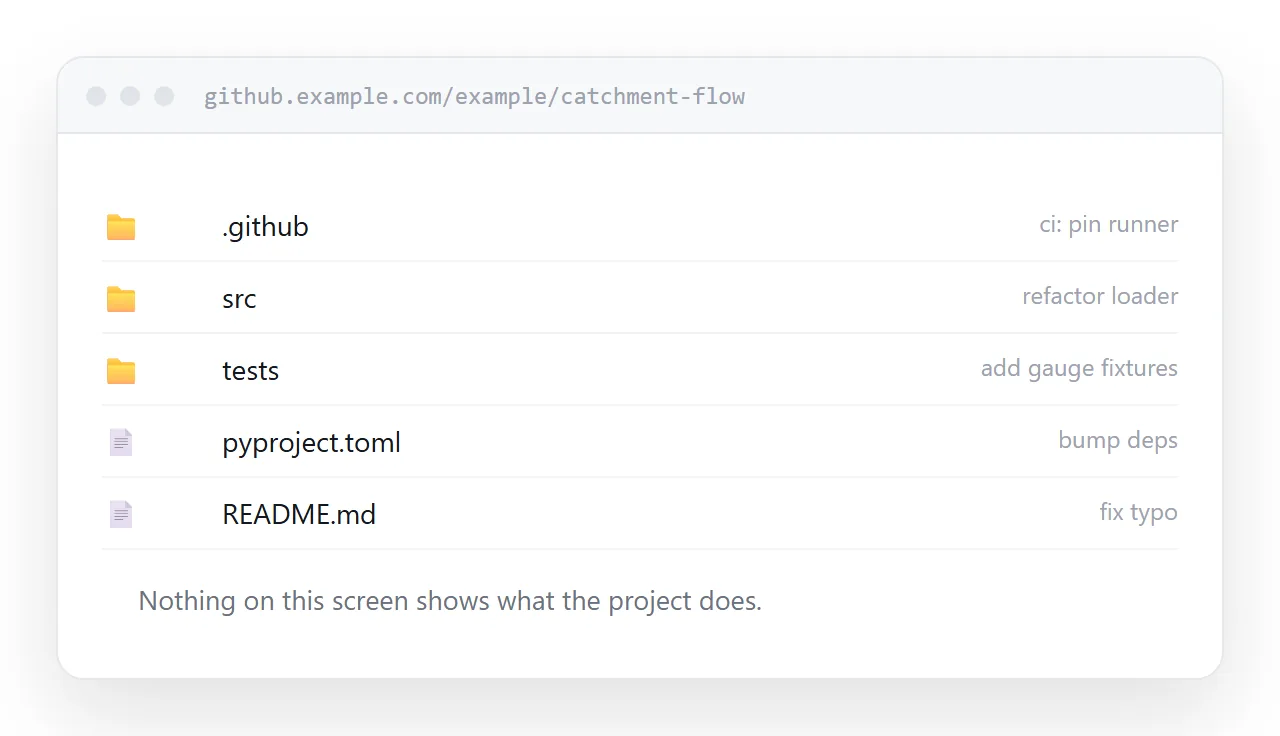
This guide covers what a repository looks like to someone outside development, what to send each kind of recipient, and where the repository link is exactly right.
Who you are sending it to
The same link serves these people very differently.
| Recipient | What they want | What a repo link gives them |
|---|---|---|
| A developer joining the project | The code and its history | Exactly right |
| A hiring manager | Evidence you can build | A file tree, then maybe a README |
| A client | To see it working | Nothing they can use |
| A designer | The rendered output | Nothing they can use |
| A non-technical colleague | A summary | An interface they will not read |
Only the first row is the audience the interface was designed for. For the rest, you are asking them to translate.
Lead with the result
Whatever the project is, there is something that shows it works. A rendered page, a chart, a screenshot of the interface, a short recording.
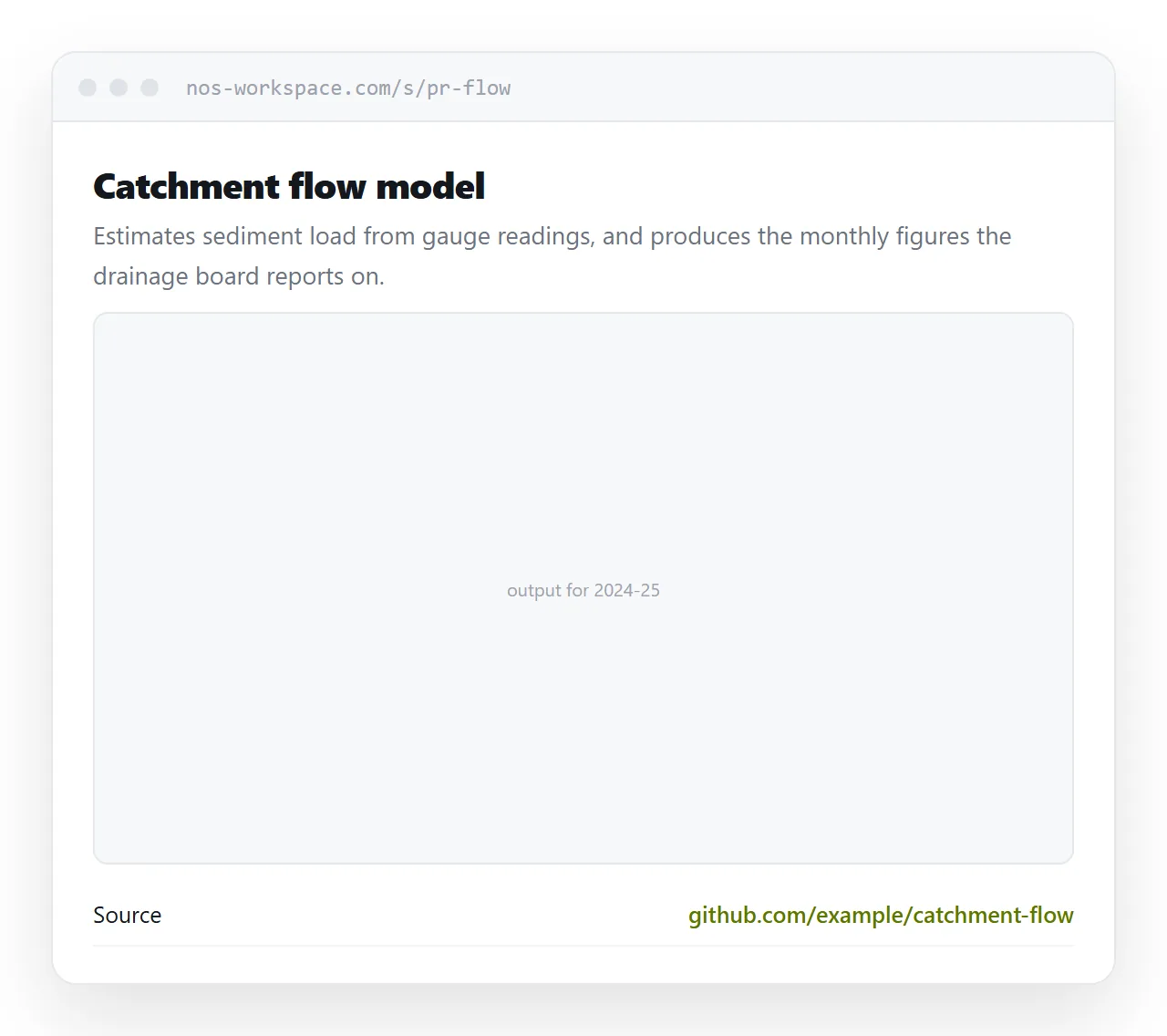
Put that first, on a page, above a paragraph explaining what the project does and why. Then link the repository underneath for anyone who wants the source.
<article>
  <h1>Catchment flow model</h1>
  <p class="what">Estimates sediment load from gauge readings, and produces
     the monthly figures the drainage board reports on.</p>

  <figure>
    <img src="/proj/flow-output.webp" alt="Monthly sediment load, four stations, 2024-2025"
         width="1200" height="740">
    <figcaption>Output for the 2024-25 water year.</figcaption>
  </figure>

  <p><a href="https://github.com/example/catchment-flow">Source on GitHub</a></p>
</article>
That ordering serves everybody. The client sees the output. The hiring manager sees the output and then clicks through to read the code. The developer scrolls past the picture and goes straight to the link.
The private repository trap
A private repository link sent to someone without access returns a not-found page rather than a permission message.
That is deliberate, since revealing that a private repository exists would leak information. The practical effect is that your recipient concludes the link is broken, and either chases you or quietly gives up.
If the project is private and you want to show it to someone outside the team, a page is the only clean answer. You control what it shows and there is no access to grant.
For a portfolio, the repository is the footnote
A hiring manager reviewing applications looks at a lot of them under time pressure.
A repository link asks them to assess your work by reading a file tree. A page showing what you built, what problem it solved, and what you chose to do differently gives them the assessment in thirty seconds, with the code one click away if they want to verify it.
The code matters and it is the second thing, not the first. Related: portfolio to link.
Where the repository link is right
Send it without hesitation to developers, to anyone who will contribute, to anyone reviewing an implementation, and in any context where version control is the shared language.
Also use it as the canonical home. A page summarising a project should link the repository, not replace it, because the repository is where the work actually lives and where it stays current.
If the project is a site
Where the output is itself a web page, hosting it directly is usually simpler than summarising it. Options are covered in hosting HTML on GitHub Pages, and the limits of viewing raw files in the interface in previewing an HTML file in GitHub.
Put it at an address
Work out what the recipient is trying to see, put the result at the top of a page, link the repository underneath, and create a share link.
Developers get the source either way. Everyone else gets the thing you built.