A QR code for a document is a code containing a web address. A code cannot hold a document, and that limitation is the reason this works well.
Because the code holds an address, the document behind it can be replaced without touching anything you printed.
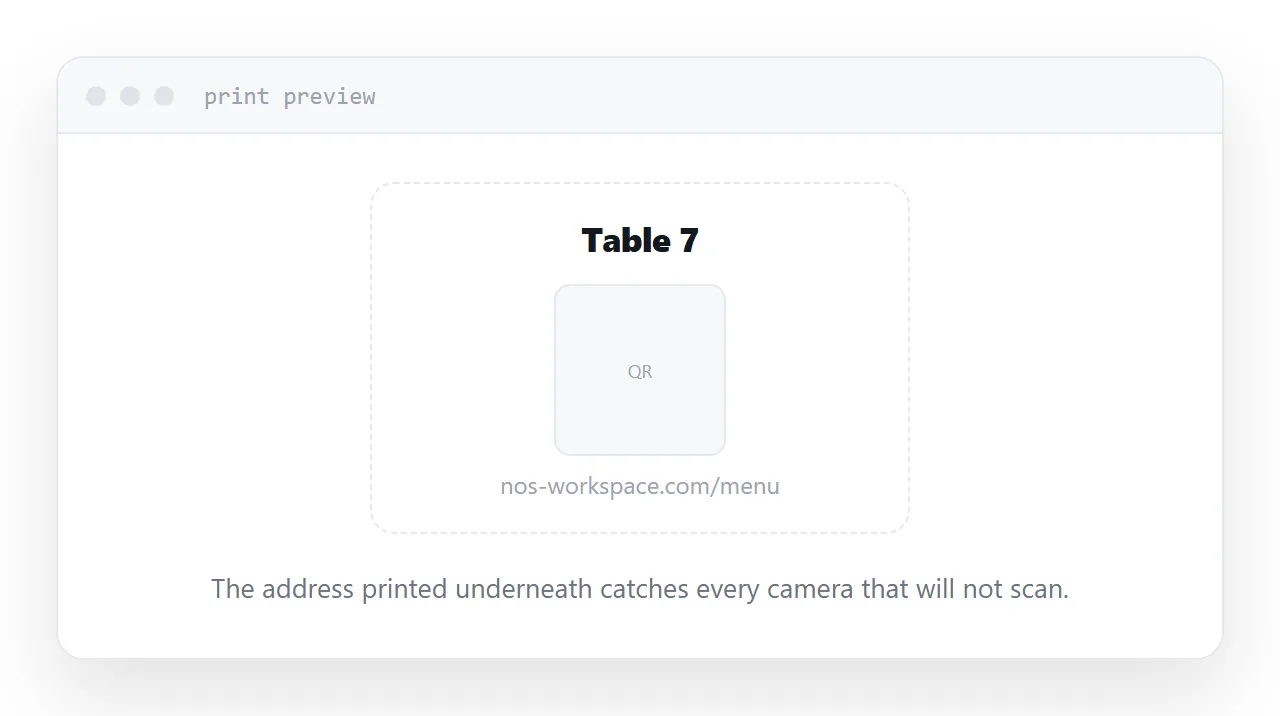
This guide covers the decision that prevents reprints, sizing, and the free-generator trap.
Point at the address, never at the document
Here is the situation to design for.
A restaurant prints a code on every table pointing at its menu. Six months later prices change. If the code points at a permanent address, the menu behind that address is replaced and every table is correct. If a new document produced a new address, every table is wrong and the cards get reprinted.
The rule follows from that: the code points at one permanent address, and the document behind the address is what changes.
That decision has to be made before printing, because it cannot be applied afterwards.
The free-generator trap
Many free code generators do something that looks helpful and is not. Instead of encoding your address, they encode an address on their own domain that redirects to yours, so they can count the scans.
Which is fine until their free tier changes, their product shuts down, or the redirect stops working. At that point every code you printed points at a dead address on a domain you do not control, and there is nothing you can do about it.
Generate a code that contains your own address. If you want scan counts, count them at your end.
| Code contains your address | Code contains a redirect service | |
|---|---|---|
| Works if the generator disappears | Yes | No |
| Document can be updated | Yes | Yes |
| Scan counts | At your end | At theirs |
| You control the domain | Yes | No |
Sizing it
The working rule is one tenth of the scanning distance.
Read at arm's length, from a card or a table tent, means about two centimetres square. Read from across a room, on a poster, means something closer to twenty.
Two other details matter. Leave a clear margin of empty space around the code, because scanners need it to find the edges. And keep the contrast high; a code printed pale on a coloured background is the usual reason one fails to scan.
Generate it as a vector image so it stays sharp at whatever size it is printed.
Always print the address too
Some cameras will not scan. Some readers are on an older phone. Some are holding a laptop.
The address in plain text underneath costs one line and removes that failure entirely. Keep it short enough to type, which is another argument for naming the address after the document rather than after a date.
Display, not download
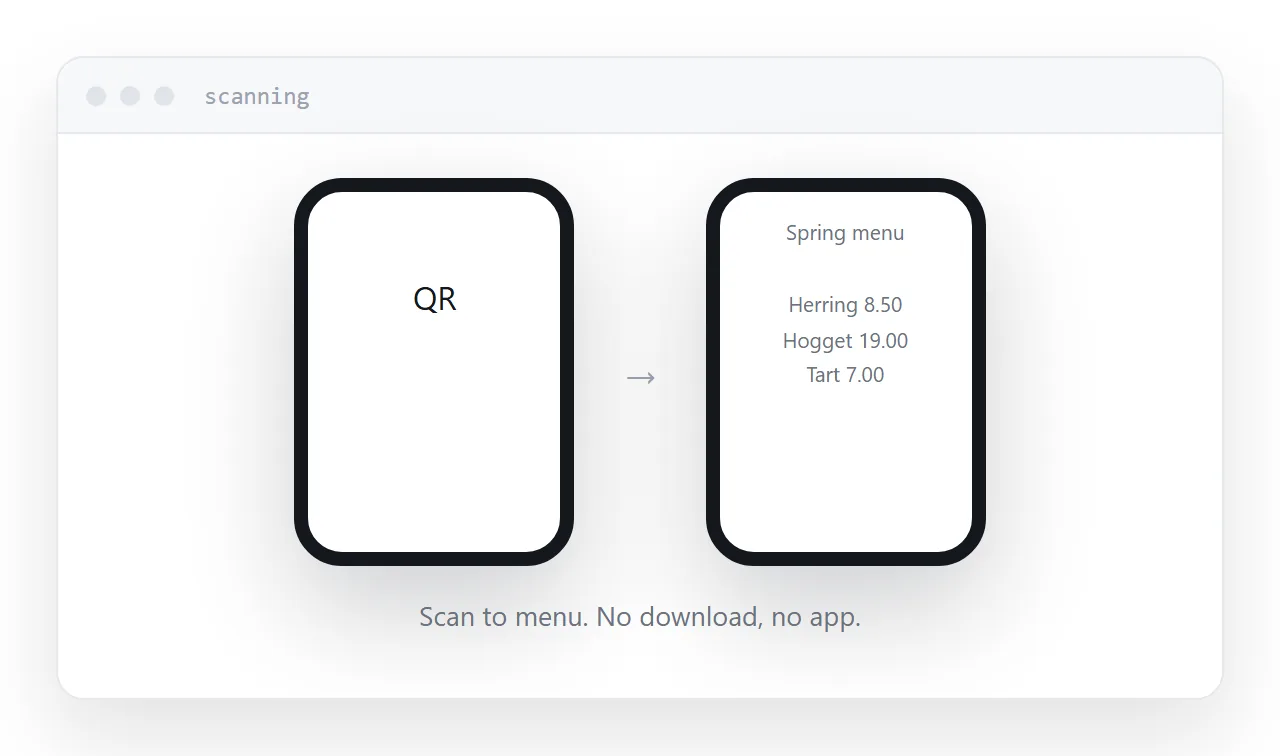
The code is scanned by someone standing somewhere: at a table, in a shop, in front of a poster.
If the address serves the document as a download, that person now has a progress bar and a downloads folder to navigate while standing up. A meaningful share simply stop.
Make sure the address displays the document on screen. Keep a download option for anyone who wants the file.
Two neighbouring cases are worth a look: How to make a QR code you can change later and How to create a URL for a PDF. How to export a Power BI report to PDF is also close.
Put it at an address
Put the document at a permanent address, generate the code from that address rather than from a redirect service, print it at one tenth of the reading distance with the address in text underneath, and make sure it displays.
Then the next revision is an edit rather than a reprint.