A document format was designed to reproduce a printed page exactly. Interactive features were added later, and support for them varies by reader in ways the author cannot see.
This guide covers what survives, what does not, and when to stop.
What survives
Links. Internal jumps between pages and external addresses. Work in essentially every reader including phones. Use them freely.
Bookmarks. A navigable table of contents in the reader's sidebar. Widely supported on desktop, usually absent on phones, and harmless when missing.
Those two cover most of what people actually want from an interactive document: getting from the contents to the section, and from the document to something online.
What is unreliable
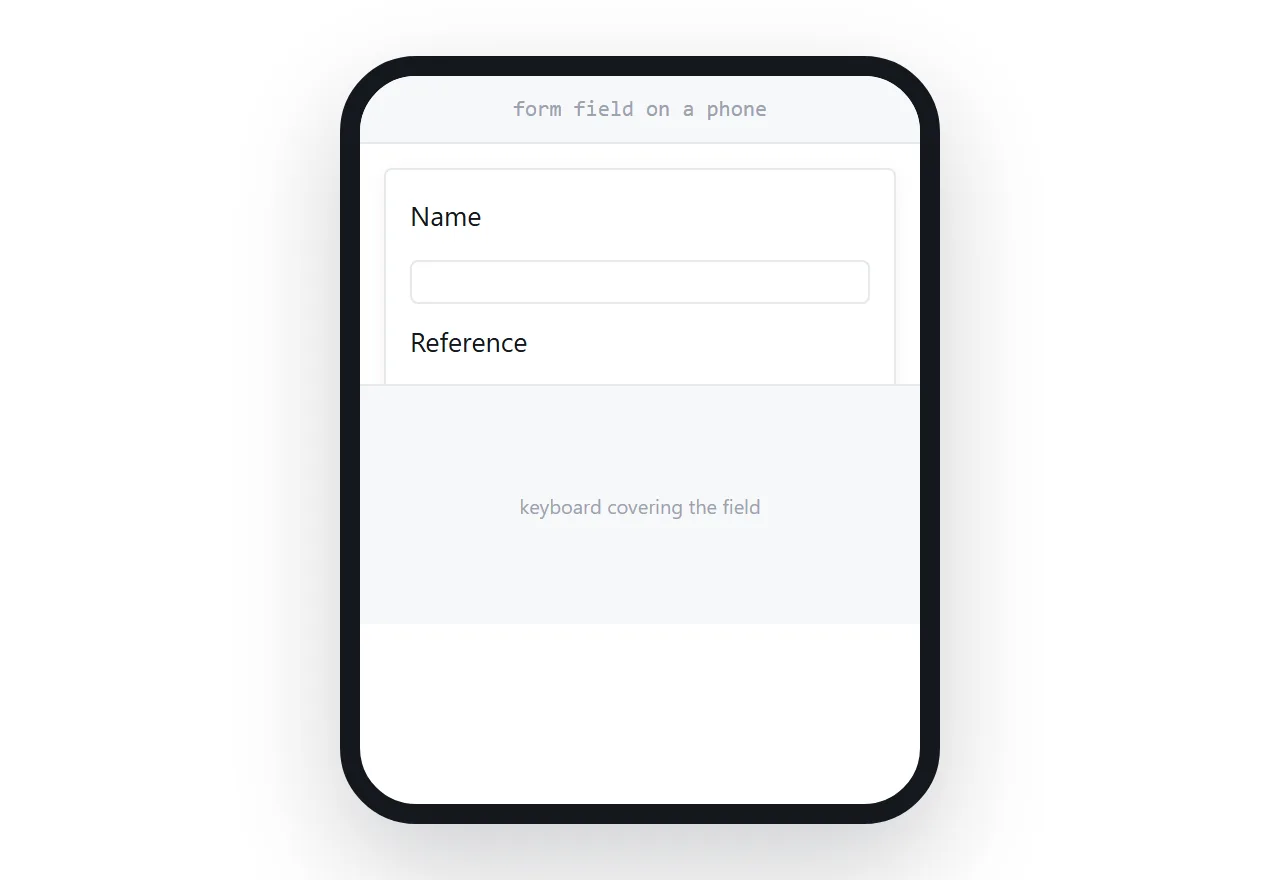
Form fields. Fine in most desktop readers. On phones the fields are small, the keyboard covers what you are typing, and whether a filled form saves depends on the app. A meaningful share of recipients cannot complete one.
Buttons and scripting. Show-hide behaviour, calculations, validation. Supported by a minority of readers. Elsewhere the button does nothing, with no indication of why.
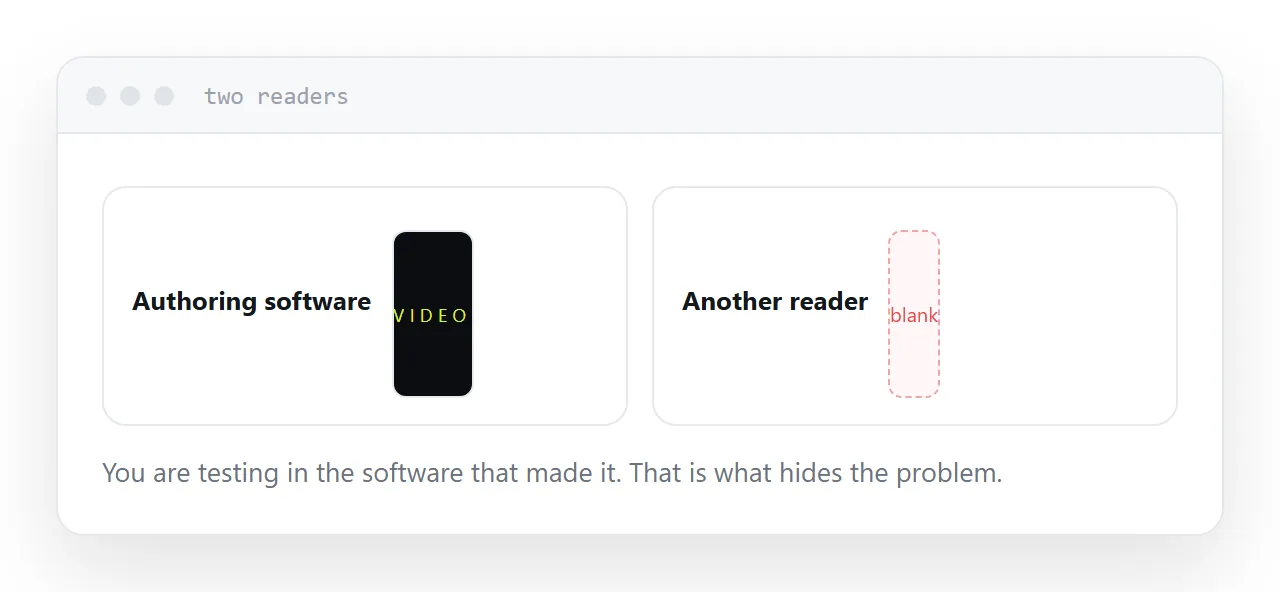
Embedded video and audio. Rarely plays outside the reader it was made in. Usually a blank rectangle or a placeholder icon.
Layers and rollovers. Essentially author-only features.
| Feature | Desktop readers | Phone readers | Verdict |
|---|---|---|---|
| Links | Yes | Yes | Use |
| Bookmarks | Mostly | Often not | Use |
| Form fields | Mostly | Poorly | Desktop only |
| Buttons and scripts | Some | Rarely | Avoid |
| Embedded video | Rarely | No | Link instead |
Why it looks fine to you
You are testing in the software that authored it, which implements every feature fully.
That is the single reason this problem persists. The author sees a working document, the recipient sees a static one, and neither of them knows the other's experience.
Test in a reader you did not author in, and on a phone. Both take a minute and both will surprise you the first time.
Link video, keep a still
Put a representative still image in the document with a play indicator on it, and make the image a link to the video online.
Every reader supports that. The recipient taps and the video plays in the place video plays properly, and the document stays small.
An embedded video also makes the file enormous, which is the second reason not to do it.
When it should be a page
If the interaction is the point rather than a convenience, the format is fighting you.
A page has forms that work and submit, video that plays, controls that respond, and layout that reflows to whatever screen it lands on. None of it is conditional on the reader's software.
Keep the document for what it is good at: a fixed layout, printable, filed, sent into systems that want a file. Put the interaction on a page and link the two together.
For the surrounding ground, see How to embed a PDF in HTML and How to turn a PDF into a website.
Put it at an address
Use links and bookmarks, treat form fields as desktop-only, link video rather than embedding it, test in a reader you did not author in, and move to a page when the interaction matters.
Then what you built is what the recipient gets.