A word processing document is an editing format. Opening one to read it requires software built for editing, and a phone frequently has none.
This guide covers the options, what happens to the formatting, and the question of whether to upload it at all.
Why it fails on a phone
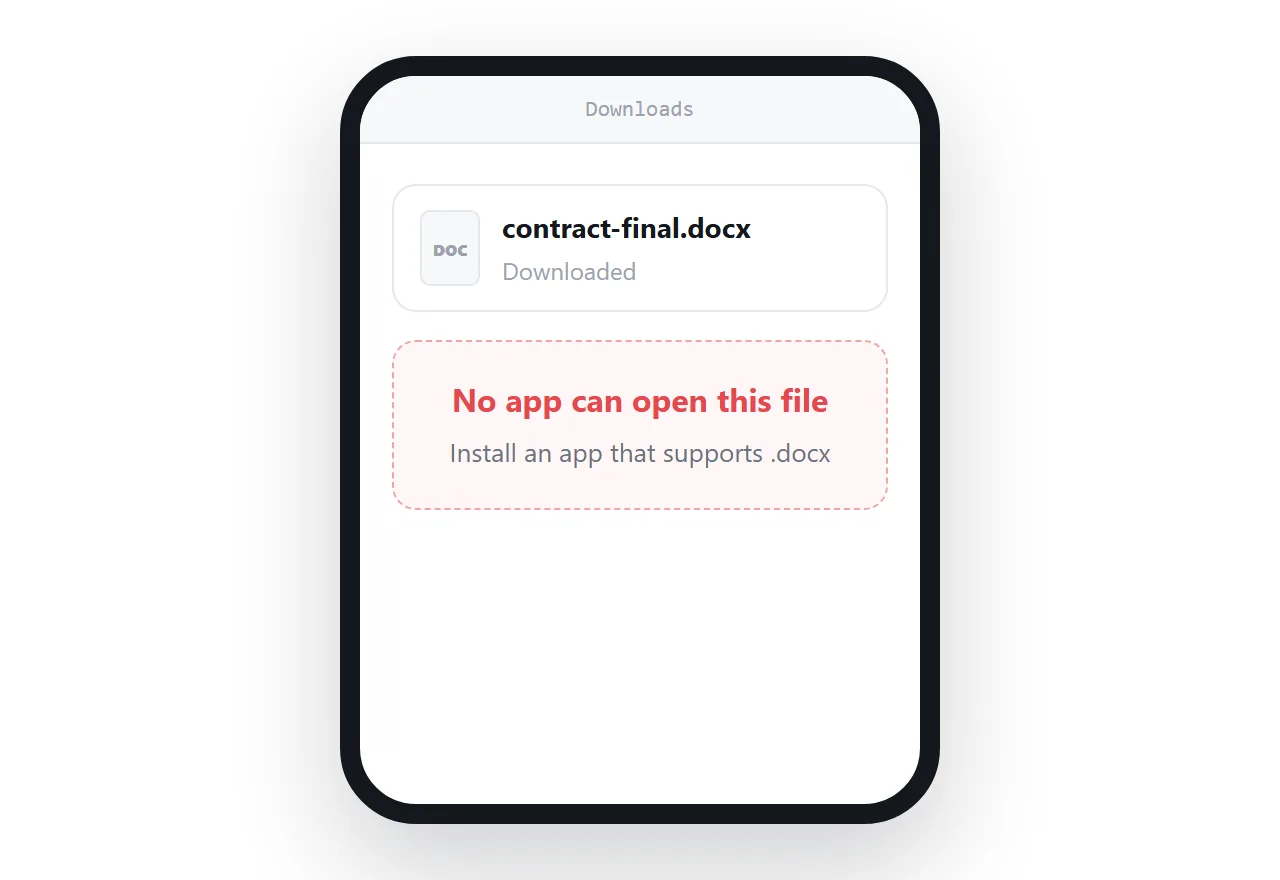
The file downloads perfectly. That part works.
Then nothing opens it, because a phone does not ship with word processing software and the format is not something a browser reads natively. The reader is left holding a file in a downloads folder with no route forward.
This is not a mistake anyone made. It is what happens when an editing format is used to deliver something for reading.
What the online viewers do to it
Text and structure survive. Headings, paragraphs, lists, most tables.
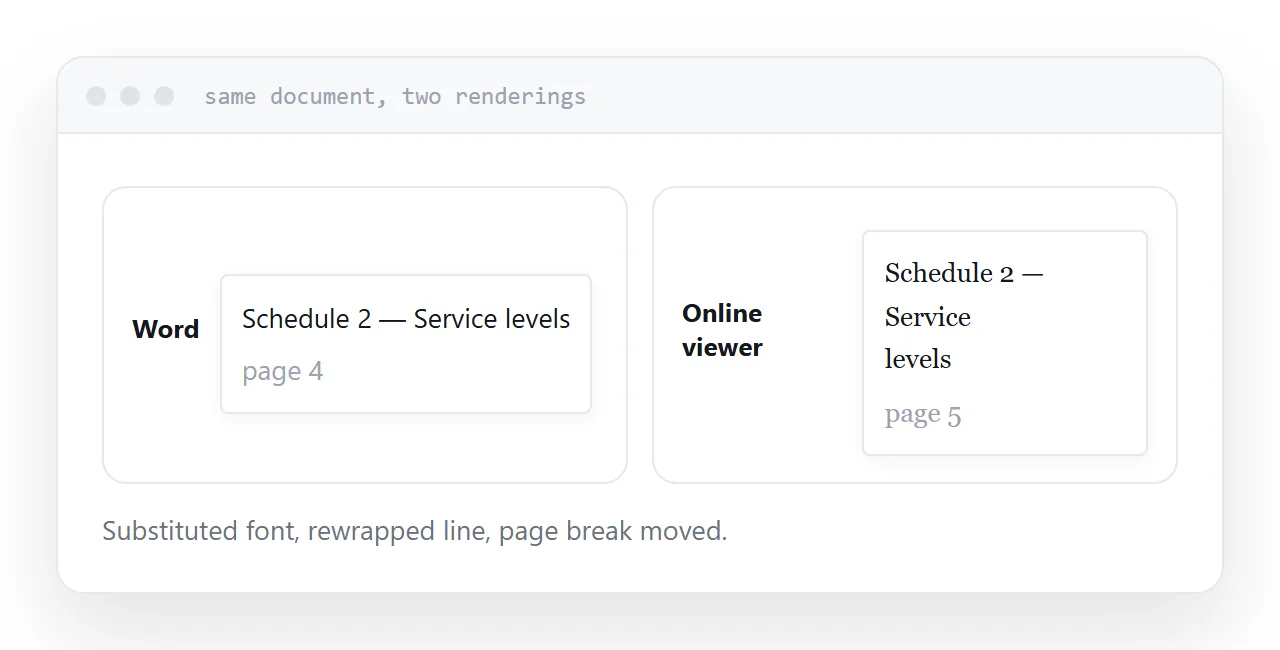
What moves: fonts the viewer does not have are substituted, which changes line breaks and page breaks. Precisely positioned elements shift. Complex multi-column layouts often collapse. Tracked changes and comments may not appear at all.
For reading the content, that is acceptable. For checking a layout before it goes to print, or confirming a document looks right before signing, it is not, and the difference matters.
| Reading the content | Checking the layout | |
|---|---|---|
| Online viewer | Fine | Not reliable |
| Fonts | Substituted | Wrong |
| Page breaks | Move | Wrong |
| Comments and changes | Often missing | Missing |
Think before uploading
A free online viewer is a service you know nothing about receiving a copy of your document.
For a draft article or a meeting agenda, that is a reasonable trade for convenience.
For an employment contract, a legal document, anything with someone's personal details, or anything commercially sensitive, it is not. The document has left your organisation and you have no way to know what happens to it.
If you have an account with a service that already holds your documents, use that rather than a random viewer. It is fewer parties holding a copy.
The real fix is upstream
If you are receiving these regularly, the fix belongs with the sender.
A document meant to be read should be sent as a PDF, which preserves the layout and opens almost everywhere, or as a link to a page, which reflows to whatever screen it lands on.
A word processing document should be sent only when the recipient is going to edit it. That is the format's purpose and it is a small share of the times it actually gets sent.
Saying this to a sender once usually fixes it permanently, and it is a kindness rather than a complaint.
If you actually need to edit
Viewers view. Editing requires editing software, and the free online options are mostly limited to display.
Free editing software exists and reads the format with the same substitution caveats. If the edit is going back to someone using a different word processor, expect the layout to move in both directions.
If this is near what you are doing, How to send a Word document as a link and HTML file not opening in browser cover the cases on either side. Adding a document to a site builder page is also close.
Put it at an address
Check what the document holds before uploading it anywhere, prefer a service you already use, expect the layout to shift, and ask senders for a PDF or a link.
Then reading a document stops depending on what software the reader happens to own.