Every site builder offers a way to put a document on a page, and every one of them produces a box that behaves differently on a phone than in the editor.
The two built-in routes
Upload as a file. The builder stores the document and gives you a link. Tapping it starts a download. The visitor ends in a downloads folder, and on a work phone sometimes nowhere at all.
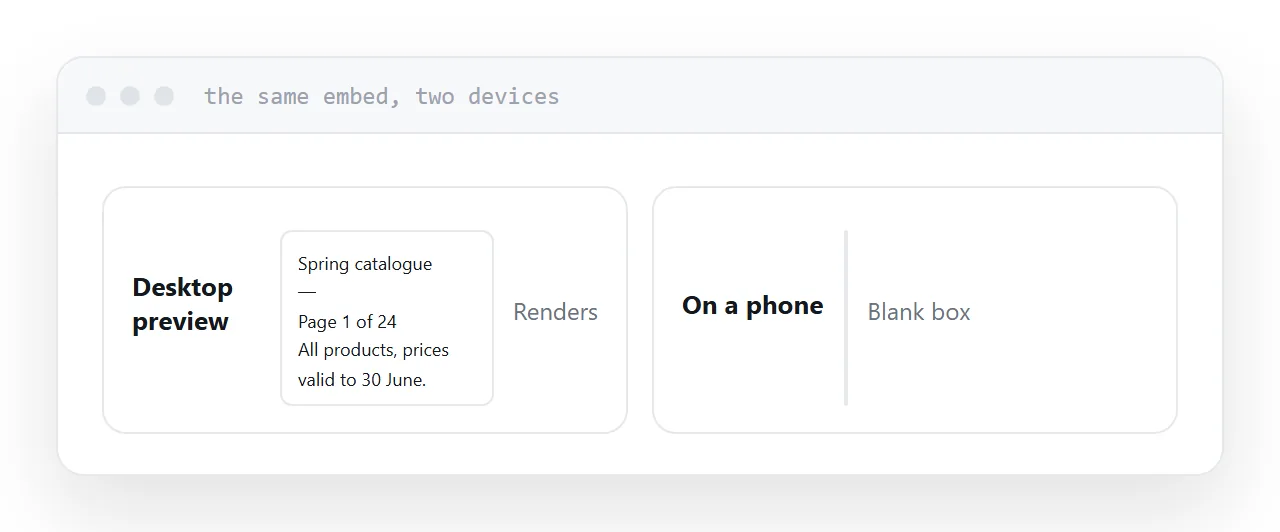
Embed in a frame. A fixed-height box holding the document. On a desktop it renders. On a phone most browsers refuse to render a document inside a frame and offer a download instead, and inside a short fixed box that offer often has nowhere to appear. What the visitor sees is grey.
Both are offered prominently and both fail for the majority of visitors, which is why the pattern keeps recurring.
| Method | Desktop | Phone |
|---|---|---|
| Upload as file | Downloads | Downloads |
| Frame embed | Renders | Usually blank |
| Preview image plus link | Works | Works |
| Rebuilt as a page | Works | Works |
What to do instead
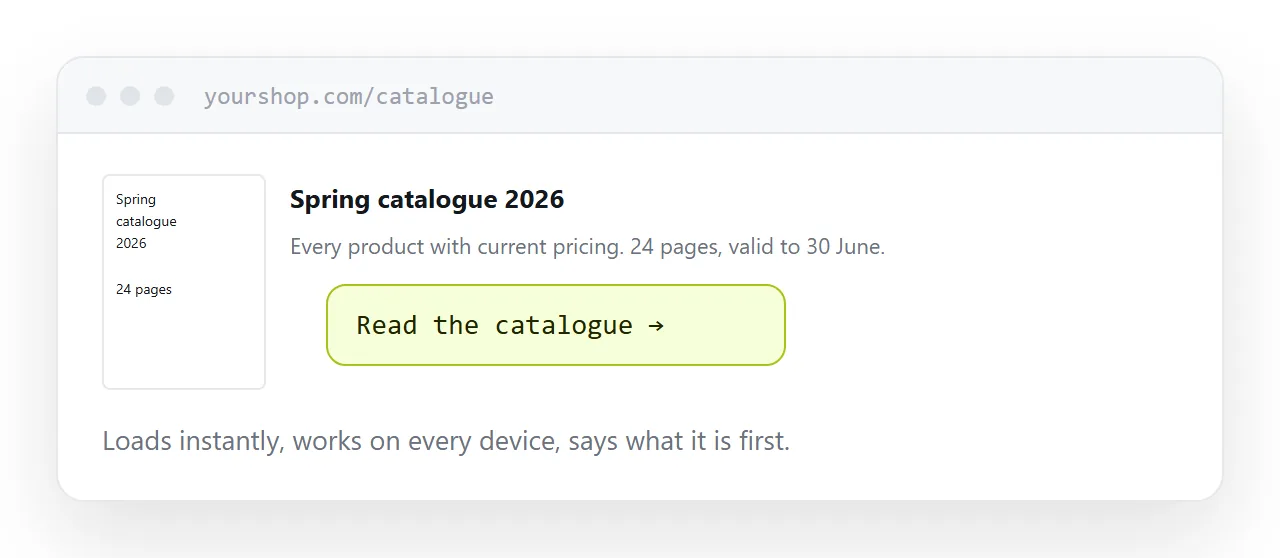
Preview image plus link. Export the first page as an image, place it, write two lines saying what the document is, and put a link underneath. Works on every device, loads immediately, and tells visitors what they are about to open before they open it.
Point the link at a displaying address. A document at an address opens in the browser on any device rather than starting a transfer. The difference is invisible until you watch somebody on a phone.
Rebuild it as a page if it is important. A price list or a menu read by every visitor deserves to be a page: searchable, readable at any width, correctable in place. More work, and it is the only option with no failure mode.
Fixed height is the other problem
An embed box has a height you choose, and no height suits both a laptop and a phone.
Too tall and phones scroll through empty space. Too short and the document is a letterbox nobody will read. Frames also trap scrolling, so a visitor trying to move down the page sometimes moves down the document instead.
There is no correct value, which is itself the argument against the approach.
Closely related: How to embed a PDF in HTML, and How to share a PDF as a link for the adjacent problem.
Put it at an address
Test on a real phone, avoid the frame embed, use a preview image with a link, point that link at an address that displays, and rebuild the content as a page when it matters enough.