These tools are compared on how the conversation feels. The thing that matters afterwards is what you are holding and how far it is from an address somebody can open.
Where the code lives
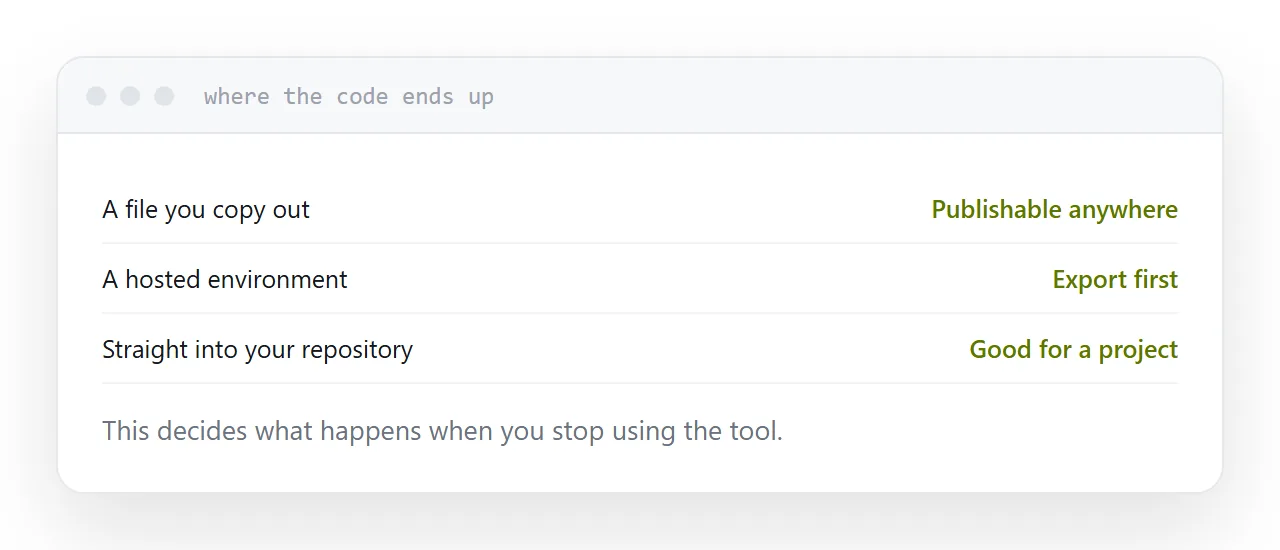
A file you hold. Copy it out, save it, publish it anywhere, edit it in anything. The tool is replaceable.
A hosted environment. The project runs there and the preview address belongs to the product. Convenient while building, fragile as a home.
Your repository directly. The code lands in source control, which is ideal for an existing project and overhead for a single page.
That distinction decides what happens when you stop paying, when the product changes, or when you want somebody else to work on it.
| You hold a file | Hosted environment | Into your repo | |
|---|---|---|---|
| Publishable anywhere | Yes | Export first | Yes |
| Survives the product closing | Yes | No | Yes |
| Good for one page | Yes | Yes | Overhead |
| Good for an existing project | Adequate | No | Yes |
Constraints beat model choice
For a self-contained page, what you ask for matters more than which tool you ask.
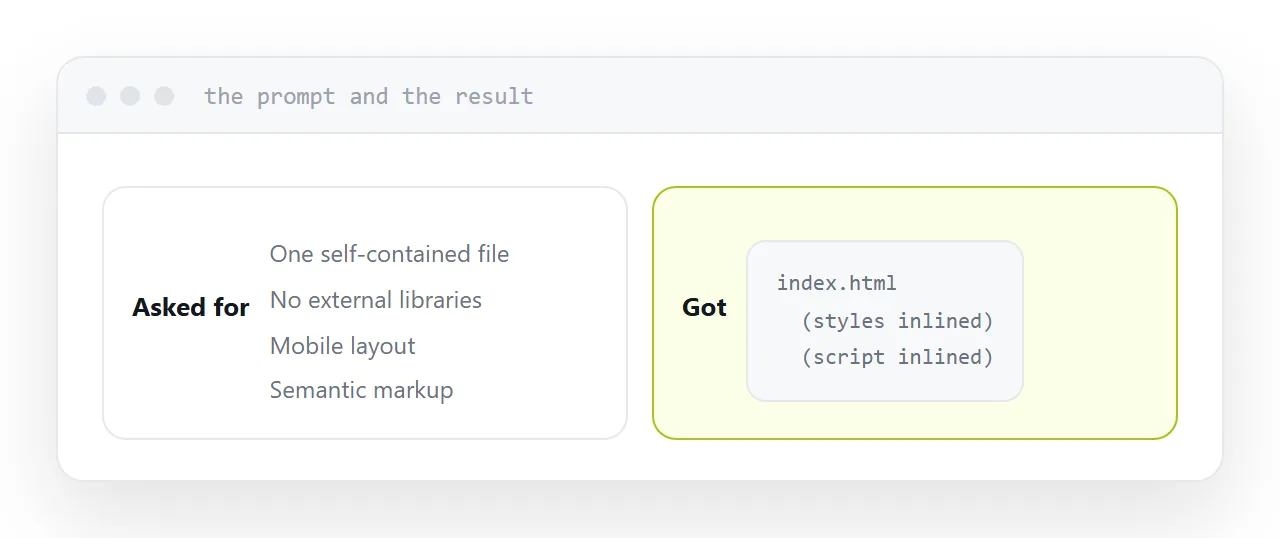
One file. Styles and script inlined, small images encoded.
No external libraries. A chart library from a network source works until something blocks it.
Mobile layout. Stated explicitly, because desktop is the default everywhere.
Plain semantic markup. Real headings, real lists, a real form.
Those four produce a file that publishes cleanly regardless of which tool generated it, and they remove most of the differences people attribute to the model.
What breaks once it leaves
Consistent across every tool.
External references. Anything loaded from elsewhere is a future failure.
Absolute paths. They point at the top of a domain rather than your folder.
Environment values. Keys set in a hosted environment do not exist in an exported file, which is correct and means the project needed a server if it used them.
Preview conveniences. Libraries the environment provided silently.
Two minutes with the console and a phone catches all of it.
Comparing two honestly
Give both the same task with the same constraints. A booking page, a calculator, whatever you actually need.
Publish both results at addresses. Open both on a phone. Read both files.
That produces an answer in twenty minutes, about the work you actually do, which no comparison article can give you.
Read it for keys
Whichever tool, search the file before publishing.
A page is readable by anyone who opens it. Models write placeholder keys, and regeneration reintroduces them after you removed them once.
This is a search, not a code review, and it takes ten seconds.
If this is near what you are doing, Hosting what you built by prompting and How to host AI generated HTML cover the cases on either side.
Put it at an address
Ask where the code lives, constrain to one self-contained file with no external dependencies, read it for keys, check the console and a phone, and compare tools by publishing the same task twice.
Then what comes out is something you can put at an address and keep.