A production build is a folder of static files. Hosting it is copying that folder somewhere, and then fixing two things that only appear once it is served.
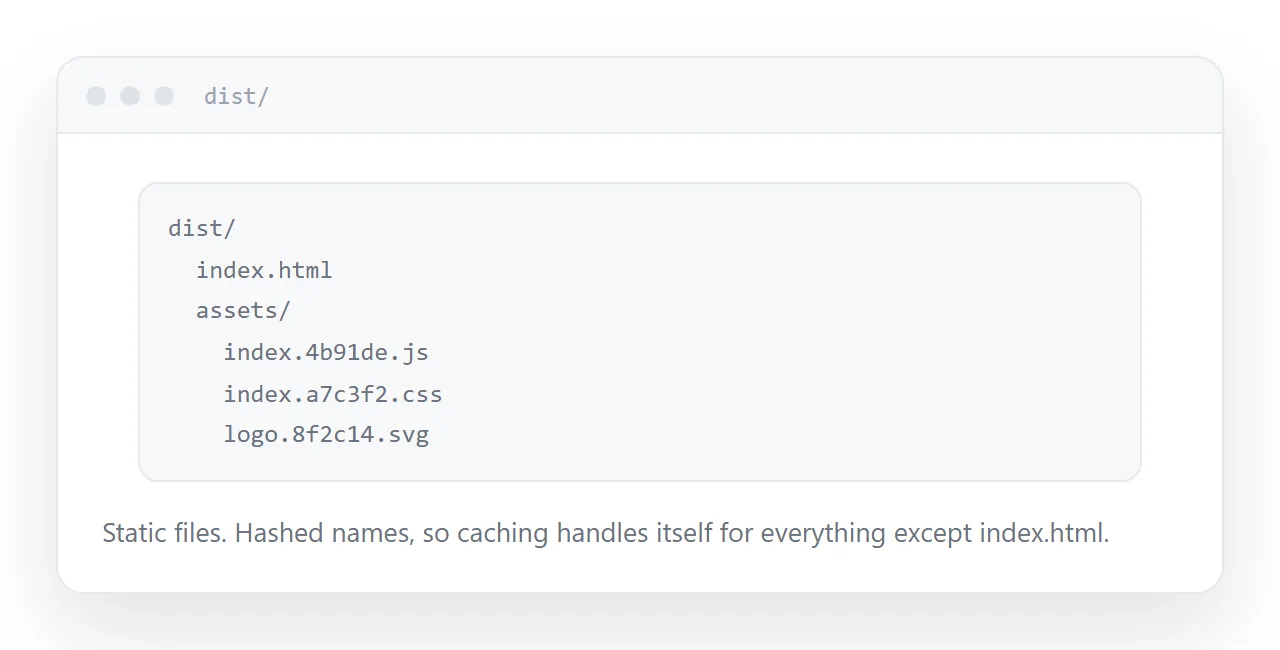
This guide covers routing, the base path, and caching.
Routing: the refresh 404
The application handles navigation in the browser. Only the entry file exists as an actual file.
So visiting the site and navigating works. Refreshing on a sub-path, or opening a link to one directly, asks the server for a path that does not exist, and it returns a 404.
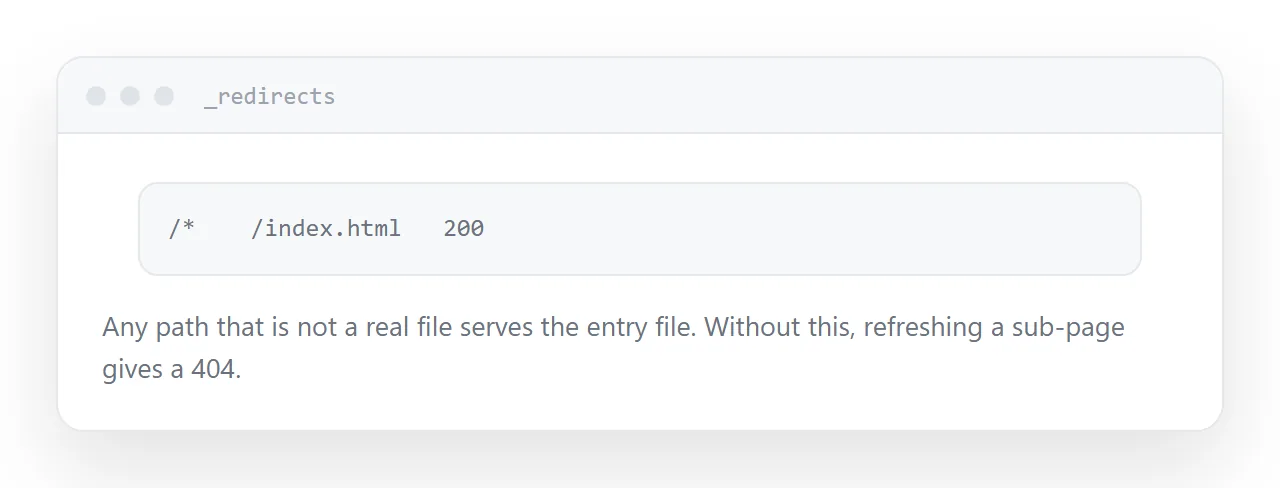
The fix is a rewrite rule: any path that is not a real file serves the entry file, and the application takes over from there.
Every static host supports this. The configuration file differs; the rule is the same.
/* /index.html 200
This is the single most common problem with a deployed front end, and it is invisible during development because the development server does it automatically.
The base path
Builds assume they will be served from the root of a domain, so asset paths start with a slash.
Deployed to a subfolder, every one of those resolves to the wrong place. The entry file loads, finds nothing, and the page is blank with console errors.
Set the base path in the build configuration before building. Not afterwards, because the paths are baked into the output.
| Symptom | Cause |
|---|---|
| Blank page, console errors | Base path wrong |
| Refresh gives 404 | No rewrite rule |
| Old version after deploy | Entry file cached |
| Works in dev, not deployed | Both of the above |
Secrets
Anything in a front-end build ships to the browser. Environment variables included in a bundle are readable by anyone who opens the page.
Build tools often warn about this and the warning is routinely ignored, because the variable is needed and it appears to work.
If a value must stay private, it belongs behind a server. There is no configuration that makes a bundled secret secret.
Public identifiers, analytics keys and public API endpoints are fine.
Caching after deploy
Asset filenames usually include a content hash, so a changed file gets a new name and caching handles itself.
The entry file does not. If it is cached, returning visitors load an old entry file pointing at asset names that may no longer exist, and they see either the old version or a broken one.
Serve the entry file with a no-cache header. Assets can be cached aggressively because their names change.
Test the build, not the dev server
The development server rewrites routes, serves from the root, and reloads on change. None of those are true of the deployed version.
Build it, serve the output folder locally, and open it. Most deployment problems appear there, before anyone else sees them.
Closely related: Free static html hosting explained, and Free HTML file hosting, compared for the adjacent problem.
Put it at an address
Set the base path before building, add the rewrite for client-side routes, keep secrets out of the bundle, serve the entry file with no-cache, and test the built output rather than the dev server.
Then the deployed build behaves the way it did on your machine.