Generating a page is the easy part now. The distance between a file on your machine and something a customer can open is where these projects stall.
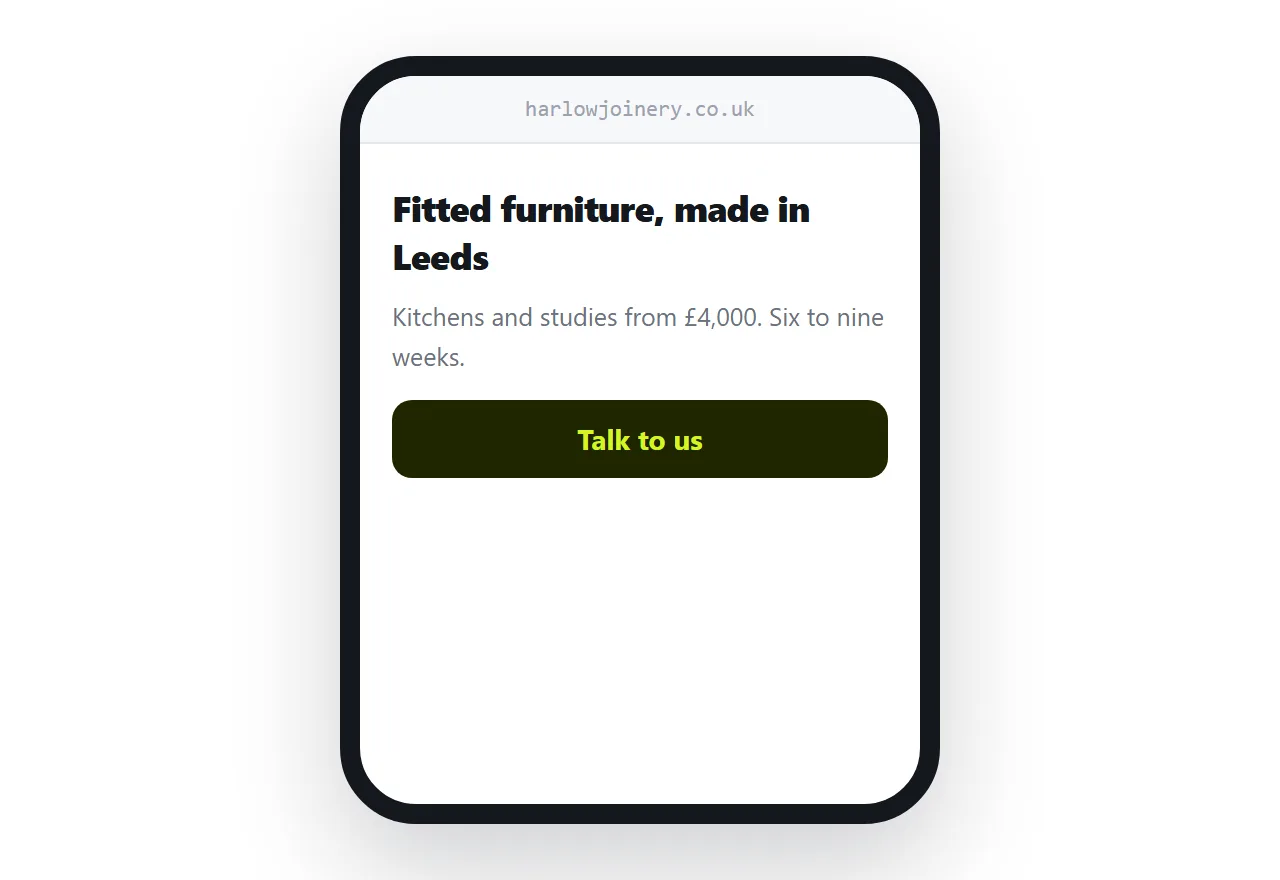
This guide covers the prompt constraints, the content, and publishing.
Four constraints in the prompt
Ask for these before anything else, because retrofitting them is more work.
One self-contained file. Styles and script inlined, small images encoded in. Nothing external means nothing to fail.
A mobile layout. Models default to desktop. Say phone first, touch targets at least 44 pixels, no horizontal scrolling.
No external libraries. A charting library or an icon set pulled from a network source works until a corporate network blocks it or the version moves.
Plain semantic markup. Real headings, real lists, a real form. It reads better to search engines and to screen readers, and it is easier to edit later.
With those four, the file you get is one you can publish and change.
One page, not four
The instinct is to ask for a site: home, about, services, contact.
For most small businesses that produces four pages with content on one. The about page says the company was founded on a passion for quality, the services page lists three services in a sentence each, and the contact page has a form.
One page saying what you do, who for, what it costs roughly, and how to get in touch is a better page than any of those four.
Add pages when there is content that genuinely does not belong on the first one.
| Four thin pages | One real page | |
|---|---|---|
| Content per page | Sparse | Complete |
| Visitor finds what they need | Navigating | Scrolling |
| Search | Competes with itself | One strong page |
| Effort to maintain | Four | One |
Give it your content
A model writes plausible generic copy, because that is what it has to work with.
Give it the real material. Your prices or your range. Your actual lead time. What you do not do. The thing customers always ask. How you started, if it is interesting.
That is the difference between a page that reads like every other page and one that reads like a business. The markup is identical either way.
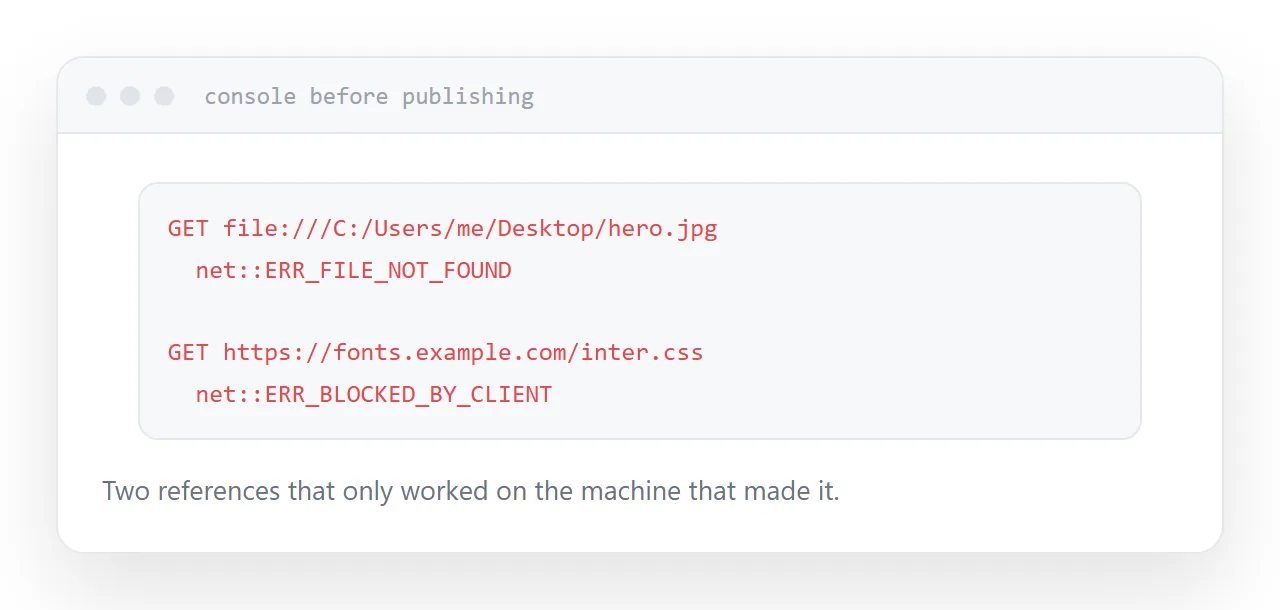
Before publishing
Three checks, two minutes.
Search the file for http. Every external reference is a future failure.
Open it and read the console. Failed requests are listed with the path they tried.
Open it on a phone. Horizontal scrolling, tiny text and hover-dependent interactions are the usual three.
Publishing
Put it at an address and put your own domain in front of it.
The page can be regenerated in ten minutes. The address cannot, because it goes on cards, into a listing, into a signature and into search results. That is the part worth setting up properly at the start.
Closely related: How to host HTML output from ChatGPT, and How to host AI generated HTML for the adjacent problem.
Put it at an address
Ask for one self-contained mobile-first file with no external libraries, give it your real content, check the console and a phone, then publish at an address you own.
Then the ten minutes of generating produces something a customer can actually reach.