A model produces a page, it works when you open it, and then it stops working the moment it leaves your machine. The reasons are consistent and all of them are checkable.
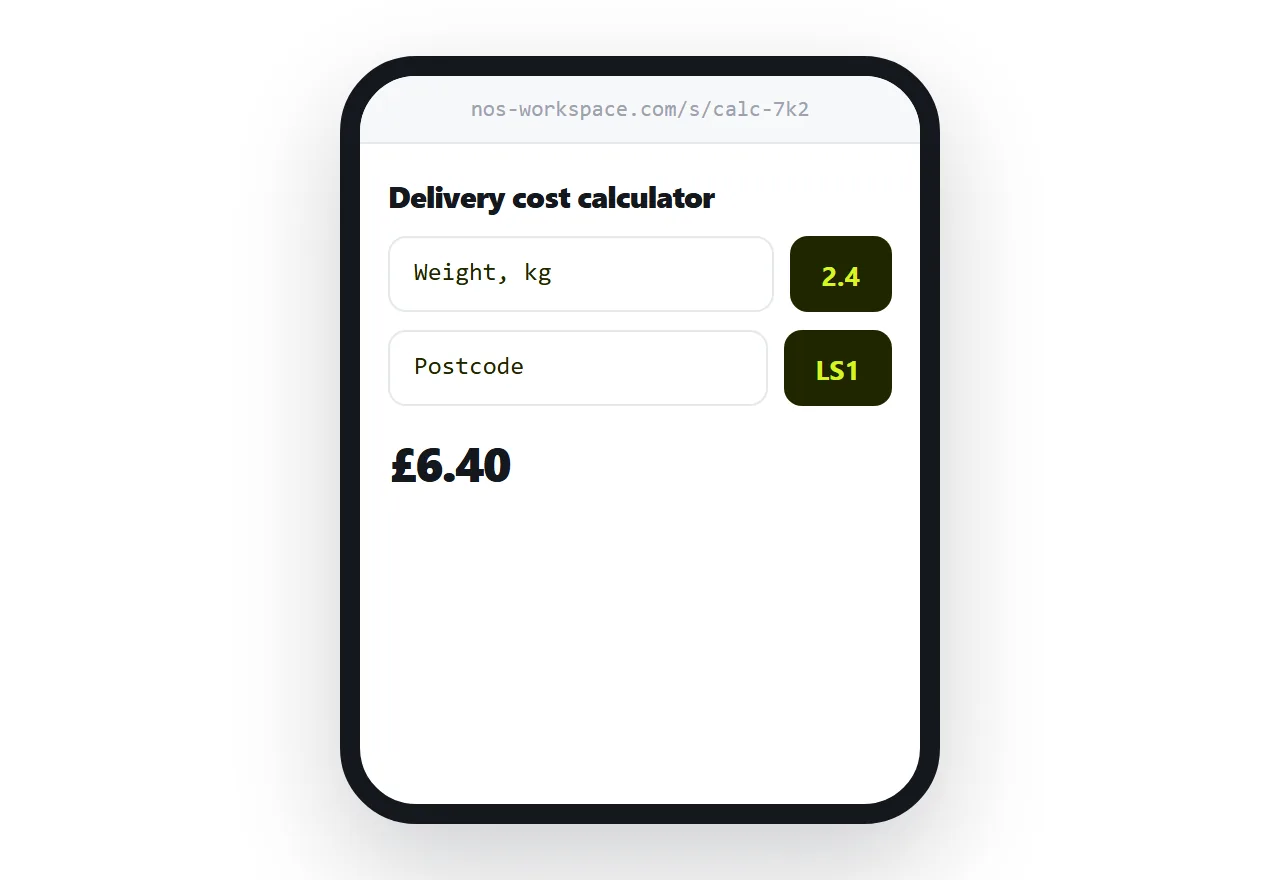
This guide covers what breaks, what to read before publishing, and why the file should not be emailed.
Ask for one file
The most useful instruction you can give is that everything goes in a single file.
Styles inlined. Script inlined. Small images encoded directly rather than referenced.
A self-contained page has nothing external to fail. It behaves the same on your machine, at an address, on a phone, and offline. Every other failure in this article is a symptom of something living outside the file.
What breaks when it leaves the chat
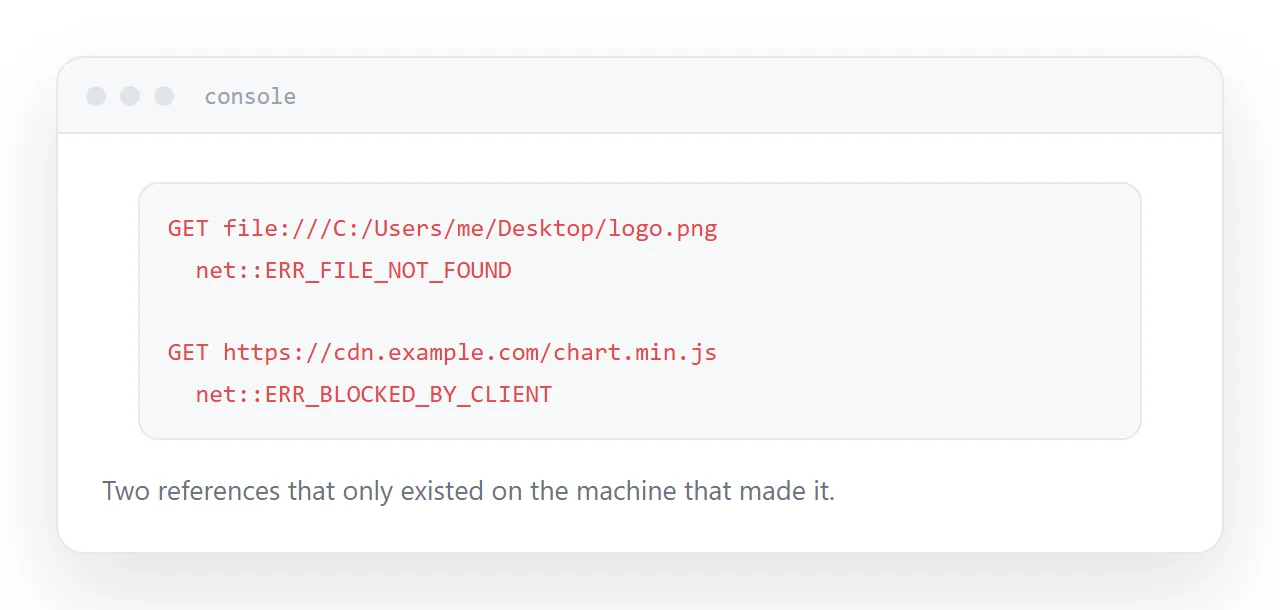
Paths that only exist on your machine. A reference to an image on your desktop works for you and for nobody else. Encode small images into the file or host them properly.
Libraries loaded from elsewhere. A chart library pulled from a network source works until that source blocks requests from other sites, or the version moves, or a corporate network blocks it. Then the page renders empty with no explanation.
Placeholder keys. Models write examples with obvious placeholders, and sometimes with real-looking strings. Either way, do not publish a page containing a key. A key in a page is readable by anyone who opens it.
Assumed desktop. Hover interactions, fixed widths, small tap targets. All fine on a laptop, all broken on a phone, and the phone is where most recipients will open it.
| What to check | How | If it fails |
|---|---|---|
| External references | Search the file for http | Inline or host them |
| Keys | Search for key and token | Remove before publishing |
| Console errors | Open it and look | Fix before sending |
| Phone layout | Open it on a phone | Ask for a mobile layout |
Read it before publishing
This is a short, specific job rather than a code review.
Look for anything sending data somewhere. Look for any address you do not recognise. Look for keys.
A page you publish is readable by anyone who opens it, including the source. Treat anything in it as public.
Do not email the file
HTML attachments are treated as a risk by mail scanners. They get stripped, quarantined, or rewritten into something that no longer runs.
What survives is often worse: the recipient opens it and sees raw markup, concludes it is broken, and tells you so.
Put it at an address and send the address. The recipient taps and sees a working page, on whatever they are holding.
Check the console once
Open the page locally and look at the browser console before publishing.
Errors there will follow the page wherever it goes. A failed request to an address that was never going to work, a missing function, a reference to something that does not exist. Two minutes here saves a message from somebody saying it does not work.
Closely related: How to save HTML from ChatGPT, and ChatGPT HTML preview: from code block to a real page for the adjacent problem. What to ask for when you want a working page is also close.
Put it at an address
Ask for one self-contained file, read it for keys and external references, check the console, publish at an address rather than emailing the file, and open it on a phone.
Then what worked in the chat works for the person you sent it to.