In short
Build the page around one album and one next step: listening.
Put the artist, release note, track list, credits, and verified listening addresses in the order a listener needs them.
Keep press downloads and a long career history on separate pages.
Open every destination before you share the release page.
NOS Team made a fictional four-track release called Low Tide to test the whole job. The page has an original cover, a short record note, a sequenced track list, credits, and two clearly marked demo listening buttons. No real artist, customer, or song data appears in the example.
What should an album release website include?
A listener should be able to answer five questions without hunting: who made the record, what it is called, what it sounds or feels like, which track comes next, and where to listen. That leads to a compact order:
- Artist and album title
- One sentence that frames the record
- Verified listening choices
- Track list in release order
- Writing, performance, production, mastering, and artwork credits
This is a listener page, not a press kit. A press kit serves journalists who need downloadable photographs, logos, a boilerplate, and a contact. If you need both, keep the release page focused and link to a separate press kit.
Build the release page from confirmed details
We began with the details that would remain stable inside the fictional example: one artist name, one title, four track names in order, four durations, and four credit roles. The listening buttons are labeled as examples because the destinations are invented. That label matters more than making a mock page look finished.
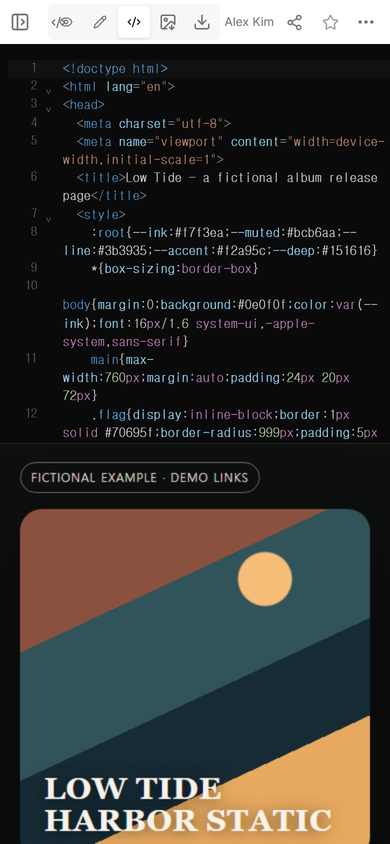
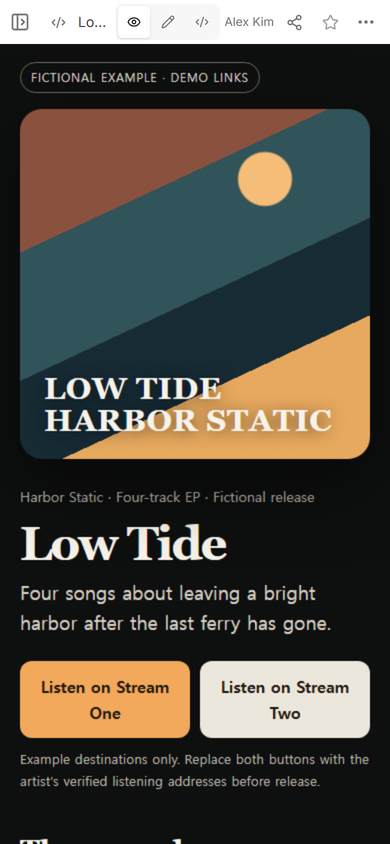
The cover uses shapes and type contained in the page, so it does not depend on a missing photograph. The first screen then moves from identity to the listening choices. The track list and credits continue below instead of competing for attention at the top.
How do I publish an album release page?
- Finish the page as one HTML file. Keep the cover treatment, release copy, tracks, and credits together.
- Open it in NOS and check View. Read the first screen at phone width before creating a link.
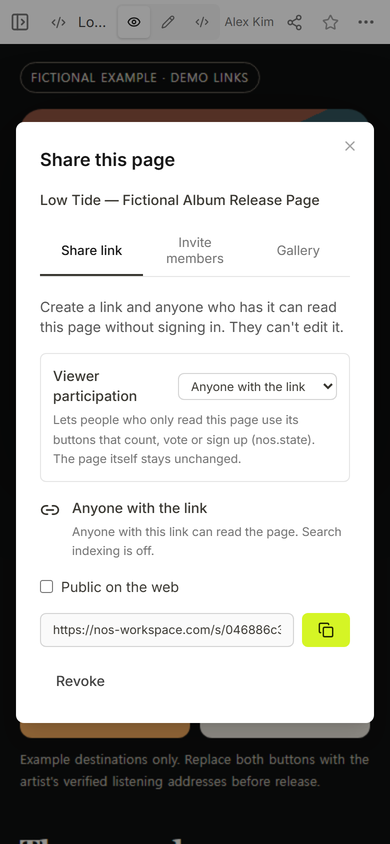
- Create the viewer link in Share. Use the address from the Share panel, not the editing address.
- Replace every demo destination. Open each official listening address and confirm that it reaches the intended release.
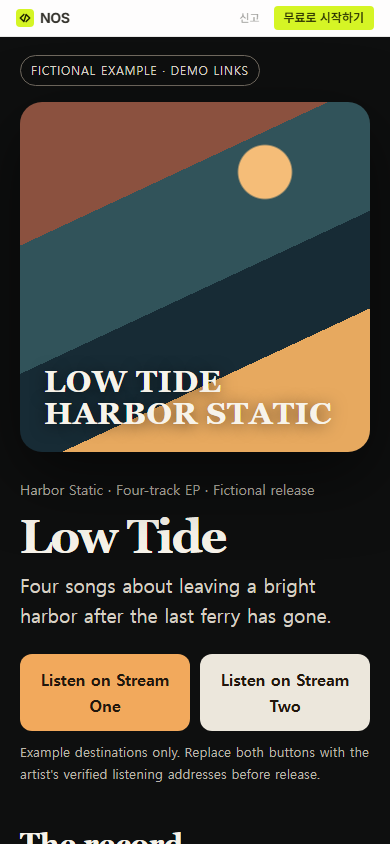
- Send the viewer link. Reopen that same address once more before using it in a bio, post, or message.
What did we change after seeing the phone view?
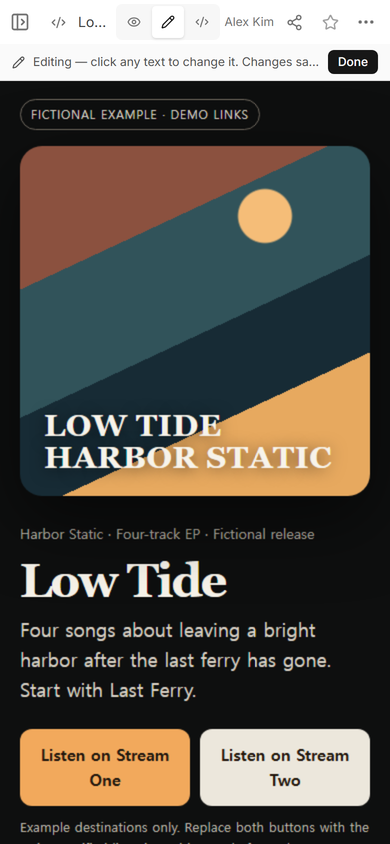
The first version described the record but did not tell a new listener where to begin. In ordinary Edit mode, we added one short line to the description: “Start with Last Ferry.” The first attempt placed the sentence inside the last word. We corrected that text before keeping the result.
We then reopened the original viewer address. It displayed the corrected introduction above the same two listening buttons.
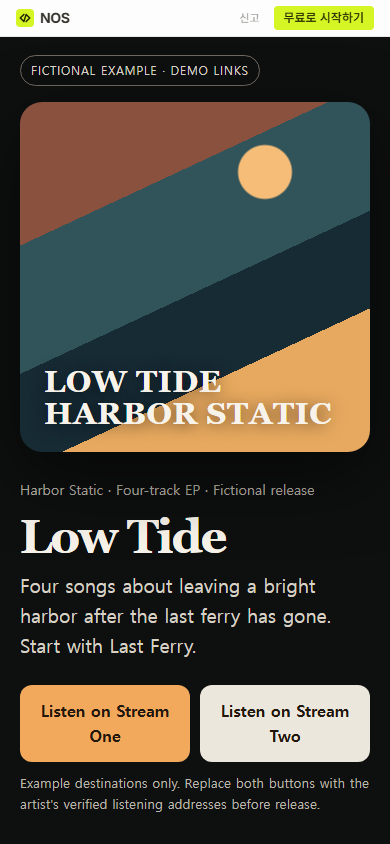
Result: one phone-readable release page now carries the album identity, the listening decision, the track order, and the credits. The only unfinished items are intentionally marked demo destinations that a real artist must replace with verified addresses.
Can one album page link to several listening services?
Yes. Keep the choices together and name each destination plainly. Do not make a large button look official while it still points to a placeholder. The fictional page leaves that limitation visible so it cannot be mistaken for a released record.
Does a musician need a full website for one release?
Not when the immediate job is to introduce one record and route listeners to it. A focused page is enough for that task. A growing archive, tour calendar, store, mailing list, or fan account needs a broader site or the service built for that function.
If you are deciding what belongs above the first scroll, the guide to a focused landing page explains how one promised action shapes the page. When your HTML is ready, the HTML-to-link tool covers the adjacent publishing step.
When not to do this
- Do not use a static release page as a store, ticketing system, fan database, or mailing-list collector.
- Do not publish placeholder listening buttons as if they lead to the released album.
- Do not fold full-resolution press assets into the listener path; place them in a separate press kit.
- Do not invent credits, release dates, reviews, play counts, or listener reactions to make the page look complete.
Using NOS for the page
NOS Workspace was used here to open one self-contained HTML page, check it in View, create a viewer address in Share, and correct visible copy in Edit. The captured Share panel says that anyone with the link can read this page without signing in and cannot edit it. Current plan details belong on the pricing page; this guide does not copy a price.