In short
Bolt.new exports source code, not a finished page. On desktop, click the project title, then Download, and you get a zip of the project.
Build that folder with Node.js on your computer. A normal build gives an index.html that shows nothing on its own, so add vite-plugin-singlefile and build again to get one self-contained file.
If the app saves data in the browser (our to-do app did), wrap that code in try/catch first. Inside a sandboxed page, like the one NOS uses, our unguarded version showed only a blank screen.
Upload the one file and share the link. You can fix text later on the NOS screen and the link stays the same.
We built a small React and Vite to-do app to stand in for a Bolt download. It is a fictional checklist for a community garden work day. We did not use a Bolt account for this test. We built the project, opened the plain build, saw a blank page, built it again as one file, hit another blank page inside a sandbox, fixed it, and put it on NOS. Then we changed the work-day hours on the NOS screen and reopened the same link.
Can I export code from Bolt.new?
You can, as a zip of the source. Bolt's help center gives one path for the whole project:
- Open the project in Bolt on a computer. Download is not available on a phone.
- Click the project title in the top left.
- Click Download. Your browser saves a zip file.
- Unzip it.
Bolt can also connect a GitHub repository and keep your code there. That is a backup and sync, not a page you can send.
Either way you now hold a project folder. Bolt's own next step is to install Node.js and run npm install && npm run dev. That starts a preview on your own computer only. Nobody else can open it.
What is in the Bolt download?
Look for a file named vite.config.js or vite.config.ts at the top of the folder. If it is there, the steps below apply. The index.html in that folder is only a shell. It points at source files in src, and the page does not exist until you build it.
Check the .env file too. Bolt's docs say values your code reads in the browser end up in what visitors receive. A built file carries them inside it. Secrets you added in Bolt's Secrets panel are different: Bolt does not write them into your files.
How do I export a Bolt.new project as one HTML file?
Open a terminal in the unzipped folder and do this:
npm installto fetch the packages.npm install -D vite-plugin-singlefileto add the plugin.- In the Vite config, import the plugin, add
viteSingleFile()after the plugins already listed, and setbase: "./". npm run build.- Open the dist folder. You want one index.html and no assets folder. Double-click it and the app should run.
Our Vite config after the change
import { defineConfig } from "vite";
import react from "@vitejs/plugin-react";
import { viteSingleFile } from "vite-plugin-singlefile";

export default defineConfig({
  base: "./",
  plugins: [react(), viteSingleFile()],
});
Our garden app came out as a single 147 KB file. The plain build had been three files: a 0.4 KB index.html, a 145 KB JavaScript file, and a 1 KB style file.
Why did my exported Bolt app show a blank page?
We hit two different blank pages.
The plain build, opened alone. That 0.4 KB index.html only tells the browser to fetch two files from paths that start at the root of a site. Opened by itself, our page had the right tab title and zero visible text. The single-file build fixes this.
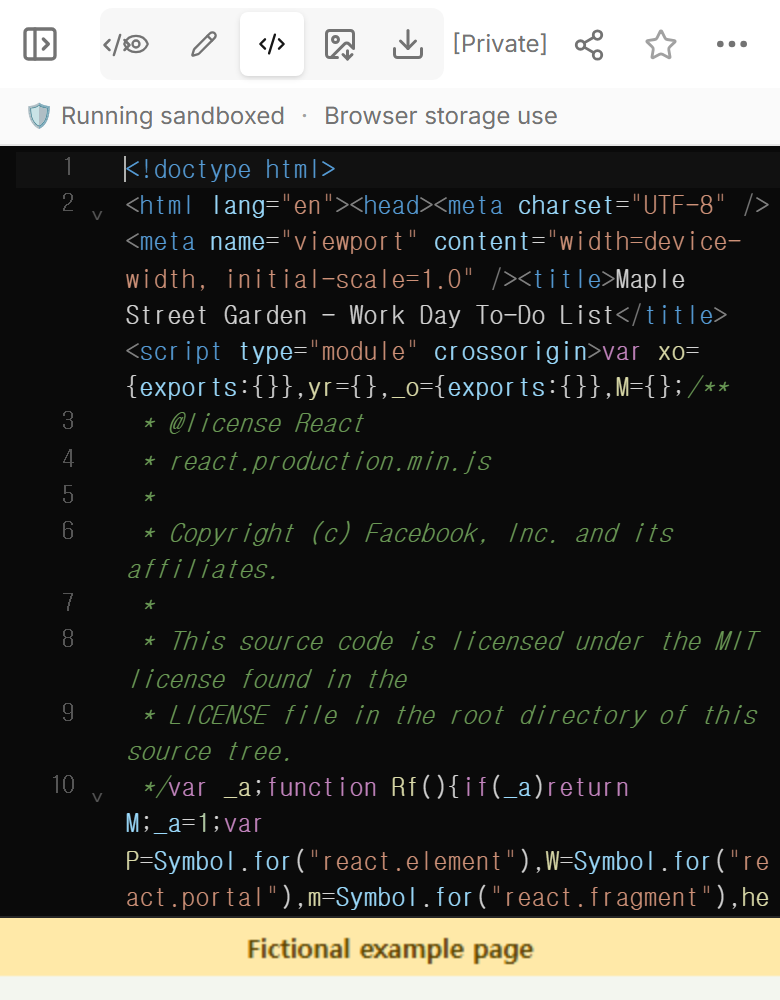
The single file, inside a sandbox. Our first one-file build ran fine when opened directly. Then we loaded it in a sandboxed frame with the same settings NOS uses for shared pages. We saw the background color and nothing else. The app read its saved tasks from browser storage on startup. A sandboxed page without its own origin is not allowed to use that storage, so the read failed and React drew nothing.
The fix was small. We wrapped the two storage calls in try/catch and fell back to the starting list:
The guarded storage code
function load() {
  try {
    const saved = localStorage.getItem("garden-tasks");
    return saved ? JSON.parse(saved) : START;
  } catch {
    return START;
  }
}
We did the same around the save call and rebuilt. The app then loaded in the sandbox. The trade-off: ticks and new tasks last while the tab is open. A fresh visit starts from the original list. NOS flagged this ahead of time, too. Its Code view showed "Browser storage use" in the bar above our file.
How do I share an exported Bolt.new app as a link?
We uploaded the one file to NOS. The Code view shows the built file as it is, and View runs it.
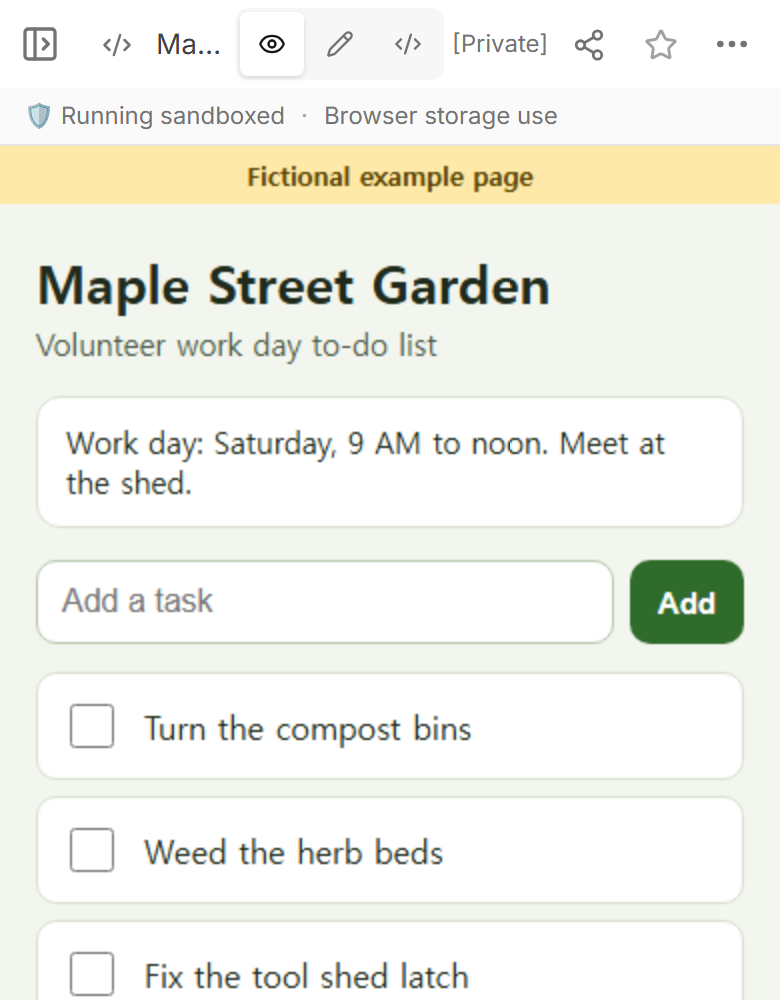
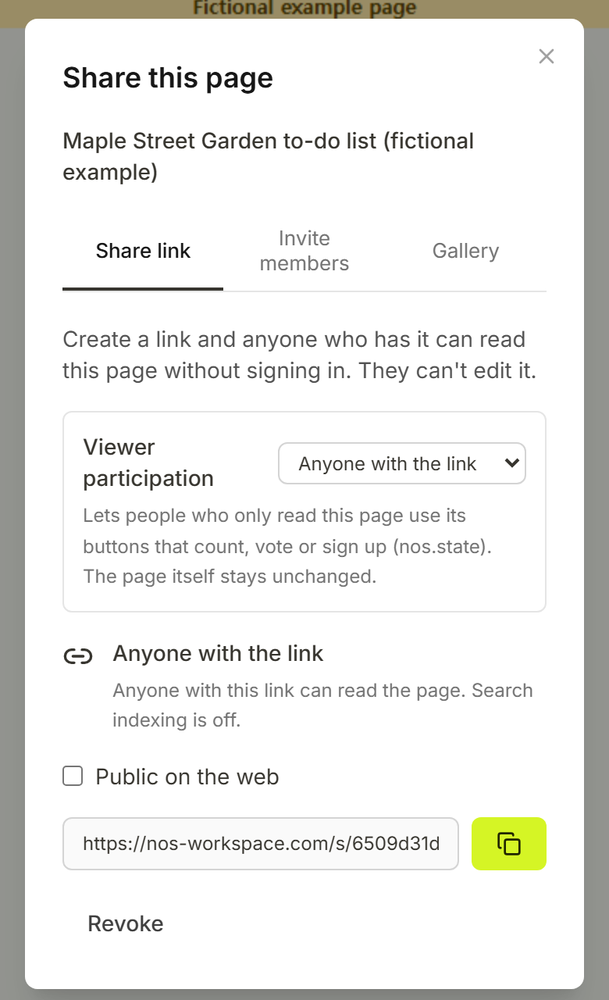
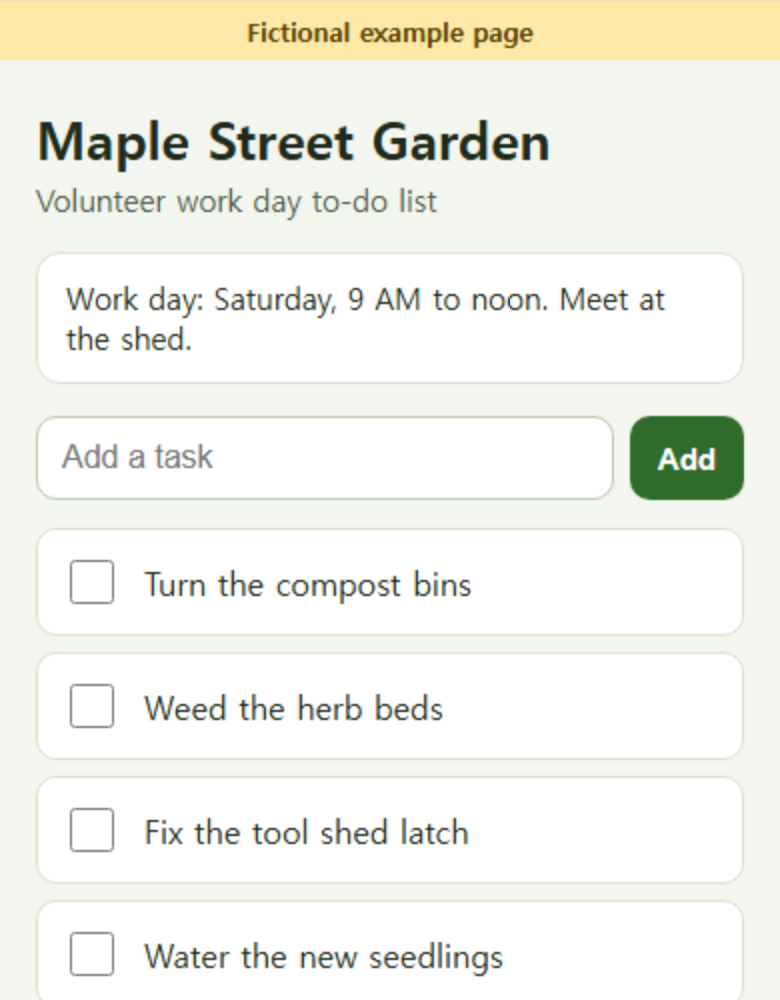
Share makes a read-only link. People who open it do not sign in and cannot change the page.
Changing the app after you send the link
Say the work day moves to 8 AM to 11 AM. You do not need Bolt, a rebuild, or a new upload. In NOS, choose Edit, click the line, type the new text, and choose Done.
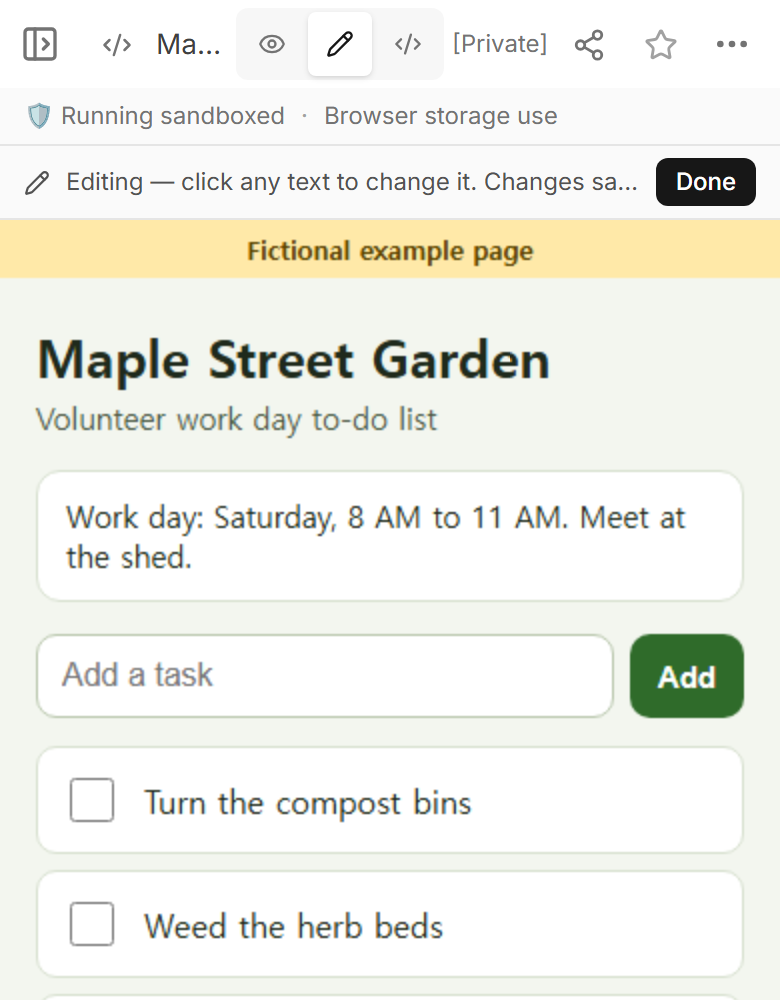
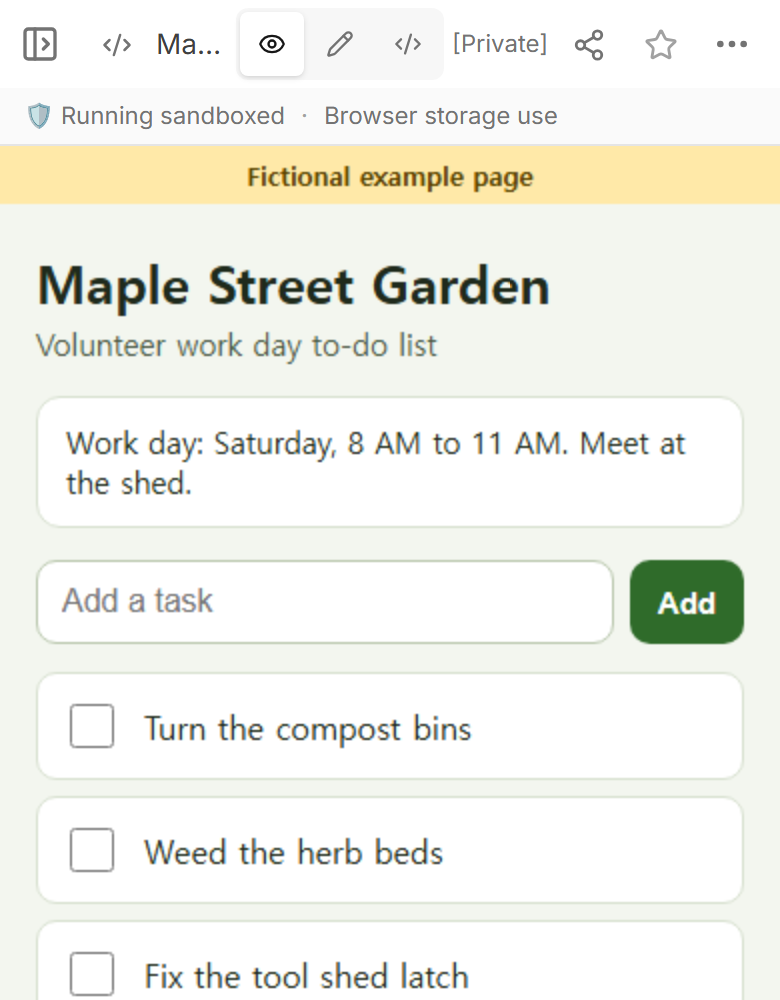
We opened the same link again. It showed the new hours. Then we ticked a task and added one. Both worked, so the edit did not break the app.
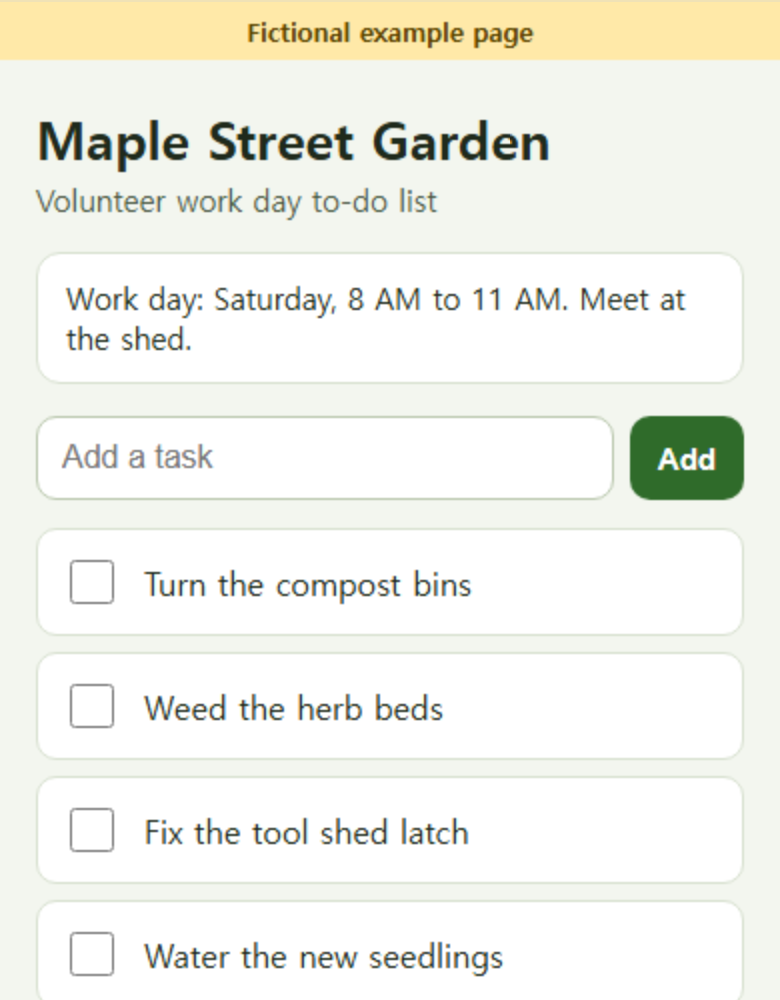
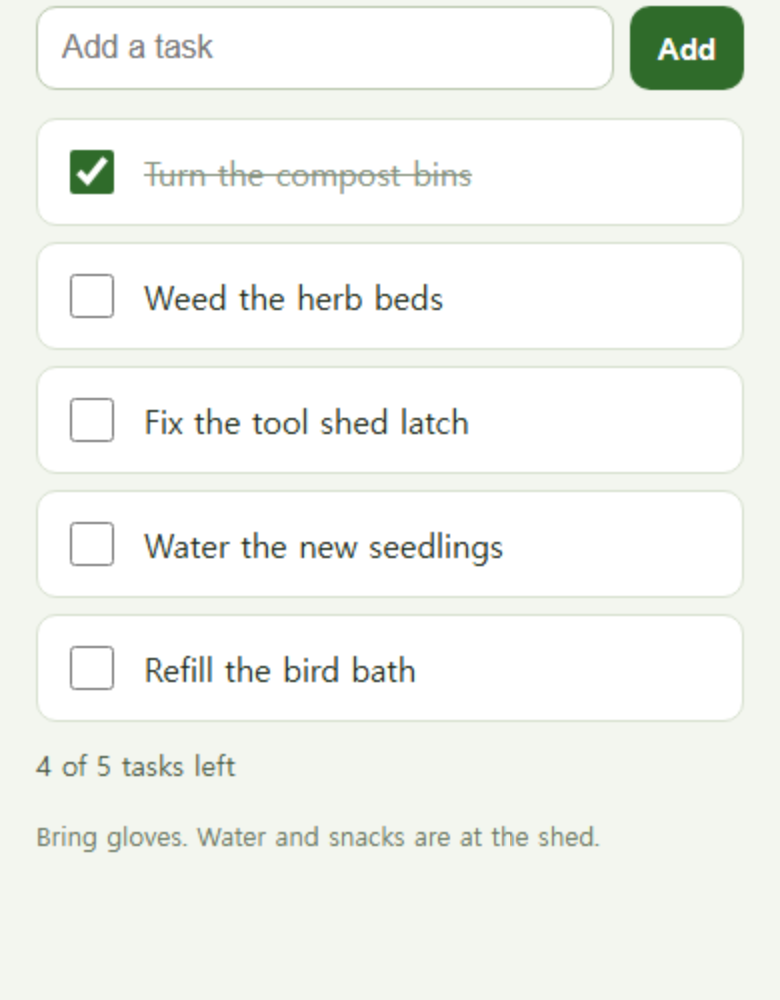
This kind of edit works for text that sits in the app as one plain sentence. We did not test text built from several values, or text loaded from a database.
Does Bolt.new host websites?
It does. Bolt's help center says you can publish a project for free at an address ending in bolt.host, from the Publish menu. Custom domains and private sites need a paid Bolt plan. If you are staying in Bolt, that is the simplest route. Exporting makes sense when you want the app outside Bolt: as a file you own, on a host you choose, or next to other pages you already share.
When not to do this
- The app uses a database or sign-in. A single file cannot carry Bolt's database, user accounts, or server functions. If you came here to export a Bolt database, this is your case. Keep that app on Bolt hosting or another full host.
- Each person's list must be saved. In a sandboxed share page, browser storage is blocked, so a personal to-do list resets on the next visit. Use a host that serves the page from its own address, or a real backend.
- The folder has a next.config file instead of a Vite config. That is a Next.js project. The single-file plugin is for Vite.
- The .env file holds anything private. Anything your code reads in the browser ends up in the file. Move it to Secrets and server code first.
Where NOS fits
NOS gives one HTML file a share link, lets you fix its text on screen, and keeps the same link after each change. It runs shared pages in a sandbox, which is why browser storage needs the guard above. The Free plan includes 3 share links at once; see current pricing for paid plans.
Related guides
Want to try it first? Download our garden to-do app (the guarded single-file build).