In short
A useful care card names the exact product, separates routine cleaning from damage warnings, and tells the buyer what to prepare before asking for help.
Write only verified material instructions. Put the finished card at a reader link, then check the opening screen and the lower warning sections on a phone.
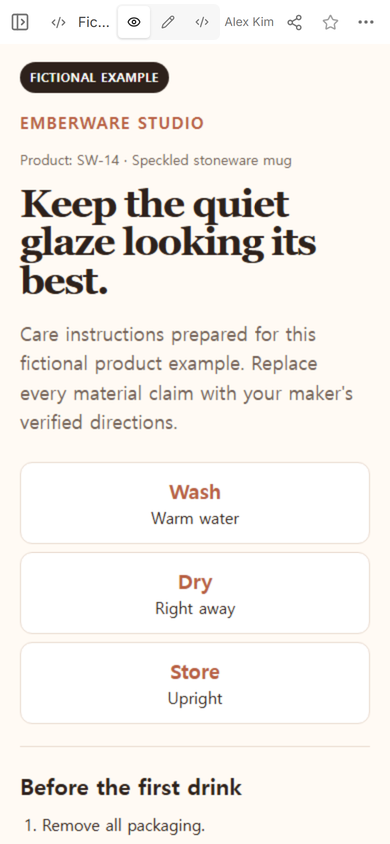
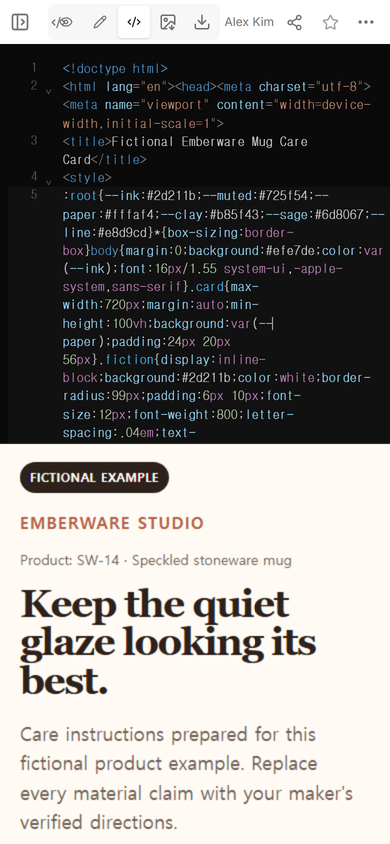
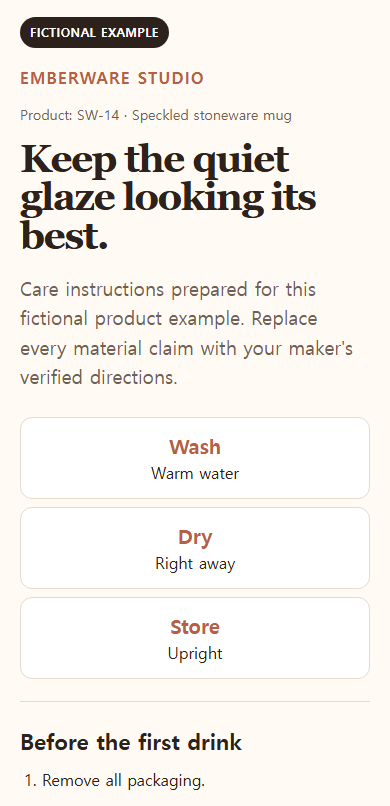
NOS Team made a fictional care card for an Emberware Studio stoneware mug. The example is not a real maker's safety sheet. It gave us one complete task to test: arrange product-specific washing, drying, storage, avoid, and care-question details on a page a buyer can reopen.
What should a product care card include?
Start with the product name and code. A buyer may own several pieces from the same shop, so a broad heading such as “How to care for your order” leaves too much room for guessing. The fictional card identifies product SW-14 before any instruction.
Then separate the information by the decision the buyer needs to make:
- Before first use: any preparation the maker has verified for this item.
- Routine cleaning: water temperature, cleaner, tool, and whether a machine setting is allowed.
- Drying and storage: the position, spacing, or protection the product needs after washing.
- Avoid: actions that can damage the material or decoration.
- When something looks wrong: when to stop using the item and what evidence to prepare.
Do not combine different materials into one vague list. A printed detail, wooden handle, coated surface, or removable part may need its own line. If the product has variants, name which instruction applies to which variant.
How do you write care instructions without making unsafe claims?
Treat every care statement as a product fact that needs confirmation. “Dishwasher safe,” “food safe,” “microwave safe,” and temperature limits are not decorative copy. Get them from the maker's tested specification, supplier documentation, or another source the business accepts before placing them on a real card.
The example makes its boundary visible twice: the page is labeled “Fictional example,” and the introduction tells the reader to replace every material claim with verified directions. That label prevents a demonstration from looking like guidance for an unknown real mug.
Use direct verbs after the facts are confirmed. “Wash with mild soap and a soft cloth” is easier to act on than “use appropriate cleaning methods.” Put exceptions beside the main rule, such as a separate hand-wash note for a decorated area.
How do you build a care card template as one page?
- Choose one product. Record its name, code, material, finish, and any parts that need different treatment.
- Collect approved directions. Keep unverified claims out of the public copy.
- Draft by action. Use the buyer's order: first use, wash, dry, store, avoid, and get help.
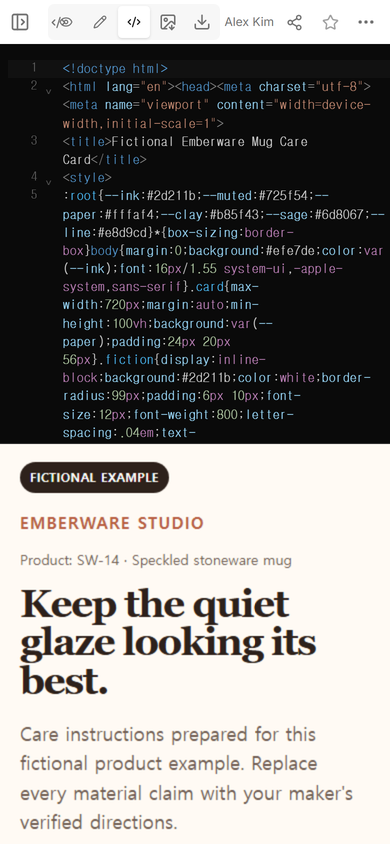
- Put the complete page in NOS. Open Code, add the finished HTML, and read the rendered result in View.
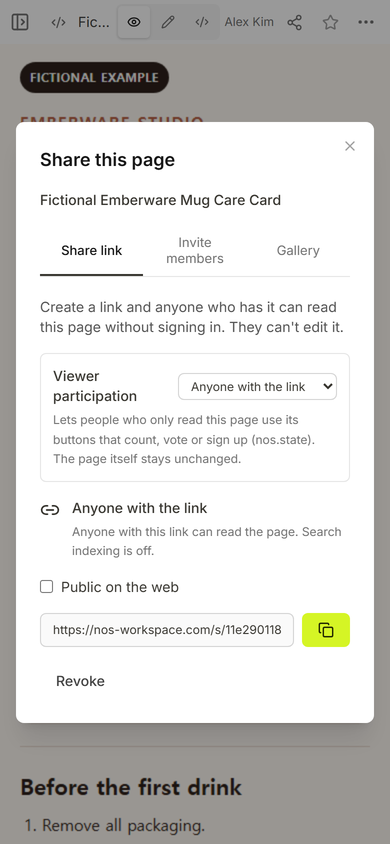
- Create the reader address. Open Share and copy the link intended for the buyer.
- Check both ends of the page. The product identity should be clear at the top, while warnings and question-preparation details remain easy to find below.
Can a care card be updated after buyers receive the link?
In this example, we kept the existing NOS page and changed the storage sentence from “Store on an open shelf with space between pieces” to “Store upright on an open shelf with space between pieces.” The source was saved to the same document, and the original public address still opened the card afterward.
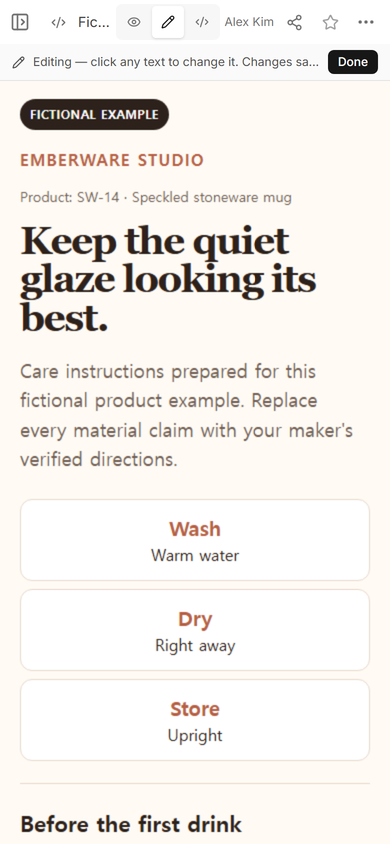
A link is useful when instructions need correction, but it does not excuse sending unchecked guidance. Confirm the replacement sentence first, edit the existing page, and reopen the public address as a reader.
What should the card say about damage or care questions?
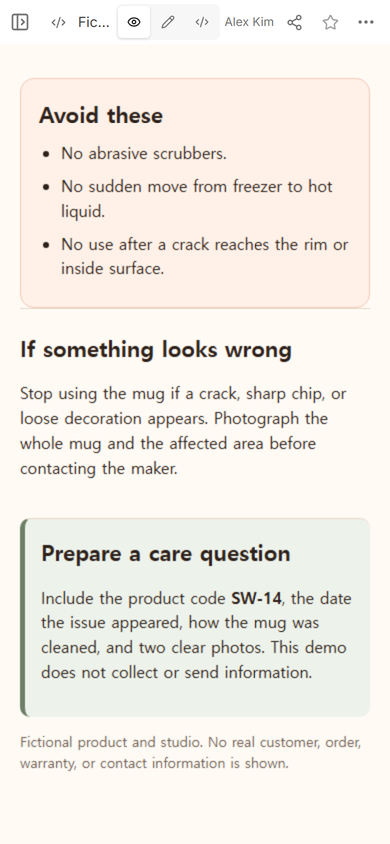
Tell the buyer what condition changes the next action. The fictional card says to stop using the mug if a crack reaches the rim or inside surface, or if a sharp chip or loose decoration appears. Those details belong to the fictional example and must be replaced with the real maker's policy and product knowledge.
For a care question, ask for information that helps identify the item and the observed problem. The example requests the product code, when the issue appeared, how the mug was cleaned, and two clear photos. It does not include a form and does not claim to send or store those details.
Should a care card use a QR code?
A QR code can be useful on a small package insert when the full instructions would be cramped. Point the code to the reader address, not to the editing page. Keep a short product name and a critical warning on the printed card when the buyer may need them without opening a phone.
If you use a code, test the actual printed size and the public destination before packing the product. The separate QR code link guide explains how a printed code can lead to a page you maintain.
When not to do this
- Do not replace mandatory labels, regulated warnings, or the manufacturer's official instructions with a marketing-style web card.
- Do not publish material or safety claims that the maker has not verified.
- Do not put private order records, customer names, warranty evidence, or a buyer's photos on a public page.
- Do not combine unlike products when one set of directions could damage another item.
Using NOS for a product care card
NOS Workspace held the complete care-card HTML, showed it in Code and View, opened an ordinary Edit mode, and provided a reader address through Share in this test. The same public address opened after the source correction. Check the current pricing page if plan details matter to your setup.
Related product guides
If the next page is for buyers choosing products before purchase, use the product catalog template. To turn finished HTML into a reader address, continue with the HTML-to-link tool. For a printed package insert that should lead to maintained instructions, read the QR code link guide.