In short
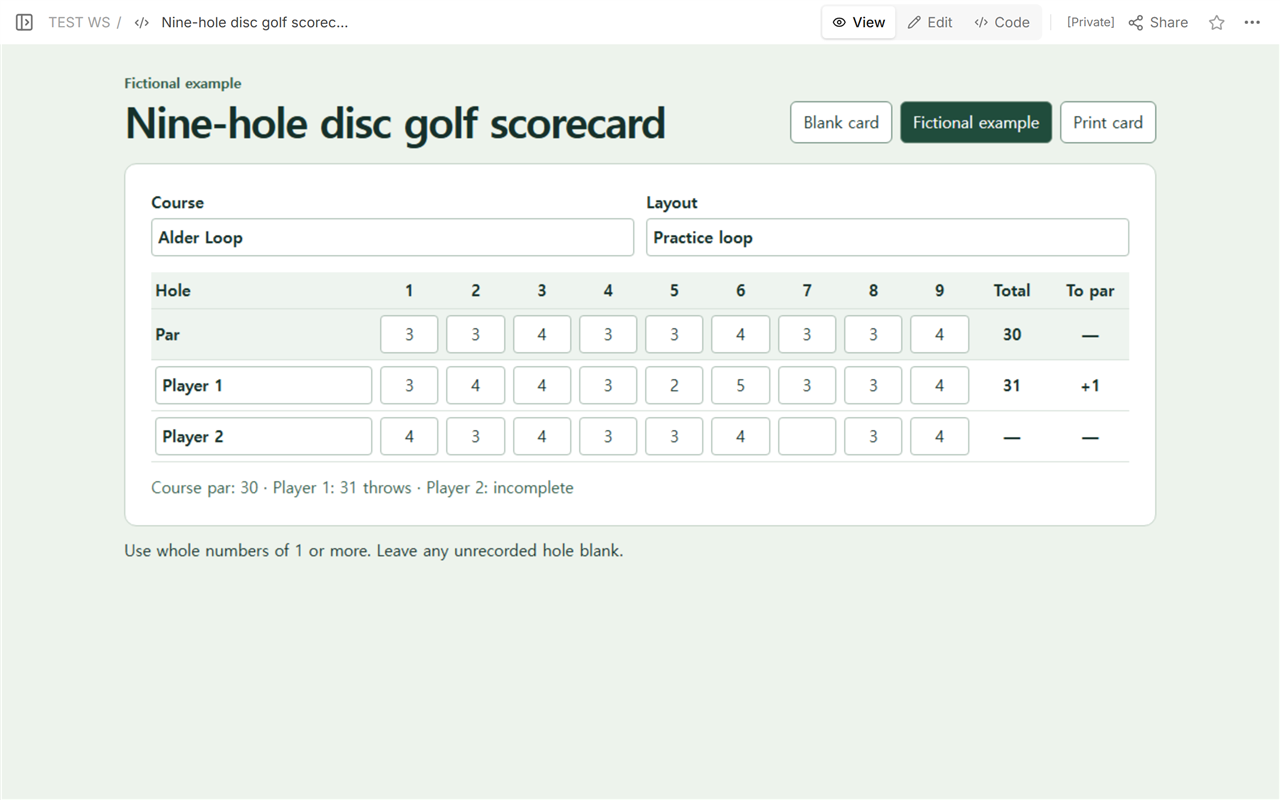
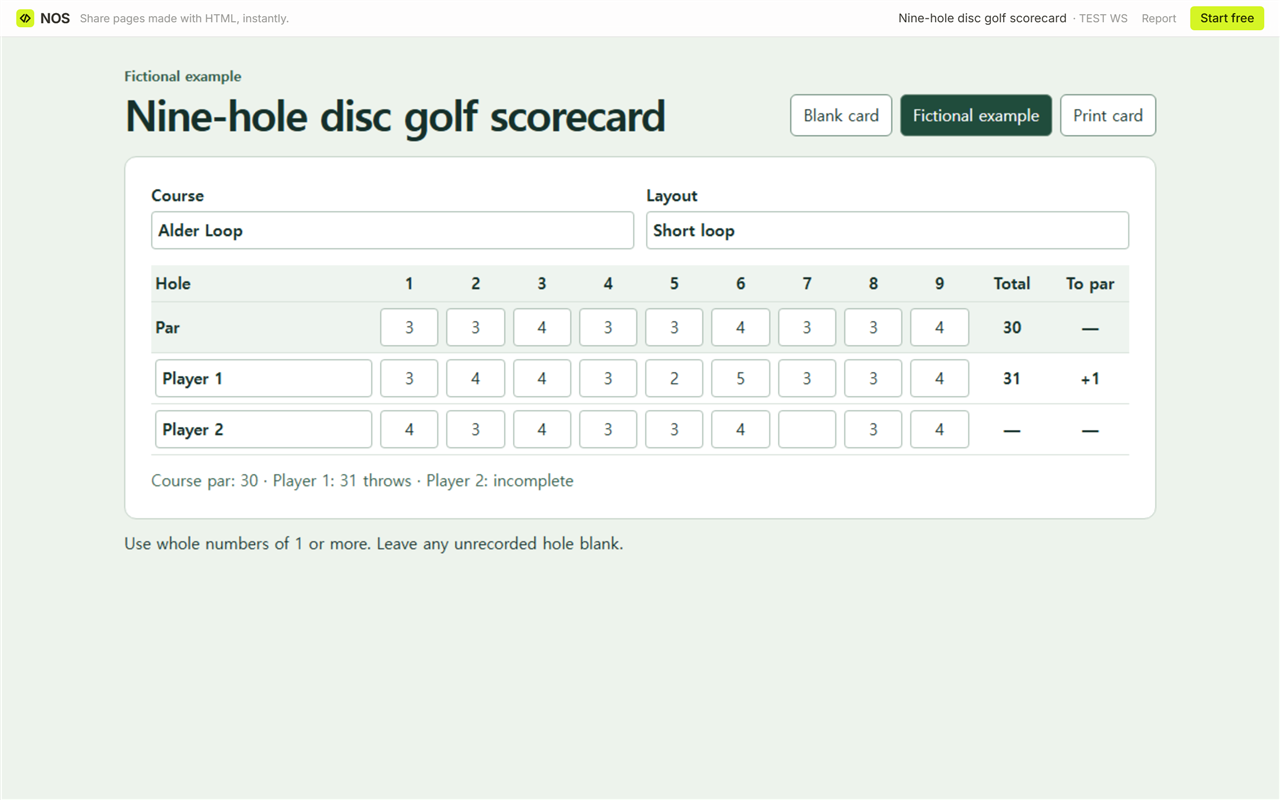
Download the blank nine-hole scorecard to fill in your course, layout, and par for each hole. The worked example shows a 31 on a par-30 layout and leaves Player 2's result open while one hole is missing.
What goes on a blank nine-hole scorecard?
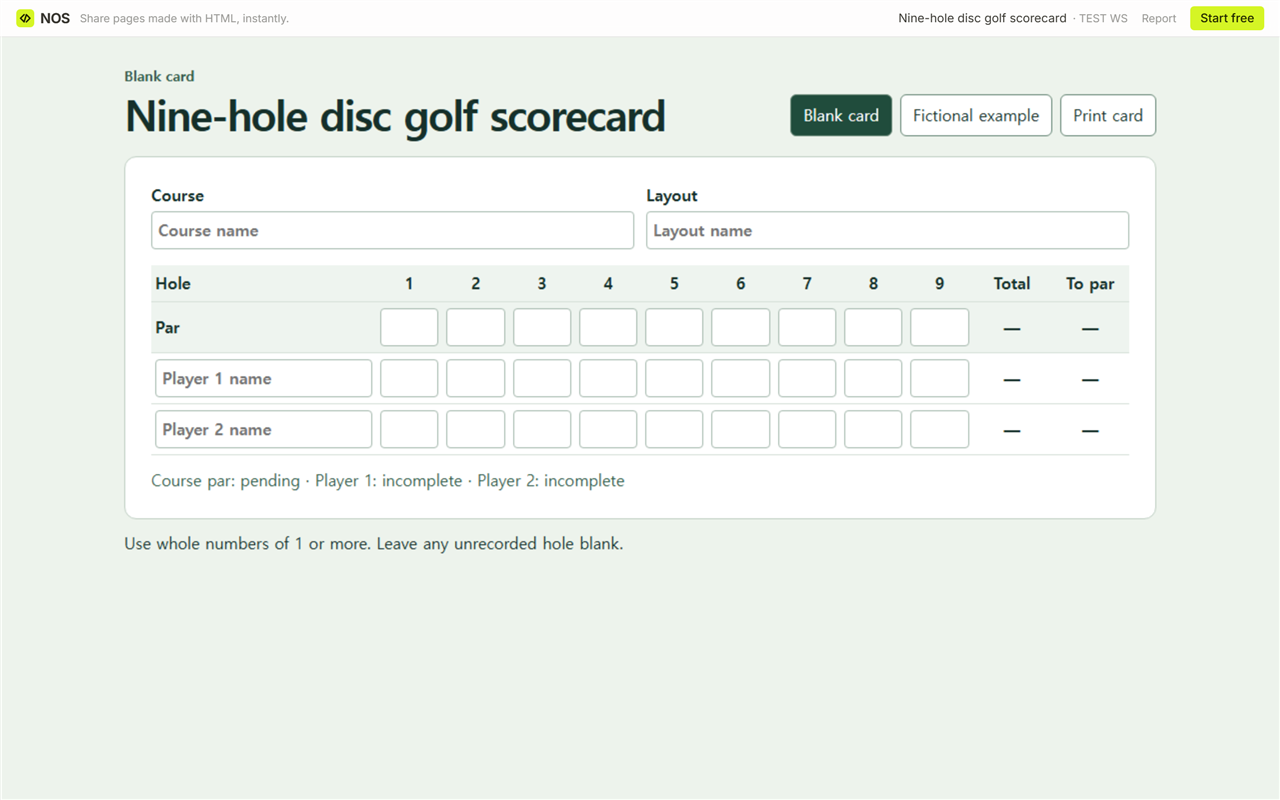
Write the course name and the layout at the top. Fill in the par for each of the nine holes before adding throws. There are two player rows, with one box per hole and two columns at the end for Total and To par.
Open the blank file in a browser and type into the boxes, or use Print card to take a paper copy. For a printed round, leave the two result columns empty until you've checked every hole. Finish recording or print before closing the file. Typed entries are for the current session.
How do you check 31 throws against par 30?
On the fictional Alder Loop card, the par row reads 3, 3, 4, 3, 3, 4, 3, 3, 4. That's six 3s and three 4s, for a total par of 30. Player 1 recorded 3, 4, 4, 3, 2, 5, 3, 3, 4. Those throws add to 31. Subtract 30 from 31 to get +1, one throw over par.
For a paper check, compare each player cell with the par directly above it. Player 1 took one extra throw on holes 2 and 6 and one fewer on hole 5. The other six match par. That gives the same result: +1.
What happens when a hole is missing?
Player 2 has eight scores and a blank at hole 7. The card shows dashes in both result columns and marks the row incomplete. We entered a 3 at hole 7 to check that the results appeared. Clearing that field brought back the dashes and left the box empty. On paper, use the same convention and wait for the missing number before writing a final result.
How did the layout correction reach the same NOS link?
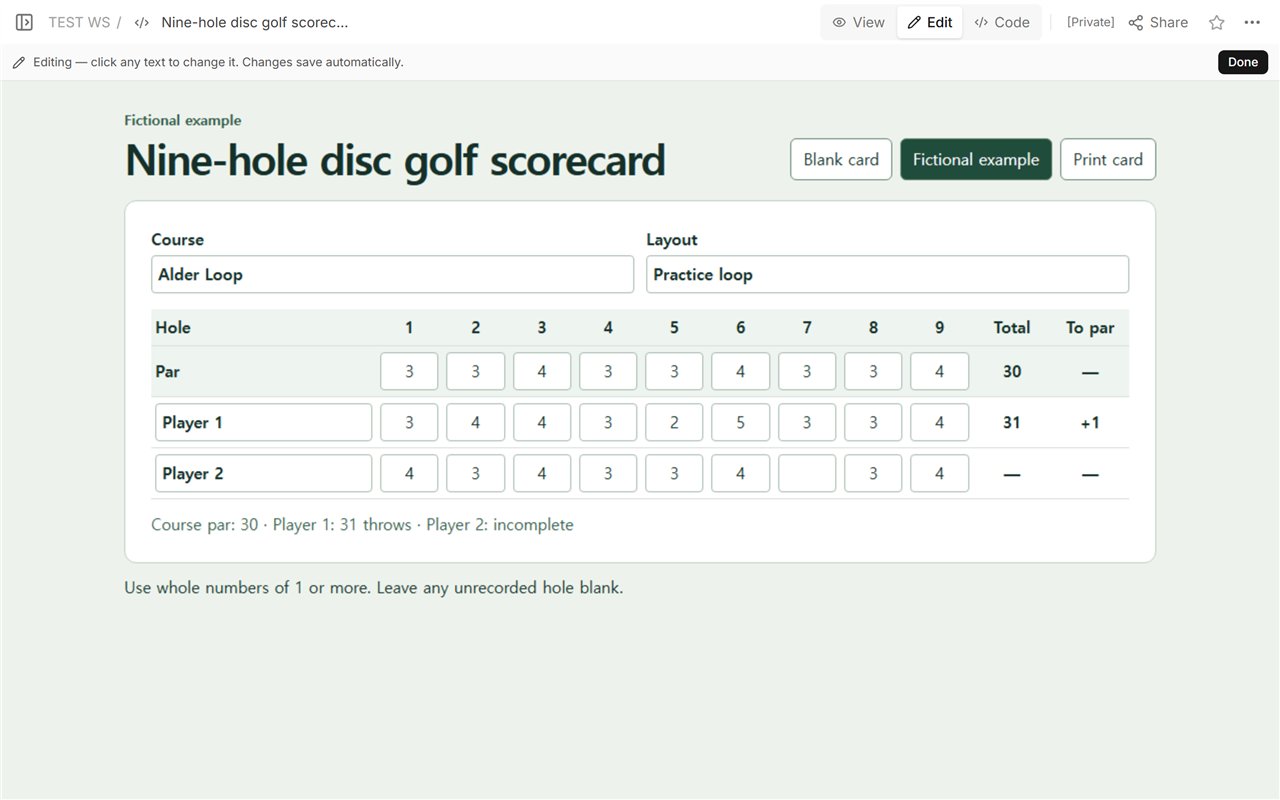
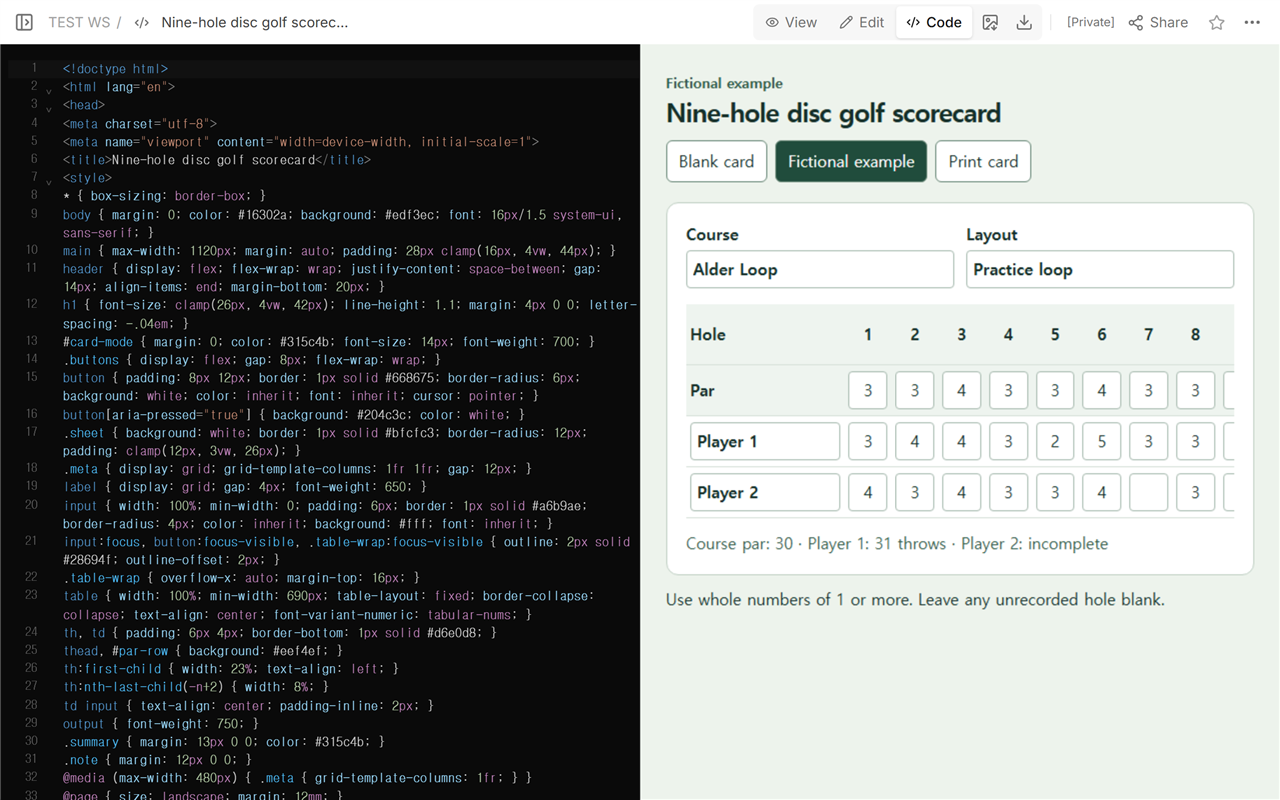
We opened the card in Edit to inspect the fields. The fictional layout name came from the example's starting values, so we changed it from Practice loop to Short loop in Code on the existing page.
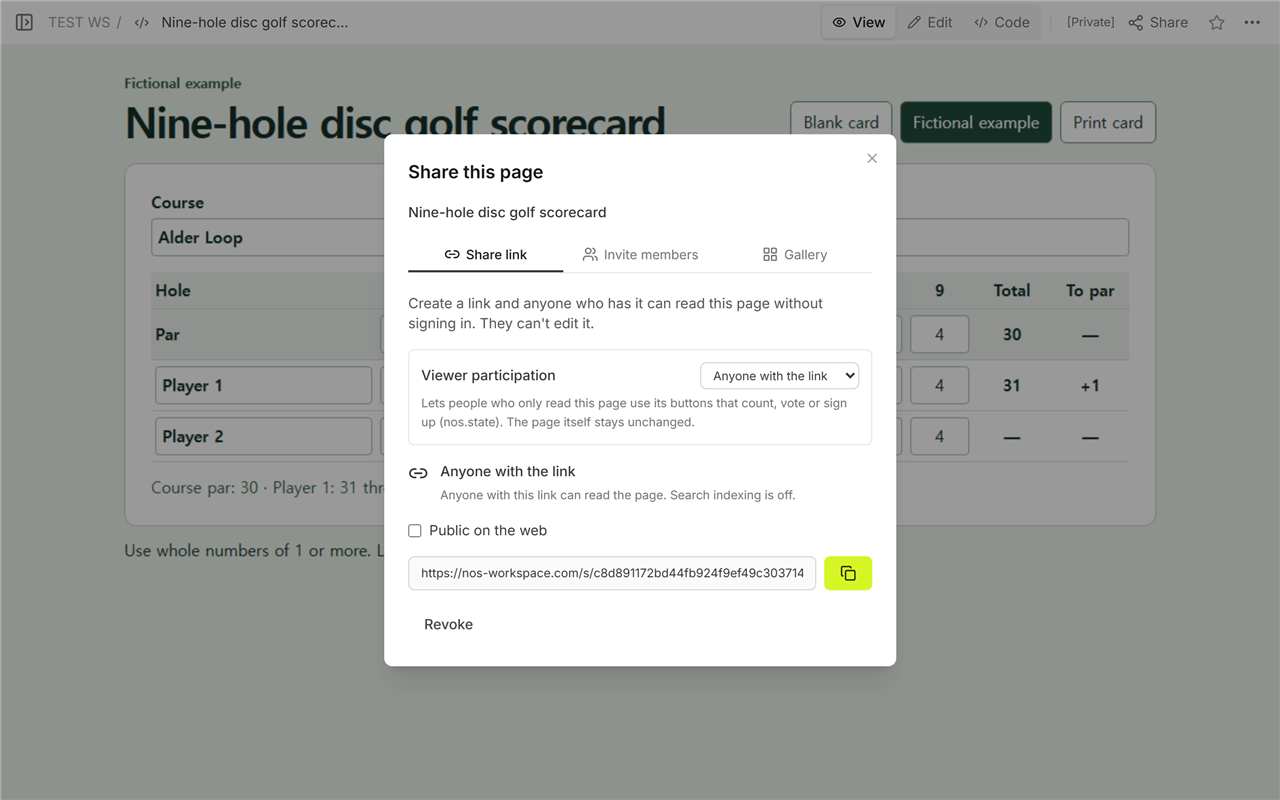
The Share panel showed a viewing link that people could open without signing in. When we reopened that same link, the layout read Short loop and Player 1 still showed 31 (+1).
When not to do this
Use this sheet for a casual nine-hole round. If an event asks for a particular card or a course provides a card for the layout you're playing, use the supplied card. The Martinsville Parks and Recreation scorecard and the Warren County Parks and Recreation scorecard are real examples with course-specific pars and distances. Alder Loop and its scores are fictional.
Using NOS for the example card
Open the shared Alder Loop scorecard to try the blank and fictional views. If you're tracking who advances between matches, use a tournament bracket. For a different kind of scorekeeping, the baseball scorecard example shows how individual plays add up to an inning and game score.