In short
Lead with the deadline and time zone, then give the day schedule.
Separate rules, deliverables, judging, and help so a participant can jump to one answer.
Label the submission checklist as a checklist, not the official form.
When a critical line changes, update the existing page and check the public address again.
A hackathon participant guide is the operating page for the people building projects. It is not the project page judges review, and it is not a registration or submission system. Its job is to put the event’s schedule, rules, required deliverables, judging criteria, and help route in one place.
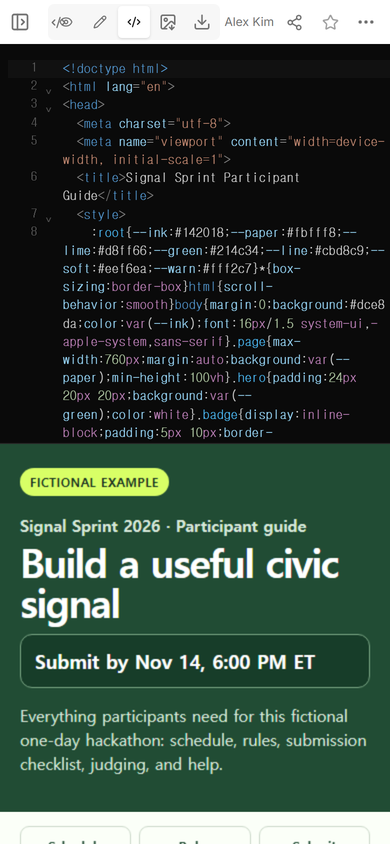
The NOS Team built a complete fictional guide for Signal Sprint 2026. The first version showed a submission deadline of Nov 14 at 6:00 PM ET. We opened the rules from the page navigation, checked the sharing settings, changed the visible deadline in the normal editing view, and opened the same public address after the change. No participant registered, submitted a project, or received a reminder during this example.
What belongs in a hackathon participant guide?
Start with what can stop a team from finishing. The fictional page uses six destinations: schedule, rules, submission, judging, help, and changes. That order is deliberate. A team can first confirm the clock, then decide what it may build, then prepare the deliverables that judges will receive.
The guide includes a visible “Fictional example” label and uses no real participant, organizer, customer, email address, or resident record. You can download the complete example and replace every event-specific choice with confirmed details from your own event.
Download the fictional participant guide
How should the deadline and schedule be written?
Put the main deadline on the first screen with its date, time, and time zone. Repeat it in the detailed schedule only if both places are maintained together. A deadline banner that says 4:00 PM while the schedule still says 6:00 PM is worse than one carefully maintained source.
The initial example names Eastern Time and shows the event sequence from briefing through judging. It also says what the page does not do: it does not create a calendar reminder or reserve a demo slot. If your event offers those actions, link to the real system instead of making a static guide look interactive.
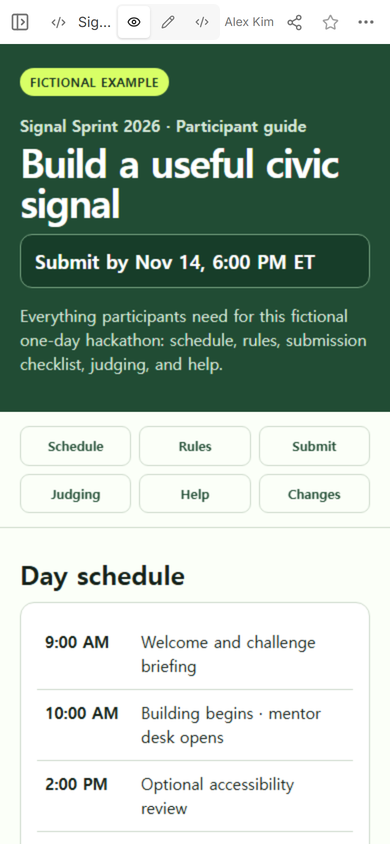
For a longer event, split the schedule by day and keep each entry tied to one time zone. The event schedule template explains how to separate participant times from staff cues. Keep stage directions, room setup, and private contact details out of the public participant view.
Which hackathon rules need to be explicit?
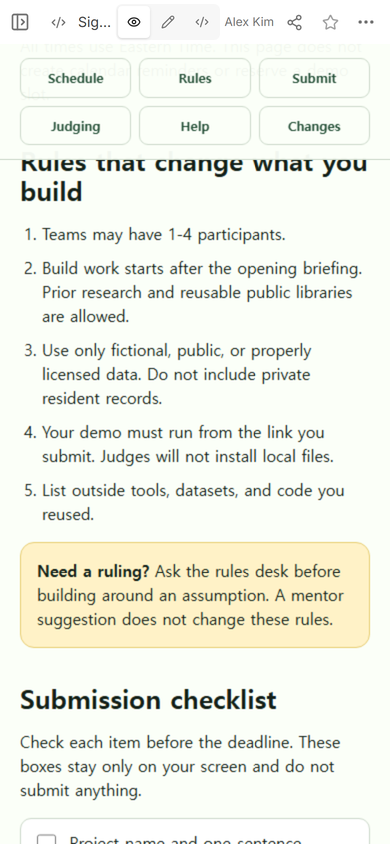
Write rules that change a build decision. The fictional guide states the team-size range, when building starts, what prior material is allowed, what data may be used, how the demo must open, and which reused resources must be listed. It also separates a rules decision from general mentoring: a mentor suggestion does not grant an exception.
Do not copy those fictional rules into a real event. Confirm your own eligibility, intellectual-property, data, safety, and submission policies with the organizer responsible for them. If a point is unresolved, mark it as unresolved and give participants the correct decision route.
What should participants submit?
List the deliverables as nouns a participant can verify: project name and problem, public project page, demo steps, video link, team members, and reused resources. Then state where the real submission happens and what confirms success.
In the example, the checkboxes change only the reader’s screen. They do not send anything. The final instruction tells the participant to use the official form and open its confirmation page. This distinction prevents a helpful checklist from being mistaken for the event’s record of submission.
If teams need a page for judges, use a separate hackathon submission website. That page explains the project and demo. The participant guide explains the event’s process. Linking the two is useful; merging them makes both harder to scan.
How do you explain judging before teams build?
Name each criterion and its weight, then describe what evidence judges will see. The fictional rubric assigns 25% to a clear problem and user, 30% to a working demonstration, 25% to usefulness and feasibility, and 20% to accessibility and explanation. Those numbers are example data, not a recommended universal rubric.
If judges will use a tie-break, eligibility screen, or separate prize criteria, place that rule beside the main rubric. Do not hide a disqualifying condition in a late FAQ. Participants should be able to trace each required deliverable to the criterion it helps judges assess.
How should help contacts be divided?
Route questions by decision type. The example has a rules desk for eligibility and allowed tools, a mentor desk for design and technical guidance, and a submission desk for broken links or missing confirmation. A participant should not have to guess which volunteer can change a rule.
Use real contact details only after permission and ownership are confirmed. A public guide is the wrong place for private phone numbers, internal escalation notes, or participant data. For a broader event information page that covers venue, entry, cost, and contact, connect the guide to an event link instead of duplicating every detail.
How do you share the guide without confusing editors and participants?
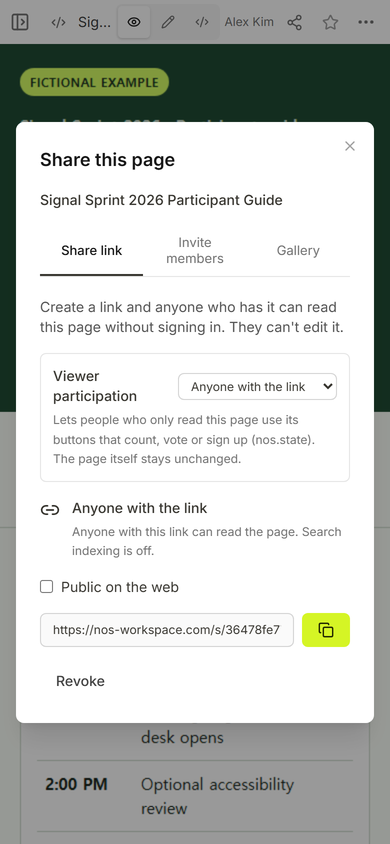
Create the viewer address and test it separately from the workspace address. In the captured Share panel for this example, anyone holding the link could read the page without signing in, viewers could not edit it, and search indexing was off. Those statements describe the captured page and settings, not every possible sharing configuration.
What happened when the deadline changed?
The first click in the editing view landed on the schedule heading instead of the deadline banner. That mistake was visible immediately because the heading changed while the original deadline stayed in place. We restored the heading, selected the banner itself, replaced the date and time, and finished the edit with the original page isolation setting unchanged.
That failure suggests a practical check: after changing a repeated event fact, scan the page for the old value rather than trusting the edit control alone. A real organizer should also revise the detailed schedule and change note before announcing a new deadline. Our observed edit changed only the banner, so this example does not claim that the whole fictional schedule was reconciled.
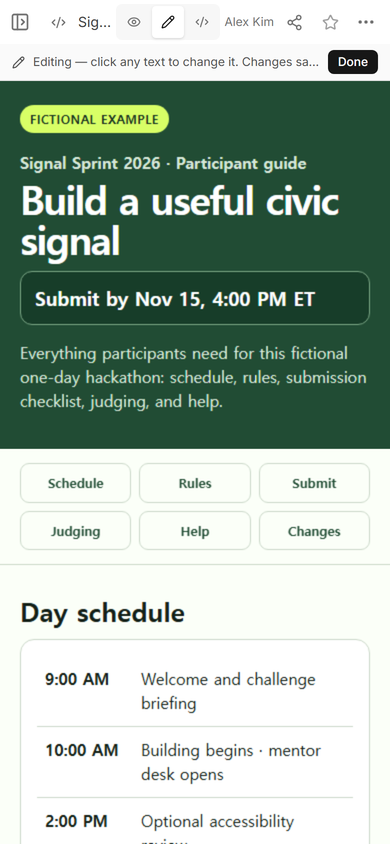
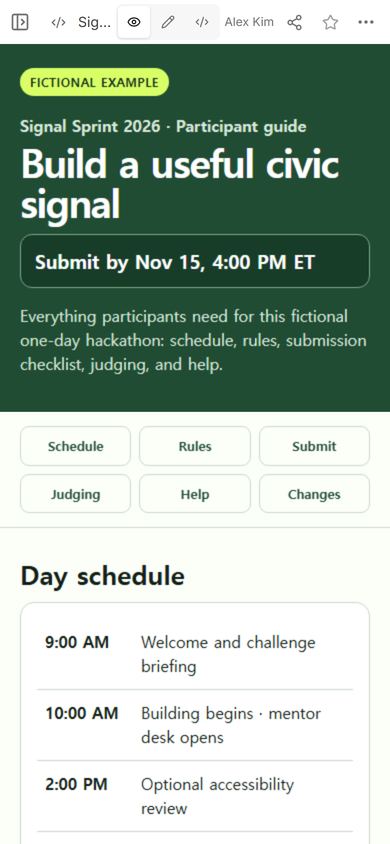
Finally, we opened the original public address at phone width. It displayed the revised banner at the same viewer address. The public check matters because a correct workspace view does not prove that the address already sent to participants shows the same state.
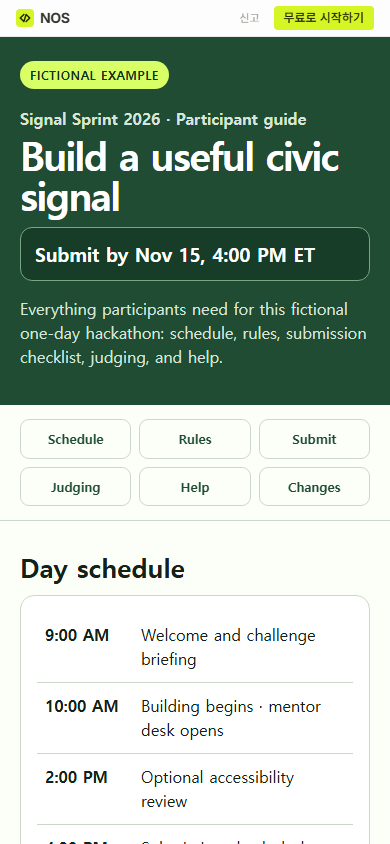
Result: the worked example now gives participants one navigable page for the schedule, rules, deliverables, judging, and help. It also exposes a real editing mistake and the public-link check that caught the final state. The remaining inconsistency between the revised banner and the old detailed schedule is left visible in the record rather than described as fixed.
When not to do this
- Do not use a static guide as the official submission record, team registration database, payment page, or slot reservation system.
- Do not publish unconfirmed rules, private contact details, participant data, or confidential judging notes.
- Do not change a deadline in one place and announce it before checking every repeated time and the public address.
- Do not replace required platform instructions with a local checklist; link participants to the actual form and confirmation step.
Using NOS for a participant guide
NOS Workspace held the complete fictional HTML page, displayed its rendered sections, created the viewer address, and allowed the visible deadline banner to be edited on the existing page. We checked the public address after the edit. The example does not test registration, reminders, form storage, or judging workflows. If you are choosing a plan, use the current pricing page rather than an amount copied into this guide.