In short
Match request IDs across the planned list, packing rows, and items you see in each box. Check the enclosed slips for due dates and loan restrictions. Approve a box only when its contents all belong to the same library and the outside label names that library. Leave the whole box on hold if any of those checks fail.
We compared three fictional loans in two boxes. Everything was physically in the planned box, but one packing row named the wrong library. We also tried removing that row and putting the BIR loan into the CED box to see what each change would hold.
Download the blank CSV or print the blank sheet. Start with the fictional requests, packing lists, observed contents, labels, and enclosed slips. Compare your decisions with the completed CSV or completed sheet. Each has the initial check, the recheck, and both exceptions.
What goes on each dispatch row?
Record the request ID, planned box, receiving library, due date, and loan restriction. Look up the packing row even if you already see the item in the box. Open the box and record the ID and slip you actually find. Compare the enclosed slip with the request, including the due date and any restriction. ILL-043, for example, is due December 15, 2026, and both its request and S043 say “In-library use only.”
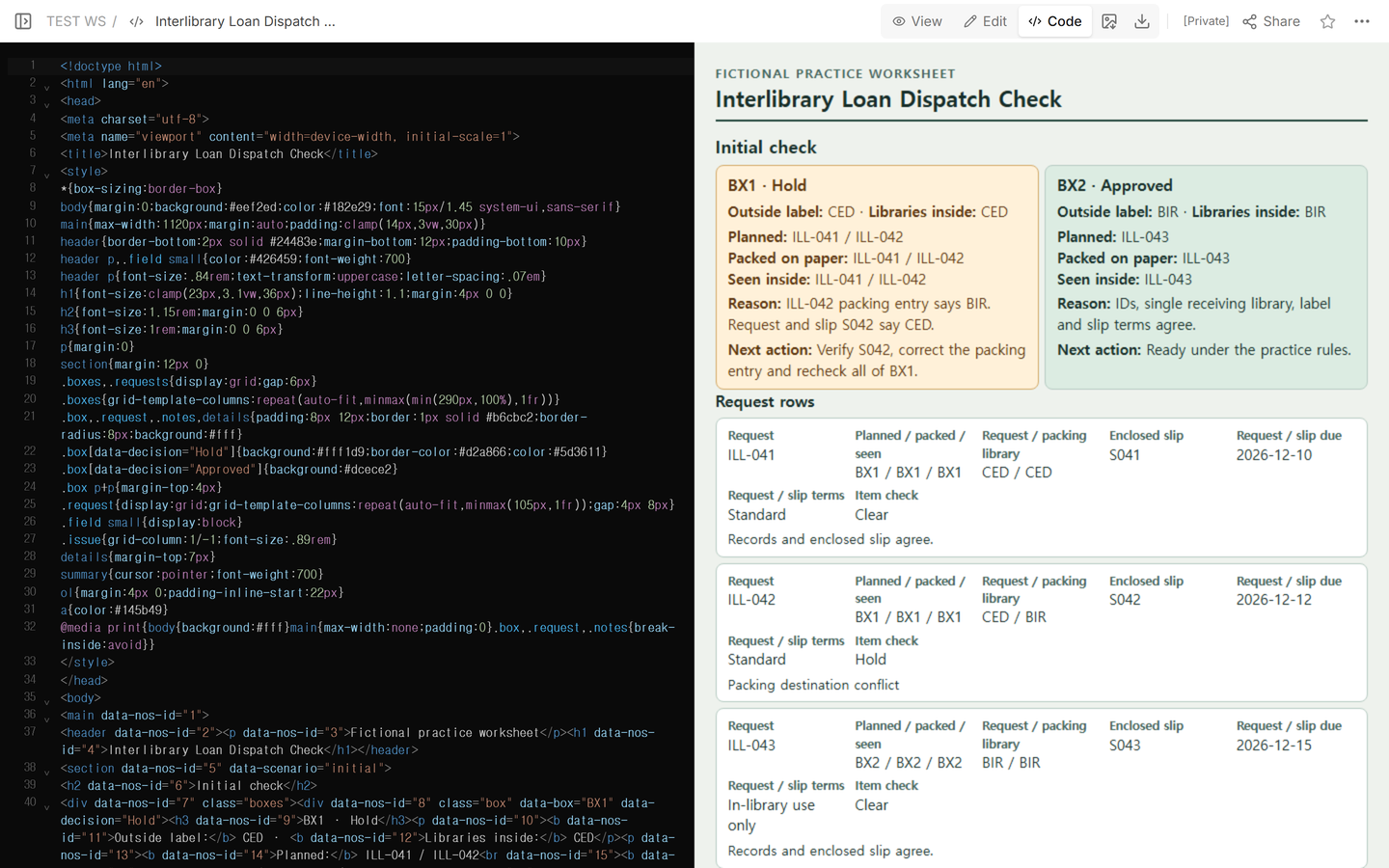
Give each piece its own row when the library’s records give pieces separate identifiers. Look in both directions so you catch an extra item as well as an expected item with no row. Record the exact IDs on the box line and walk the outside label back to the requests inside.
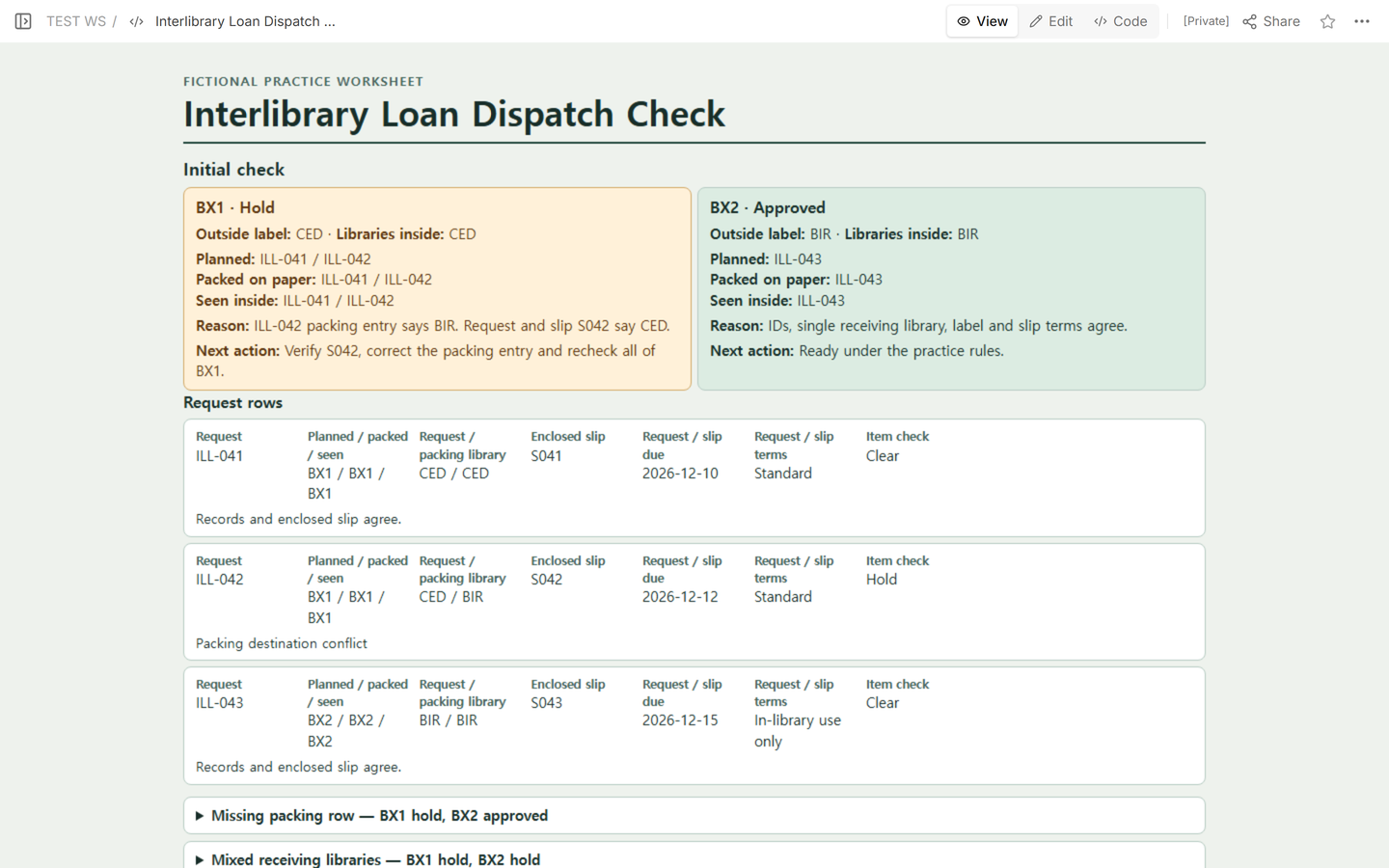
How do you decide which box to hold?
In the first check, the CED-labeled BX1 physically contains ILL-041 and ILL-042. The request and enclosed slip S042 both say CED for ILL-042, but the packing row says BIR. Hold ILL-042 and all of BX1, including ILL-041. Approve BX2 separately: it contains ILL-043, its label says BIR, and its request, packing row, and enclosed slip agree.
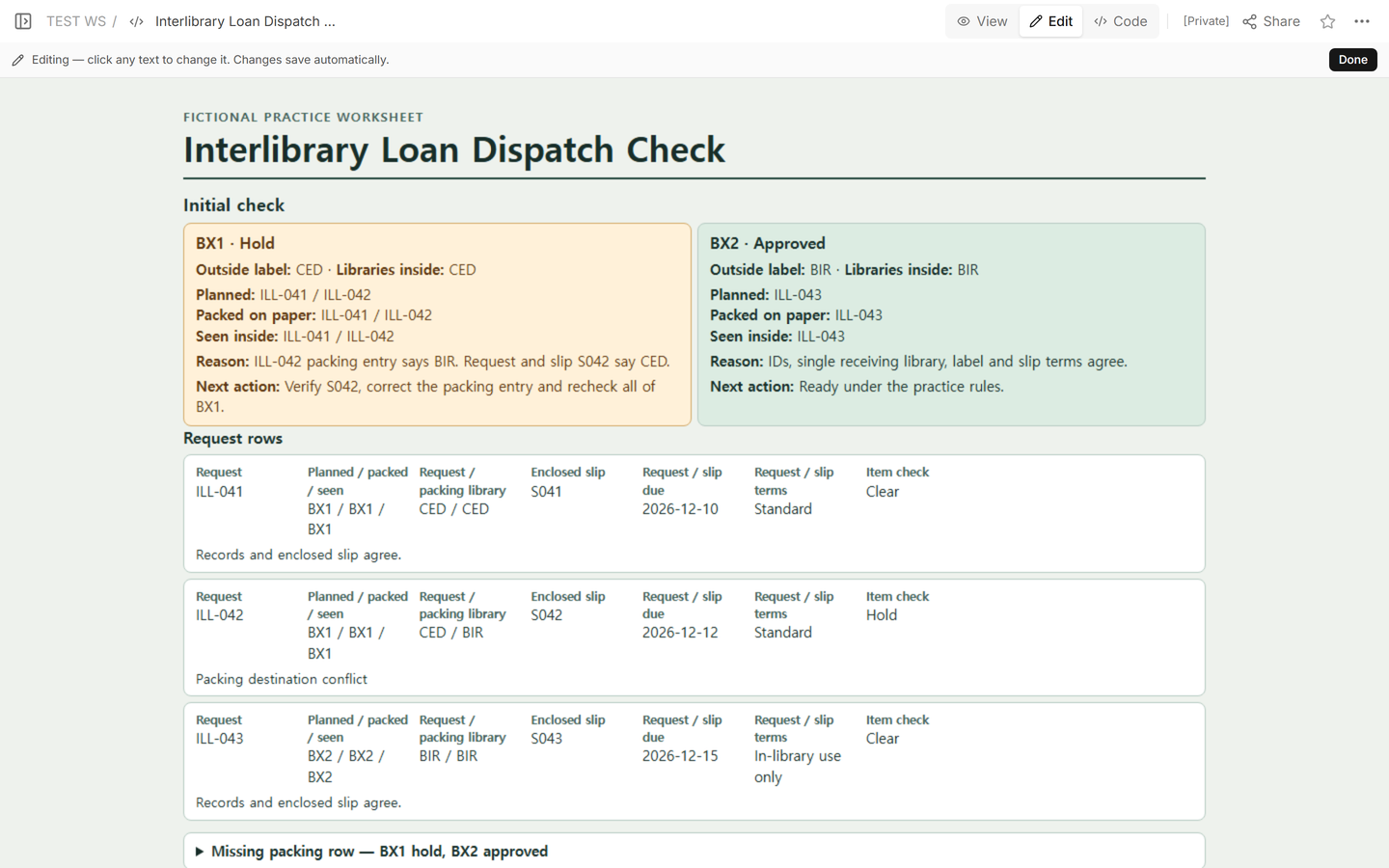
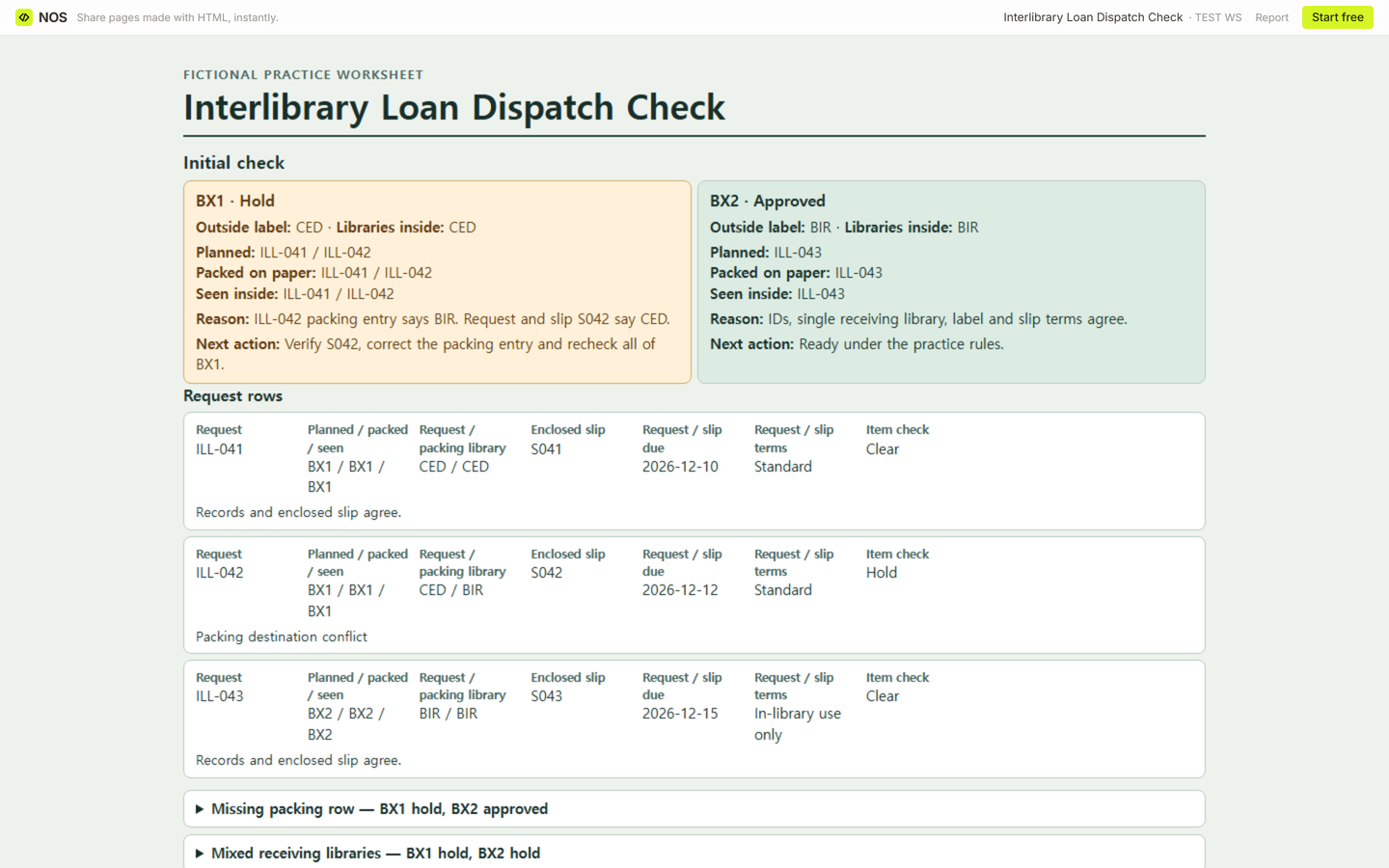
Missing packing row. In this trial, there is no packing row for ILL-042. S042 is still physically in BX1 with that item. Keep the request on the sheet and record the missing row. Hold ILL-042 and all of BX1 while you restore the row from the verified request and slip. BX2 stays approved. If you cannot locate a missing item or establish its box, hold every box it could be in until you resolve the assignment.
Mixed receiving libraries. In a separate trial, ILL-043 and its correct BIR packing row are in BX1 with the two CED requests. All three packing destinations match their requests individually. Hold the whole CED-labeled BX1 anyway. BX2 is empty, so it has nothing approved for dispatch. Return ILL-043 to BX2 and recheck both boxes, including the items left in BX1 and the outside label on each.
What lets you approve a held box?
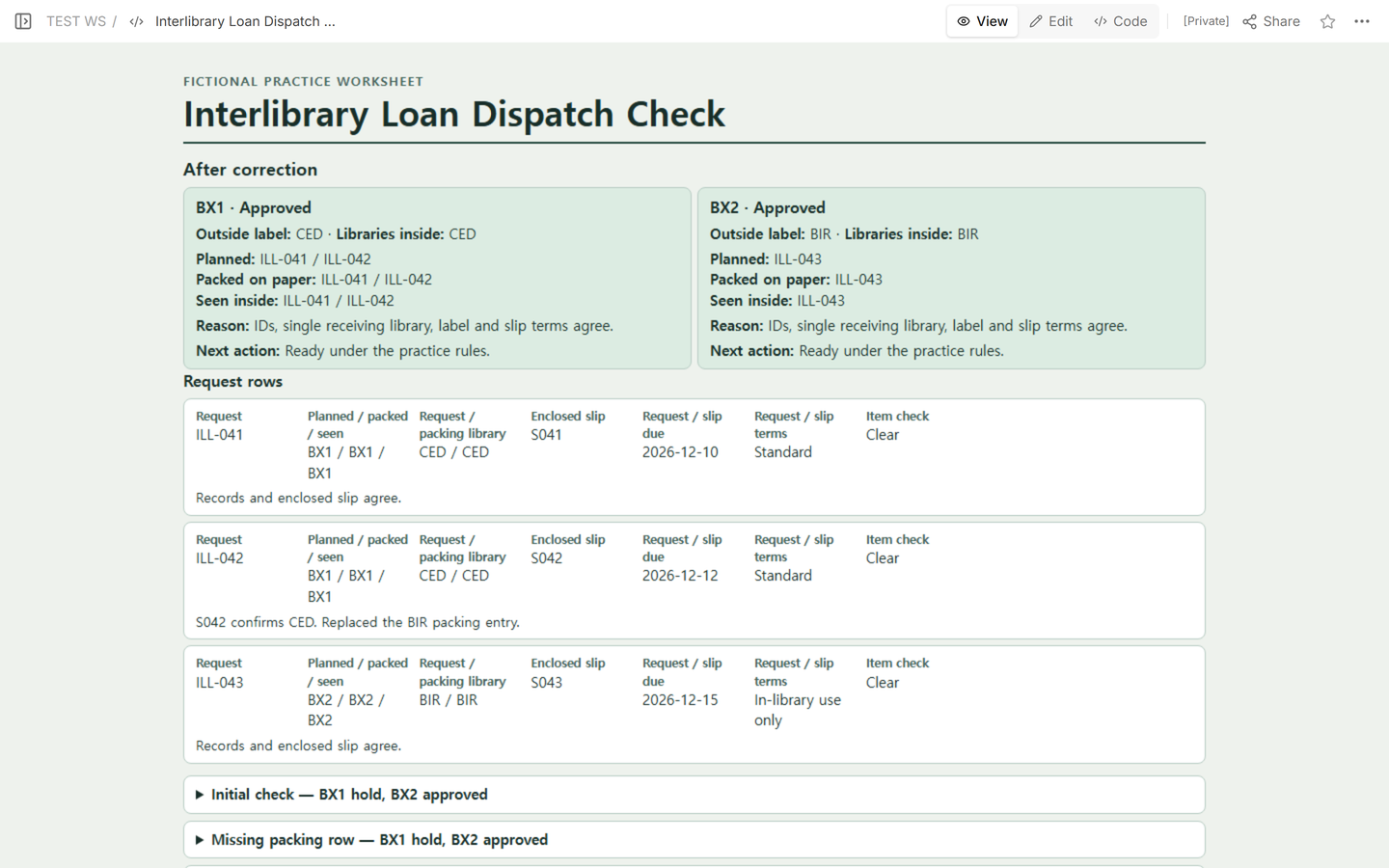
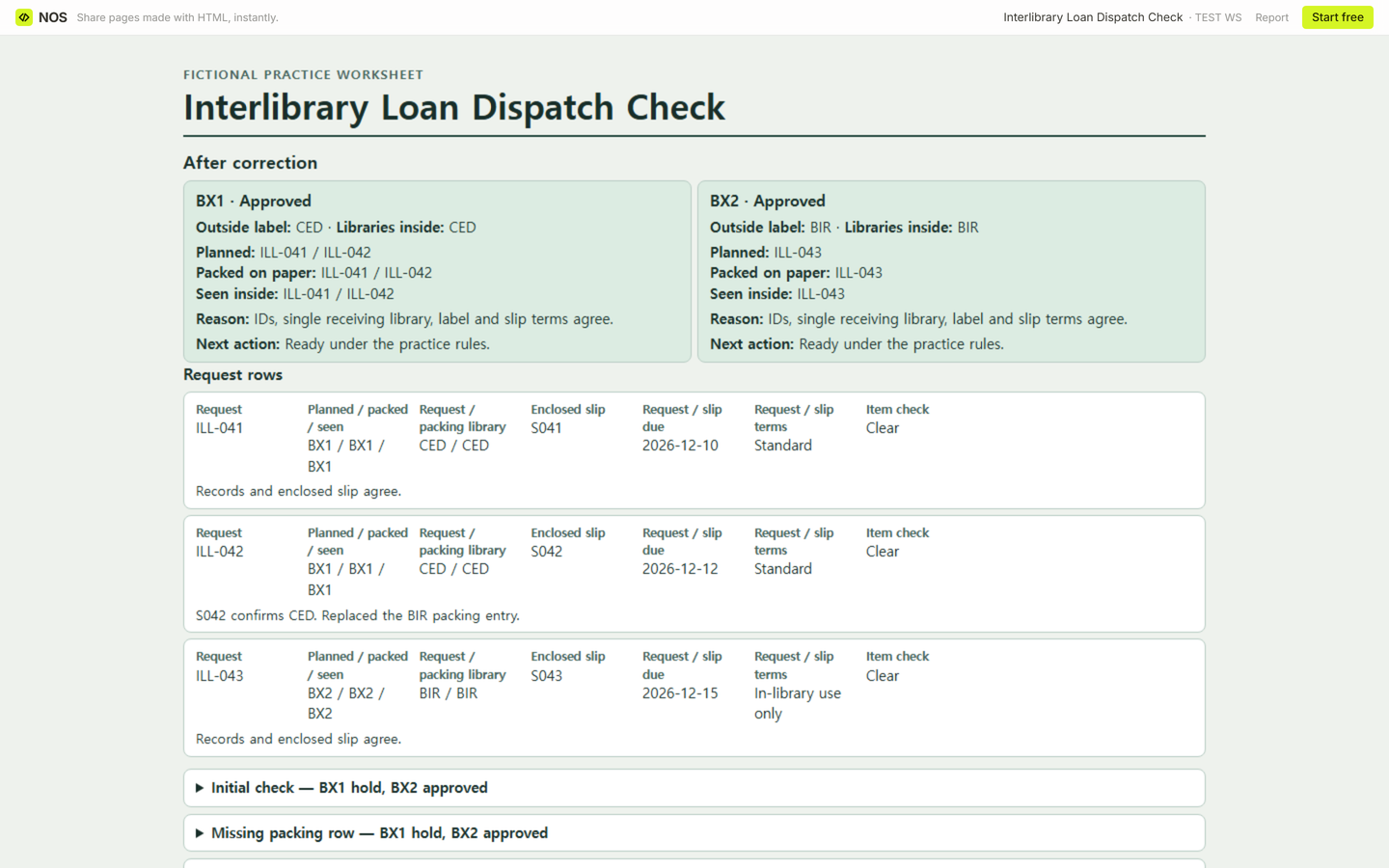
Keep the old entry and the reason you changed it. For the first check, S042 supports changing the ILL-042 packing destination from BIR to CED. Recheck both items in BX1 against their requests and slips, then verify the CED label. That approves BX1. BX2 still has its one verified BIR item. Both boxes clear the practice checks after the correction.
Which packing instructions apply to your library?
Apply your own library and carrier rules. The Pennsylvania Interlibrary Loan Procedures Manual, section C.1 on PDF page 19, calls for a request copy with the due date and identifying information when sending original items. Its return-label instruction applies to libraries shipping through USPS, and a charge notice applies where relevant. It also covers grouping items for the same library and labeling packages for interlibrary loan.
The MOBIUS shipping policy directs member libraries to use its label maker for the consortium’s delivery system. CED, BIR, and the approval checks in this worksheet are fictional practice inputs.
When not to do this
Use your library’s approved system for patron records and official shipment, receipt, or billing updates. Leave the box on hold if you cannot verify a required routing or loan condition.
How can someone review the example?
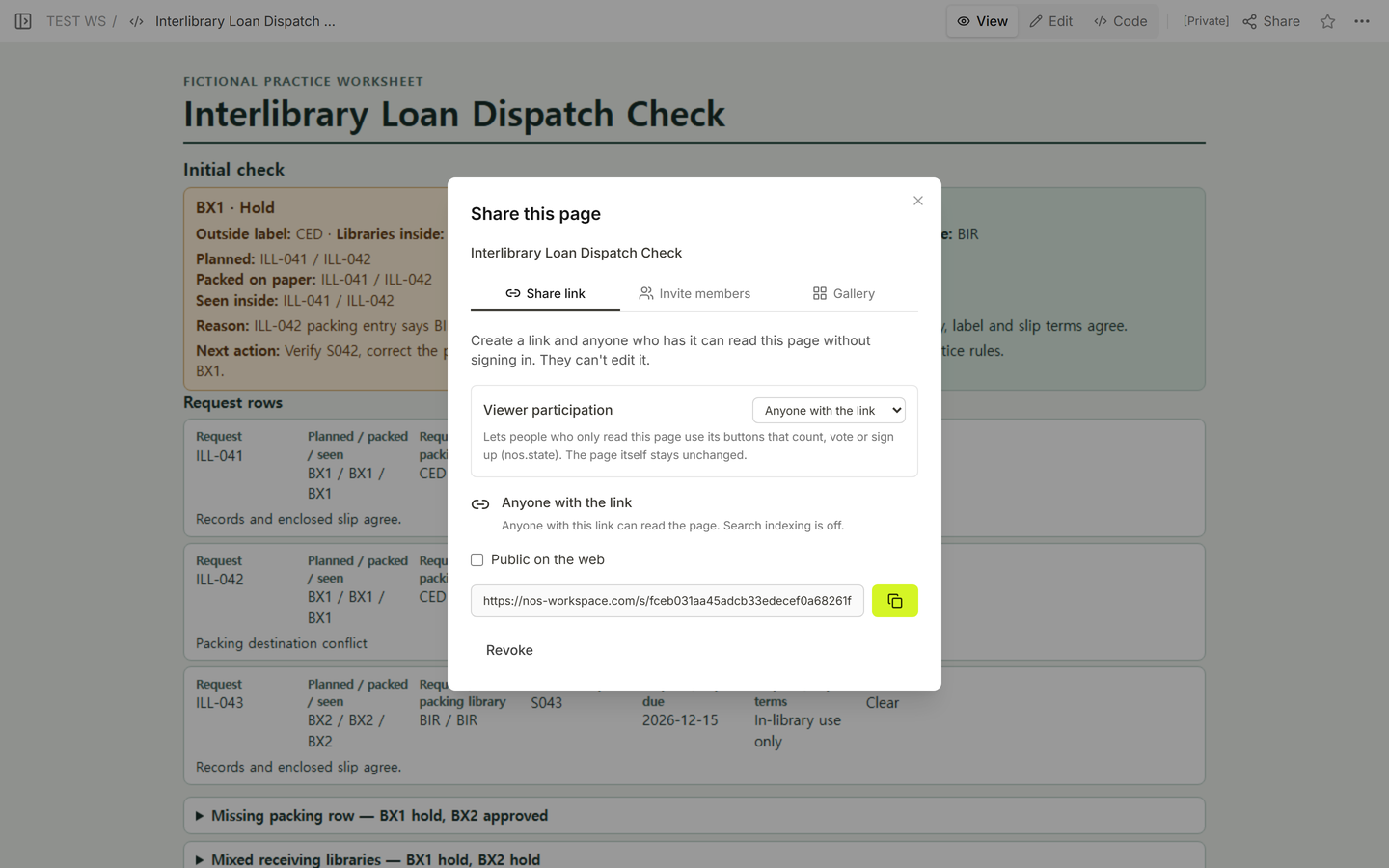
In NOS, we checked the worksheet in Code, View, and Edit, then opened Share to get the reader address. Before the correction, a signed-out reader saw BX1 held and BX2 approved. After we corrected the packing row and recorded the recheck, the same reader link showed both approvals without a sign-in. Open the missing-row and mixed-library sections to compare what each one holds.
Related guides
Use the equipment checkout log to track who has an item and when it comes back. If you need to carry one approved file through inspection and packing, see the print job ticket template.