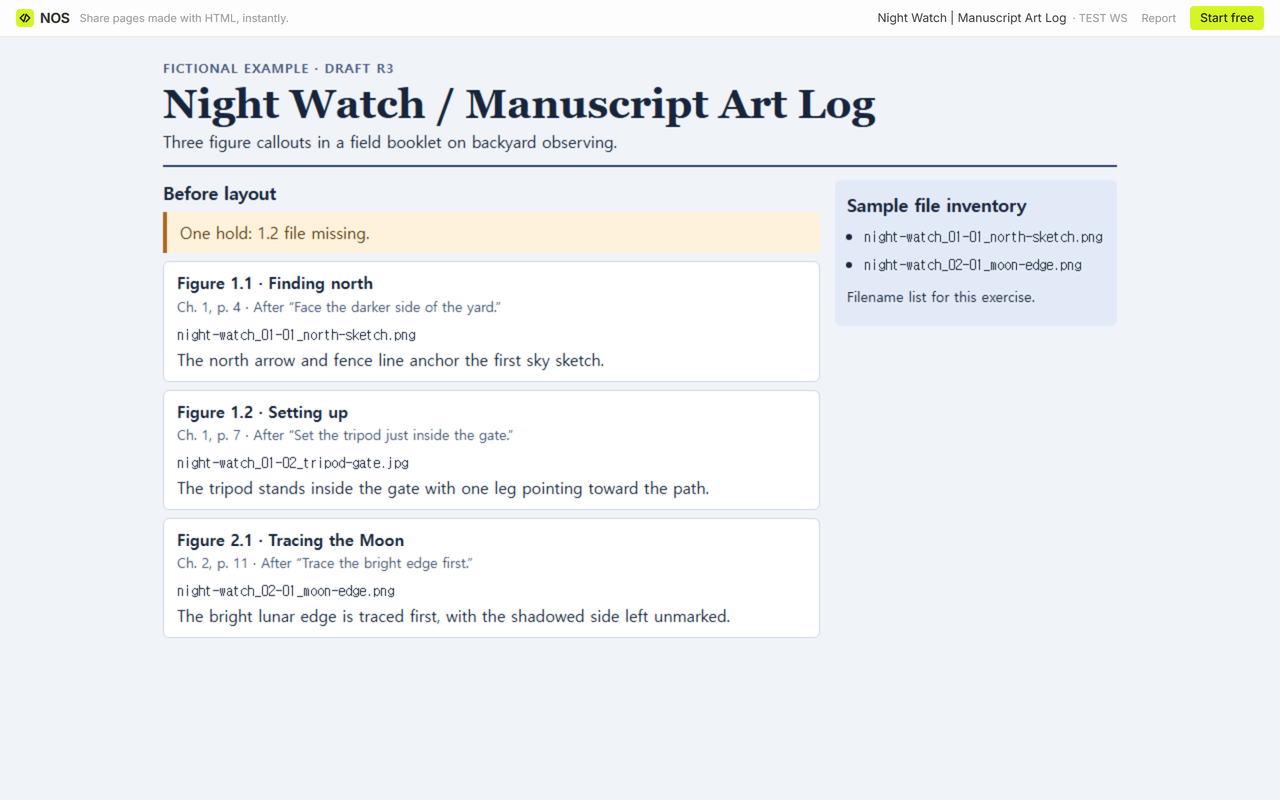
Start with one entry per figure called out in your draft. Record the manuscript location, exact filename and caption. Check each filename against the files actually supplied, then look for missing captions. Leave a hold and a next action where either is missing.
Download the filled Night Watch example
Download the blank art log CSV
What goes in a manuscript art log?
Suppose a production editor opens chapter 1 and finds a note to place Figure 1.2. Give them a way to reach the right illustration and copy the right caption. For each figure, record its label, draft version, chapter and page, and the exact filename with its extension. Put the caption in its own field so it can be copied on its own. Add a few words from the surrounding paragraph to help the editor find the spot if pagination changes.
Stanford University Press’s art submission guidelines ask authors to put an approximate placement callout in the text, record its manuscript page in the Art Log, and account for illustrations in both the Caption List and Art Log. On its manuscript preparation page, Yale University Press lists an Excel Art Log under downloadable forms for projects outside its art-book guidelines. Check your publisher’s instructions for the actual forms, file types and submission steps for your project.
How do you find a missing file or caption before layout?
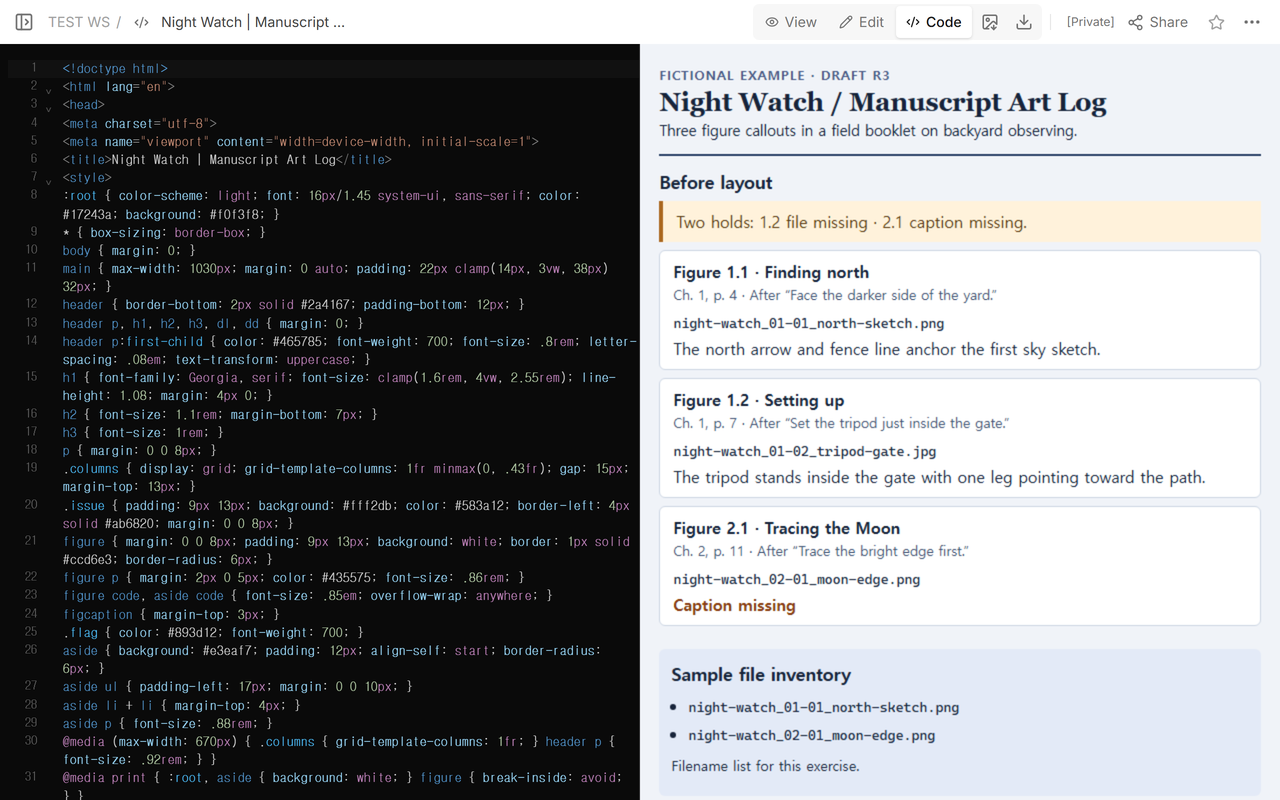
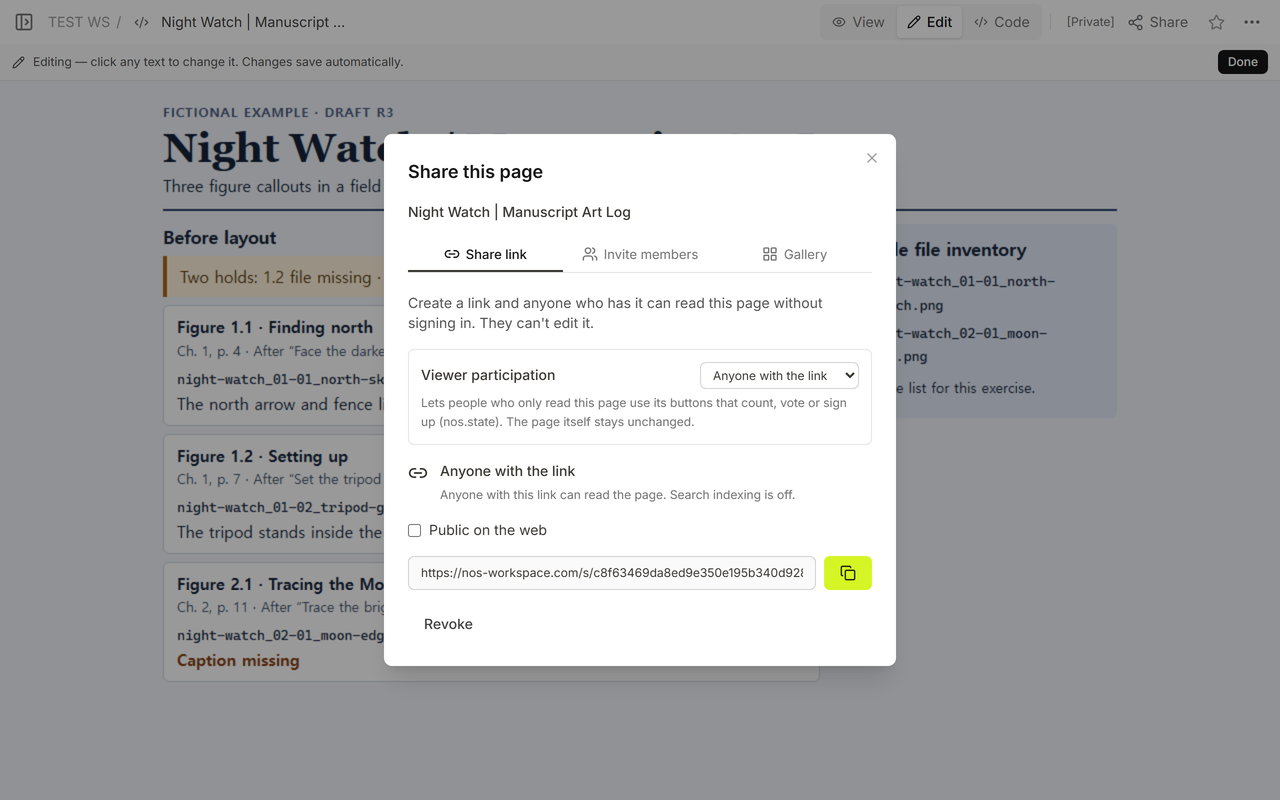
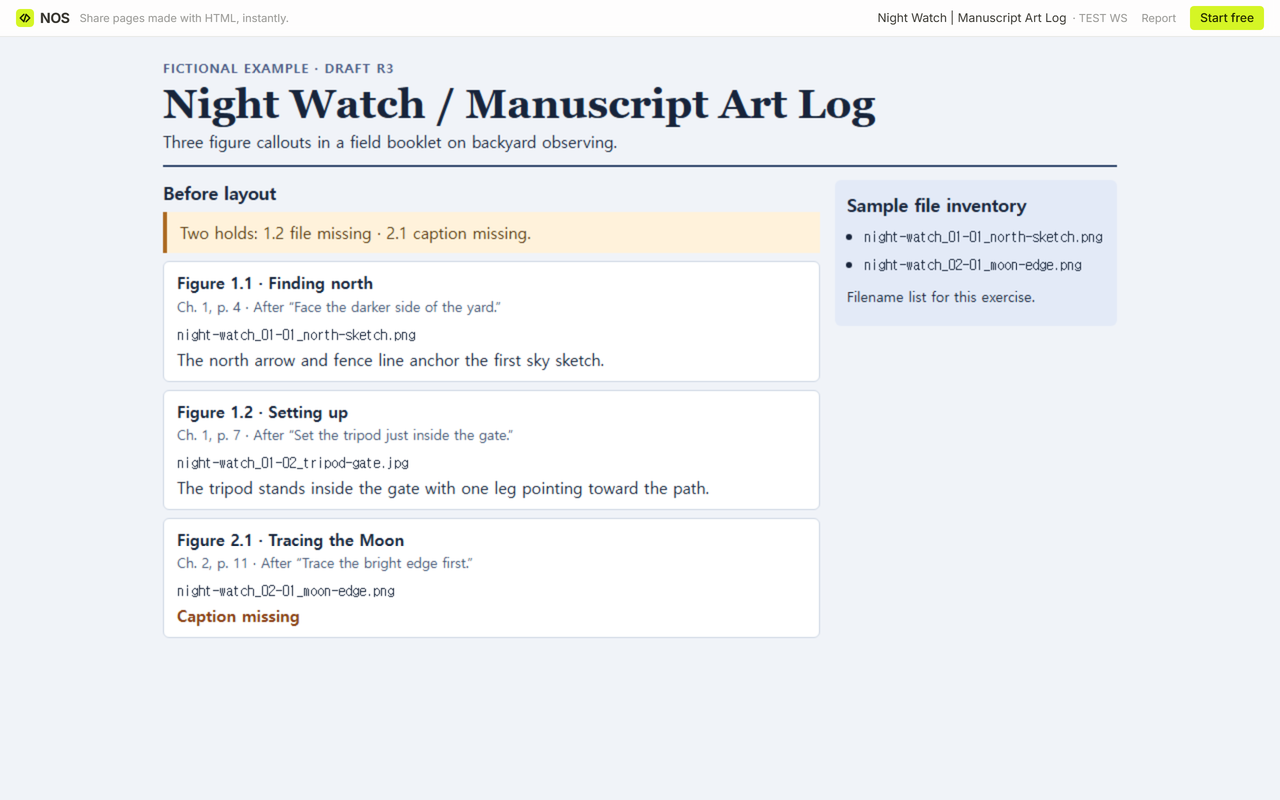
We used three callouts from Night Watch, a fictional backyard astronomy booklet. Each entry points to a spot in draft R3. The sample inventory is a separate list of the filenames supplied for the exercise.
- Figure 1.1, chapter 1, page 4. The north sketch filename matches the inventory, and its caption is present. It passes both checks.
- Figure 1.2, chapter 1, page 7. The tripod caption is written, but
night-watch_01-02_tripod-gate.jpgis absent from the inventory. Hold placement and ask the author for that file. - Figure 2.1, chapter 2, page 11.
night-watch_02-01_moon-edge.pngis listed, but the caption field was empty. Ask for the caption before passing that entry along.
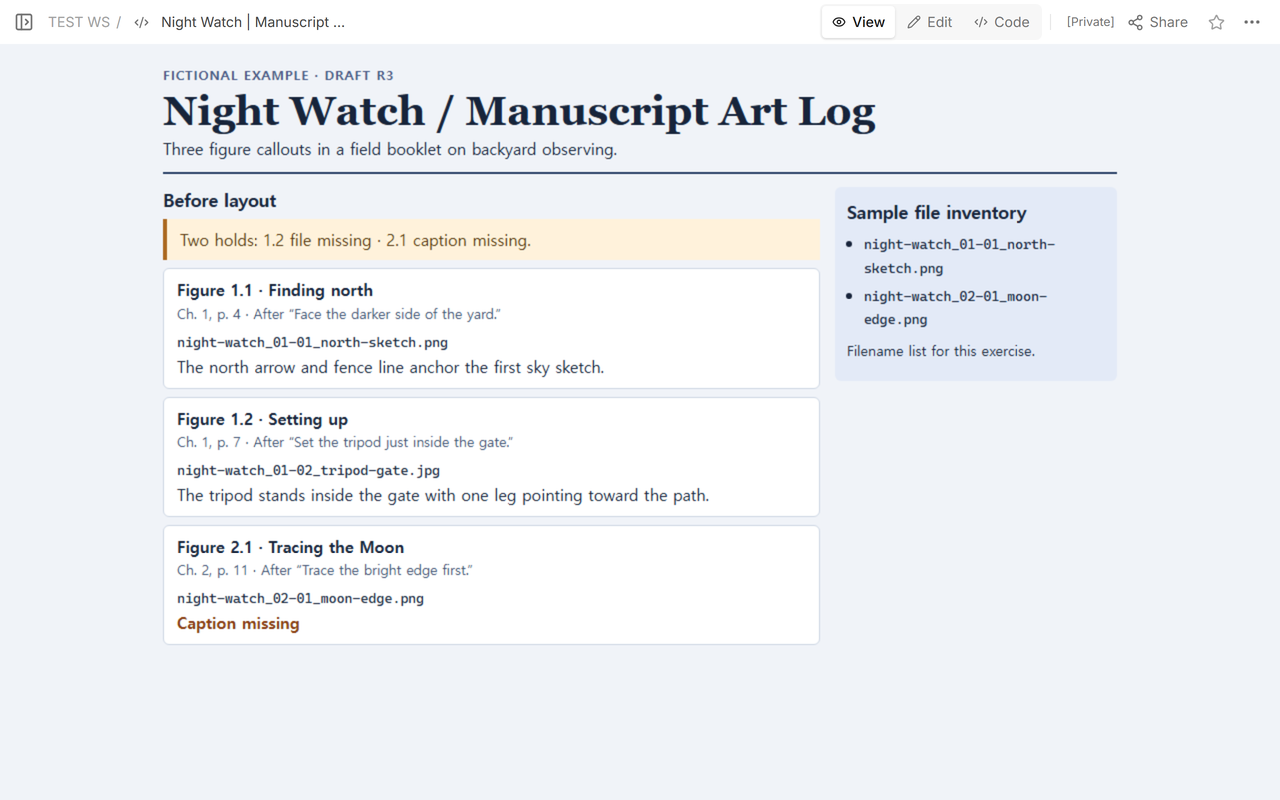
Read the callouts in manuscript order first. Then compare each expected filename with the supplied batch, including the extension. For a real handoff, open the matching file and confirm that it depicts what the caption describes. Finish by looking for files in the batch with no callout, especially if a figure was dropped between drafts.
What can the editor use after a correction?
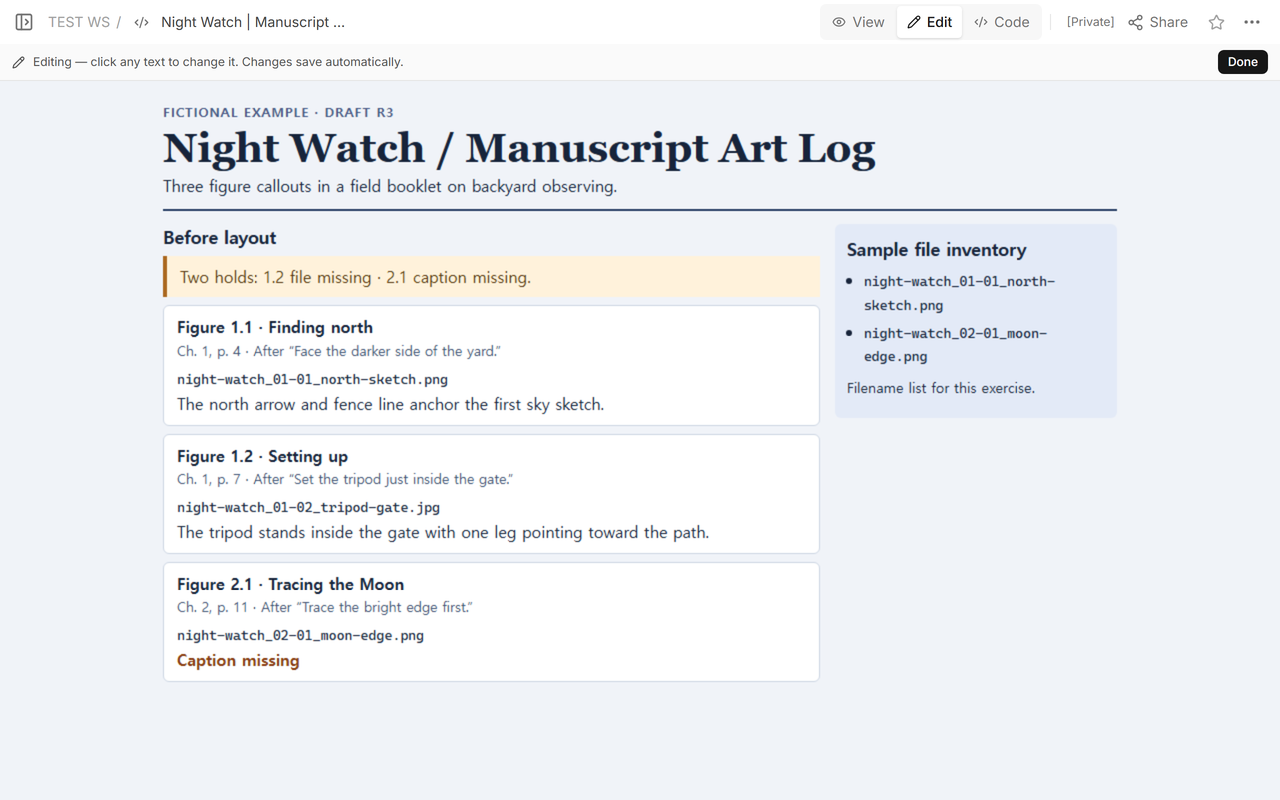
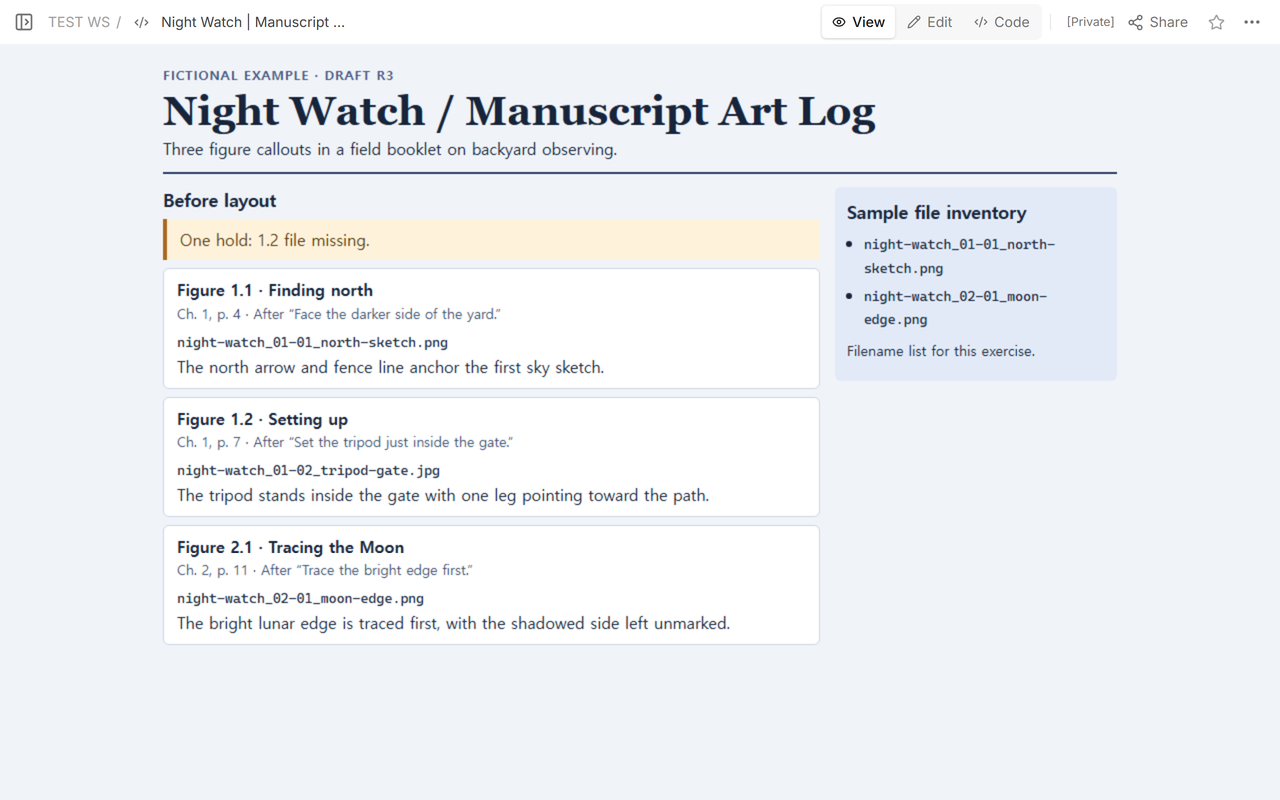
We filled in the Moon caption on the existing page: “The bright lunar edge is traced first, with the shadowed side left unmarked.” Figure 2.1 then had a filename in the sample inventory and a caption, so it passed the same two checks as 1.1. The tripod filename still had no match. Keep Figure 1.2 on hold until the file arrives and someone opens it to check the caption.
How do you reuse the blank log?
Open the CSV in a spreadsheet and replace the empty starter row with one row per callout. Copy the figure labels from your manuscript before listing the files, so an illustration that never arrives still gets a row. Set the figure ID column to text if your spreadsheet treats labels such as 1.10 as numbers. For a held entry, state who needs to supply what in the next-action column.
When not to do this
Use the publisher’s submission form when one is required. Keep license paperwork, credits, alt text and artwork delivery in the places your editor specifies. For handing a production team one approved print file, use a print job ticket. For tracing a site photograph to where the camera stood, use a building photo log.
Where does NOS fit?
We used NOS Workspace to share the working log for reading and returned to the same reader link while signed out after saving the Moon caption. The revised caption and the remaining tripod hold both appeared there. The example contains fictional filenames and caption text.