In short
Lead with the date, today's hours, and the temporary location.
Show a short product list and mark an item sold out when needed.
Share one public link, then update the existing page instead of sending visitors to a new address.
Open the public link on a phone after every important change.
NOS Team made a fictional weekend shop page for Moss & Clay. The task was narrow: give someone who is already interested enough information to decide whether to visit today. The finished page puts the closing time and location before the product list.
What should a pop-up shop website include?
Start with information that can stop a wasted trip. Put the final date, today's opening hours, and the temporary address near the top. Below that, list a few products people are most likely to ask about. Add a clear status beside anything unavailable.
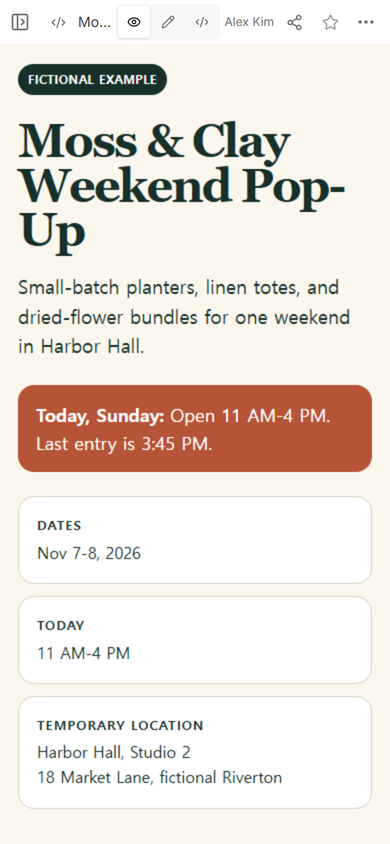
The example also says “Fictional example” on the page. Its shop name, address, products, and dates are invented for this guide.
How do you make a simple website for a pop-up shop?
- Write the visit details first. Set the run dates, today's hours, last entry time, and exact room or stall.
- Keep the product section short. Use representative items rather than turning the page into a full catalog.
- Make stock status easy to scan. “Available” and “Sold out today” are clearer than hiding an update in a paragraph.
- Check the phone layout. The urgent notice should appear before a visitor needs to scroll through every product.
How do you share the page with visitors?
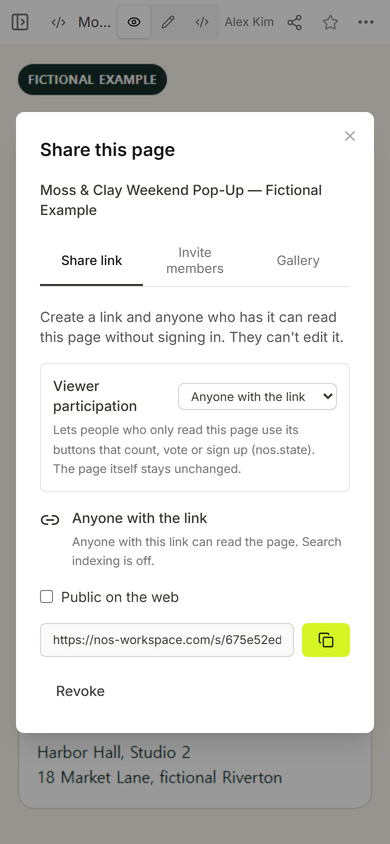
Open Share and use the viewer link. In this example, the Share panel describes a link that readers can open without signing in while editing stays unavailable to them. That makes this link suitable for a social profile, event listing, or printed sign.
How do you update a pop-up website during the day?
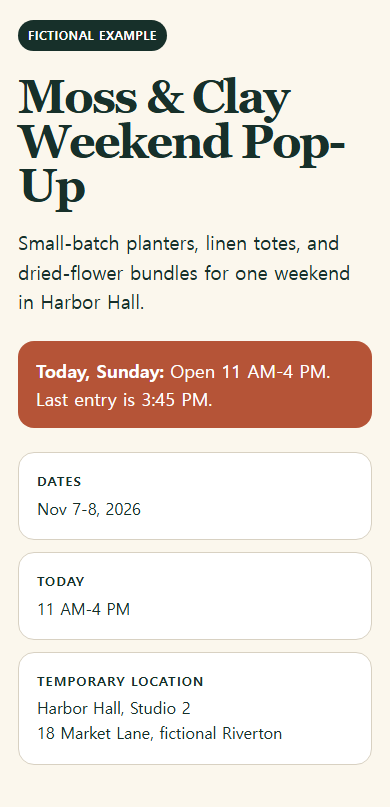
Return to the existing page. Change the closing notice or stock label, choose Done, then reopen View. On a small screen, tap carefully before typing: our first attempt placed the new words inside the old sentence. We restored the clean notice and checked the visitor view again.
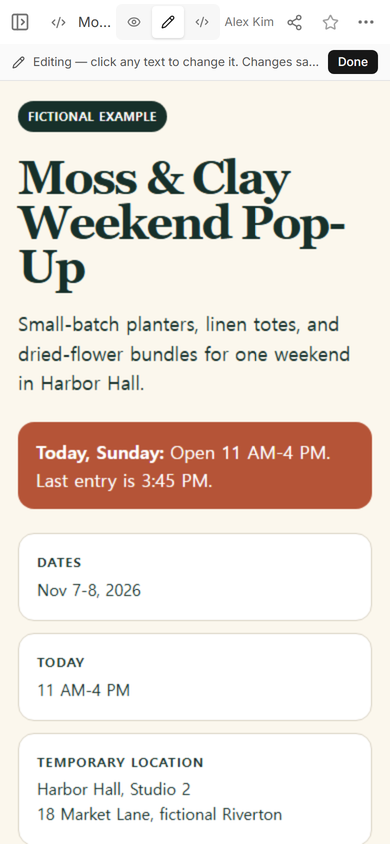
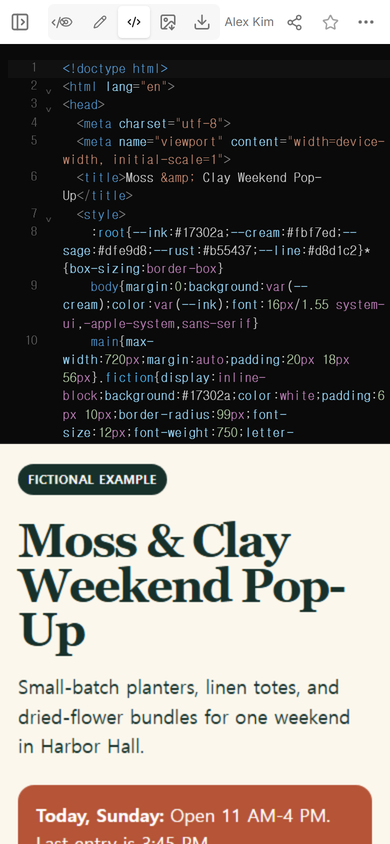
Practical tip: keep the full page source available in Code. If a quick edit duplicates part of a sentence, restore the clean section there instead of leaving a broken notice online.
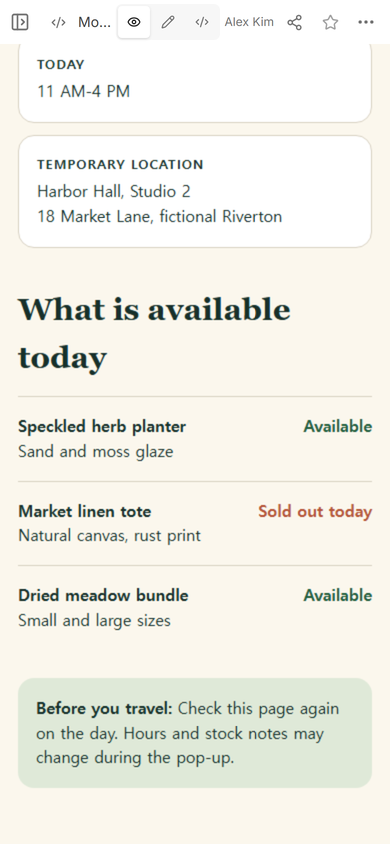
Result: the public page shows the weekend dates, current hours, temporary location, three representative products, and one same-day sold-out notice. The example remains on the same share address after the page was repaired.
Should a pop-up website list every product?
Not for this kind of page. Use a full catalog when visitors need variants, detailed specifications, or a long price list. A visit page works better when it answers what is there, when it is open, where to go, and whether a featured item is still available.
What happens after the pop-up ends?
Replace the urgent opening notice with a clear “This pop-up has ended” message. You can then point visitors to a permanent store page, mailing list, or next confirmed event. Do not leave yesterday's hours looking current.
When not to do this
- Use an online store when people need payment, shipping, or live inventory across many products.
- Use a booking service when visits require reservations or capacity control.
- Do not publish private customer information, staff schedules, door codes, or unconfirmed locations.
Using NOS for a pop-up page
NOS Workspace can hold the complete HTML, show it in View, open an Edit mode for text changes, and create a read-only visitor link. This guide used those screens on one fictional example in the TEST WS workspace; it did not publish the page to the NOS gallery or deploy this article. For a permanent company introduction, see the one-page small business website guide. For date exceptions, use the holiday hours notice. If the product list needs codes, sizes, and wholesale details, continue with the product catalog template.