In short
Match the edition, movement, measure, beat, and part on the correction slip and the copy in front of you.
Keep proposals open until you have a source. Mark a verified correction as applied after you find the replacement on the corrected part.
Download the blank errata log or work through the fictional source packet and check your entries against the completed example.
What goes in a sheet music errata log?
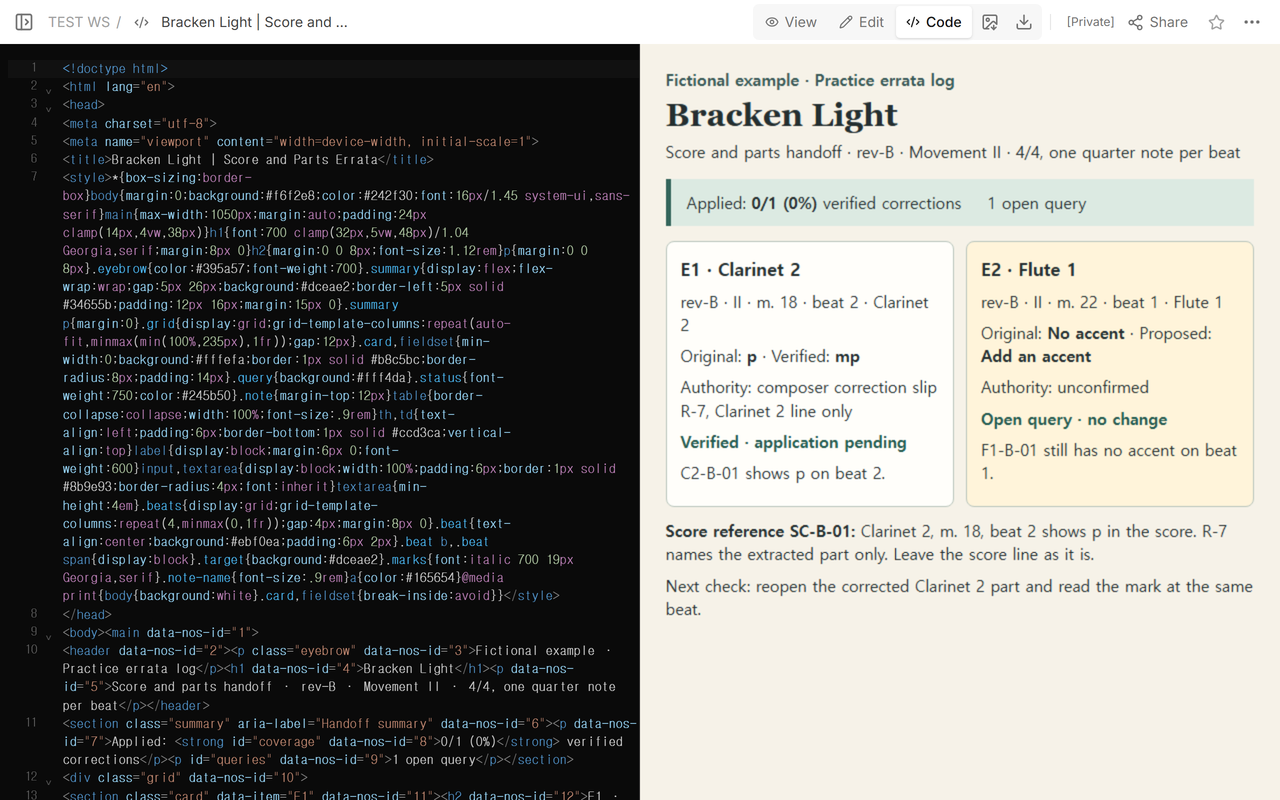
We made a practice packet for Bracken Light with a score excerpt, two copies of the Clarinet 2 passage, a Flute 1 passage, and a composer correction slip. Two items came up in the handoff. The clarinet needed a verified dynamic correction. The flute had an accent suggestion that still needed an answer.
Start each entry with the work and the printed revision. Add the movement, measure label, beat within the measure, and the exact target, such as the Clarinet 2 extracted part. Put the observed mark, the proposed replacement, and the source on separate lines. Include the copy ID so another reader can open the same export.
The practice excerpts use 4/4, with one quarter note per beat. Each excerpt has four numbered beat cells. The target cell is shaded so you can compare it across copies. On a different score, use the printed location and spell out how you counted the beat if the passage could be read two ways.
How do you match the correction to the right part?
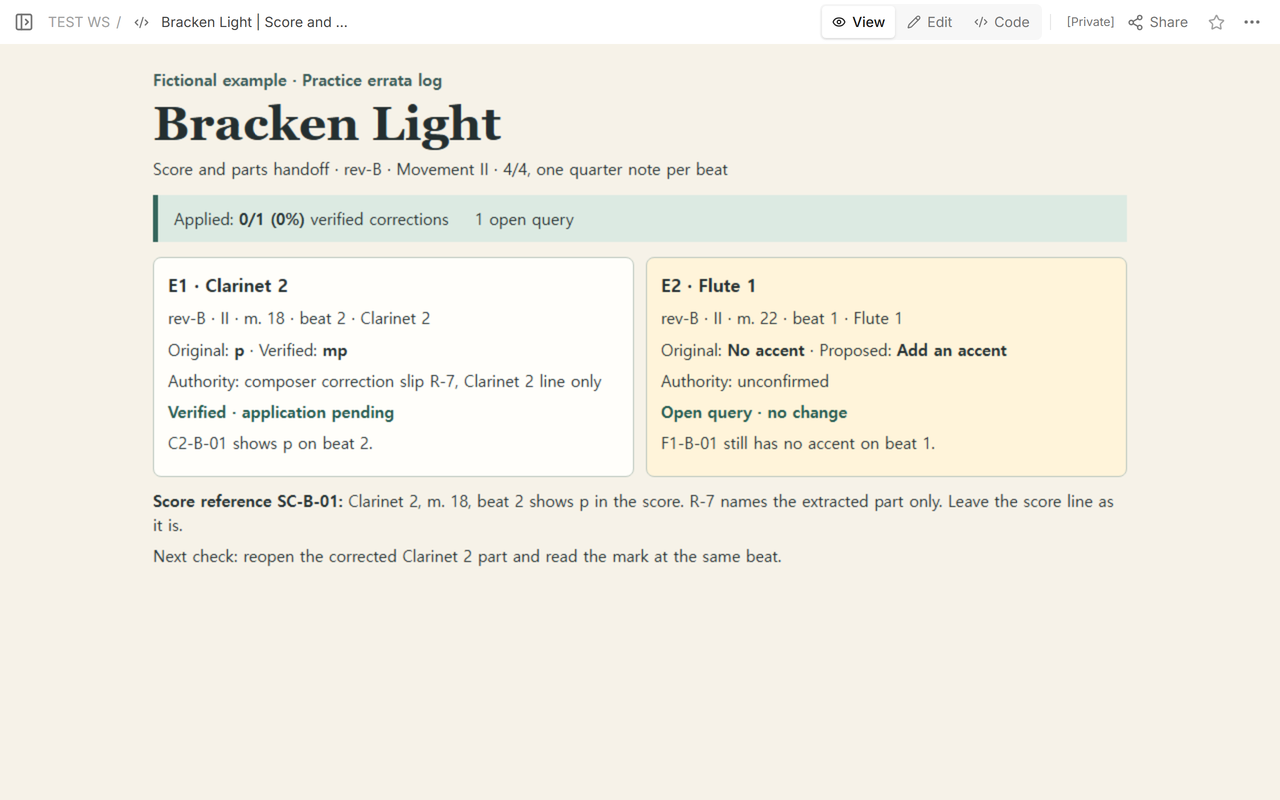
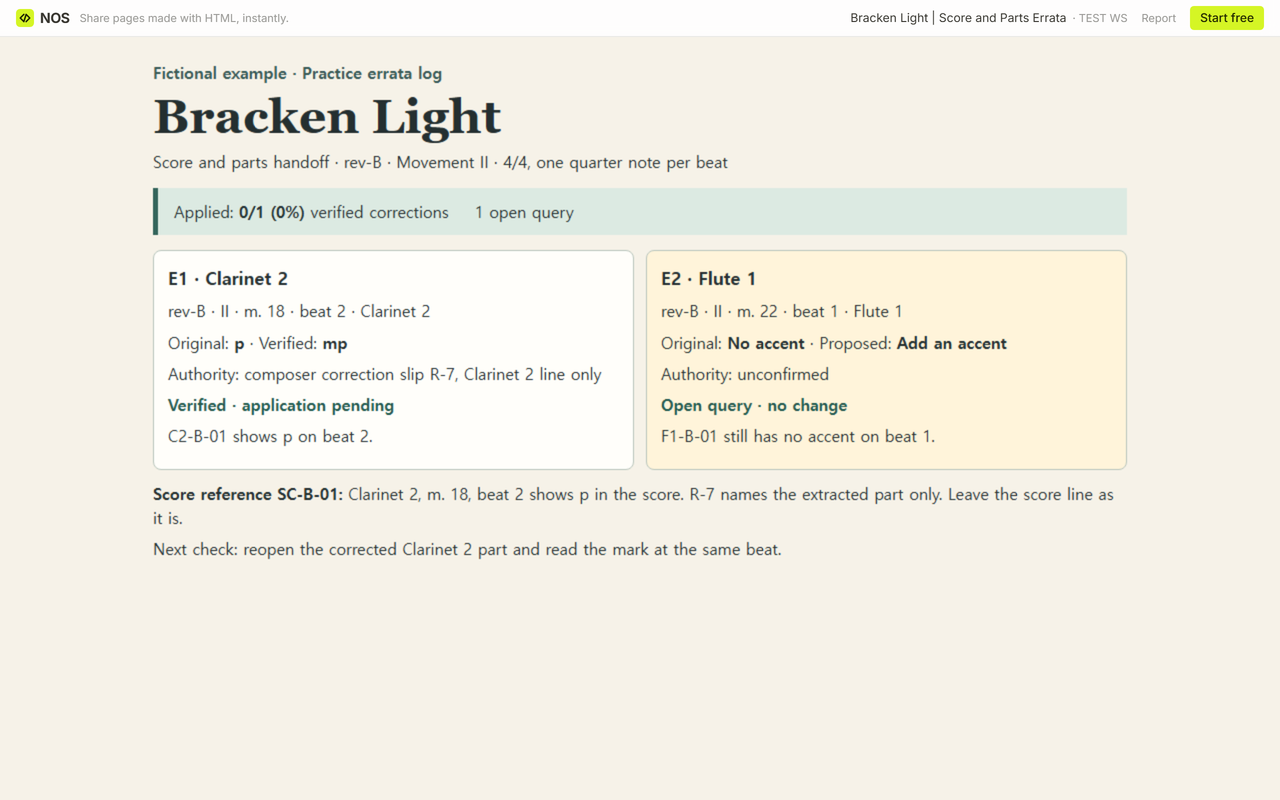
E1. Open C2-B-01. Its header reads rev-B, movement II, Clarinet 2, measure 18. Beat 2 has p. Slip R-7 names that revision, movement, measure, beat, and extracted part, and gives mp as the replacement. Enter it as verified and leave the application check pending.
Open SC-B-01 and find the Clarinet 2 line at the same beat. It also shows p. R-7 covers the extracted part, so the score line stays as printed. If a source explicitly covers both, give the score its own entry and check that copy separately.
E2. On F1-B-01, rev-B, movement II, measure 22, beat 1, Flute 1 has no accent. The query suggests adding one and leaves the source blank. Record the proposal and keep the current reading for that part. The query stays outside the verified count.
When can you mark a correction as applied?
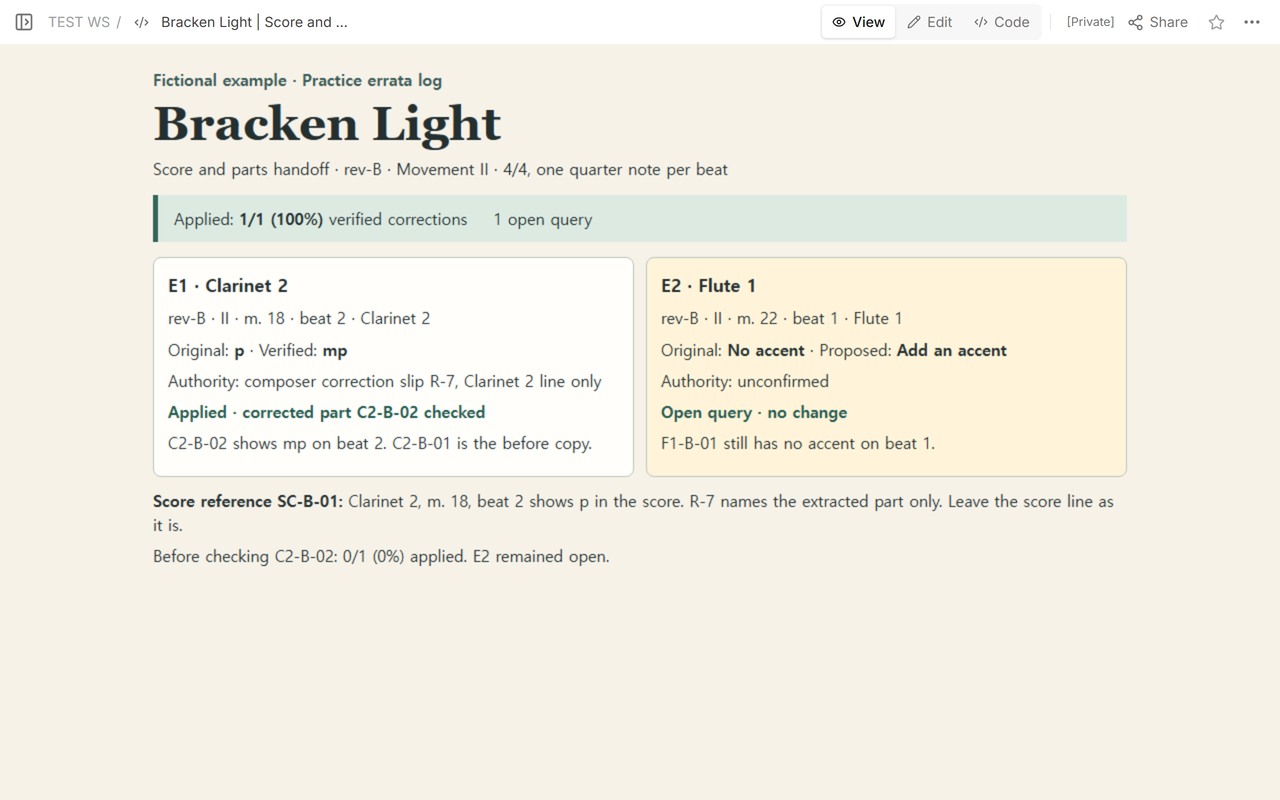
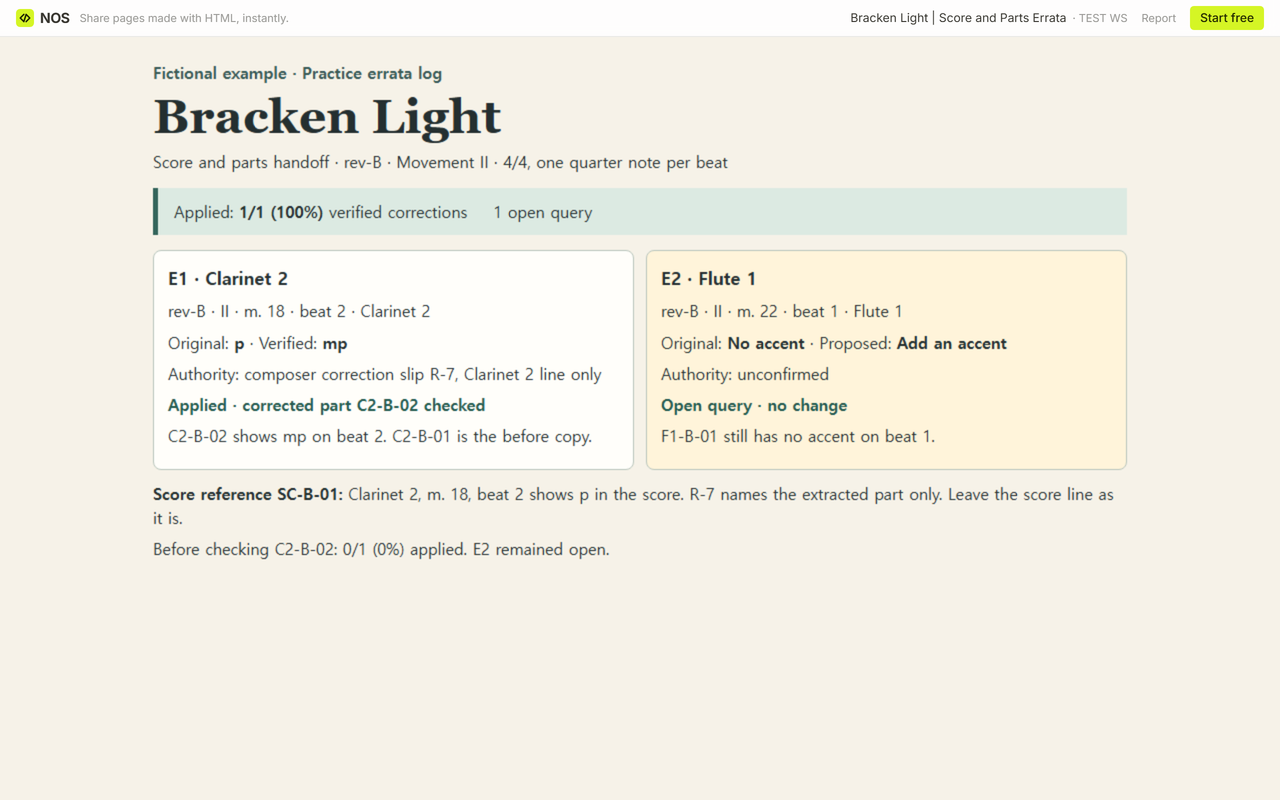
Open the corrected copy that will go into the handoff. In the packet, C2-B-02 has the same revision and location as C2-B-01. Beat 2 now reads mp. Record the observed mark and the copy ID under E1. For a live handoff, add the checker and date, and identify the file to hand out.
The handoff went from 0/1 (0%) to 1/1 (100%) applied. The denominator is one verified correction. E2 still accounts for one open query. If nothing has been verified, leave the application rate blank. A known total of one with none applied gives 0%.
When not to do this
When the revision is unreadable or the slip points to a different part or beat, hold the entry as a query and ask for the matching source. If the issue is a rehearsal preference, record who asked for it and which material it affects in your rehearsal notes. Keep the errata log for changes you can tie to the copy and source.
How did we share the checked handoff?
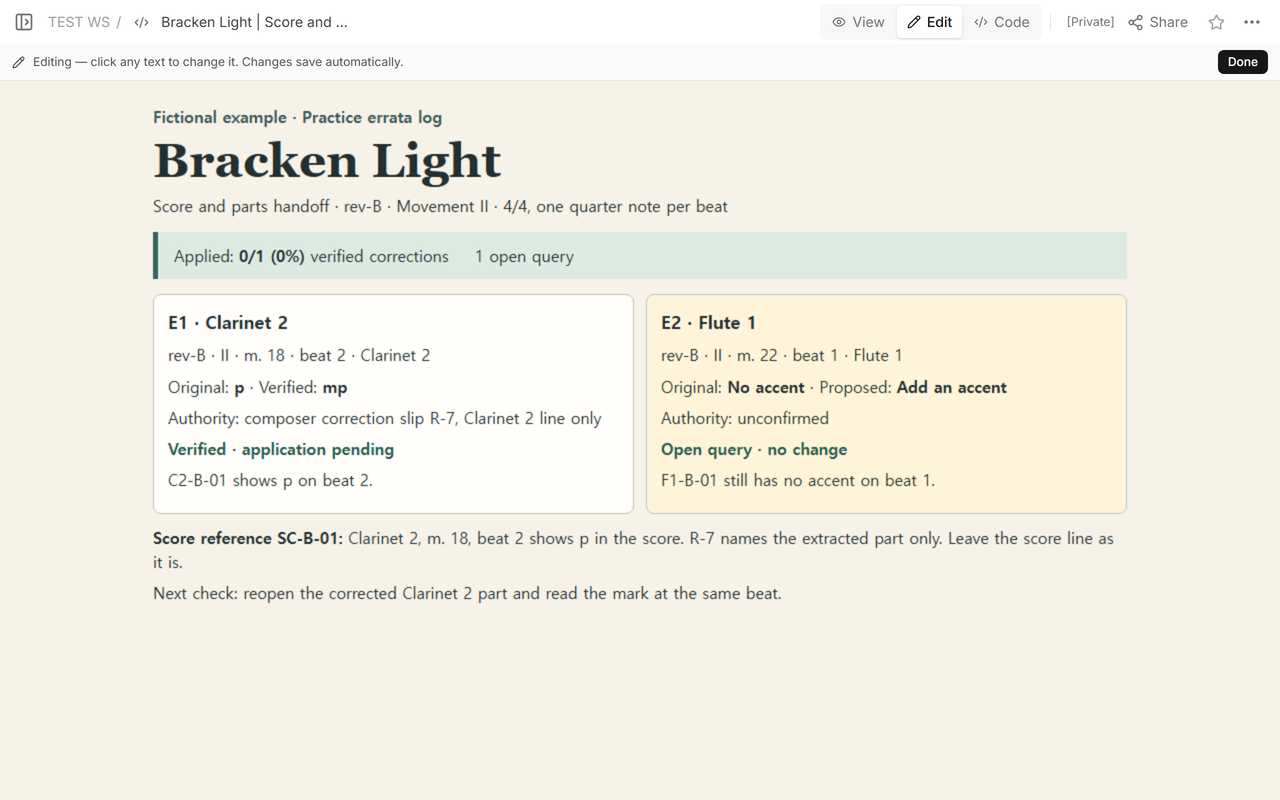
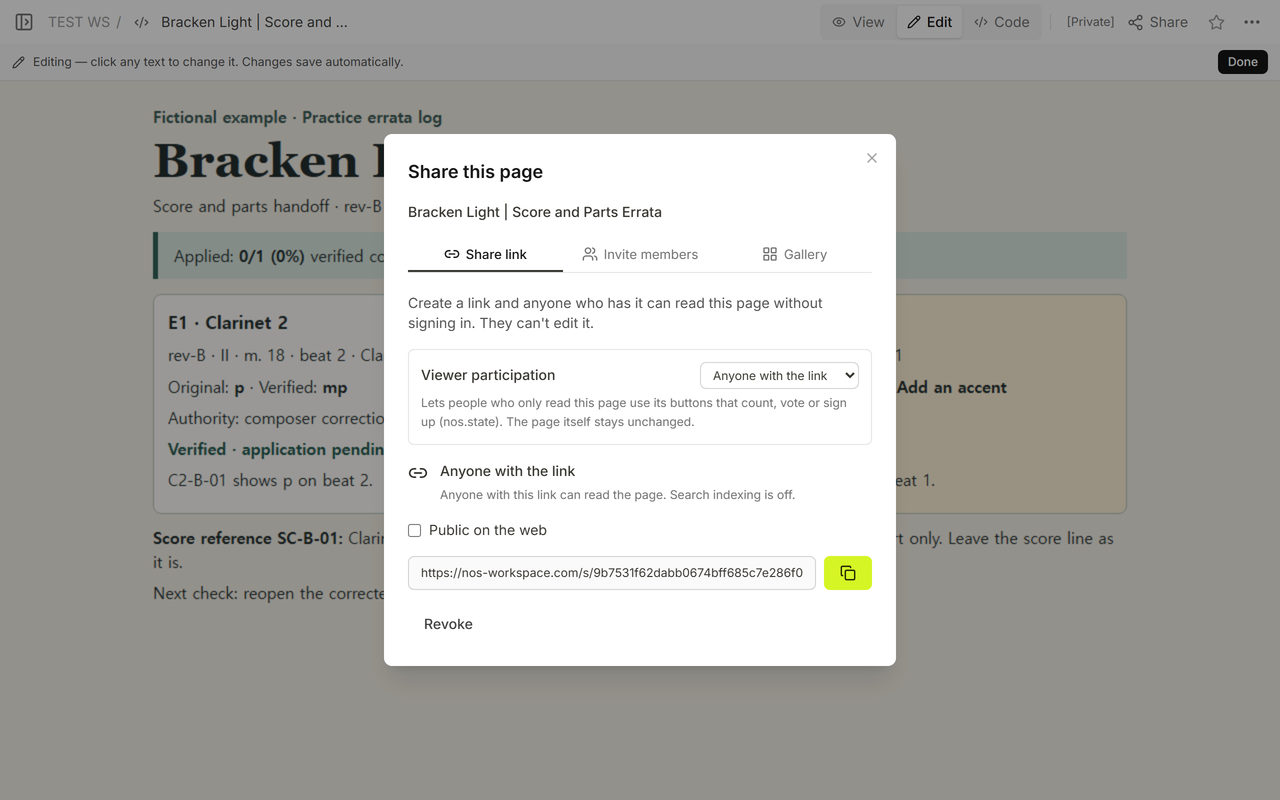
We put the fictional log in NOS and checked both entries in View. Share gave us a reader link that showed the pending application in a signed-out browser. After checking C2-B-02, we updated E1 in Code on the existing page. The original reader link then showed 1/1 applied and still showed the Flute 1 query. Open the Bracken Light log in NOS.
For recurring spelling and capitalization decisions, use a copyediting style sheet. For the separate handoff of an approved file to a print shop, use a print job ticket.
Keep a broader issue log for handoff problems such as a part file that never arrived. If the correction is to prose in the program notes, use a proofreading checklist.