In short
A training resource hub is an index, not a full learning platform.
Start with role choices, show the order of learning, and give every resource a specific next action.
Publish the hub as one link, test its filters on a phone, and name one person or team that maintains it.
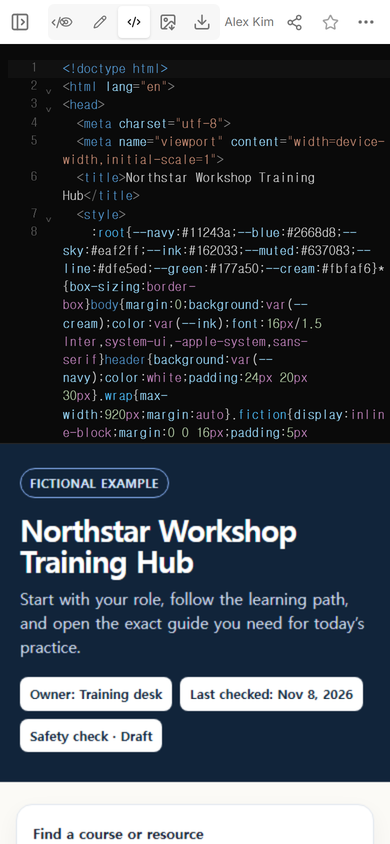
We built a fictional training hub for Northstar Workshop. The page gives a new starter three things before the course cards begin: a role choice, a three-step learning path, and a clear page owner. Six resources then cover front-desk, workshop-floor, and shift-lead work.
What should a training resource hub include?
Use the hub to answer four questions in order: Who is this for? What comes first? Which resource opens next? Who fixes the page when something changes? A list of file names does not answer those questions.
- Role entrances. Let a reader narrow the page to the work they are learning.
- A learning path. Put orientation, role essentials, and guided practice in an explicit order.
- Resource cards. Give each item a purpose and an action such as “Open checklist.”
- Ownership. Show who maintains the hub and when it was last checked.
How do I organize training resources by role?
Begin with the work people perform, not with the format of the file. Our example uses Front desk, Workshop floor, and Shift lead. A reader can still choose All roles when they need the full sequence.
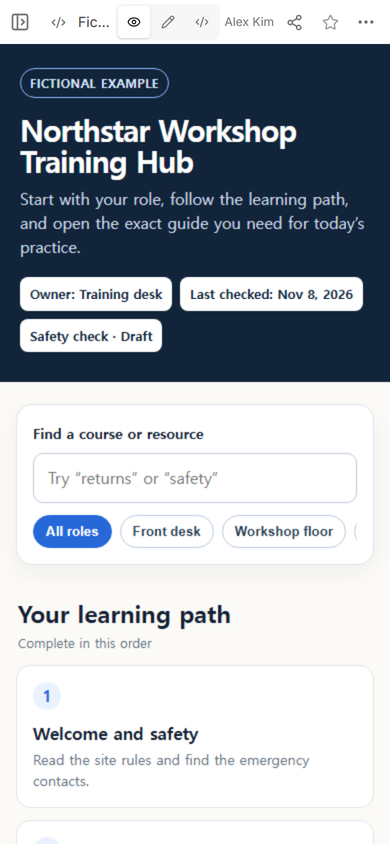
Keep the first path short enough to scan. Detailed instructions belong inside the linked guide or checklist. This keeps the hub useful as a starting point instead of turning it into another long manual.
How do I make a training resource hub?
- Write down the roles that need different resources.
- Choose the common starting path that every learner should see.
- Group the resources by the job they help someone perform.
- Add a search field or role filter only after the labels make sense on their own.
- Open every resource from the final page and remove placeholders.
- Put the page at a share link and test it at phone width.
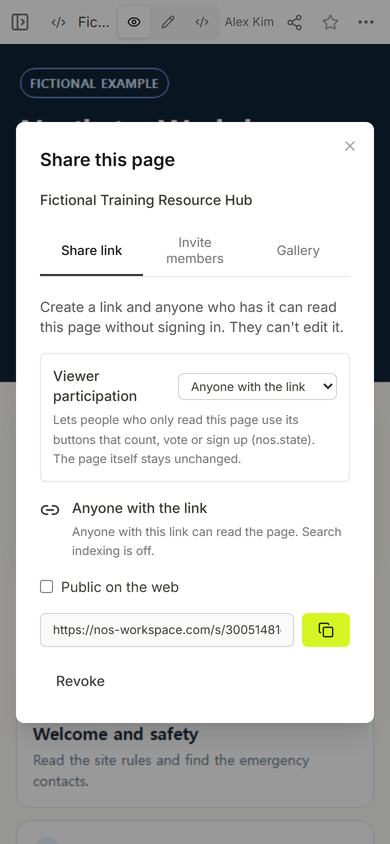
We used Share after checking the page in View. The panel for this example says anyone with the link can read the page without signing in and cannot edit it.
Can I update the hub after sending the link?
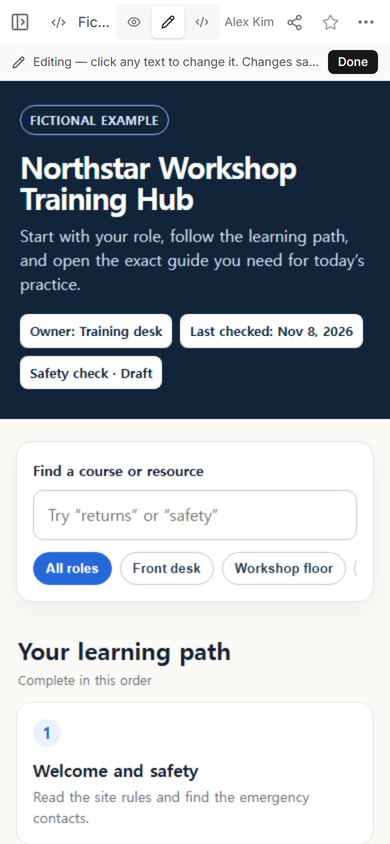
The owner can open Edit on the existing page. In our test, Edit opened with the original security boundary intact and offered a Done control for the change.
What does the learner see?
The public link opened the fictional hub at phone width with the owner, review date, role buttons, and learning path visible near the top. The page itself labels the data as fictional.
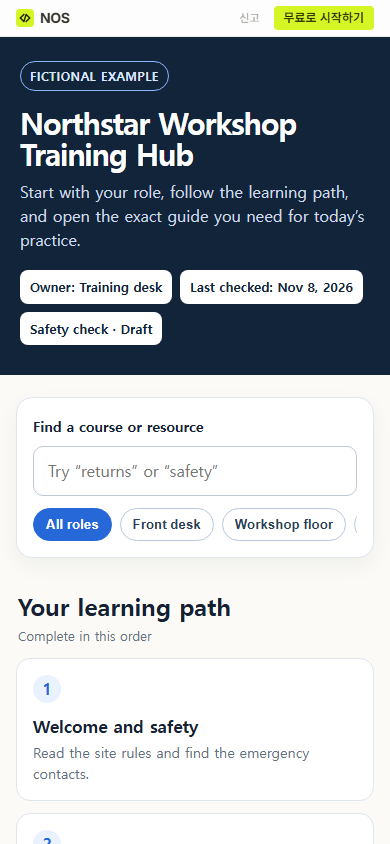
We then selected Front desk with a normal browser click. The active button changed from All roles to Front desk at the same public address.
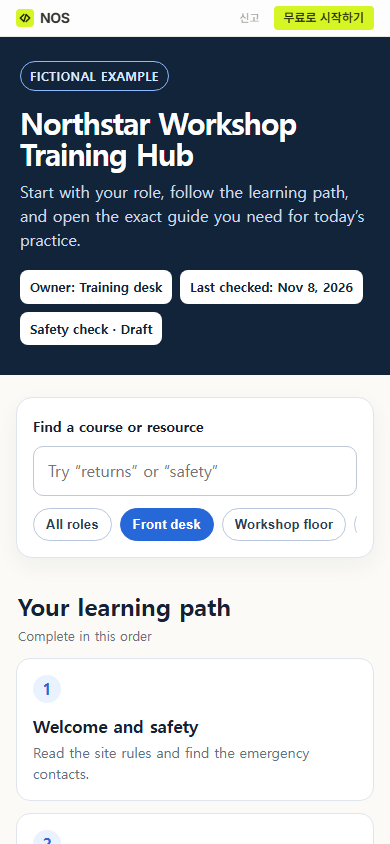
Result: one fictional page now gives trainees a starting order and a role-based way into six resources. It does not record completion, notify a trainer, or replace the maintained training record.
How is this different from a training guide?
A guide teaches one task. A hub points to several guides, checklists, and practice items and shows how they fit together. If you need to write one task from start to finish, use the training guide template. If you need dates, evidence, and review ownership, start with the training plan template. A broader collection of team links and how-tos belongs in the one-page internal wiki guide.
When not to do this
- Do not use a public hub for private employee records, assessment notes, or customer information.
- Do not present the page as a completion tracker. The example has navigation and filters, not stored learner progress.
- Do not force a large course catalog into one page when people need enrolment, grading, certificates, or separate access rules.
- Do not keep an empty status badge after removing its label; check the public link and clean up the entire element.
Using NOS for a training hub
NOS gave this fictional hub a normal page view, a Share panel, and a public link. The public page kept the role filter working, while the Share panel described the link as read-only for viewers. This makes it suitable for a maintained index of non-sensitive training resources, provided the owner checks every linked item and keeps official records elsewhere.