Keep a visit register and a separate detection table. Use the point and visit IDs to connect them. An attended visit with zero detections gets a 0. A visit marked Not made has an empty count.
Download the filled example (HTML) · Download the blank worksheet (HTML)
What goes in the visit register?
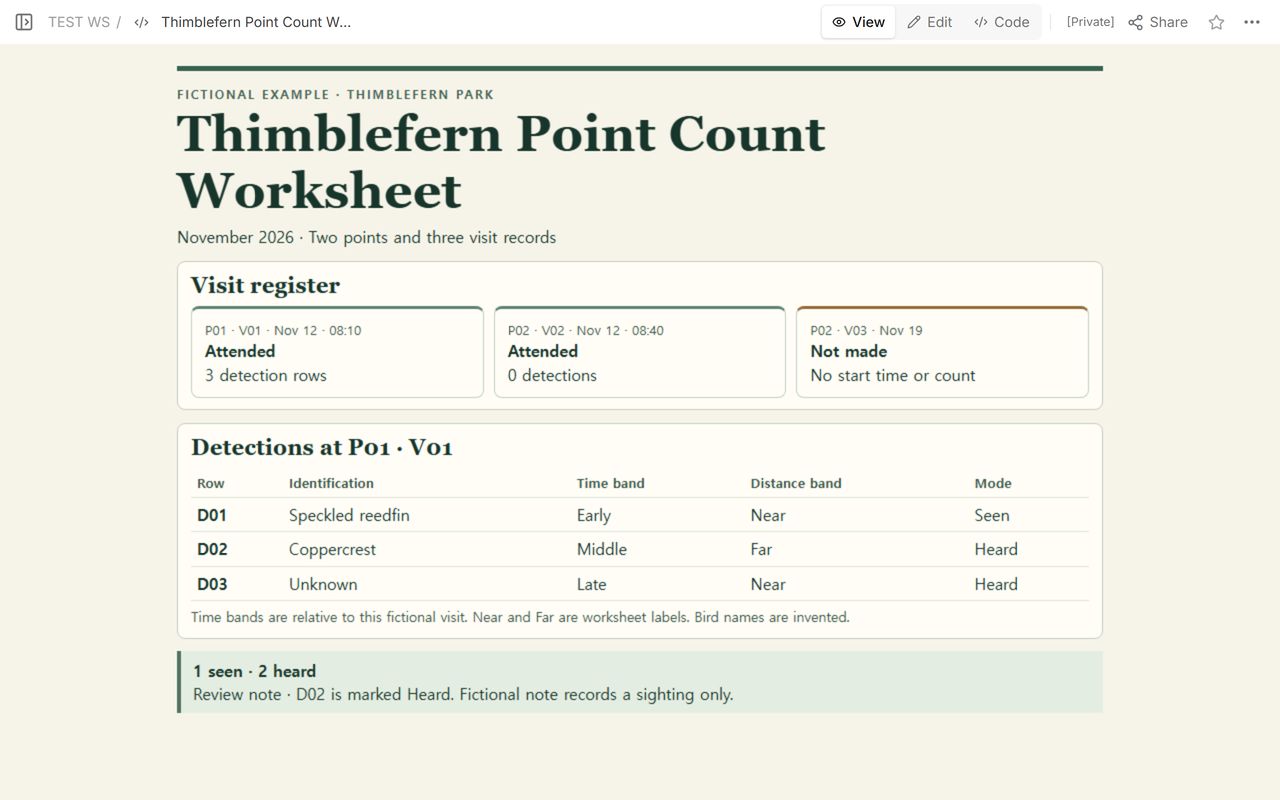
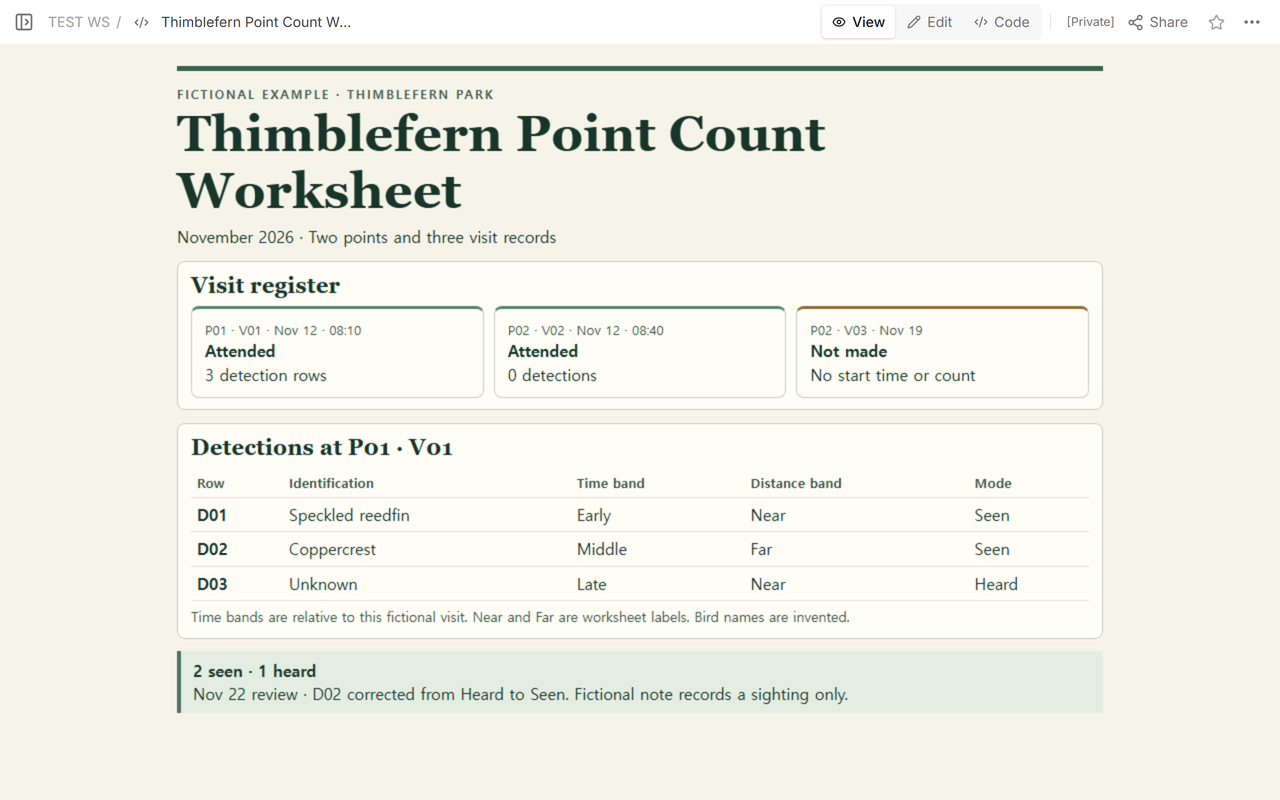
In our fictional Thimblefern Park worksheet, P02 appears twice. It identifies the same point on both dates. V02 is the November 12 visit, and V03 is the November 19 visit. Separate visit IDs make it clear which date each entry describes.
V02 was attended at 08:40 and has zero detections. V03 was planned but never made, so its start time and count are empty. Neither visit has a detection row. The register is where you can tell them apart.
What belongs in a detection row?
V01 is the November 12 visit to P01. Its three detections share the same point and visit IDs. The filled copy puts those IDs above the table. In the blank copy, each row has its own ID fields so it can still be matched to the right visit when the sheet holds entries from several visits.
Read across D03. The identification is Unknown, the time band is Late, the distance band is Near, and the mode is Heard. That row is one of V01’s three detections. Early, Middle, and Late describe where an entry falls within this fictional visit. The clock time in the register belongs to the visit itself.
How did one correction change the summary?
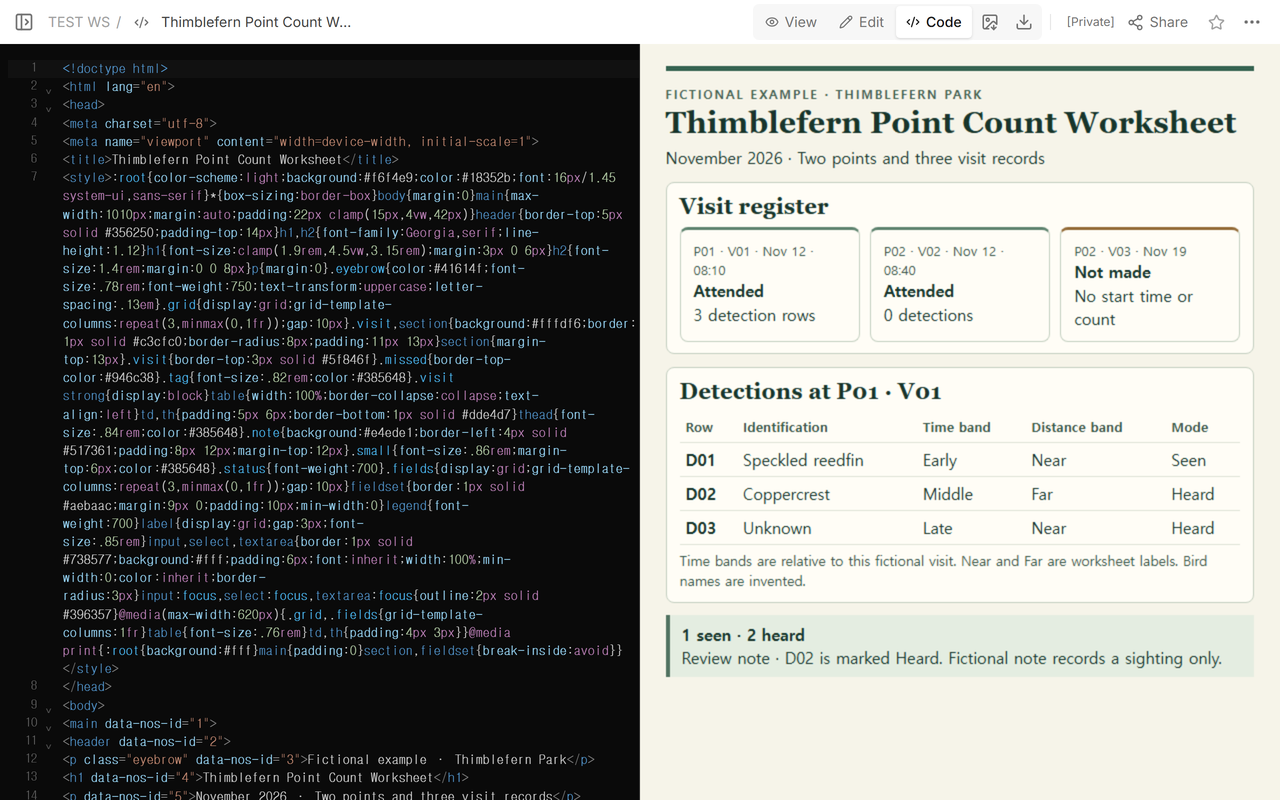
We started with D02 marked Heard. The fictional note said it was a sighting only, so we changed that cell to Seen and revised the summary beneath the table. The review note keeps the row ID, both values, the date, and the reason together.
When not to do this
Use these downloads to practice reading and checking a fictional record. The Vermont Center for Ecostudies lists a field data sheet among its volunteer resources. Its Forest Bird Monitoring Program coding sheet contains point numbers, start times, species, time periods, distance columns, and occurrence codes. Thimblefern uses its own practice labels. For a real program’s records, refer to its own materials.
How can someone read the example in NOS?
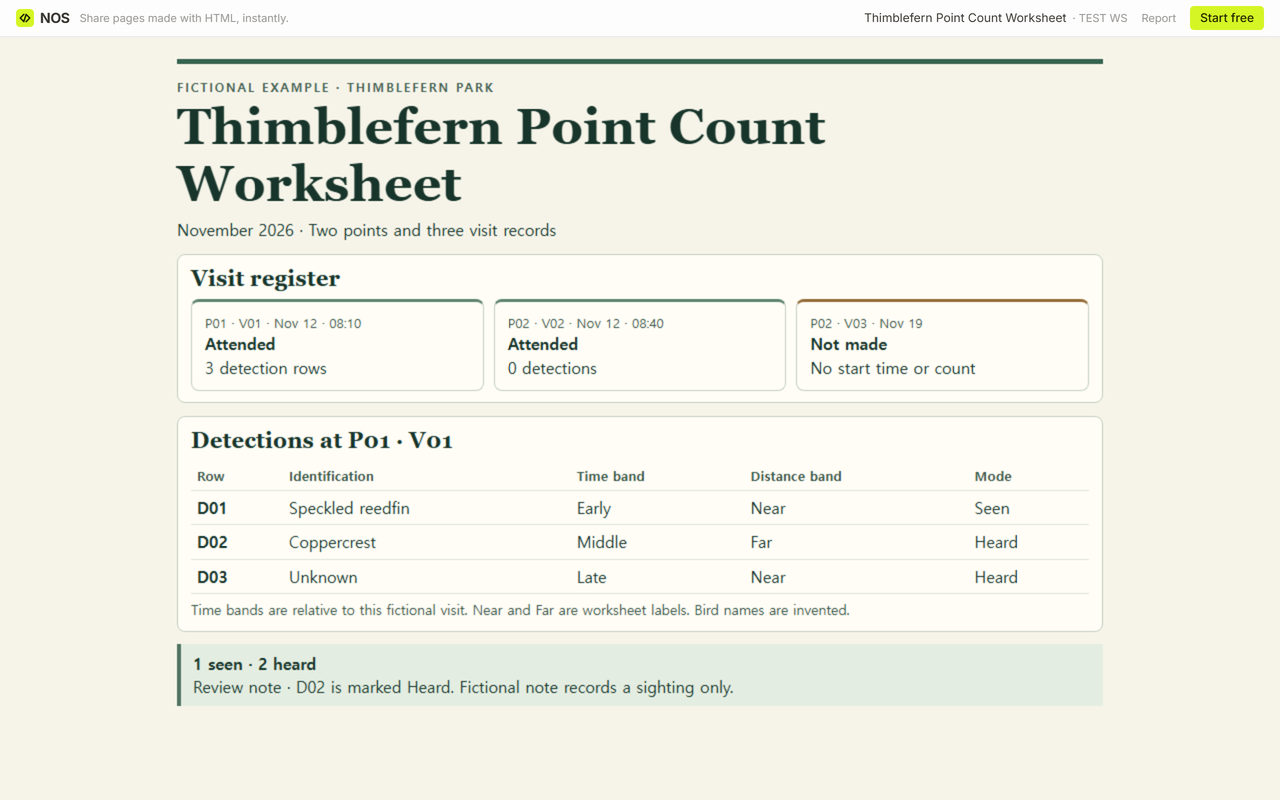
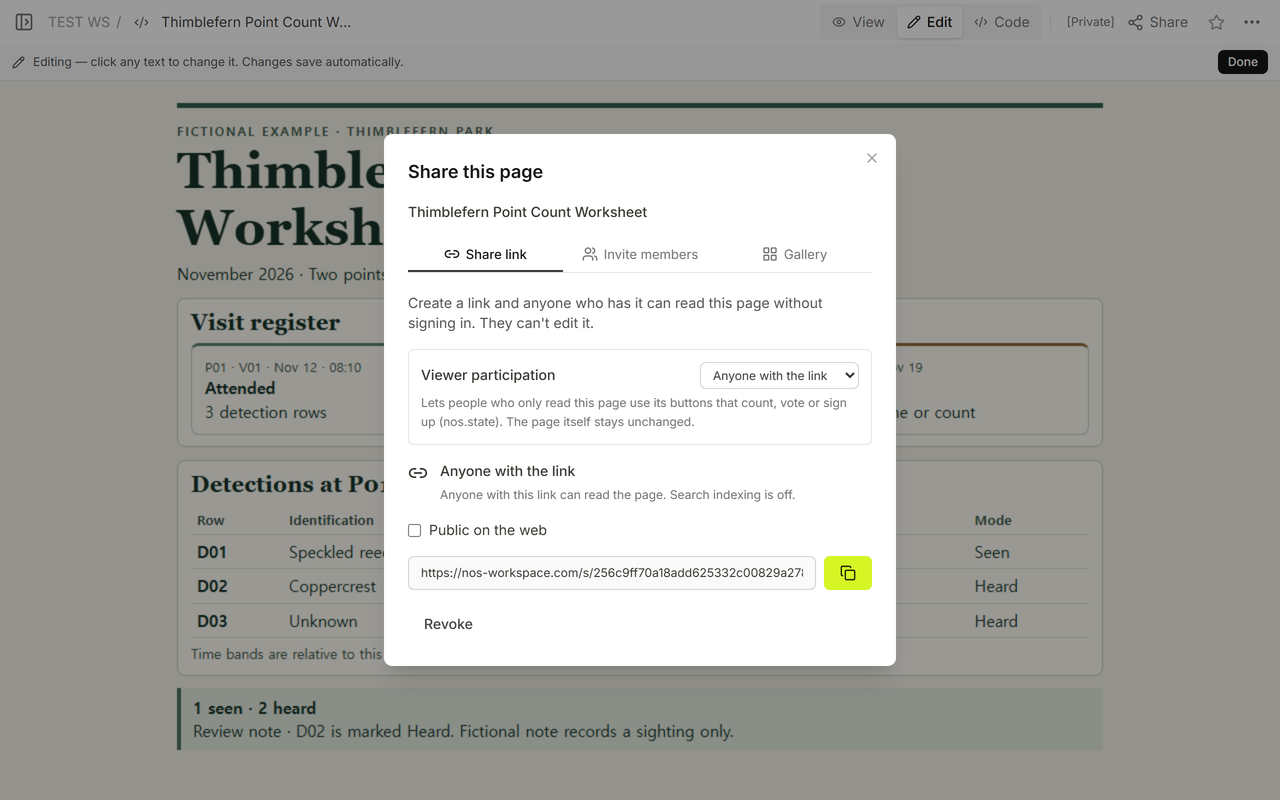
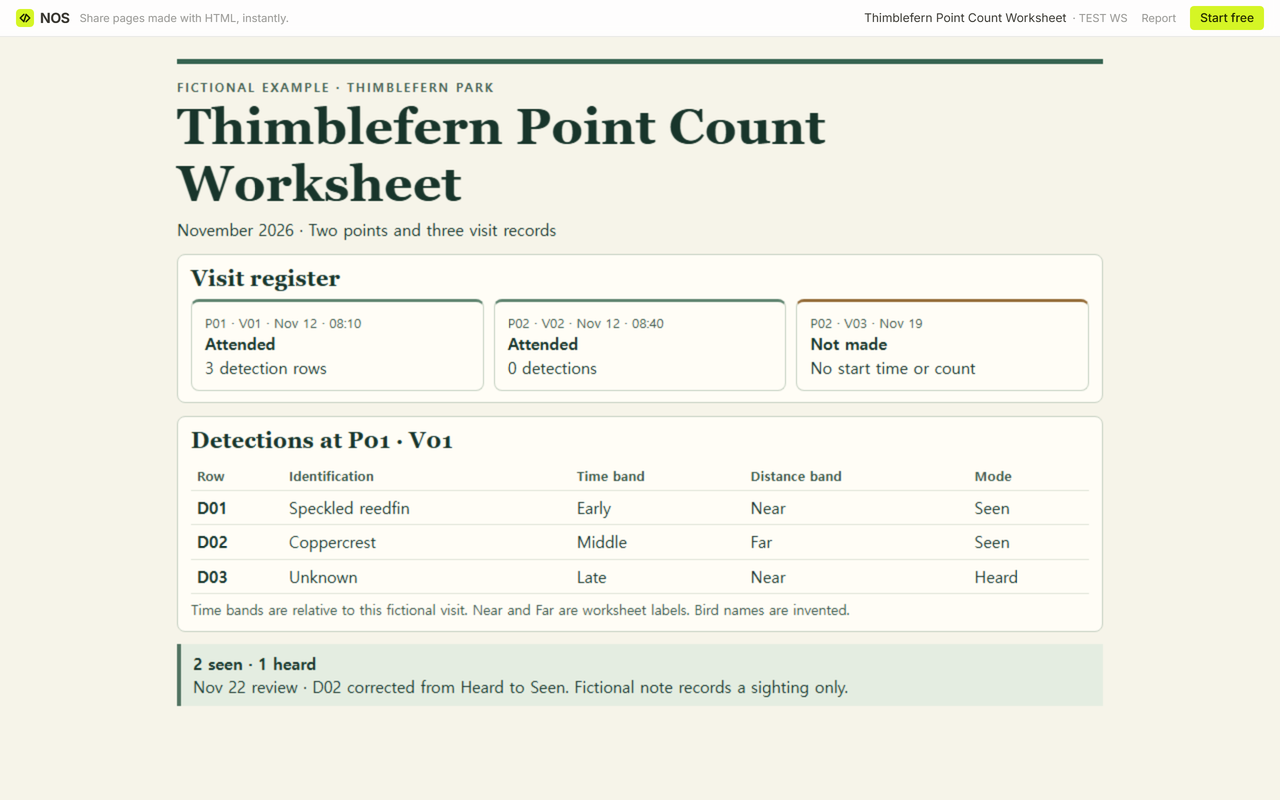
The Share panel for the Thimblefern worksheet gives the reader address. We reopened it signed out after saving the correction and saw Seen in D02 and the revised summary.
Related worksheets and notes
The trap monitoring log also separates a checked point with a zero from a missed check. The herbarium label template shows how an ID connects a label with its record. See research notes for a separate notes page or changelogs for a running record of edits.