Assisted coding is good at producing something that runs locally. Nothing about that step produces an address other people can use.
The local address
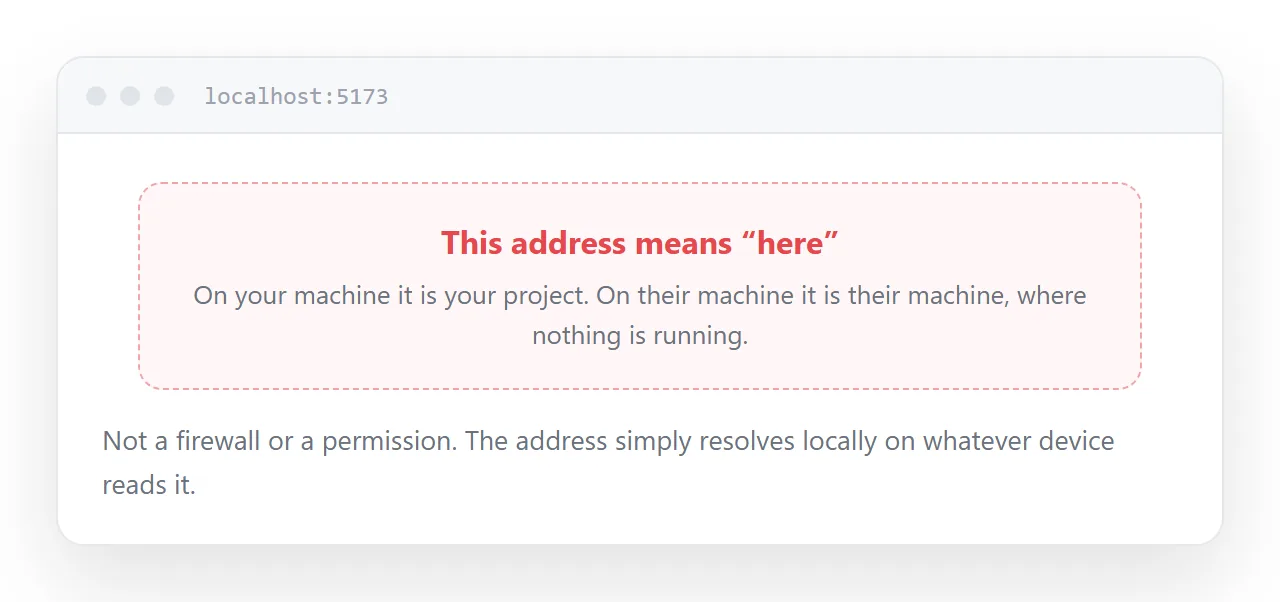
The address in your browser while developing points at your own machine.
Send it to somebody and their computer resolves it to their own machine, where nothing is running. This is not a permissions problem or a firewall problem; the address simply means "here" on whatever device reads it.
So publishing is a real step, and it is not part of what the editor helped you with.
The question that decides the route
Does anything need to run on a server when a visitor arrives?
No. A calculator, a dashboard over fixed data, a tool that works in the browser, a site whose content is decided at build time. Run the build, take the output folder, upload it. Done.
Yes. A form that submits somewhere, a key that must not be in the page, a database read per visitor, accounts. You need somewhere that runs code, and that is a different and larger arrangement.
Most small assisted projects are the first case and get treated as the second, which is why they stall.
| Symptom | What it means |
|---|---|
| Build produces a folder of plain files | Static, upload it |
| A server process must stay running | Needs a host that runs code |
| A key sits in the source | Must move server-side |
| Data read per visitor | Needs a server |
| Everything decided at build time | Static |
What breaks on the first publish
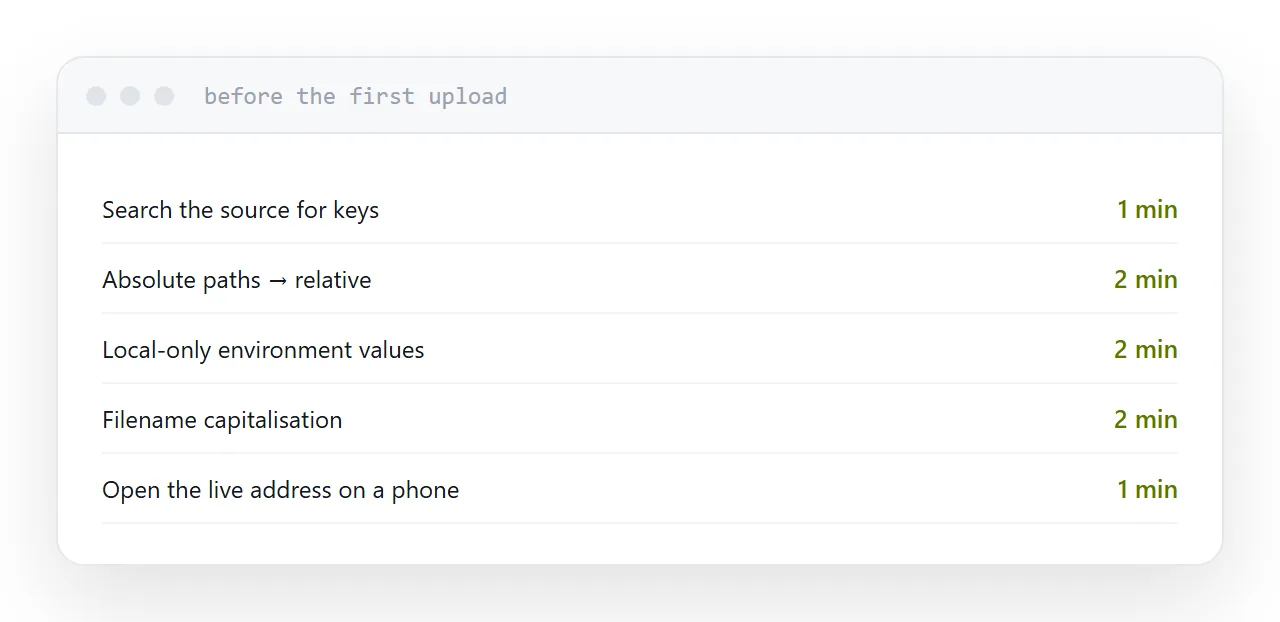
Absolute paths. A path starting with a slash resolves to the root of wherever it lands. Correct locally, wrong under any prefix, and the usual result is a page with no styling.
Local-only values. Anything read from your environment exists on your machine and not on the server. The page loads and one feature silently does nothing.
Capitalisation. Your machine probably ignores it. The server will not, and images referenced with the wrong case vanish in a pattern that looks random.
Keys
This matters more than the rest.
Anything in a page is readable by anyone who opens it. Assisted code puts keys directly in files regularly, because it is completing the pattern rather than considering exposure.
Search the source for anything that looks like a credential before publishing. If one has to exist for the thing to work, it belongs behind a server, and that changes the project.
Test the live address
Not the local one. The published one, in a fresh browser window, and on a phone.
Every fault above shows up in the first thirty seconds of that test and none of them show up locally.
If this is near what you are doing, Publishing what you built in a browser IDE and Hosting what you built by prompting cover the cases on either side.
Put it at an address
Run the build and look at the output folder, decide whether anything needs a server, search for keys, fix absolute paths, and test the published address on a phone before sending it anywhere.