A layered art file is a working environment. Three different people need three different exports from it, and sending the working file serves none of them.
This guide covers each audience.
The editor
Checking story, pacing and art. Not production.
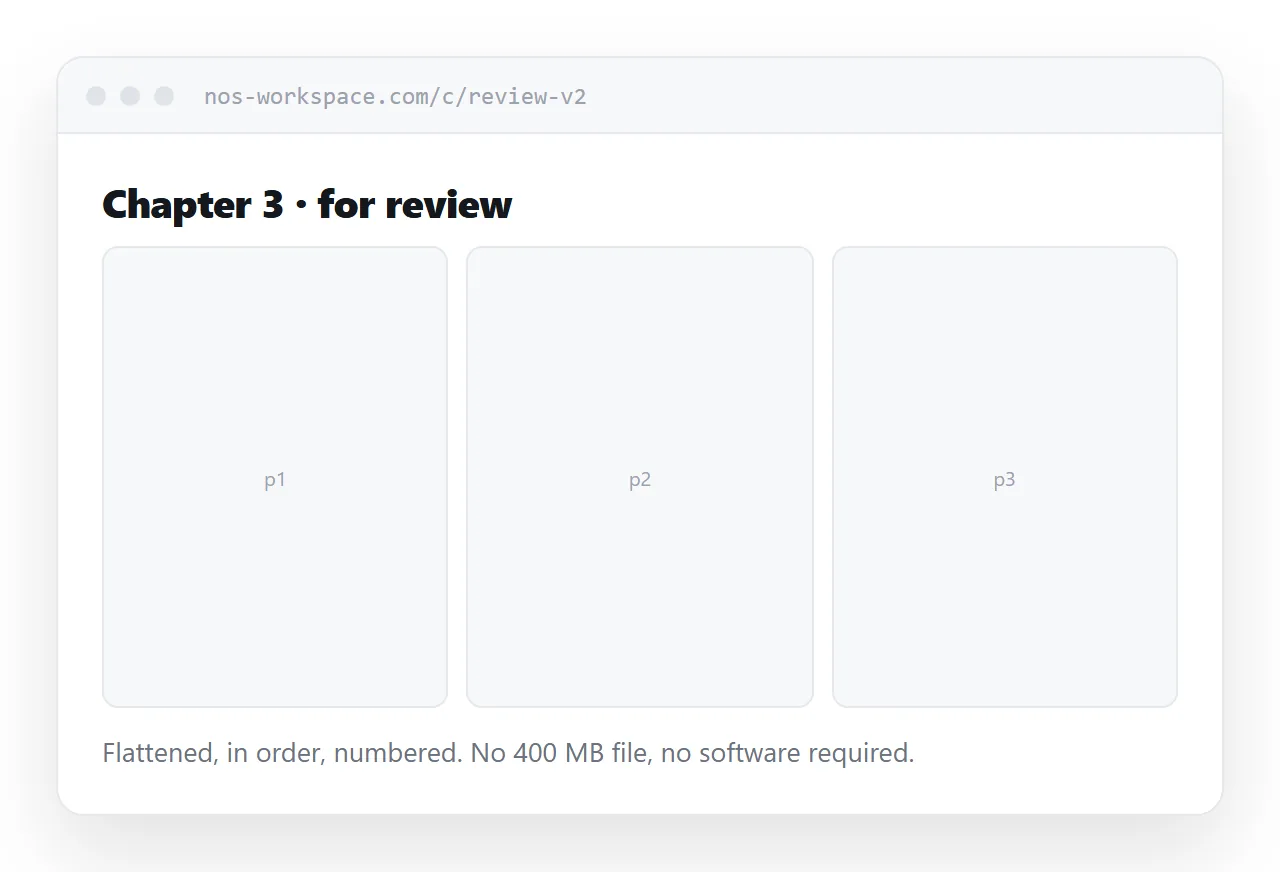
Send flattened pages at reading resolution, in order, at one address. They scroll through on whatever they are holding, which is often a tablet, and they comment by referring to page numbers.
The working file gives them nothing extra and costs them a download measured in hundreds of megabytes plus the software to open it.
Number the pages visibly. Editorial feedback is given by page number and ambiguity there wastes a round.
The printer
This is the one case for full resolution.
Full size, at the resolution and in the colour space the printer specified, with bleed if they asked for it. Send it to them, through whatever transfer route they use, and nowhere else.
Do not use the print export as your reading copy. It is many times larger than anything a reader needs and it will make every page slow.
| Audience | What they need | Resolution |
|---|---|---|
| Editor | Flattened pages in order | Reading |
| Printer | Full spec files | |
| Reader | Panels and pages | Screen |
| Portfolio | A few strong pages | Screen, larger on tap |
The reader
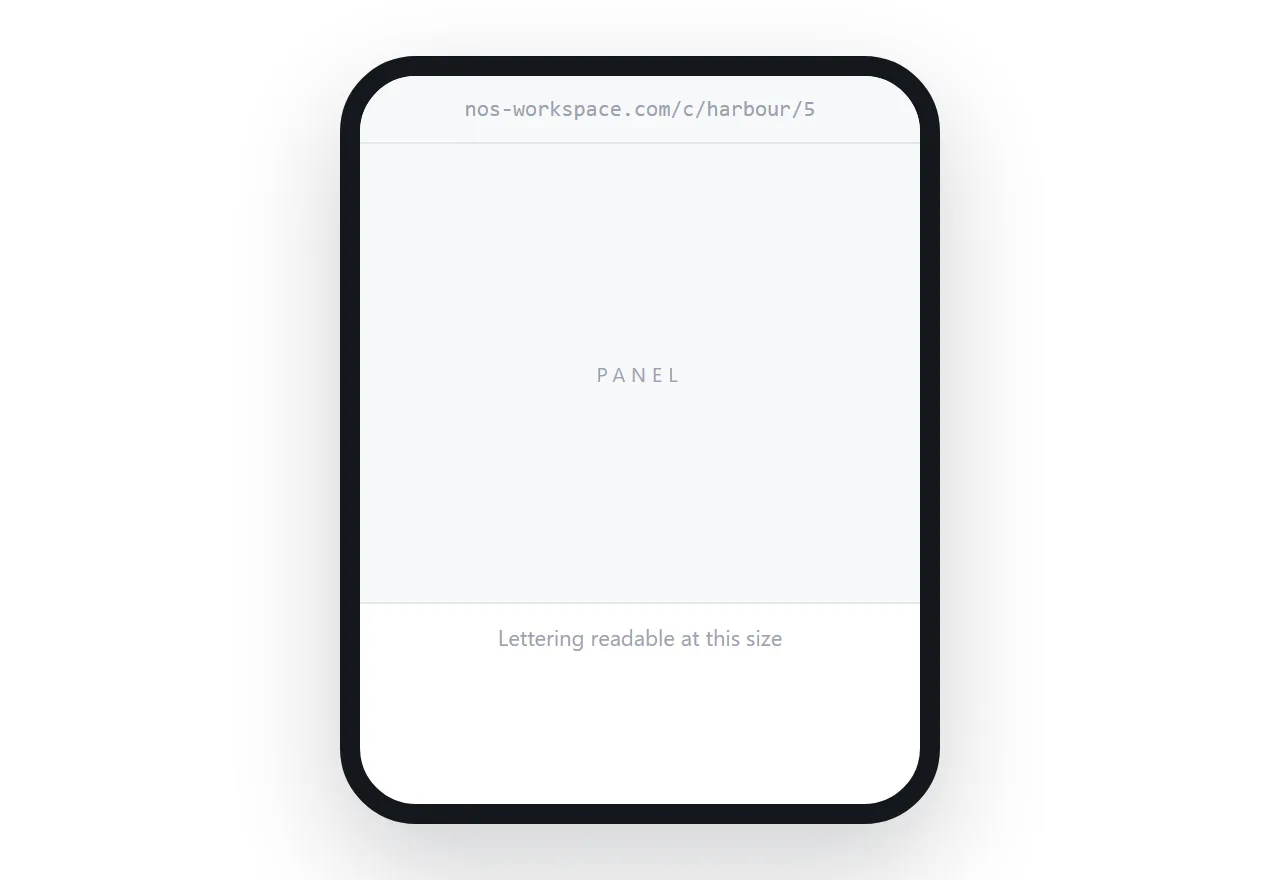
A comic page is composed for a page, and a phone is much smaller than one.
Scaled to fit, the lettering drops below readable size. The reader zooms, loses the panel sequence, and gives up.
Show one panel at a time on narrow screens, in the order you set, and the full page on wider ones. Offer a control to switch, because some readers want to see the composition.
Load the next page ahead so the reader is not waiting at each turn.
Weight is the practical constraint
Comic pages are the heaviest images most sites serve, and a chapter is many of them.
Serve screen-sized versions with a larger one on tap. Never load a whole chapter at once; a reader on mobile data should not download twenty pages to read three.
A chapter that takes eight seconds to become usable is a chapter that does not get read, regardless of how good it is.
Unreleased work
Pages for an unannounced project should not be published.
Use an unguessable address for editorial review, and take it down when the round closes. Assume anyone who can see it can screenshot it, and rely on the agreement for the rest.
That is enough for normal editorial work and it is a habit worth keeping rather than an occasional precaution.
If this is near what you are doing, How to publish a comic book online and How to share a comic as a link cover the cases on either side.
Put it at an address
Keep the working file in the studio, export flattened pages for editors, send print files only to the printer, show panels rather than pages on phones, and size everything for the screen it loads on.
Then each person gets the version that does their job.