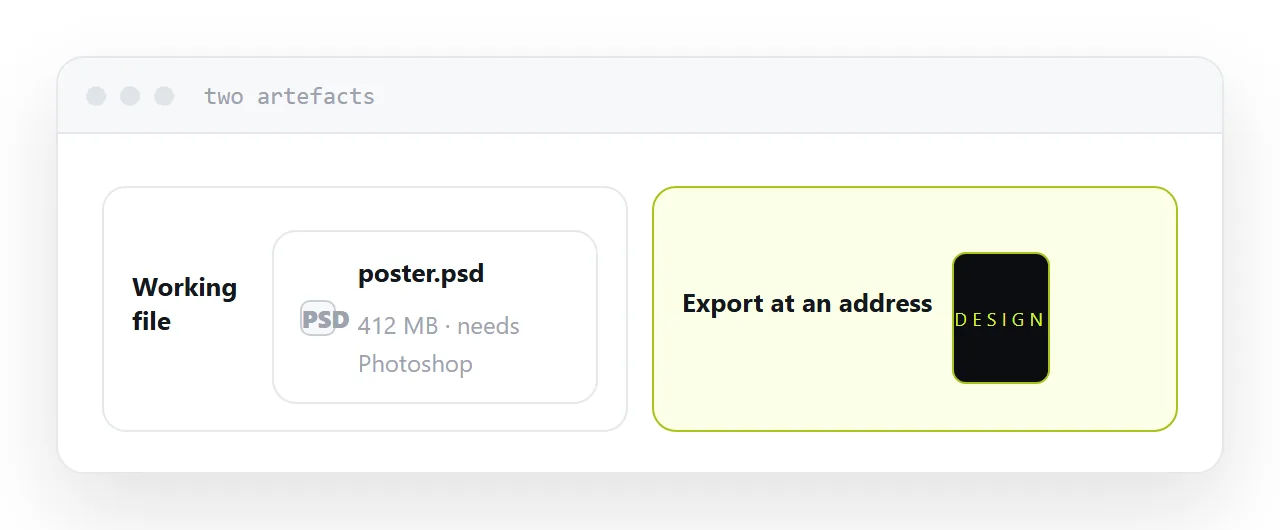
A layered design file is a working document. Sending one to a reviewer asks them to install professional software in order to say whether they like a picture.
This guide covers the free options, what they lose, and what should have been sent.
View or edit
These are different problems and conflating them wastes time.
Viewing. You want to see the design. A free viewer or a free image editor will show you the flattened composite, which is what you need.
Editing. You want to change it and send it back. That needs software with real support for layers, and the result will differ from the original in ways a designer will notice.
Most people asking this question are viewing, and most of the advice they find is about editing.
What the free options lose
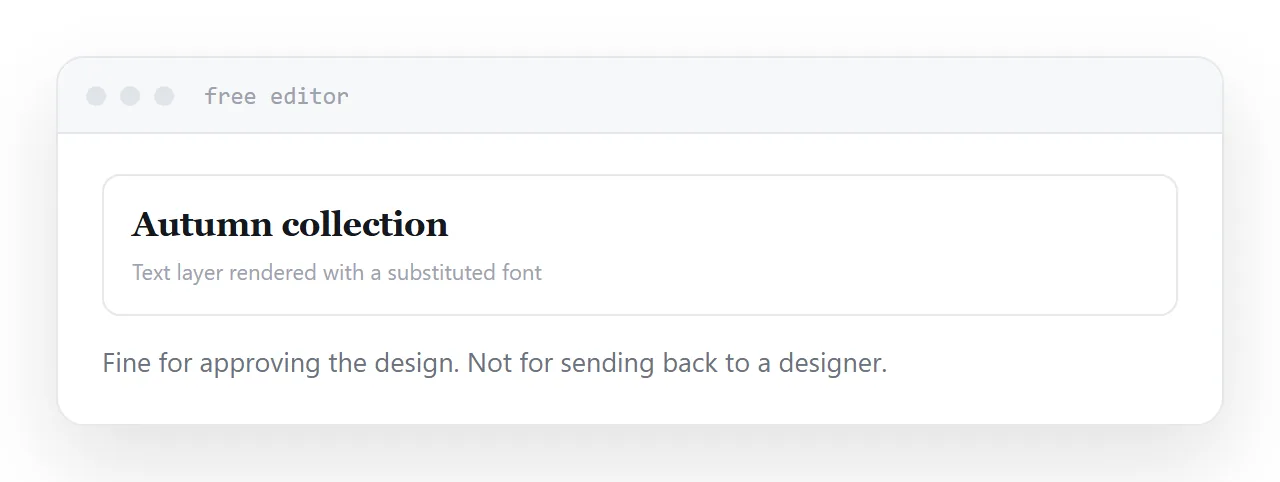
Fonts. Text layers render with whatever fonts are available. Missing ones are substituted, so the text moves and sometimes overflows.
Effects and blending. Layer styles, blend modes and adjustment layers are implemented differently elsewhere. Simple ones survive; anything elaborate looks different.
Smart objects. Frequently flattened or ignored, which loses the ability to edit what is inside them.
For approving a design, none of that matters much, because what you see is close enough to the composite. For continuing work on it, all of it matters.
| Free viewer | Free image editor | Original software | |
|---|---|---|---|
| See the design | Yes | Yes | Yes |
| Layer list | Sometimes | Yes | Yes |
| Text stays editable | No | Partly | Yes |
| Effects accurate | No | Mostly | Yes |
| Safe to send back to a designer | No | Risky | Yes |
The upload problem
A design file is often unreleased creative work, frequently under an agreement about where it may go.
Uploading it to a free viewer sends a complete copy to a company you have not assessed. For a personal project that is a reasonable trade. For a client's brand work before launch, it is the kind of thing that ends up in a conversation with the client.
A free desktop editor keeps the file on your machine and avoids the question entirely.
What the designer should send
If you are receiving layered files for approval, the fix is upstream and it is easy.
An exported image at an address. The reviewer taps a link, sees the design at full size on whatever they are holding, and replies. No software, no upload, no forty-megabyte file.
The layered file goes to the person doing production work, who has the software and needs the layers.
Designers send the working file out of habit, and usually stop once asked. It is less work for them too.
For the surrounding ground, see How to share a Canva design as a link and Image hosting for links. What an RDP file is is also close.
Put it at an address
Work out whether you need to view or edit, use a local editor rather than uploading client work, expect fonts and effects to differ, and ask designers for an exported image at an address.
Then approving a design takes one tap instead of an installation.