The file is a plain text list of connection settings. Everything about how it is treated comes from how effectively it is abused.
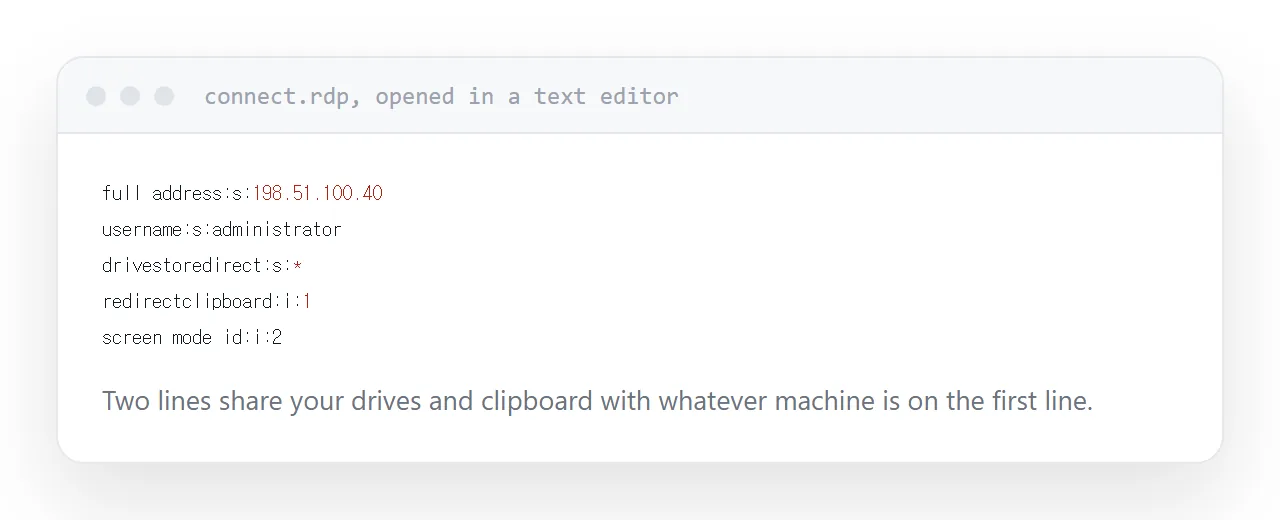
What is inside
Readable lines: the address of the machine to connect to, the window size, the colour depth, the username, and which local resources are shared with the remote side.
Open one in a text editor and you can read all of it. There is nothing hidden and no code.
| Setting | What it controls |
|---|---|
| Full address | Which machine you connect to |
| Username | Who you connect as |
| Drive redirection | Whether your files are shared |
| Clipboard redirection | Whether copy and paste crosses |
| Display settings | Window size, colour |
Why mail systems strip them
Because sending one is a standard phishing technique, at scale.
A convincing message, a file attached, and opening it connects the recipient to a machine the attacker controls. From there the attacker collects credentials or, if drive sharing is enabled in the file, reaches into the recipient's own files.
Mail systems block them as a category. Many do so silently, which is why a colleague sometimes says nothing arrived.
The two settings that matter
Where it connects. Set in the file by whoever made it. Read it before opening.
What gets shared. Drive and clipboard redirection are convenient internally and are precisely what an attacker wants enabled. A file from outside enabling both is the whole attack.
Checking those two lines takes ten seconds and is the difference between routine and compromised.
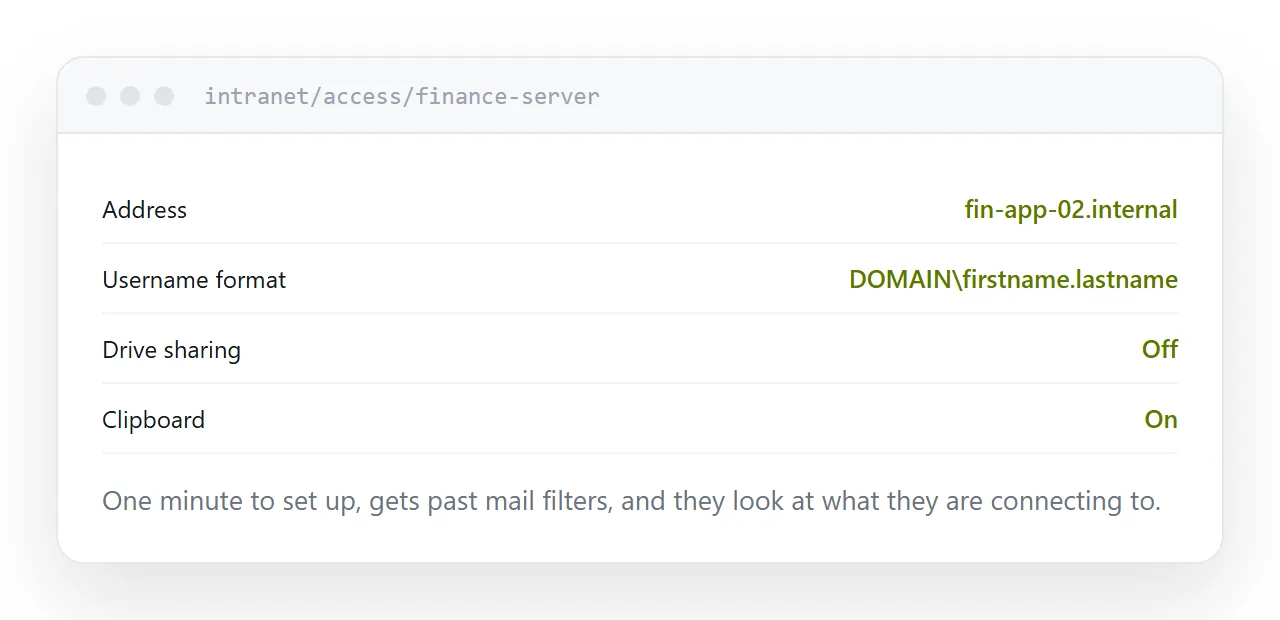
What to send instead
The details as text, on a page.
The machine address, the username format, the settings to choose, and a short explanation of what the connection is for. The colleague creates the connection themselves, which takes a minute.
The minute is worth it. It gets past mail filters, and it makes the person look at what they are connecting to rather than double-clicking something that arrived.
Put it on an internal page with the rest of your access documentation, so there is one place to look and one place to correct.
The better arrangement
A browser-based remote access gateway.
Nothing is sent, access is granted centrally, sessions are logged, and access can be revoked when somebody leaves. It removes the file entirely, along with the category of problem attached to it.
For any organisation doing this regularly, it is the answer rather than better habits around attachments.
Closely related: What to do when an attachment is too large, and Securing a small website for the adjacent problem.
Put it at an address
Open one in a text editor before trusting it, never open one that arrived unexpectedly, check the destination and the sharing settings, publish connection details as text on a page, and move to a gateway for anything regular.