Most security guidance is about databases, administration panels and plugins. A site that is files has none of them, and that is the largest single reduction in risk available.
Remove rather than defend
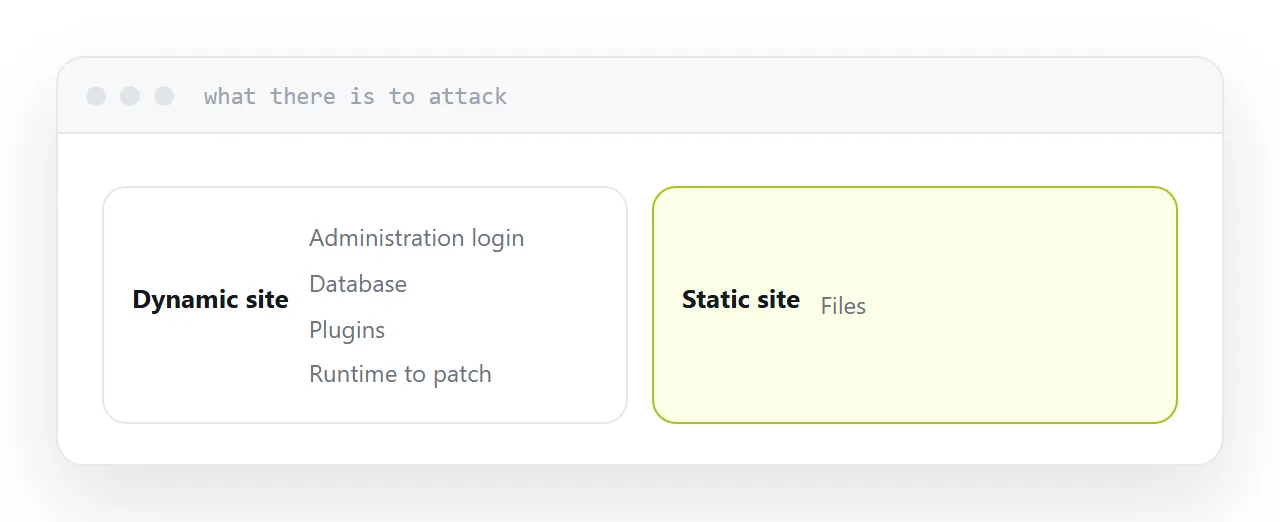
An administration login can be guessed. A database can be injected. A plugin can carry a vulnerability. A runtime needs patching.
A site with none of these has almost nothing to attack. The files are served and that is all that happens.
Where a site does not need the machinery, removing it is worth more than any amount of hardening.
| Risk | Dynamic site | Static site |
|---|---|---|
| Administration login | Yes | None |
| Database injection | Yes | No database |
| Plugin vulnerabilities | Yes | No plugins |
| Runtime patching | Ongoing | Not applicable |
| Certificate | Required | Required |
| Domain account | Critical | Critical |
The domain account
The one people protect least and should protect most.
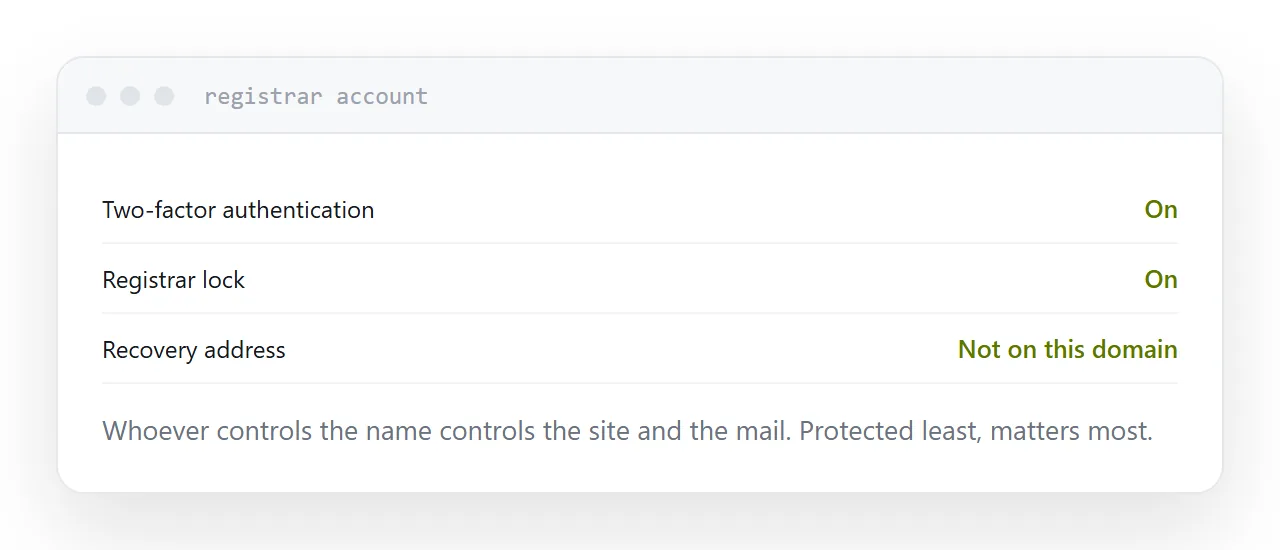
Whoever controls the domain can point it anywhere, including at a copy of your site, and can redirect your mail. That is a more complete compromise than access to the hosting.
Two-factor authentication on the registrar account. A contact address that is not on the domain itself, because losing the domain would lock you out of the recovery mail. Registrar lock turned on to block unauthorised transfers.
Certificates
The padlock secures the connection between the visitor and the server. It does not mean the site is trustworthy and it is not optional.
It should renew automatically. Manual certificates expire on a weekend and every visitor gets a warning that looks like the site has been compromised.
Check that renewal is automatic rather than assuming it.
Nothing in a page is secret
Anything in the page is readable by anyone who opens it. That includes keys in a script, comments left in the markup and values in a data attribute.
Generated code puts keys directly into pages regularly. Search for anything resembling a credential before publishing, and if one has to exist for the thing to work, it belongs behind a server.
Unguessable is not secret
An address nobody can guess is genuinely useful. It keeps a quote or a report out of search results and away from anyone not given it.
It is not protection. The address appears in browser history, in mail, in link previews and occasionally in logs, and it can be forwarded by anyone holding it.
For anything genuinely confidential, add a password. For most commercial documents, unguessable is the right level, provided nobody believes it is more than it is.
If this is near what you are doing, What a static website is and What a custom domain gives you cover the cases on either side.
Put it at an address
Remove machinery the site does not need, protect the domain account hardest, confirm certificates renew themselves, put no secrets in any page, and treat an unguessable address as privacy rather than security.