A form is markup. The only part needing anything behind it is receiving what somebody typed.
How it works without a server
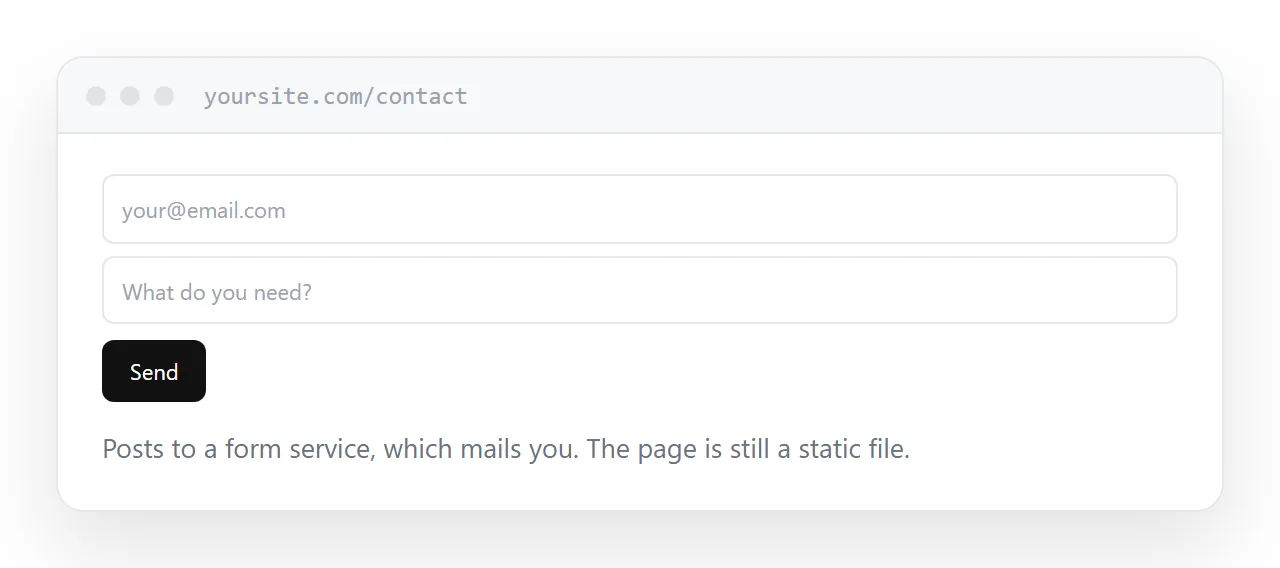
The form posts to an outside service instead of to your own site. The service records the submission and sends it to you by mail.
Setup is changing the destination in the form and confirming your address once. After that the page is still a static file and there is nothing on your side to maintain.
This is how the large majority of static sites handle forms, and it is unremarkable rather than a workaround.
| Approach | What it needs |
|---|---|
| Outside form service | One line in the page |
| Mail link | Nothing, and it fails often |
| Your own server | A server |
| Embedded third-party form | Their styling |
| Booking tool | An account |
Why not a mail link
A link that opens the visitor's mail program assumes there is one configured.
On a work machine it often opens something nobody uses. On a phone it may do nothing. And the visitor now has to compose a message themselves, which a substantial share will not.
It also publishes the address for collection. Use a form.
Spam
It starts within days of the form existing and it never stops.
A honeypot field. A hidden field that a person never sees and never fills in. Any submission containing it is automated. This alone removes most of the volume and costs nothing in usability.
The service's filtering. Every form service has some, and it is generally decent.
Challenges as a last resort. They work and they cost you real submissions, particularly from people using assistive technology. Add one only if the first two have failed.
Fewer fields
Every field loses people, and the loss is larger than anybody expects.
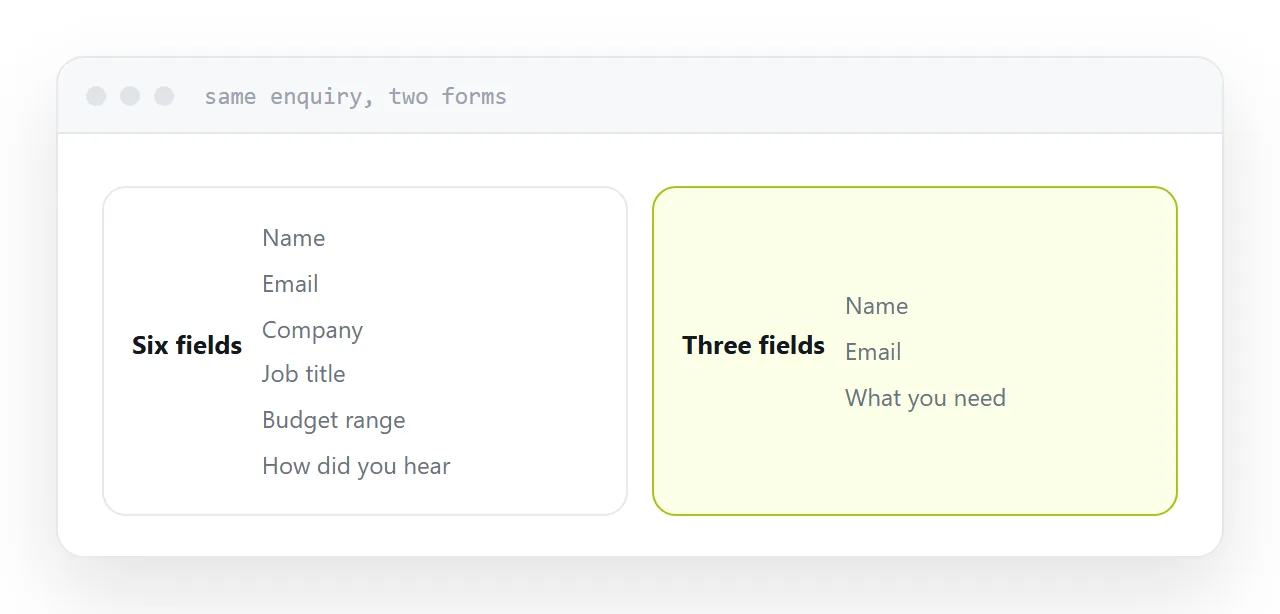
Ask for what you need to reply: a name, a way to reach them, and what they want. Company size, job title, budget range and how they heard of you are questions for the conversation, not the gate.
A form of three fields reliably outperforms one of eight, and the submissions are not noticeably worse.
Confirm it worked
A submitted form that leaves a blank page or reloads silently makes people submit again, and then assume it is broken.
Show a sentence confirming it arrived and saying when you will reply. It is one line and it is the difference between a submission and a lost enquiry.
What not to put through one
Payment details, health information, anything covered by a regulatory obligation.
Those need an arrangement with the appropriate handling and agreements in place. A general-purpose form service is the wrong place regardless of how the page is hosted.
Closely related: What a static website is, and How to make an email capture page for the adjacent problem.
Put it at an address
Point the form at a service, add a hidden honeypot field, show a real confirmation, ask for the fewest fields you can, and keep regulated data out of it entirely.